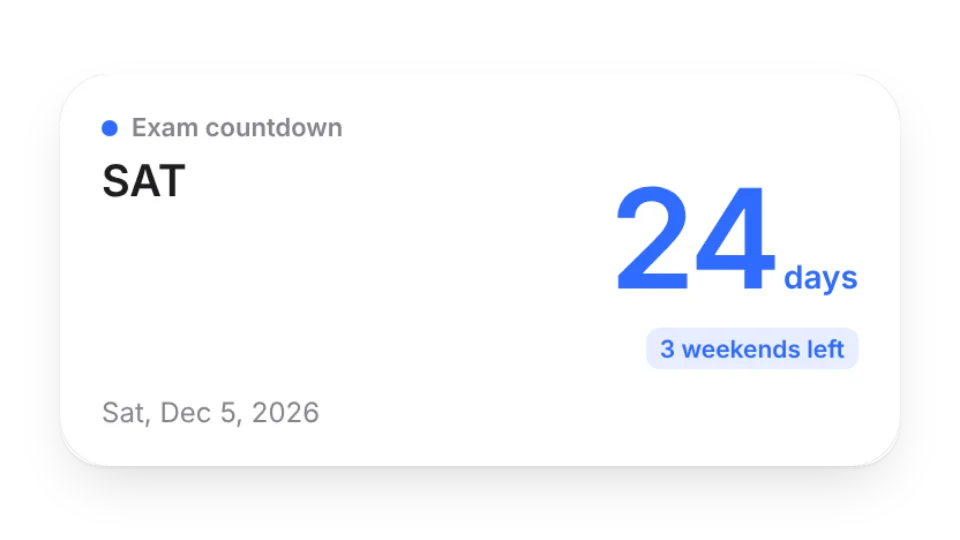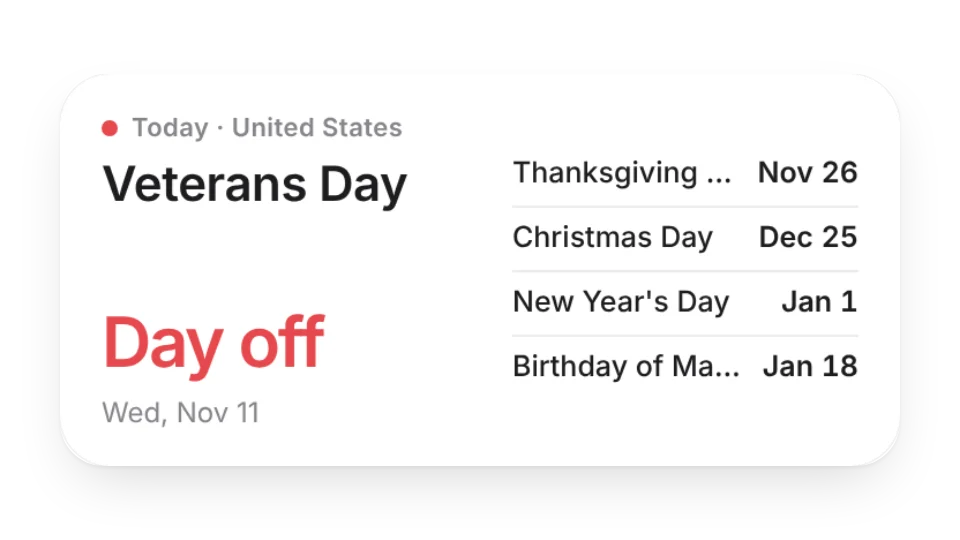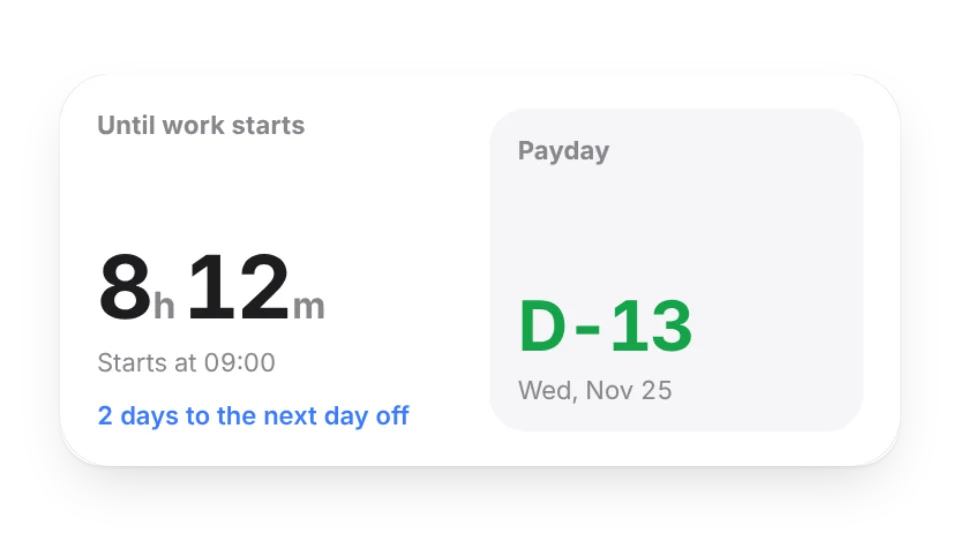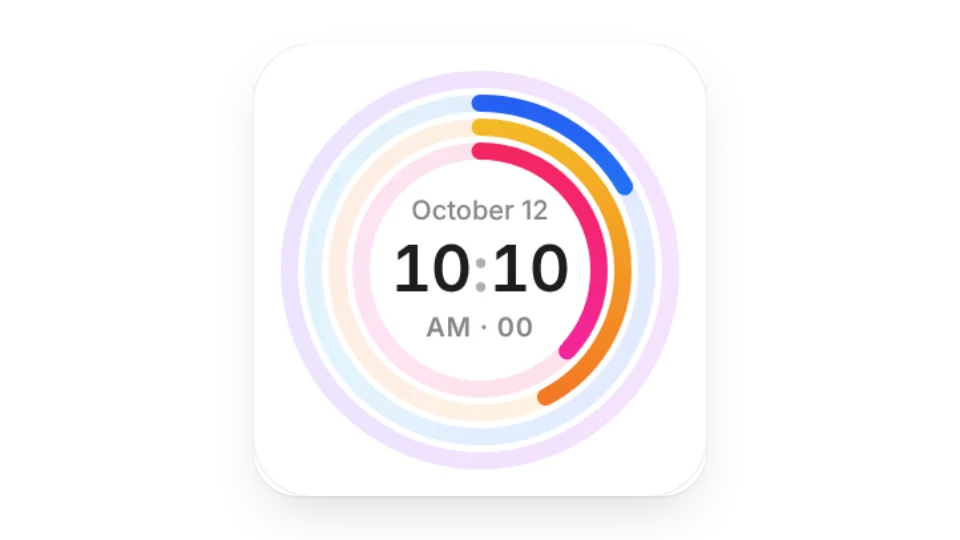
Countdowns, weather, habits, focus — 210+ free widgets. Change one, and it updates everywhere.
Build a space with AI46,000+ people signed up · Free to start, no card needed
Example page · these are real widgets — move your mouse or scroll and they come alive
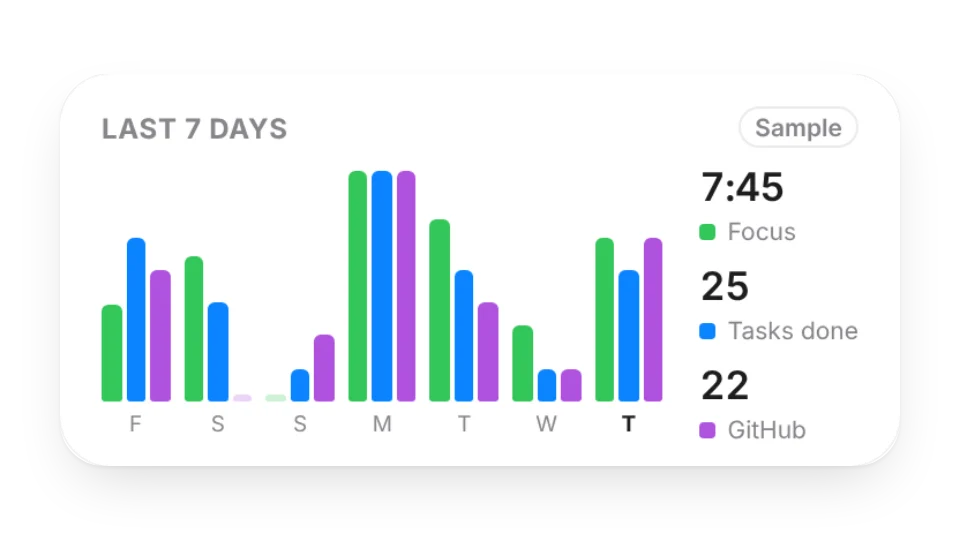
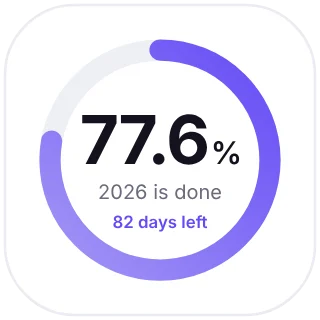
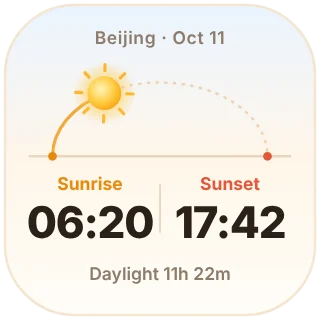
Every card below is a real widget, rendered live. Pick one, tweak the text and colors, then paste the link into Notion.
Change it once, and your Notion page, home screen and browser start page all update.
Paste the embed link into Notion, Obsidian or anything that embeds web pages. Plus animated icons and backgrounds that change every day.
Notion guidesThe Android app puts any widget on your home screen, works offline and signs you in with a QR scan.
Get the Android appGet the desktop appEvery new tab opens to your sites, to-dos and widgets. Extensions for Chrome, Edge and Firefox.
Make my start pageMore than widgets
Create, get things done, unwind, and keep your data in one connected place.
Make it with AI
“Days until my exam”, “Weather in Tokyo” — say what you want, and AI picks the widget and fills in the settings. You see a preview before you keep it.
Focus
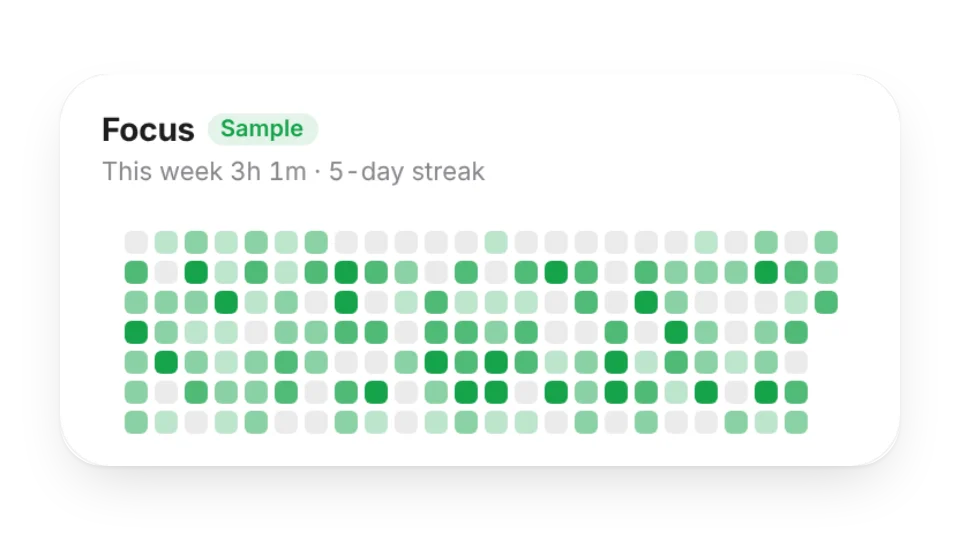
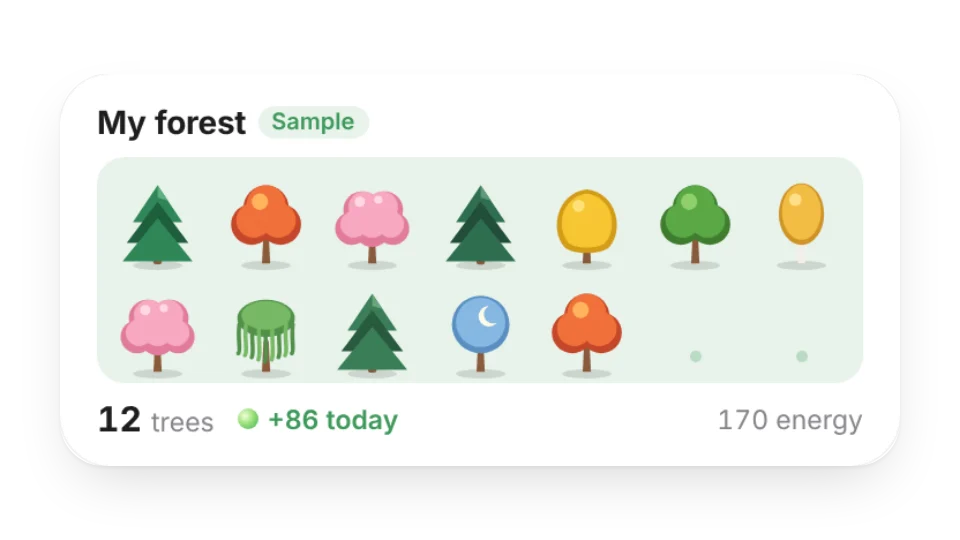
Timer, to-dos, habits and goals in one place. Open a focus room with friends, and your focus time grows into a forest.
My Data · Connections · AI
Connect Todoist, Linear, GitHub, calendars and Notion. Check-ins and logs go into My Data, and widgets update on their own. With MCP, assistants like Claude and ChatGPT can edit widgets and log data for you — every change is recorded and can be undone.
Personal page
Your work, socials, what you’re up to and your favorite widgets on one good-looking page — on your own domain if you like.
Pro
Pro is $3.99 for a month, or about $1.67 a month for a year. Pay once, no auto-renewal.
Free. Create widgets, start pages and My Page as soon as you sign up, and daily check-ins give you Sparks to try AI. When you want more, there's Pro.
Pick a widget in the library, adjust it, then click “Copy embed link”. In Notion, paste the link and choose “Embed”. It works the same in Obsidian and other tools that embed web pages.
Yes. The Android app puts any widget on your home screen, and the site works in mobile browsers, iPhone included.
You can export My Data at any time. AI assistants can only do what you authorize, and every change they make is logged and can be undone.
The basics are free. Pro is $3.99 for a month (or buy a year or three), paid once with no auto-renewal. AI is paid from Sparks as you use it; Sparks packs start at $5.00.
It’s free, and getting one into Notion takes about two minutes.
 YouOS