
Trending Hugging Face models, the latest arXiv papers and new AI repos on GitHub come straight from official public APIs and refresh every 1–3 hours. The order is exactly what each source returns, every widget shows its source and update time, and if a source is down the widget says so instead of making anything up. GitHub has no official Trending API, so that widget says what it really shows: repos created in the last 7 days, sorted by stars.
The AI Term of the Day and Prompt Tip of the Day are written by us and change daily in four languages. In the AI subscription tracker, token cost calculator and AI event countdown, you enter the names, prices and dates yourself — no vendor prices are built in, and every default is labeled Sample. 100 Days of AI saves your check-ins to your own My Data, which you can export any time.
 AI Event CountdownPaper deadlines, launches, AI conferences, hackathons, talks — add the dates you care about and see how many days until the next one, plus what’s coming after
 AI SubscriptionsKeep track of the AI services you pay for — chat, coding, image, API credits and more. See your monthly and yearly total, the split by type and when the next renewal hits. You enter the names and prices, and can hide amounts
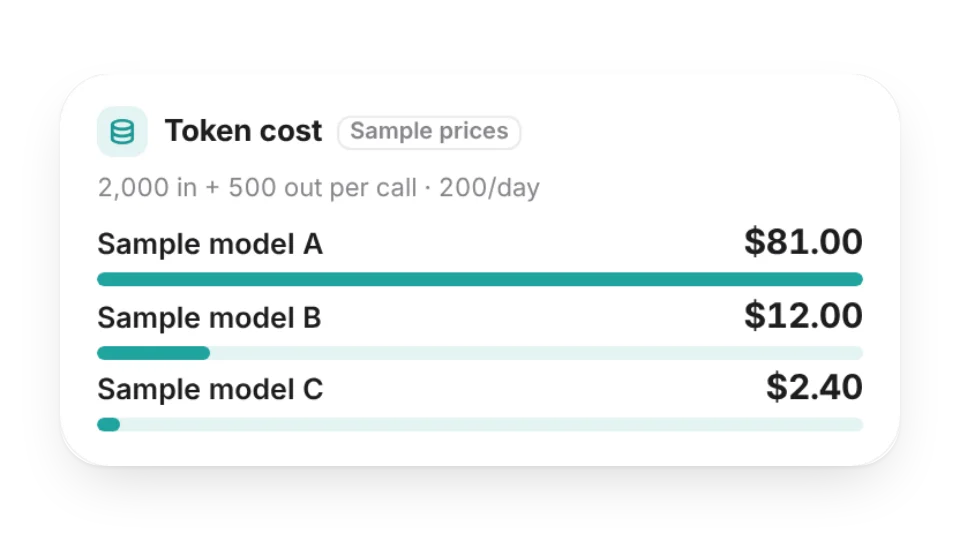 Token Cost CalculatorEnter per-token prices and your usage to see what LLM calls cost per call, per day and per month. Compare up to 4 models side by side and see how much of the context window a call uses. No vendor prices built in
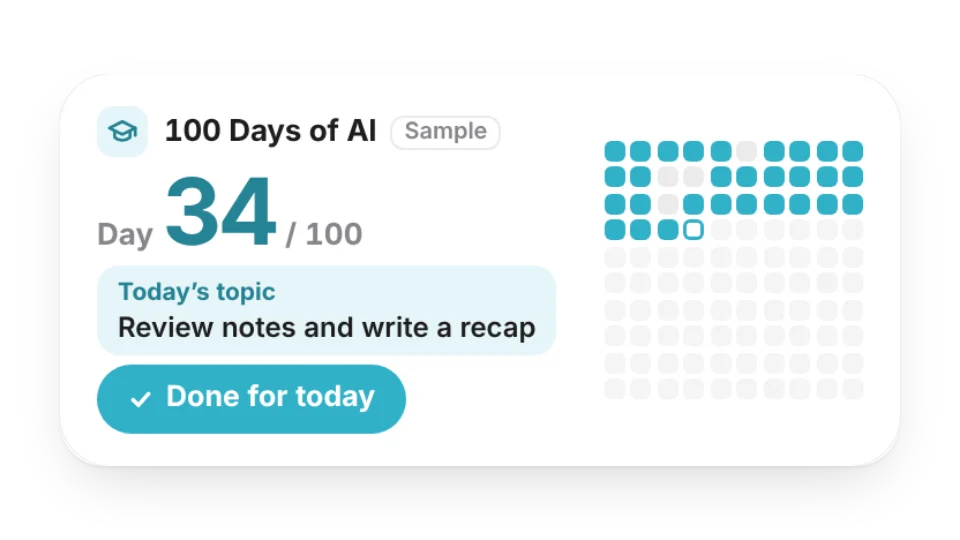 100 Days of AIA “100 Days of AI” learning challenge: see which day you’re on, a 10×10 grid of days done and missed, your streak, and today’s topic from your own plan. One tap logs the day — saved to My Data
 Prompt Tip of the DayOne practical prompting tip a day — state the goal, show examples, set the format, let it ask questions first — with why it helps, plus a before / after rewrite in the large size. Filter to coding, writing or analysis
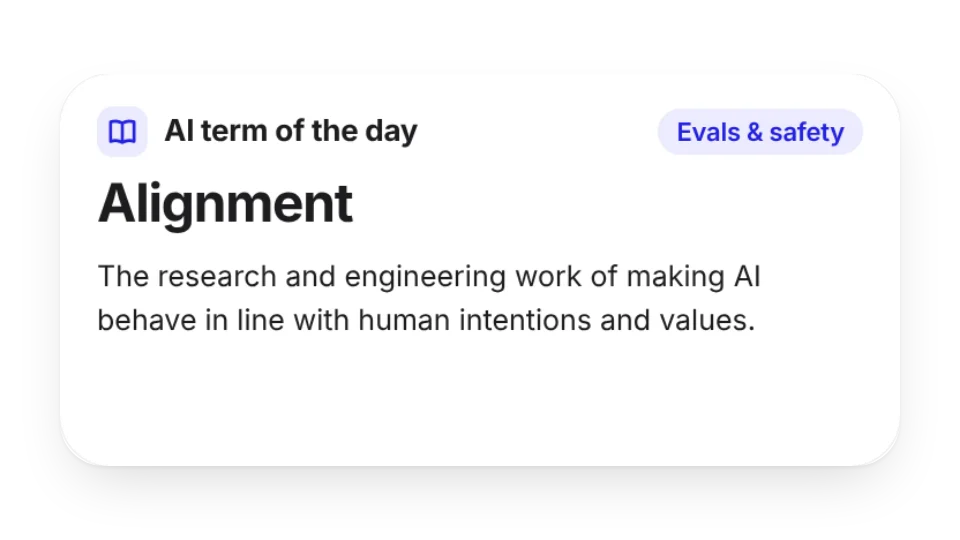 AI Term of the DayLearn one AI term a day — tokens, RAG, agents, MCP, fine-tuning, quantization and more — explained in a sentence or two, with an example in the large size. Pick a category or pin a single term
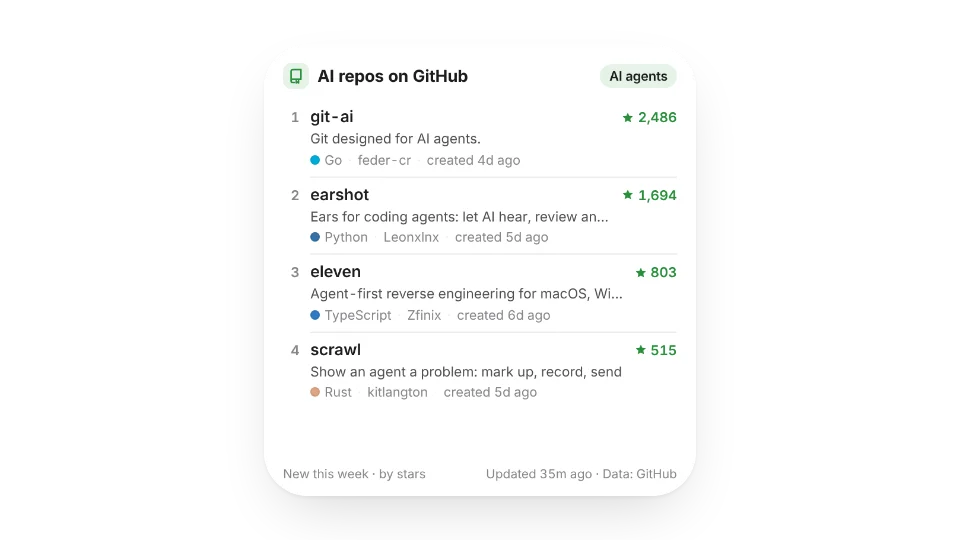 New AI Repos on GitHubThe most-starred new repos on GitHub for AI agents, LLMs, RAG, MCP and more — created this week, this month or this year — with description, language and stars. Tap to open the repo
 Latest arXiv PapersThe newest AI papers on arXiv — pick Artificial Intelligence, NLP, Machine Learning, Computer Vision and more, optionally filter by keywords — with title, authors and when they were submitted. Tap to open the paper
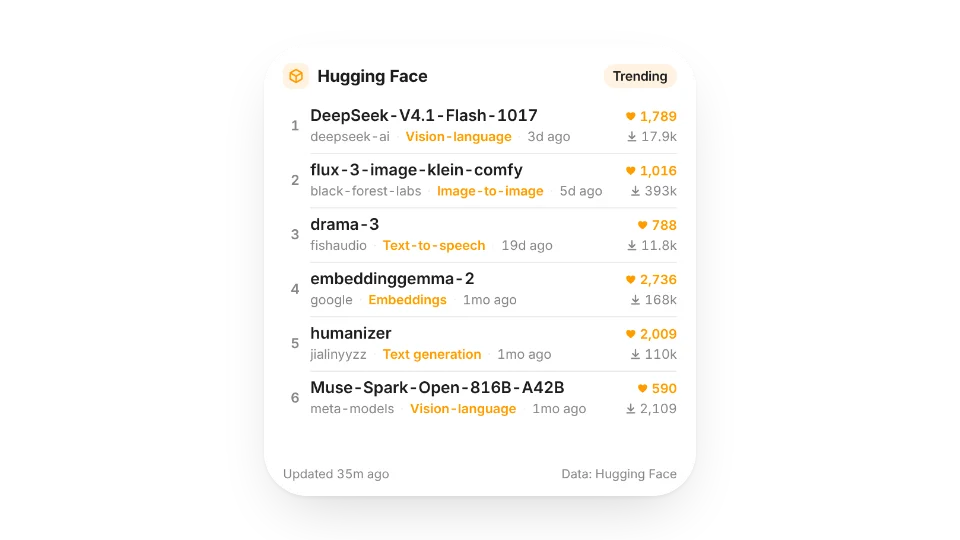 Hugging Face Trending ModelsModels trending on Hugging Face right now — by trending, likes or downloads, optionally filtered to text generation, text-to-image, speech and more — with likes and downloads. Tap to open the model page
Open a card, then click Create widget. You'll need to sign in — an email code is all it takes.
Change the text, colors, size and other options in the editor. The preview updates as you go.
Click Copy link, type /embed on a Notion page and paste it (or paste the link and choose Embed). Drag the corners to resize.
Help: AI widgets: models, papers, repos, terms and subscriptionsEmbed in Notion, Obsidian, FlowUs and other apps