
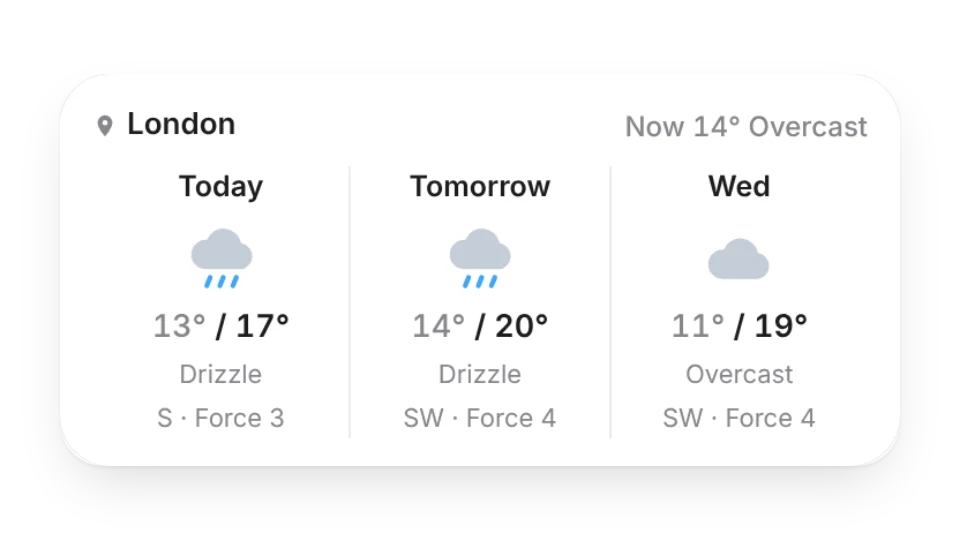
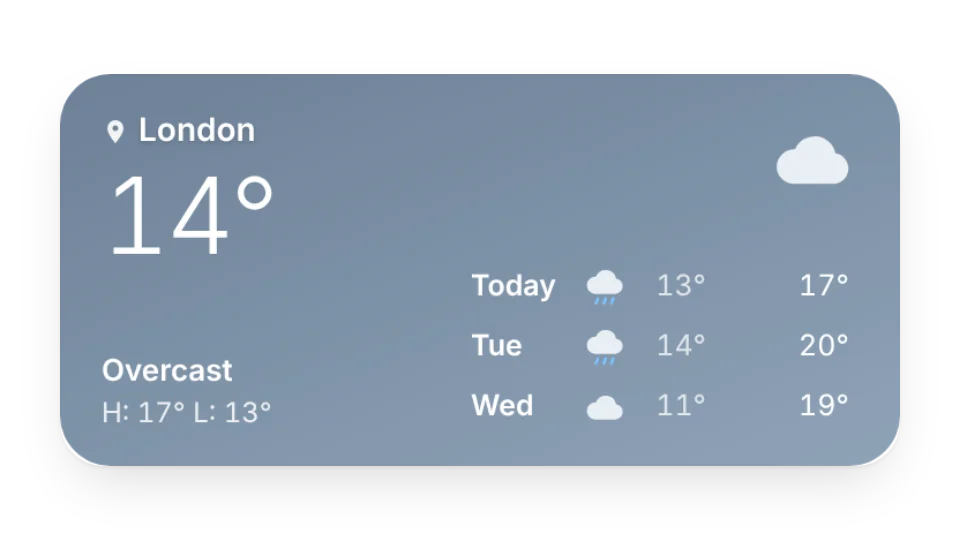
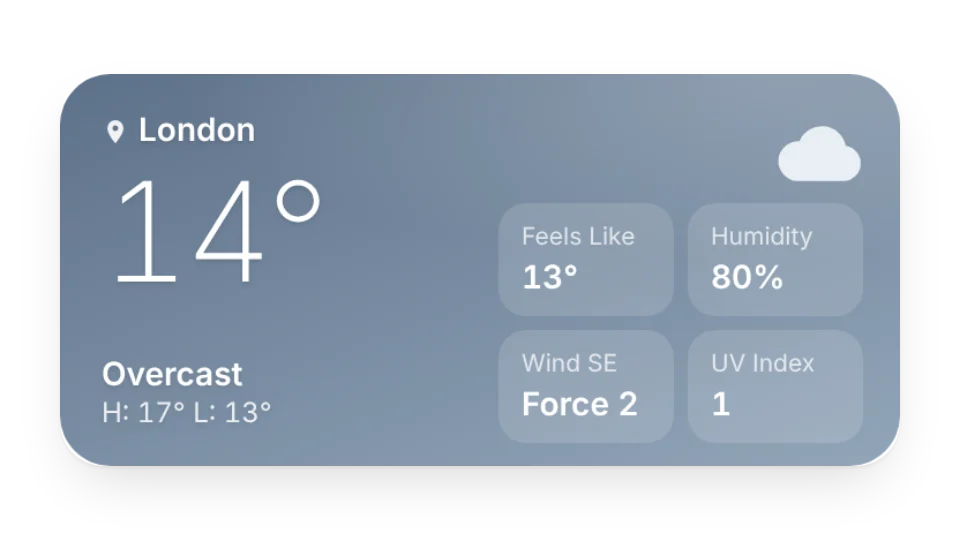
Add a weather widget to your planner or morning routine page and check it at a glance before you head out. Choose today's weather, a three-day forecast or a compact animated mini forecast.
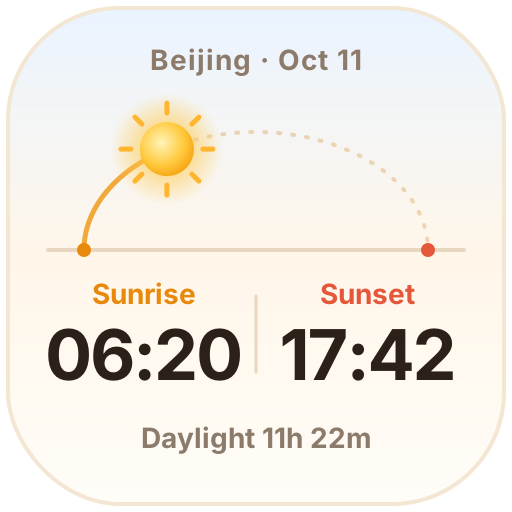
In Japan, the JMA Weather widget uses the Japan Meteorological Agency's official forecasts for 60 cities, with chance of rain and highs and lows. There are also Sunrise & Sunset and Moon Phase icons that update every day.
Forecasts are fetched and cached on our server, and the widget shows the latest one when the page opens. You don't need to refresh anything yourself.
All 5 widgets on this page are free. Sign in to create them — free accounts can create a limited number, Pro has no limit.
Yes. Widgets are regular web embeds, so they show up in Notion on the web, on desktop and in the mobile app, as long as the device is online.
Widget text follows each visitor's browser language — English, Japanese, Simplified or Traditional Chinese. Most widgets also switch between light and dark with the system setting.
Anywhere that can embed a web page: Obsidian, FlowUs, Wolai, or your own website with an iframe.