
Currently Reading shows the cover, your page and an estimated finish date. Set the page in the editor, or connect My Data and tap +10 pages to log right on the widget. The reading log adds +10 / +20 / +30 minutes in a tap and shows your reading streak and yearly total — both widgets can share the same Reading log table.
The bookshelf lines up the books you’ve read, are reading and want to read, with spines set from the titles or your own cover photos, plus this year’s count against your goal. The daily excerpt shows one of the lines you’ve copied each day. Nothing is pulled from Goodreads or any other platform — the books and excerpts are all yours.
 Daily Book ExcerptKeep the lines you’ve copied from your reading and show a different one each day, with the book, author and page — set in a serif on a paper-like card
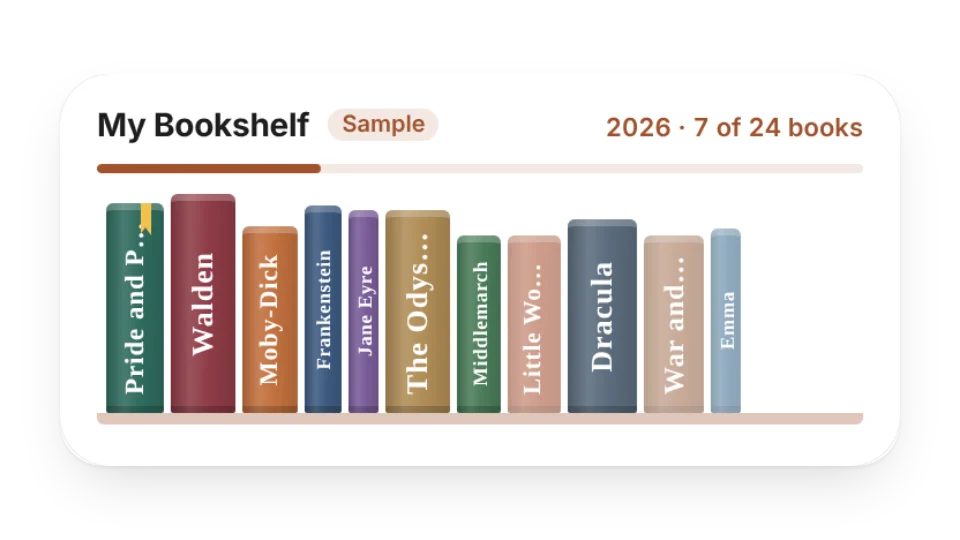 BookshelfLine up the books you’ve read, are reading and want to read on a shelf — add your own cover photos if you like — with this year’s count and your reading goal on top
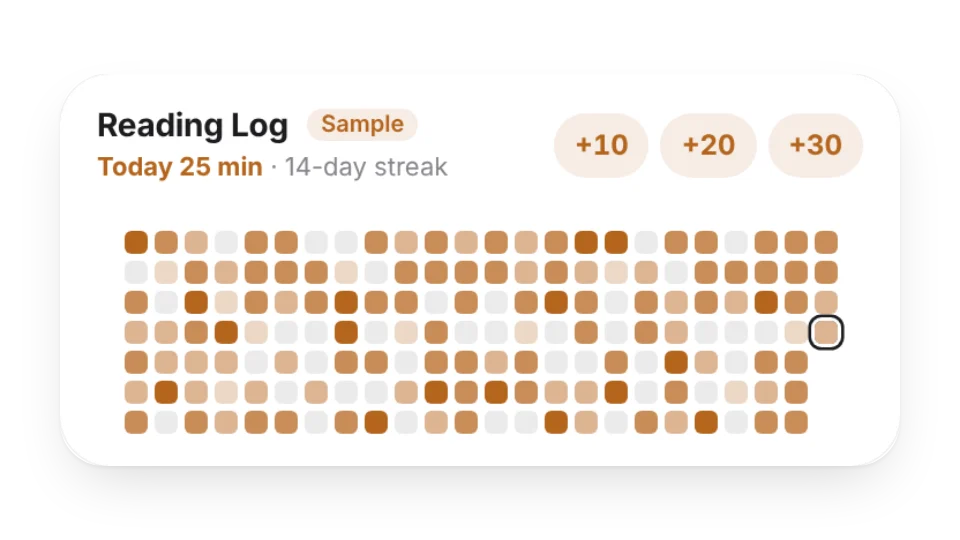 Reading LogHow long (or how many pages) you read each day — a heatmap, your reading streak, this week’s and this year’s totals. Tap +10 / +20 / +30 to log; saved to My Data
 Currently ReadingThe book you’re reading now — cover, current page, a progress bar and an estimated finish date. Set the page in the editor, or connect My Data and tap +10 pages to log
Open a card, then click Create widget. You'll need to sign in — an email code is all it takes.
Change the text, colors, size and other options in the editor. The preview updates as you go.
Click Copy link, type /embed on a Notion page and paste it (or paste the link and choose Embed). Drag the corners to resize.
Help: Embed in Notion, Obsidian, FlowUs and other apps