
The running log takes a distance and time with one tap on Log run, then adds up this week, this month and this year, works out your average pace and draws a running heatmap. The step ring shows today’s steps against your goal and can also be filled automatically through a check-in link. The weight trend plots daily points with a 7-day average, and hides the numbers by default.
All of these entries live in your own My Data tables, where you can view, edit and export them. The weekly training plan highlights today’s session, Stretch of the Day shows one original move a day with a line drawing and a timer, and the race countdown looks like a race bib — add a goal time to see your pace and splits. These widgets only record and display; they don’t give medical or weight-loss advice.
 Race CountdownA race-bib countdown: race name, bib number, days to go and distance. Add a goal time to see your target pace and splits
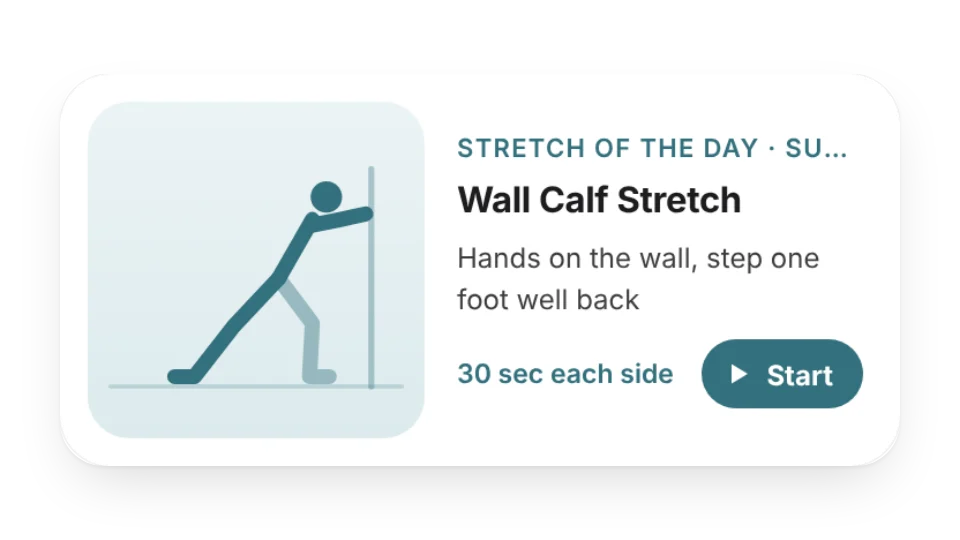 Stretch of the DayOne simple stretch a day with the target area, step-by-step cues, how long to hold it and a line drawing — tap Start for a timer, or show only desk-friendly moves
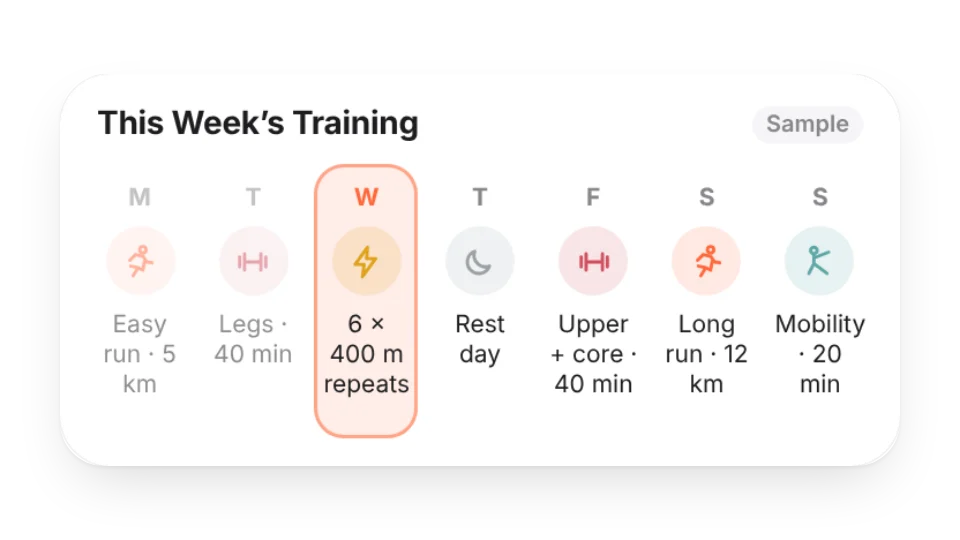 Weekly Training PlanPlan your week of runs, strength, rides, swims, intervals, mobility and rest days — today is highlighted, and the large size counts sessions and rest days
 Weight TrendLog your weight and see the last 30–365 days as a trend with a 7-day average and an optional goal line. Numbers are hidden by default; entries are saved to My Data
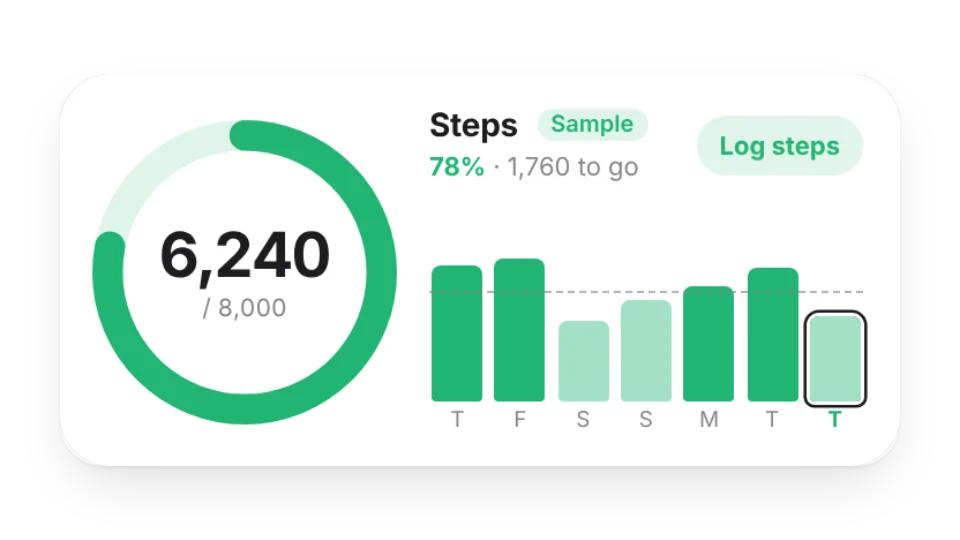 Step Goal RingToday’s steps against your daily goal as a ring, with the last 7 / 30 days as bars, your daily average and goal streak. Log by hand or with a check-in link — saved to My Data
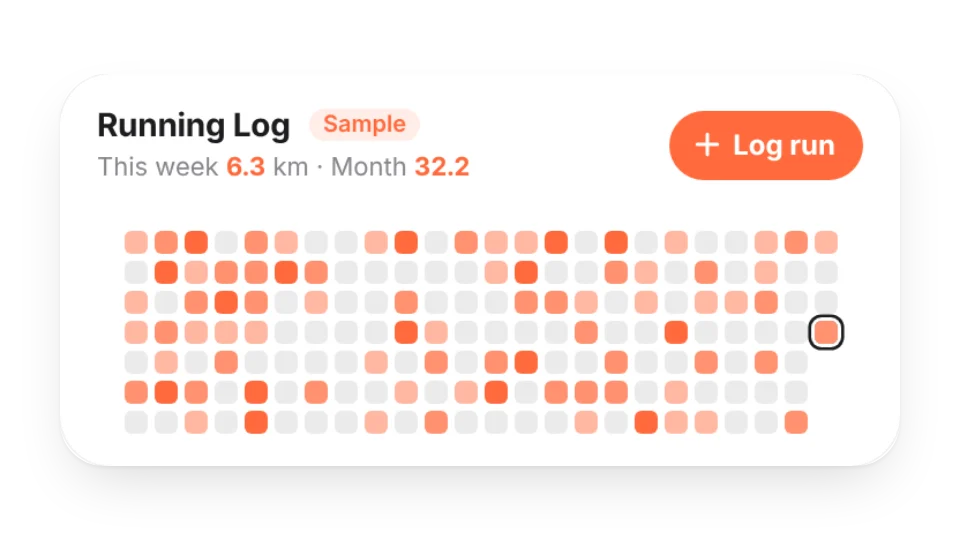 Running LogLog each run’s distance and time — weekly goal progress, week / month / year totals, average pace and a running heatmap, saved to My Data
Open a card, then click Create widget. You'll need to sign in — an email code is all it takes.
Change the text, colors, size and other options in the editor. The preview updates as you go.
Click Copy link, type /embed on a Notion page and paste it (or paste the link and choose Embed). Drag the corners to resize.
Help: Embed in Notion, Obsidian, FlowUs and other apps