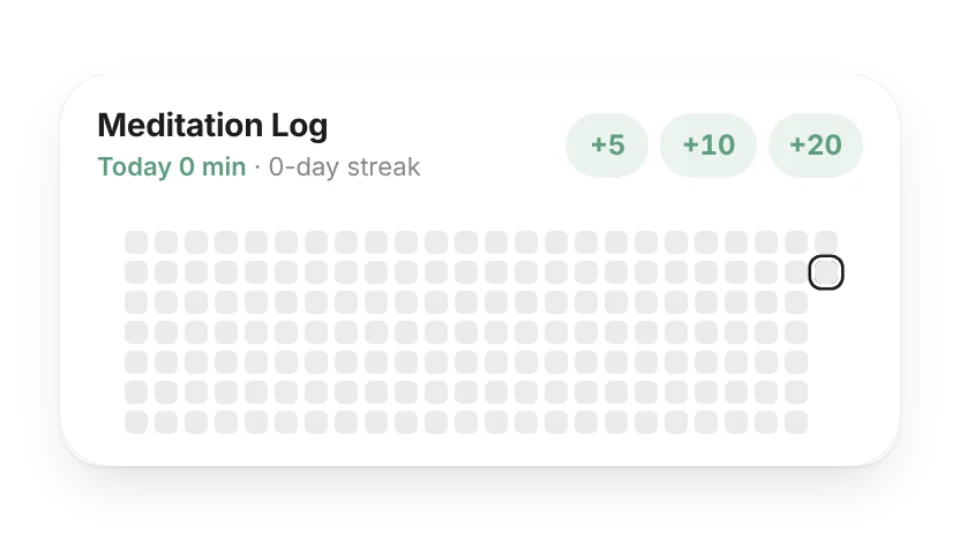
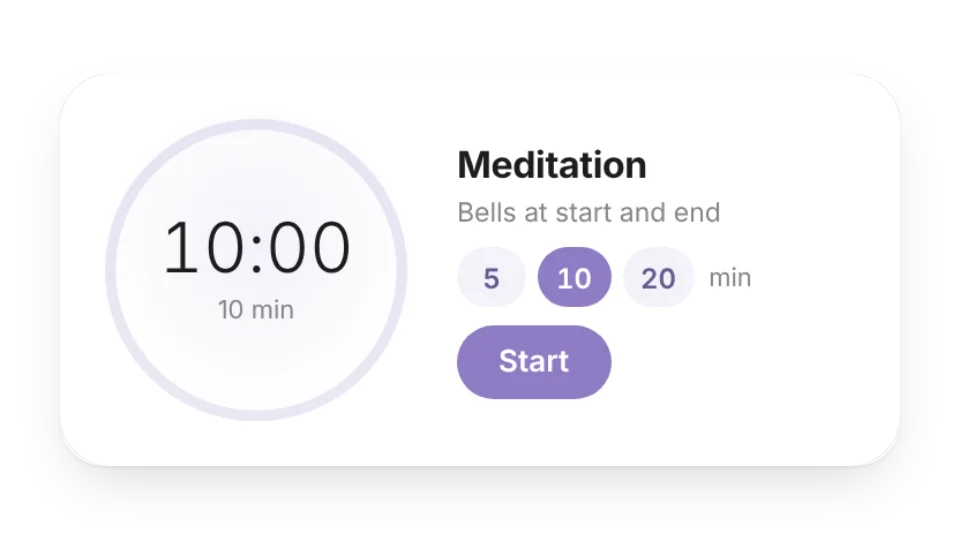
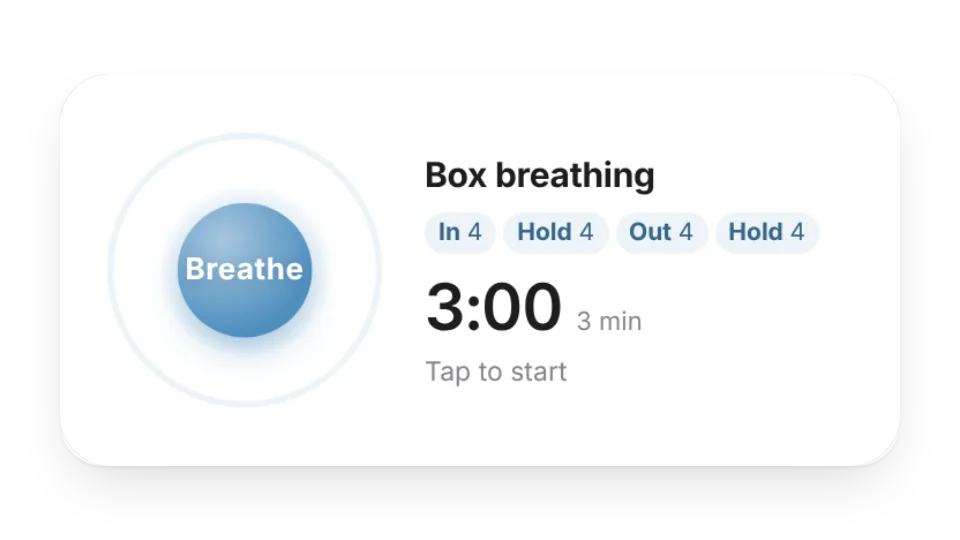
Keep the small tools you use for practice right on your Notion page. The breath pacer's circle grows as you breathe in and shrinks as you breathe out — box breathing 4-4-4-4, 4-7-8, 5-5 or your own rhythm. The meditation timer strikes a singing-bowl tone at the start and end, with optional interval bells, and the meditation log records today's minutes in one tap and shows your streak on a heatmap.
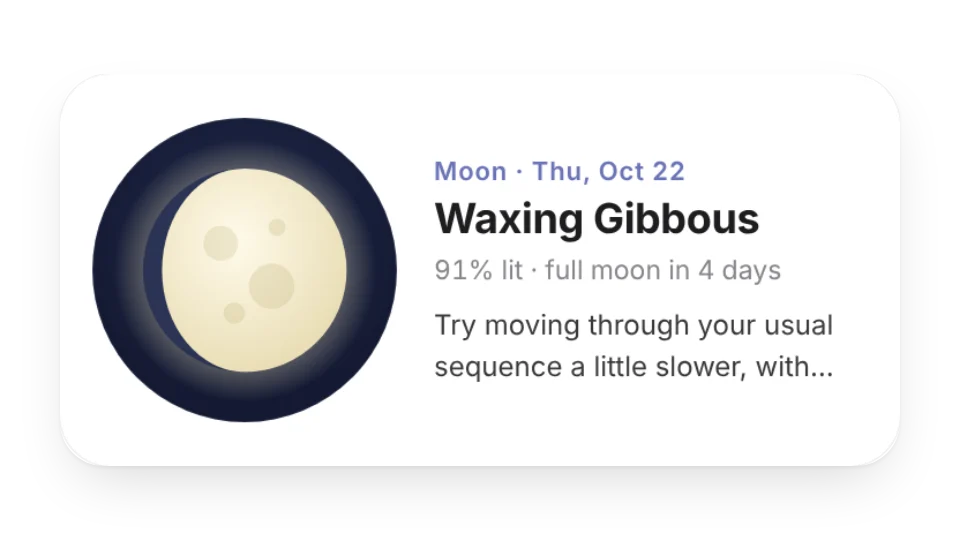
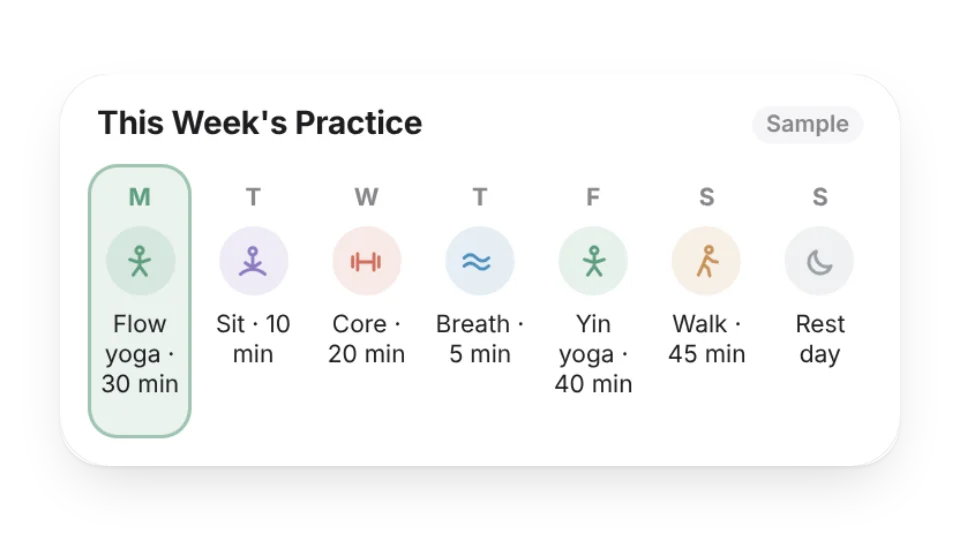
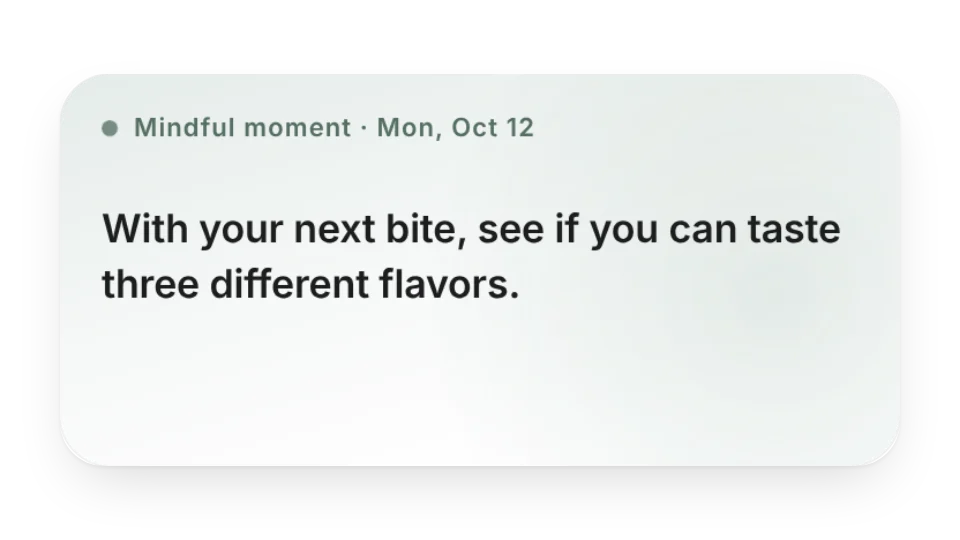
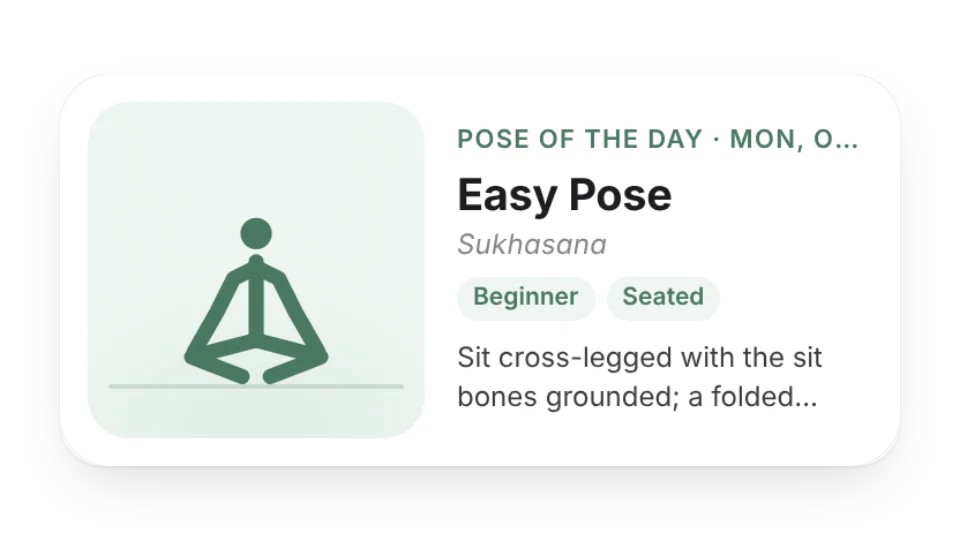
The yoga pose of the day rotates daily with English and Sanskrit names, alignment cues and a simple line drawing; Mindful Moment offers one original prompt a day; the weekly plan highlights today's session; and the moon widget shows tonight's moon and the next full moon. These are practice aids, not medical advice — move within your own range.
Widgets (8)
Moon Phase & Practice — Tonight's moon phase, how much is lit and the dates of the next full and new moon, with a gentle practice idea for the day
Weekly Practice Plan — Write down your week of yoga, meditation, breathwork, walks and rest days — today is highlighted automatically, and the small size shows just today and tomorrow
Mindful Moment — A short mindfulness prompt each day — notice your breath, your body and the small things around you. Original prompts, or a new one every time you open the page
Meditation Log — Log how many minutes you meditated or practiced each day — a heatmap, your streak, this week's minutes and all-time hours, one tap on +5 / +10 / +20
Meditation Timer — A quiet timer for sitting practice: a singing-bowl tone at the start and end, optional interval bells and settle-in time, with bowl, bell or wood-block sounds
Breath Pacer — Breathe along with an expanding circle or a dot tracing a square — box breathing, 4-7-8, 5-5, longer exhale or your own rhythm, for as many minutes as you like, with optional soft tones
Yoga Pose of the Day — A new yoga pose every day with its English and Sanskrit names, alignment cues, how long to hold it and a simple line drawing — filter by level
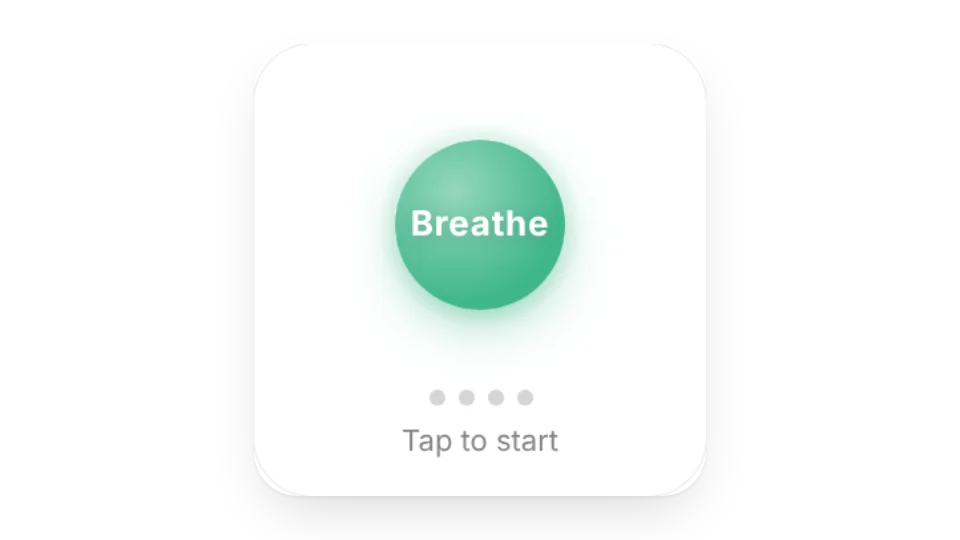
Breathing Exercise — Follow the ring for 4-7-8 or box breathing and unwind for a minute between tasks
Animated icons (1)
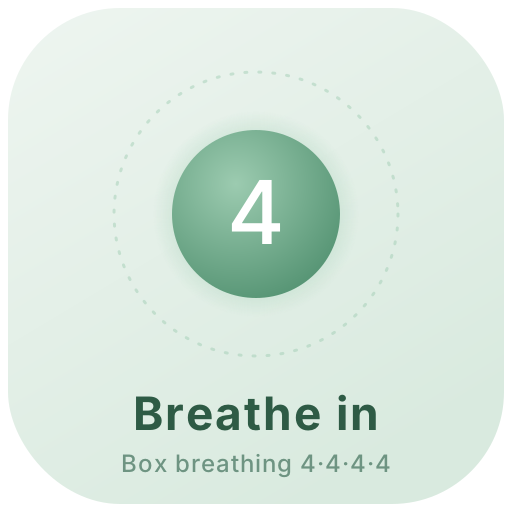
Breathe Icon — An icon that breathes: the circle grows as you breathe in and shrinks as you breathe out, with a countdown in the middle — box breathing, 4-7-8 or calm 5-5
Animated covers (1)
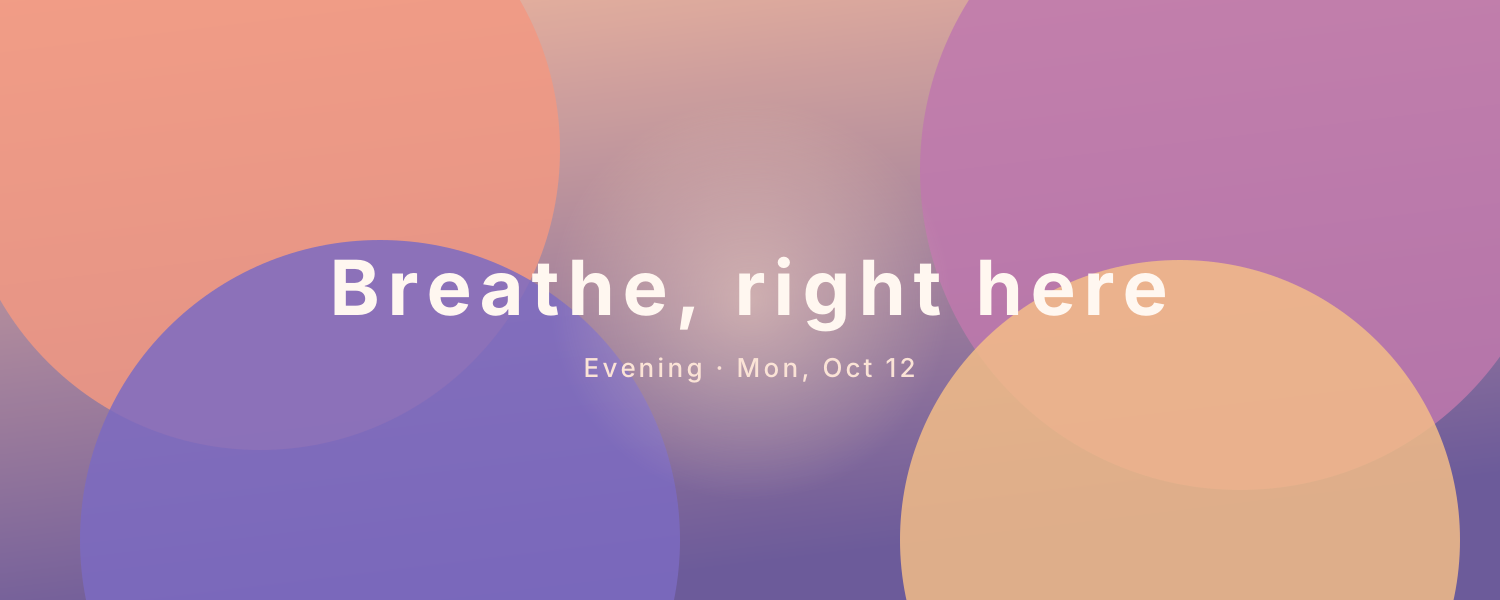
Calm Gradient — A soft gradient that changes with the time of day — dawn, daytime, evening and night palettes — with a glow in the middle that slowly brightens and dims like a breath
Add it to Notion in 3 steps
Pick a widget:Open a card, then click Create widget. You'll need to sign in — an email code is all it takes.
Make it yours:Change the text, colors, size and other options in the editor. The preview updates as you go.
Copy the link into Notion:Click Copy link, type /embed on a Notion page and paste it (or paste the link and choose Embed). Drag the corners to resize.
Where do the timer and breathing sounds come from?
The tones are generated in your browser (Web Audio) — there are no audio files — and they're quiet by default. Browsers only allow sound after you interact, so they start once you tap Start.
Where is my meditation log stored?
Like the habit trackers, your entries are stored on WidgetStore's server with that widget. Anyone who can see the embed can usually tap it too, so keep it on a Notion page only you can open.
Where do the pose drawings and prompts come from?
The line drawings were made by WidgetStore and the mindful prompts are original, not quotes. Pose cues only describe the movement and make no health claims.
Are these widgets free?
All 10 widgets on this page are free. Sign in to create them — free accounts can create a limited number, Pro has no limit.
Do they work in the Notion mobile and desktop apps?
Yes. Widgets are regular web embeds, so they show up in Notion on the web, on desktop and in the mobile app, as long as the device is online.
What language are the widgets in? Is there dark mode?
Widget text follows each visitor's browser language — English, Japanese, Simplified or Traditional Chinese. Most widgets also switch between light and dark with the system setting.
Can I use them outside Notion?
Anywhere that can embed a web page: Obsidian, FlowUs, Wolai, or your own website with an iframe.