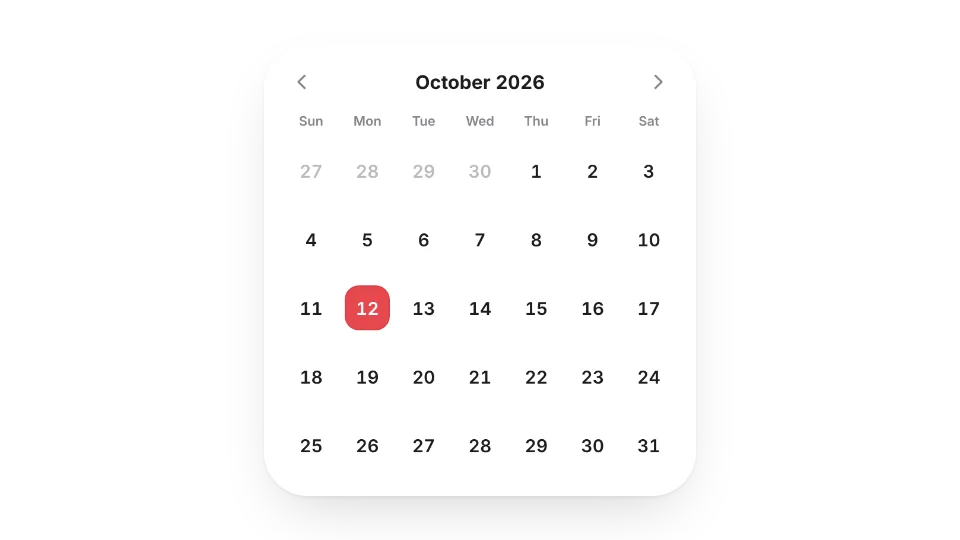
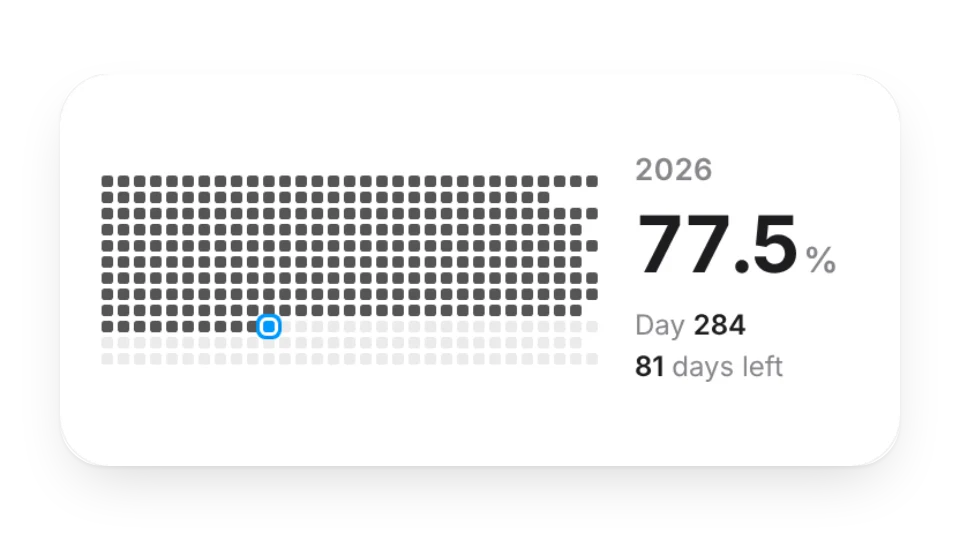
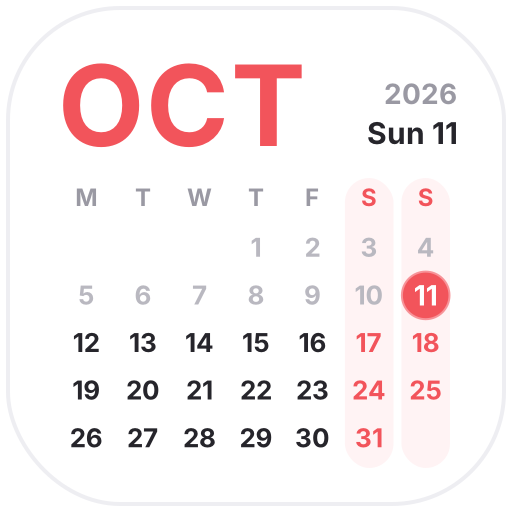
Notion's database calendar is great for scheduling; a small calendar widget is better for a home or journal page where you just want today's date and how far through the month you are. Choose a minimal calendar, Year in Squares, Life Countdown, the Japanese Almanac (Reiwa era, rokuyo, solar terms) or the Japanese Micro-Seasons note.
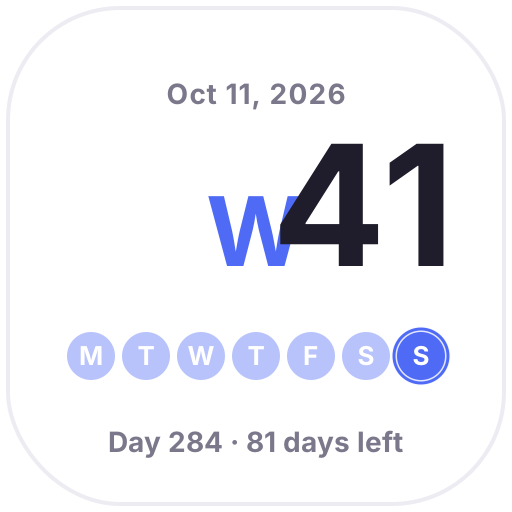
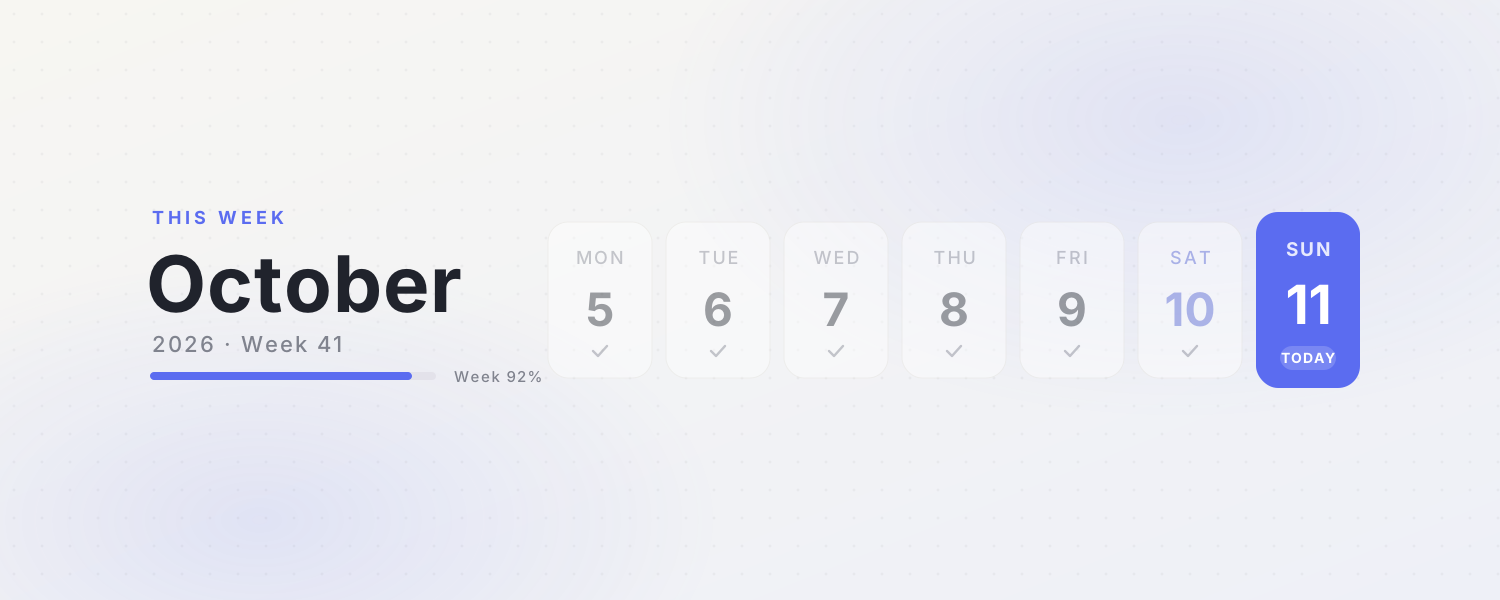
Among the animated icons, Live Calendar, This Month and Week Number switch to today automatically, and This Week works as a page cover.
Widgets (5)
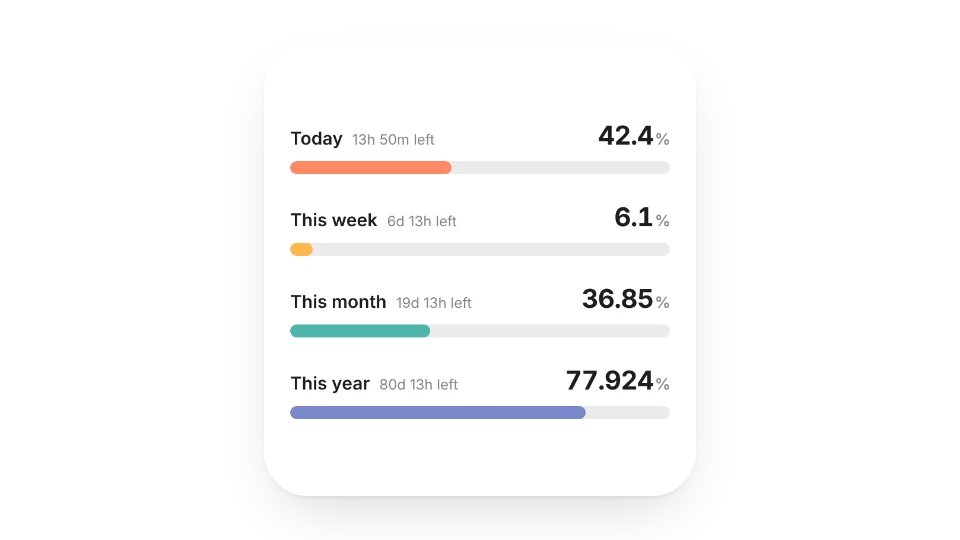
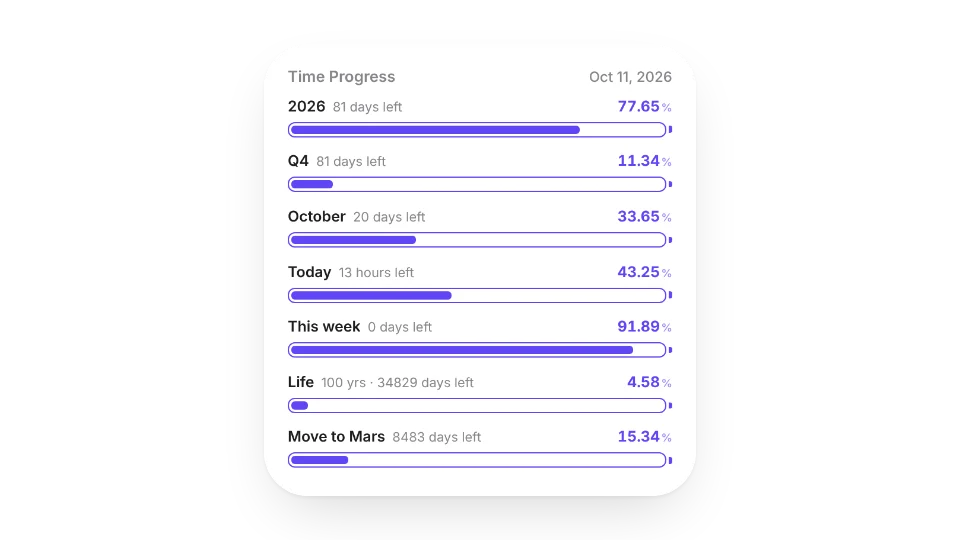
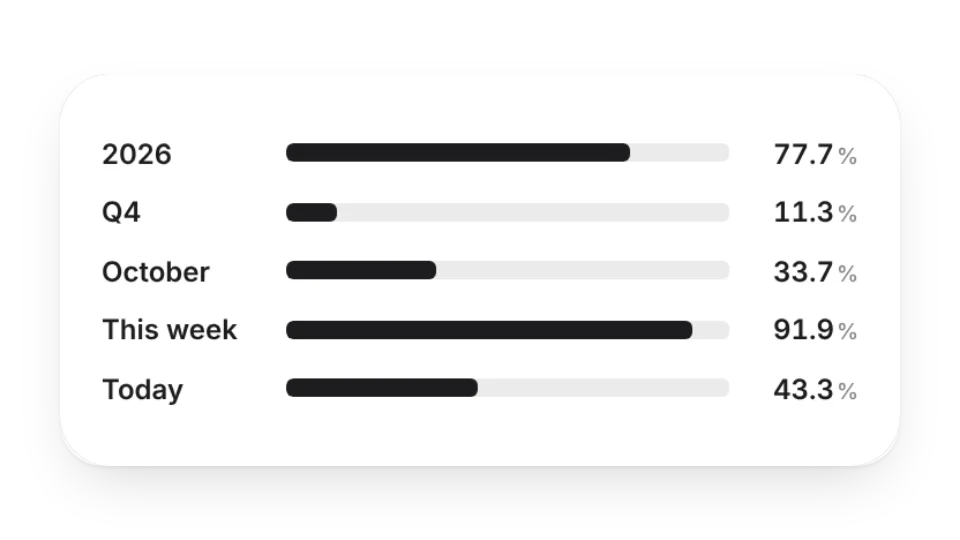
Time Progress — How much of today, this week, month and year has passed? Bars tick every second and show what's left
No. These widgets show dates and progress only and don't read your Notion databases. Keep using Notion's calendar view for scheduling.
Are these widgets free?
All 10 widgets on this page are free. Sign in to create them — free accounts can create a limited number, Pro has no limit.
Do they work in the Notion mobile and desktop apps?
Yes. Widgets are regular web embeds, so they show up in Notion on the web, on desktop and in the mobile app, as long as the device is online.
What language are the widgets in? Is there dark mode?
Widget text follows each visitor's browser language — English, Japanese, Simplified or Traditional Chinese. Most widgets also switch between light and dark with the system setting.
Can I use them outside Notion?
Anywhere that can embed a web page: Obsidian, FlowUs, Wolai, or your own website with an iframe.