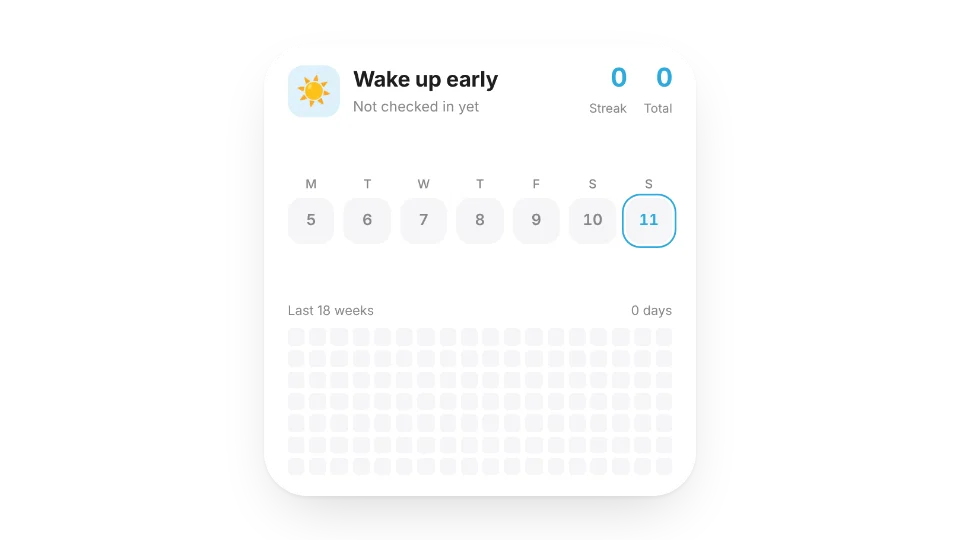
A Notion database works as a habit tracker, but opening a table to tick a box every day gets old. The Habit Tracker widget turns it into one tap: it records your streak and total days and shows the last 12 weeks as a heatmap.
There's also a water tracker, a goal counter for yearly targets like books read or miles run, and a simple tally counter. Check-ins are saved with the widget, so they're there on every device.
Widgets (5)
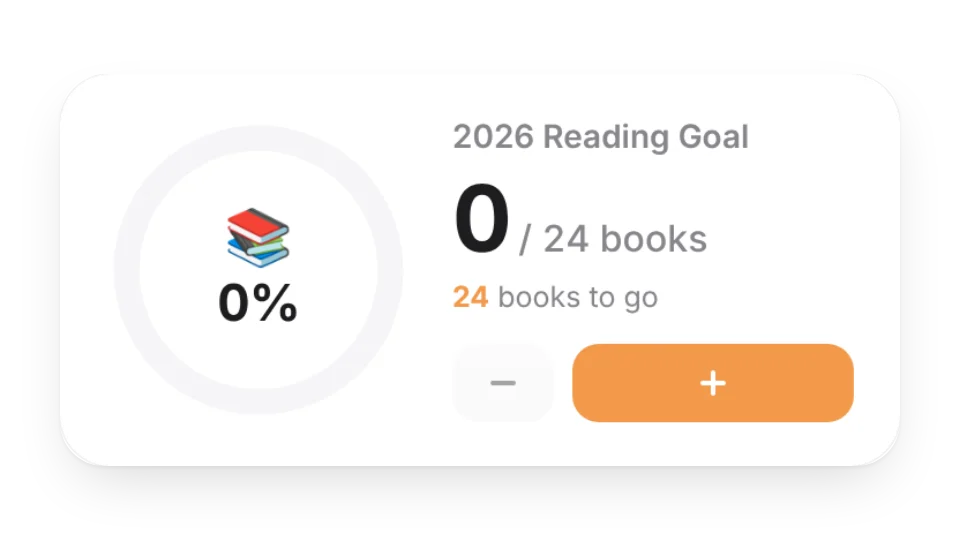
Goal Counter — Count toward yearly goals like books read or miles run. Tap + to grow the ring, with confetti when you hit it
Habit Tracker — Check in with one tap. Tracks your streak and total days, with a 12-week heatmap
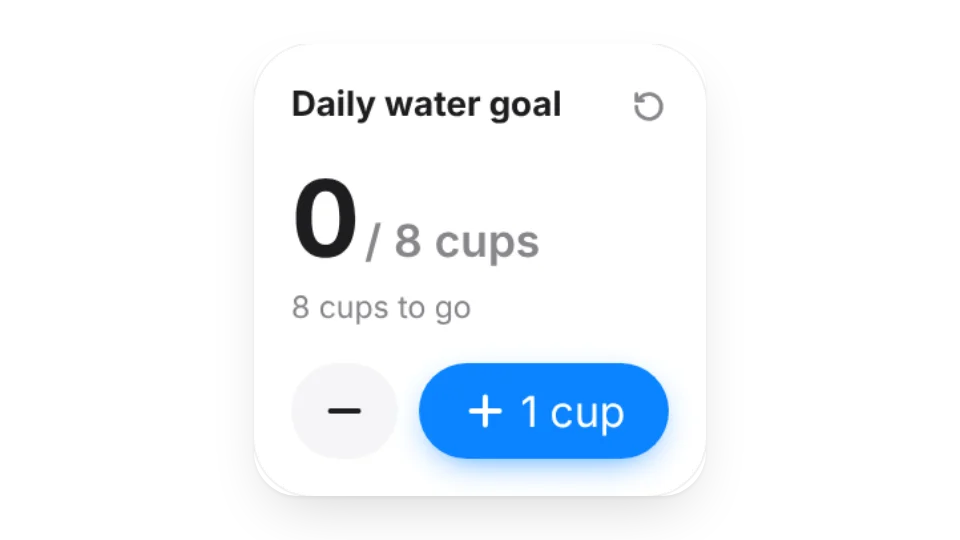
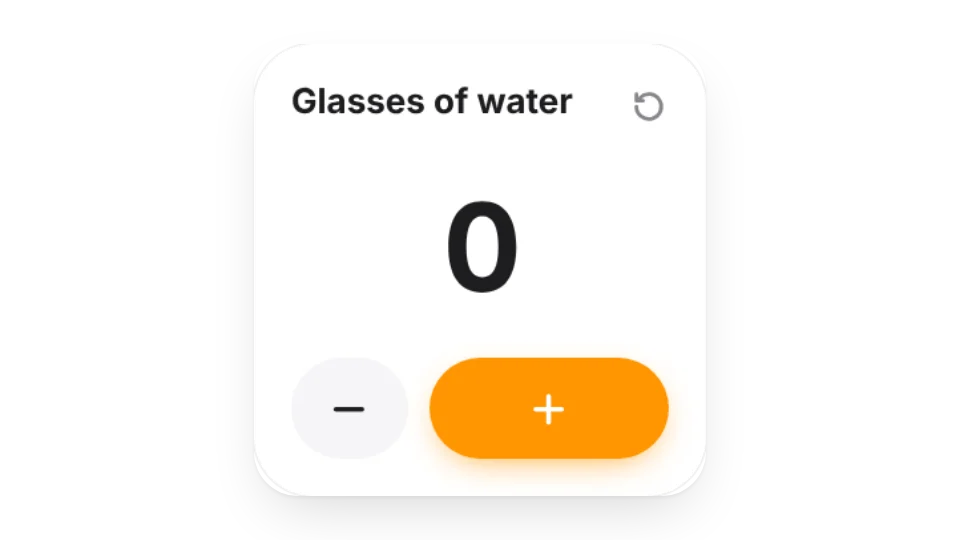
Water Tracker · Pro — Track how many glasses of water you drink each day
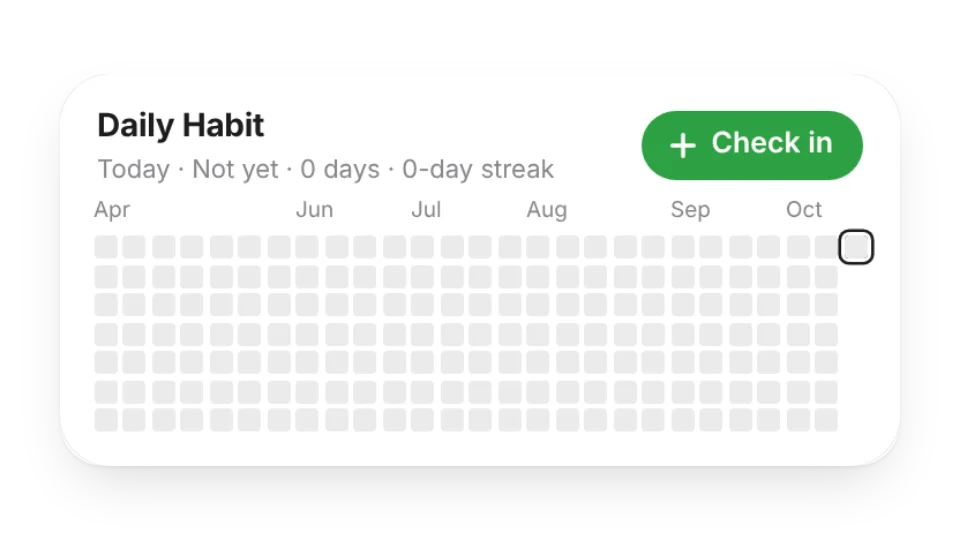
Habit Heatmap — Track your daily routines with a heatmap
Tally Counter — Simply count how many times you've done something
Add it to Notion in 3 steps
Pick a widget:Open a card, then click Create widget. You'll need to sign in — an email code is all it takes.
Make it yours:Change the text, colors, size and other options in the editor. The preview updates as you go.
Copy the link into Notion:Click Copy link, type /embed on a Notion page and paste it (or paste the link and choose Embed). Drag the corners to resize.
Check-ins are stored on WidgetStore's server with that widget. Anyone who can see the embed can usually tap it too, so keep it on a Notion page only you can open.
Are these widgets free?
4 of the 5 widgets on this page are free; the 1 marked Pro need a Pro membership. Free accounts can create a limited number, Pro has no limit.
Do they work in the Notion mobile and desktop apps?
Yes. Widgets are regular web embeds, so they show up in Notion on the web, on desktop and in the mobile app, as long as the device is online.
What language are the widgets in? Is there dark mode?
Widget text follows each visitor's browser language — English, Japanese, Simplified or Traditional Chinese. Most widgets also switch between light and dark with the system setting.
Can I use them outside Notion?
Anywhere that can embed a web page: Obsidian, FlowUs, Wolai, or your own website with an iframe.