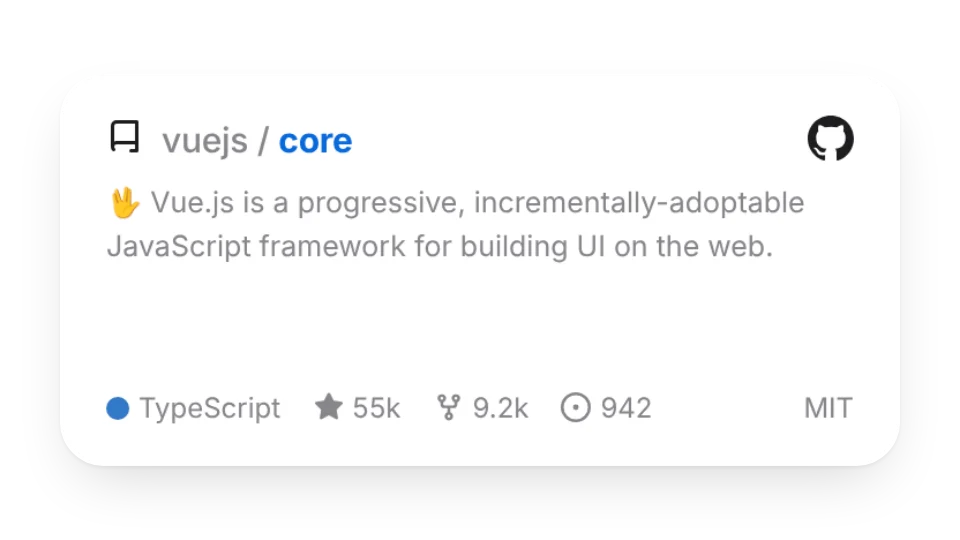
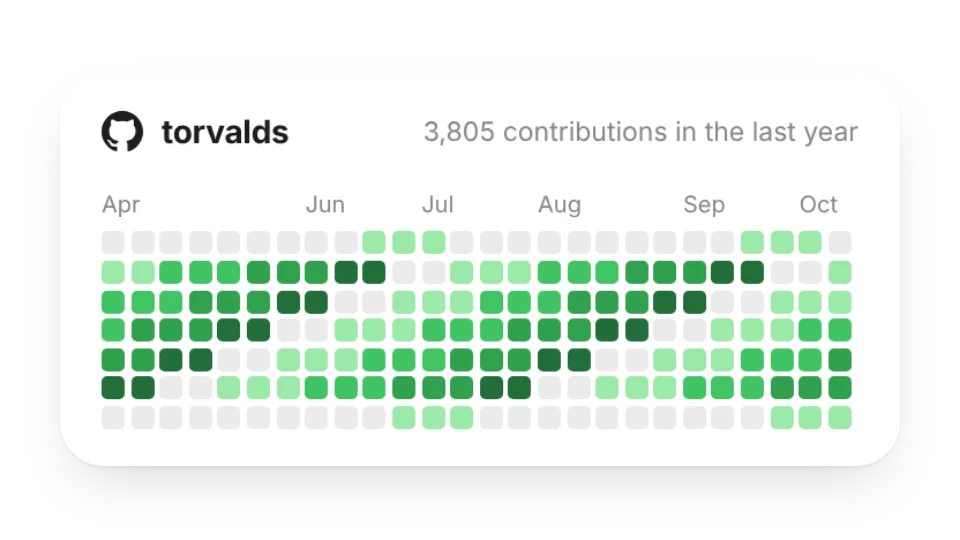
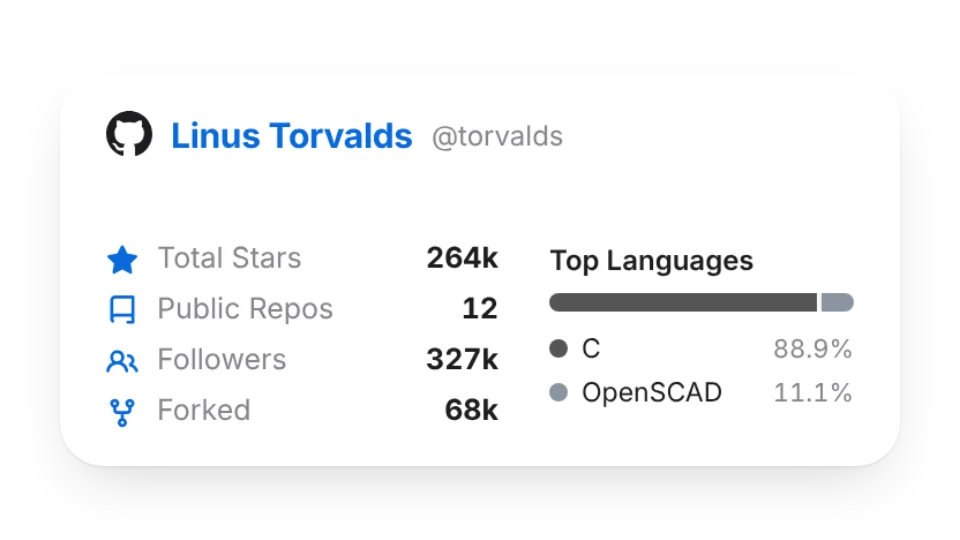
Showing off projects in your GitHub profile README or a Notion portfolio? The repo card shows a description, language, stars and forks; the contribution graph shows the past year with totals and streaks; the stats card sums up stars, repos, followers and top languages. Each one copies into a README in one click.
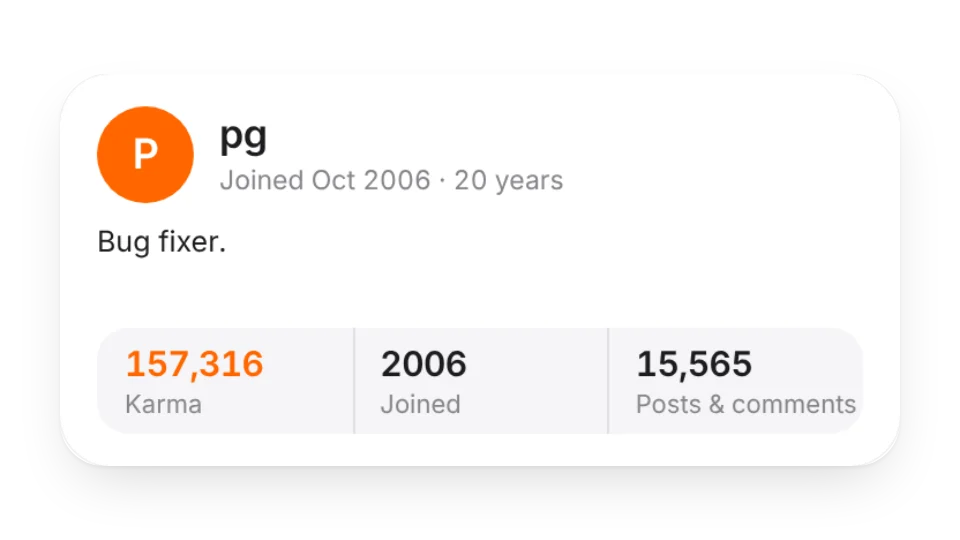
For the top of a README there's an animated banner, a typewriter headline and floating tech stack tags, plus Hi and status stickers. There are also Hacker News profile cards and Qiita / Zenn / note cards.
Widgets (4)
GitHub Repo Card — Shows a repo's description, language, stars and forks. Copy it into your README in one click
GitHub Contribution Graph — Your GitHub contributions over the past year, with totals and streaks. Copy it into your README in one click
GitHub Stats Card — Stars, repos, followers and top languages for a GitHub account. Copy it into your README in one click
Hacker News Profile — Show a Hacker News user's karma, join date, bio and recent stories — just enter a username
Animated icons (2)
Hello Sticker — A waving hand with a big "Hi" and your name. Greet visitors at the top of your GitHub README or Notion page
Status Sticker — A gently pulsing status badge: open to work, heads down, on vacation, building in public… or your own text and emoji
Animated covers (3)
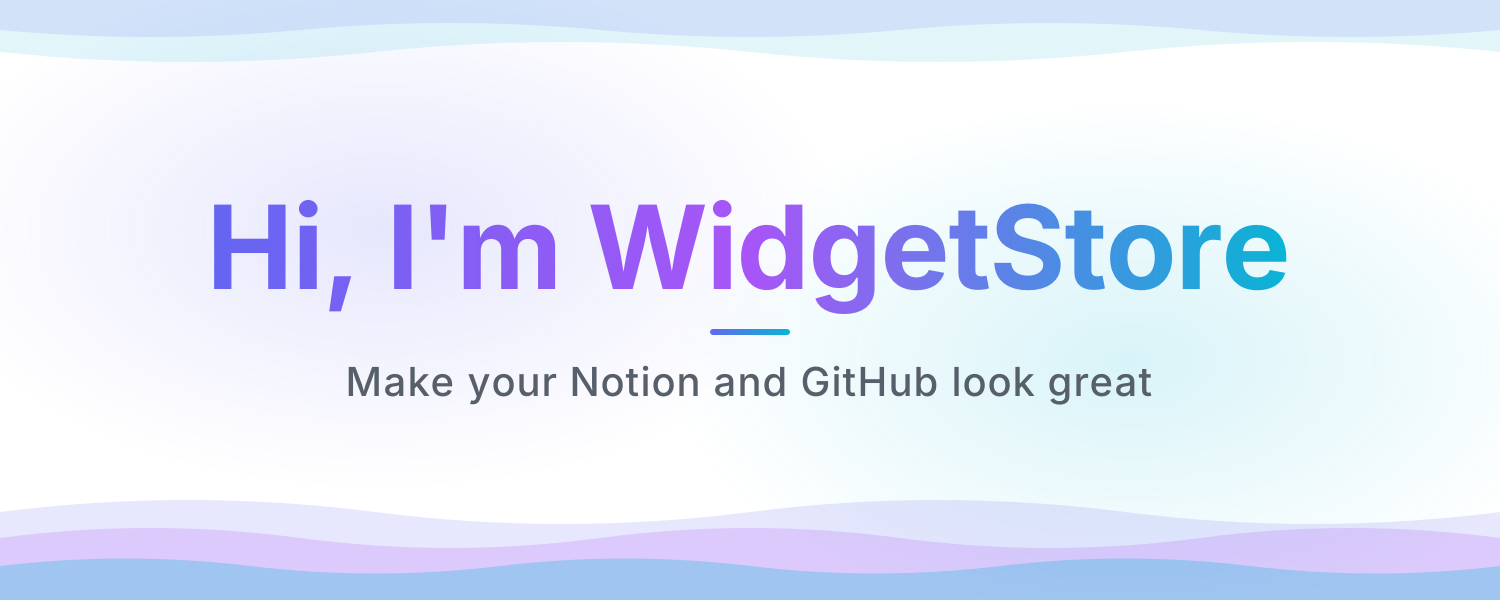
README Banner — An animated header for your GitHub README or Notion page: a shimmering gradient title, a tagline and flowing waves. Looks great in light and dark
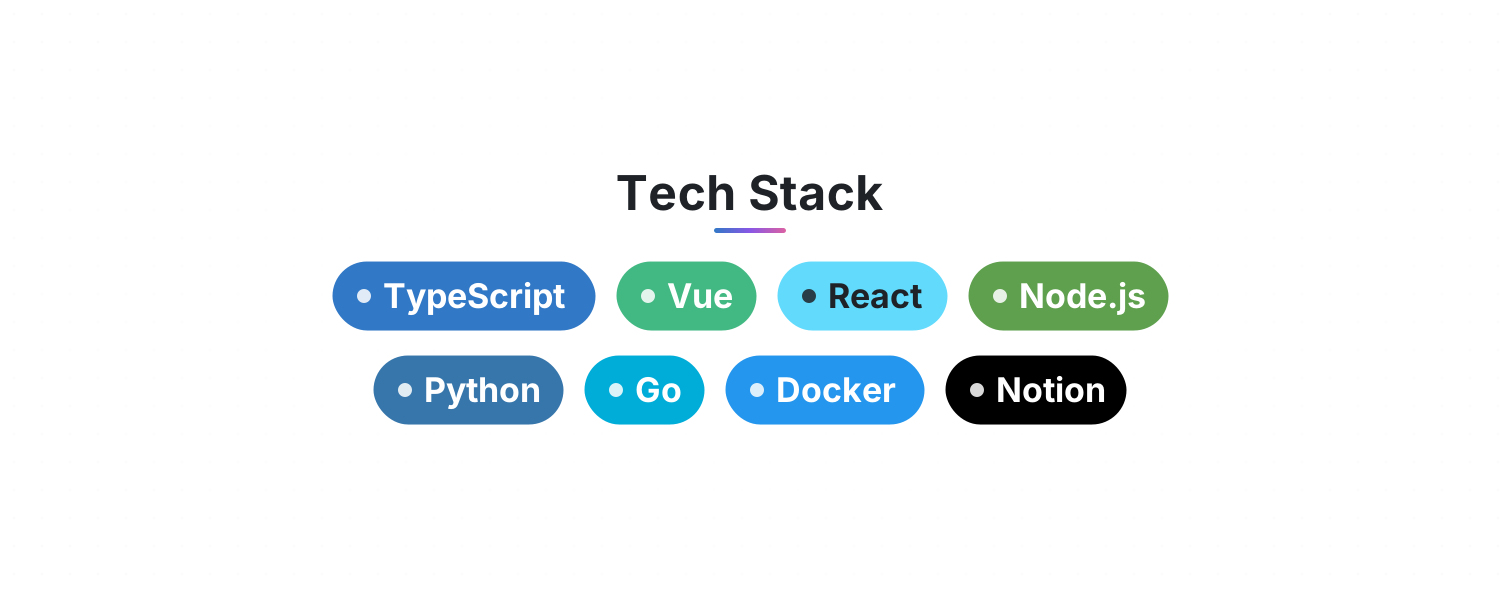
Tech Stack — List your skills and get rows of gently floating, brand-colored tags for your GitHub README or Notion page
Typewriter Headline — Lines type out, pause, delete and loop with a blinking cursor. Perfect for an intro or tagline at the top of your README
Add it to Notion in 3 steps
Pick a widget:Open a card, then click Create widget. You'll need to sign in — an email code is all it takes.
Make it yours:Change the text, colors, size and other options in the editor. The preview updates as you go.
Copy the link into Notion:Click Copy link, type /embed on a Notion page and paste it (or paste the link and choose Embed). Drag the corners to resize.
GitHub READMEs can't embed web pages (iframes) — only images. So the GitHub cards and banners give you an image link you add with Markdown image syntax.
Are these widgets free?
All 9 widgets on this page are free. Sign in to create them — free accounts can create a limited number, Pro has no limit.
Do they work in the Notion mobile and desktop apps?
Yes. Widgets are regular web embeds, so they show up in Notion on the web, on desktop and in the mobile app, as long as the device is online.
What language are the widgets in? Is there dark mode?
Widget text follows each visitor's browser language — English, Japanese, Simplified or Traditional Chinese. Most widgets also switch between light and dark with the system setting.
Can I use them outside Notion?
Anywhere that can embed a web page: Obsidian, FlowUs, Wolai, or your own website with an iframe.