Birthdays, debut anniversaries, concerts, comebacks and merch spending — being a fan means keeping track of a lot. These widgets turn it into cards you can glance at in Notion. The birthday countdown turns into a celebration with confetti on the day, Stan Days marks milestones like 100 days, 1,000 days and each anniversary, and the show countdown looks like a ticket with a D-day count; past shows fade out and you can see how many you went to this year.
You fill in everything yourself: nothing is pulled from any social platform, and there are no celebrity photos or names — the defaults are a made-up sample idol, clearly marked as a sample. The photocard only shows photos you upload. Pick your fave's color for every widget, and use the heart badge or daily fan stamp as a live page icon.
Widgets (8)
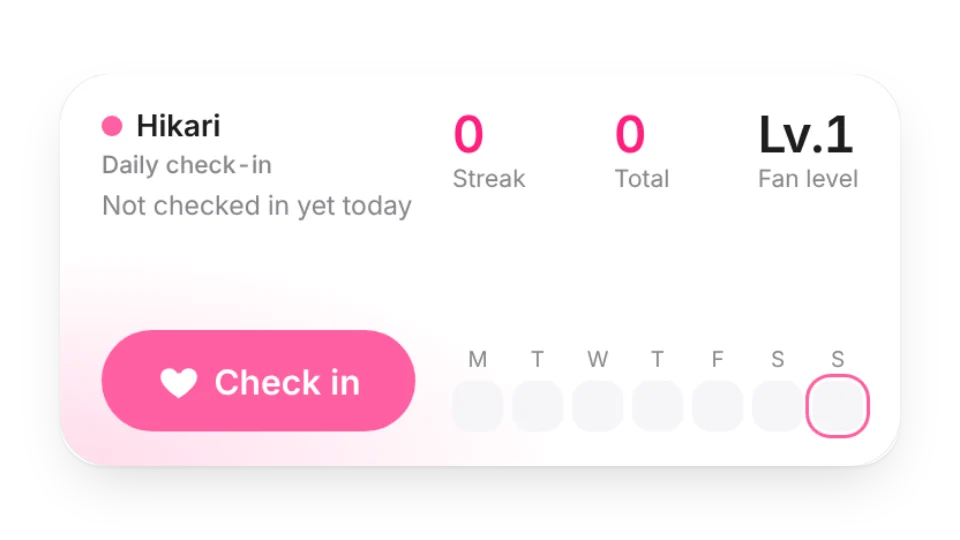
Daily Fan Check-in · Pro — Check in for your fave every day: streak, total days, your fan level and a monthly check-in calendar (stored only in this widget)
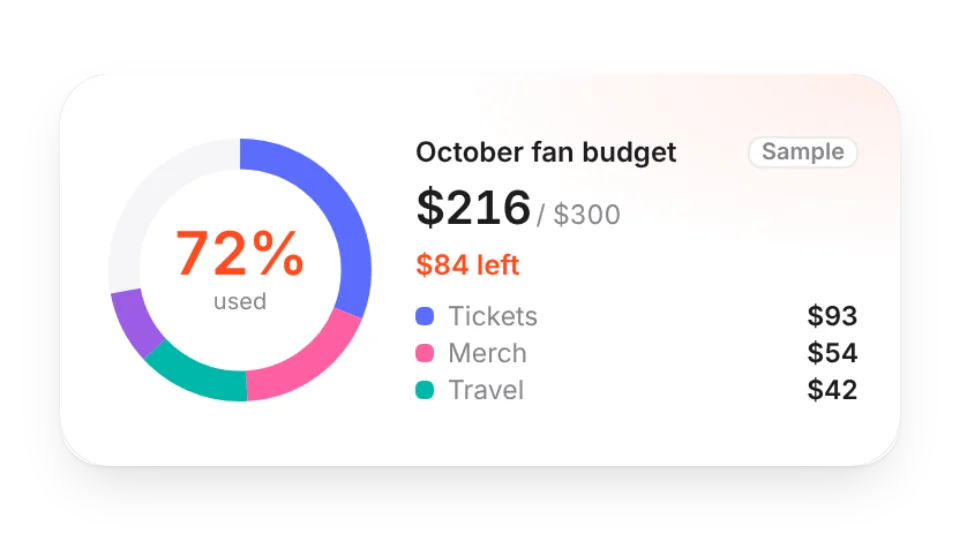
Fan Budget — How much of this month's fan budget is left — log merch, tickets, travel and albums yourself and see a ring chart by category
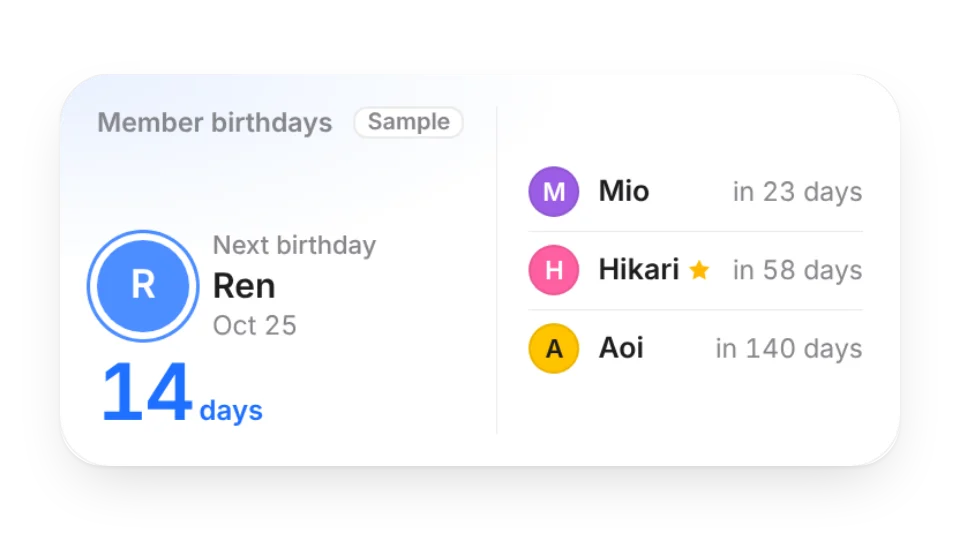
Member Birthdays — Add each member's birthday and color to see who's next, who has a birthday this month, and mark your bias
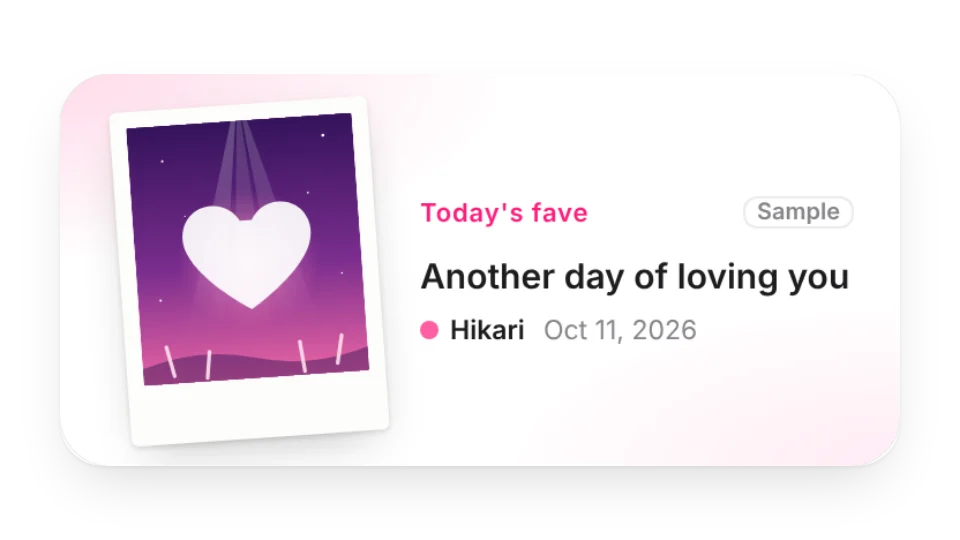
Daily Fave Photocard — Your own photos of your fave, a new one each day (or random / slideshow), in an instant-photo or holo photocard frame with a daily message
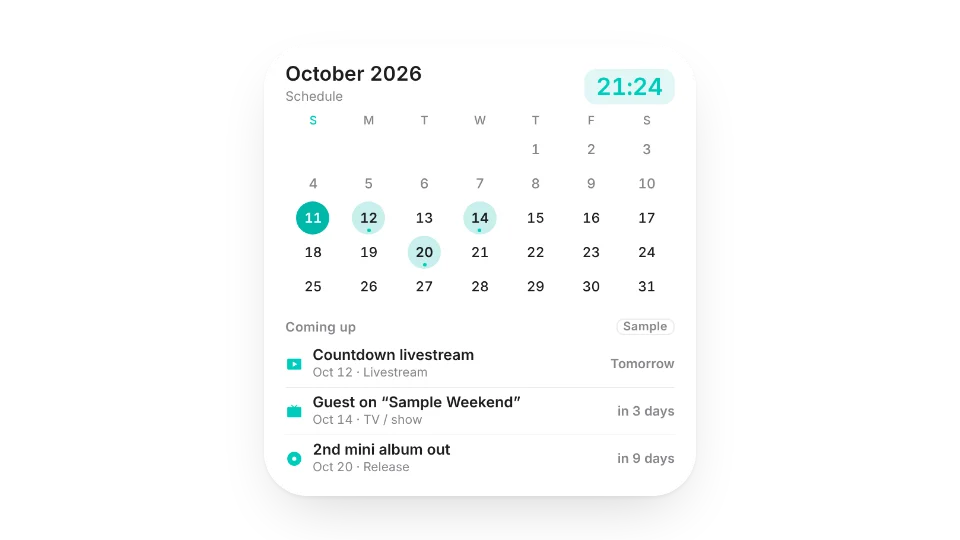
Fave Schedule Calendar — A calendar and clock in your fave's color that marks their birthday, releases, TV, livestreams and shows — you add the plans, birthdays can repeat yearly
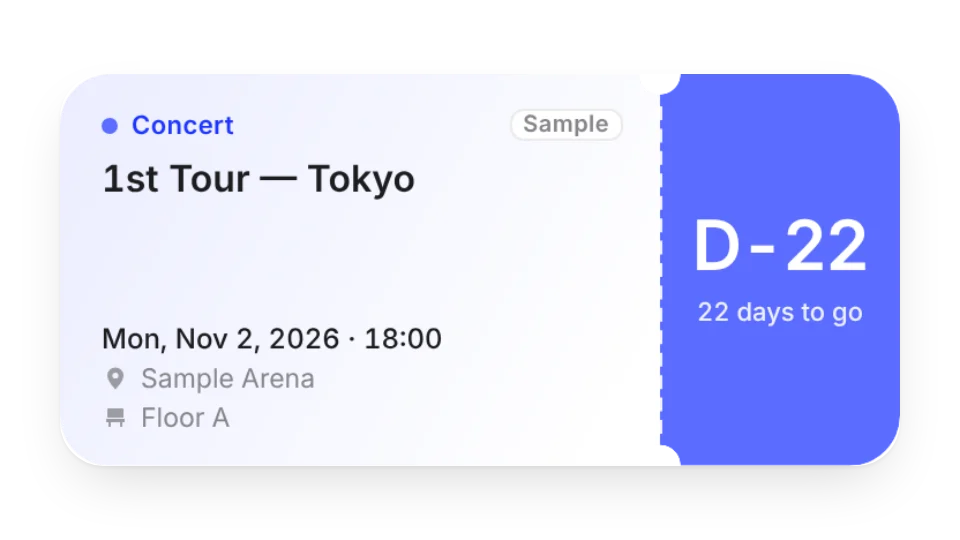
Show Countdown — Ticket-style D-day countdown for concerts, fan meetings and fansigns — list several shows, past ones fade out, and see how many you've been to this year
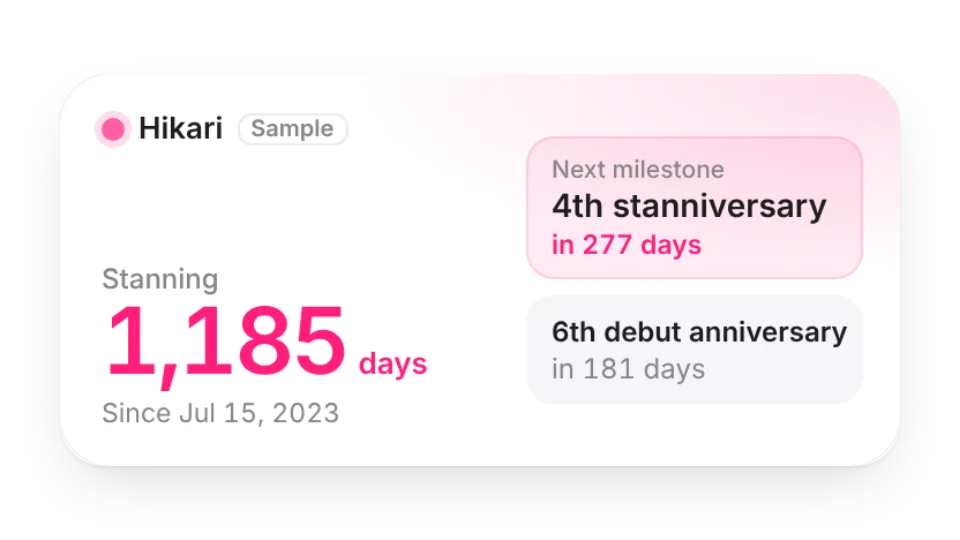
Stan Days — How many days you've been a fan, with milestones like 100 days, 1,000 days and each anniversary — plus a countdown to their debut anniversary
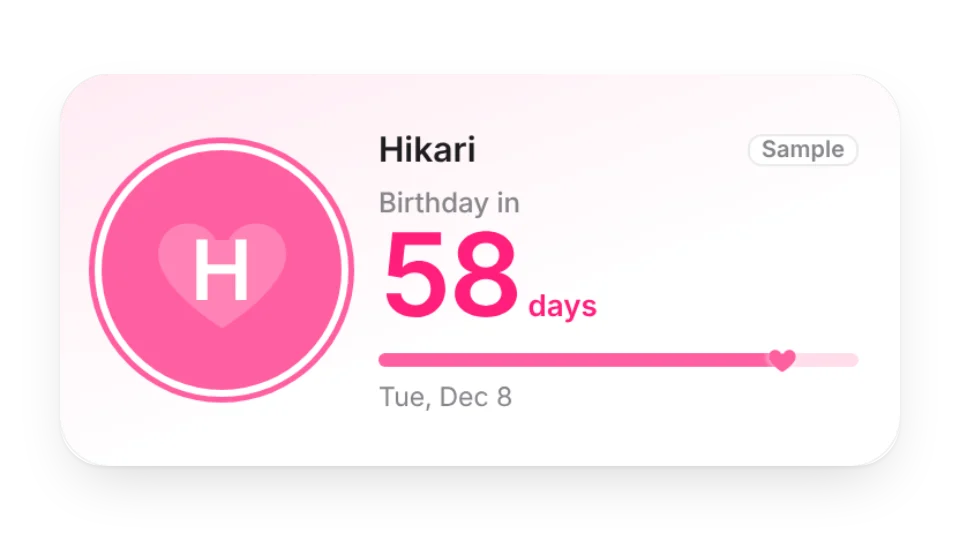
Bias Birthday Countdown — Count down to your fave's birthday in their color — on the day it turns into a birthday celebration with confetti
Animated icons (2)
Daily Fan Stamp — A stamp-style icon in your fave's color with a new fan phrase every day (ICONIC, SLAY, LEGEND…) or your own; on their birthday it turns into HBD
Fave-Color Heart Badge — A heart icon in your fave's color with their name inside — shows your stan days, wears a crown on their birthday and marks their debut anniversary
Add it to Notion in 3 steps
Pick a widget:Open a card, then click Create widget. You'll need to sign in — an email code is all it takes.
Make it yours:Change the text, colors, size and other options in the editor. The preview updates as you go.
Copy the link into Notion:Click Copy link, type /embed on a Notion page and paste it (or paste the link and choose Embed). Drag the corners to resize.
No. You add birthdays, plans, shows and spending yourself in the editor. The widgets don't read any platform and never show follower counts or view numbers.
Can I add photos of my fave?
The Daily Fave Photocard shows only photos you upload yourself (please only use images you have the right to use) — a new one each day, random or as a slideshow. The other widgets don't need photos.
Which time zone are dates based on?
By default, the viewer's local date. You can also lock a widget to Japan, Korea, China or another time zone — for example, to celebrate on your fave's local birthday.
Are these widgets free?
9 of the 10 widgets on this page are free; the 1 marked Pro need a Pro membership. Free accounts can create a limited number, Pro has no limit.
Do they work in the Notion mobile and desktop apps?
Yes. Widgets are regular web embeds, so they show up in Notion on the web, on desktop and in the mobile app, as long as the device is online.
What language are the widgets in? Is there dark mode?
Widget text follows each visitor's browser language — English, Japanese, Simplified or Traditional Chinese. Most widgets also switch between light and dark with the system setting.
Can I use them outside Notion?
Anywhere that can embed a web page: Obsidian, FlowUs, Wolai, or your own website with an iframe.