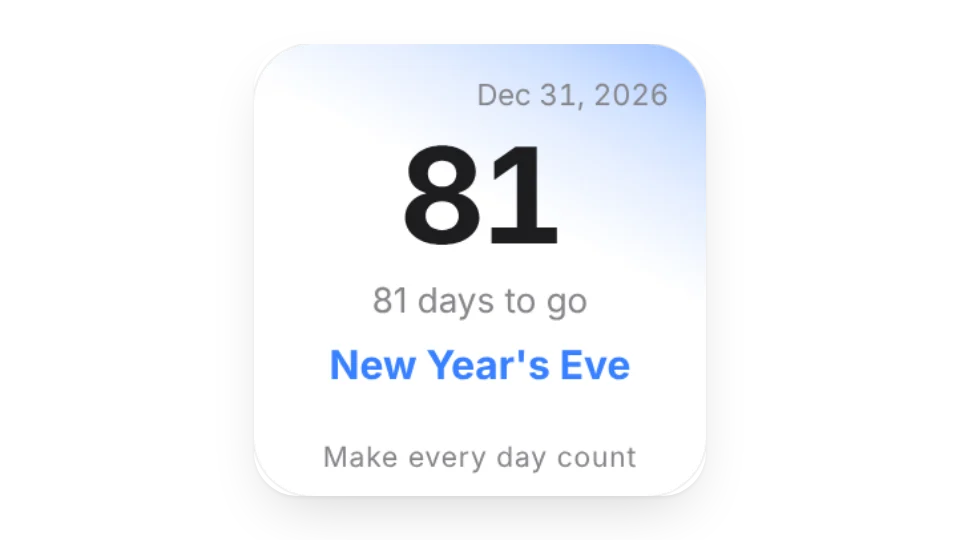
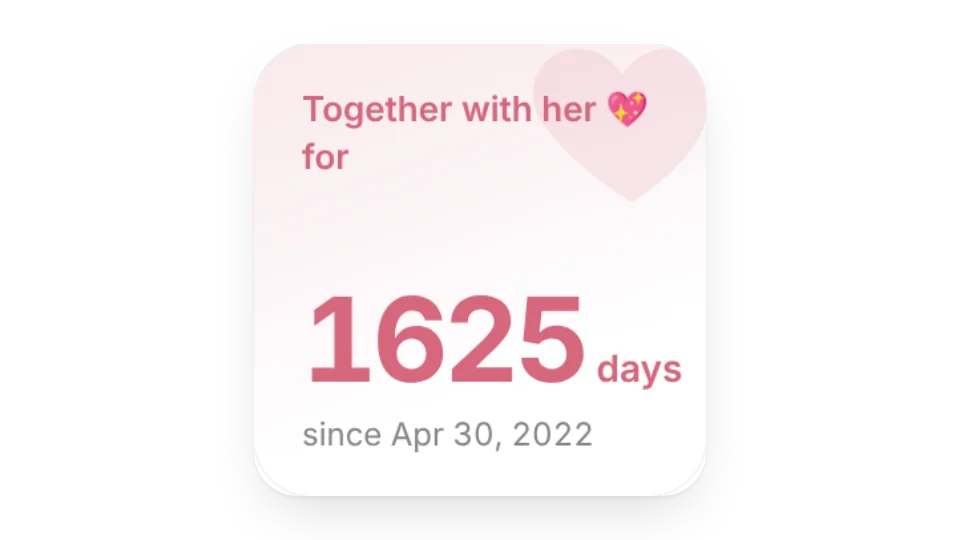
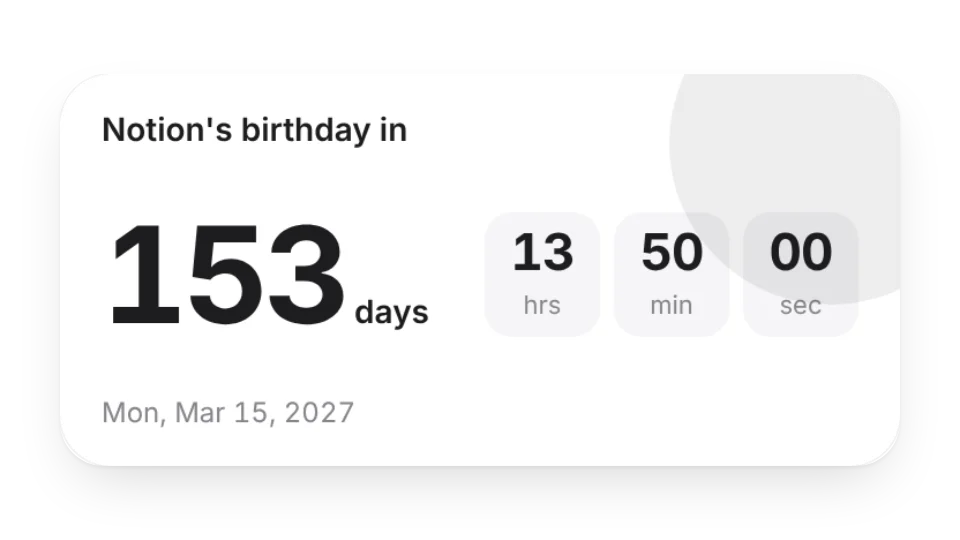
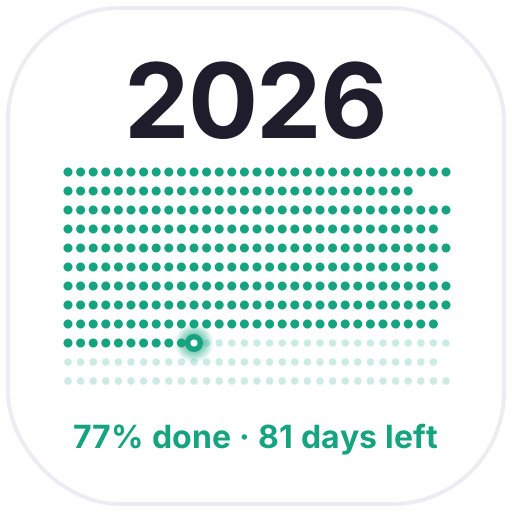
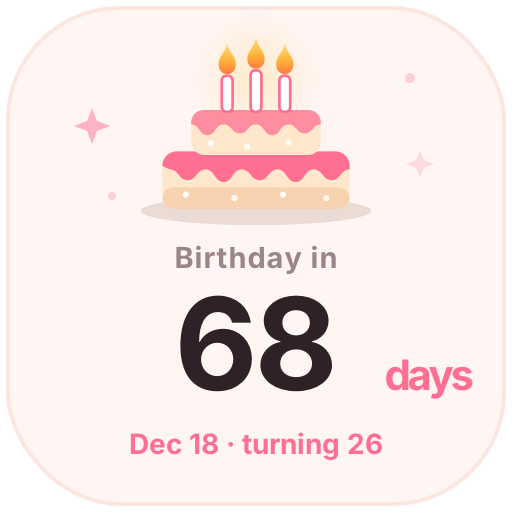
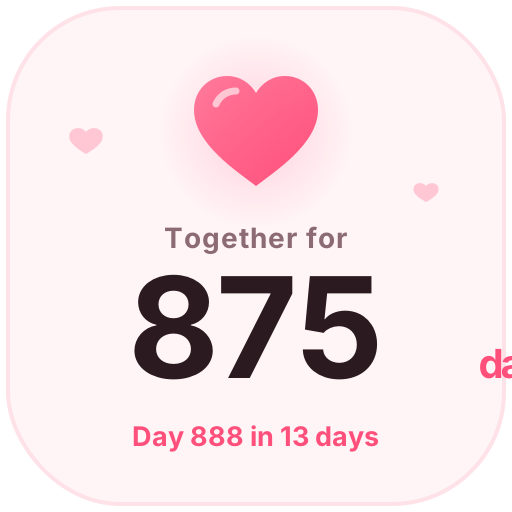
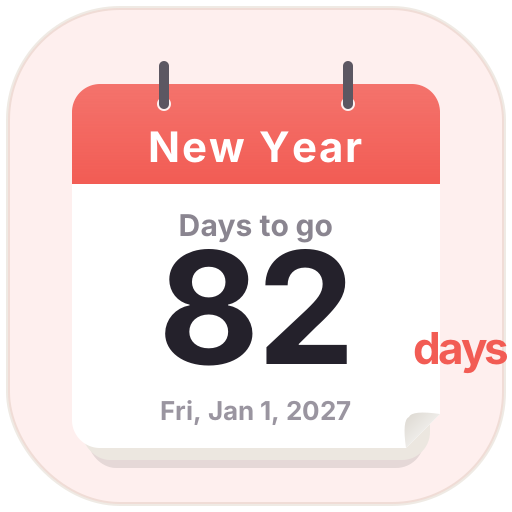
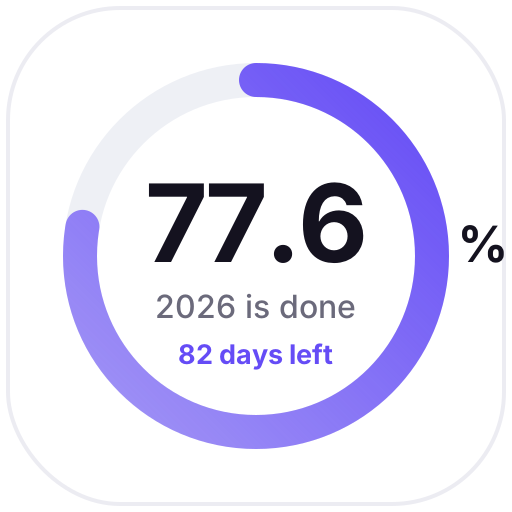
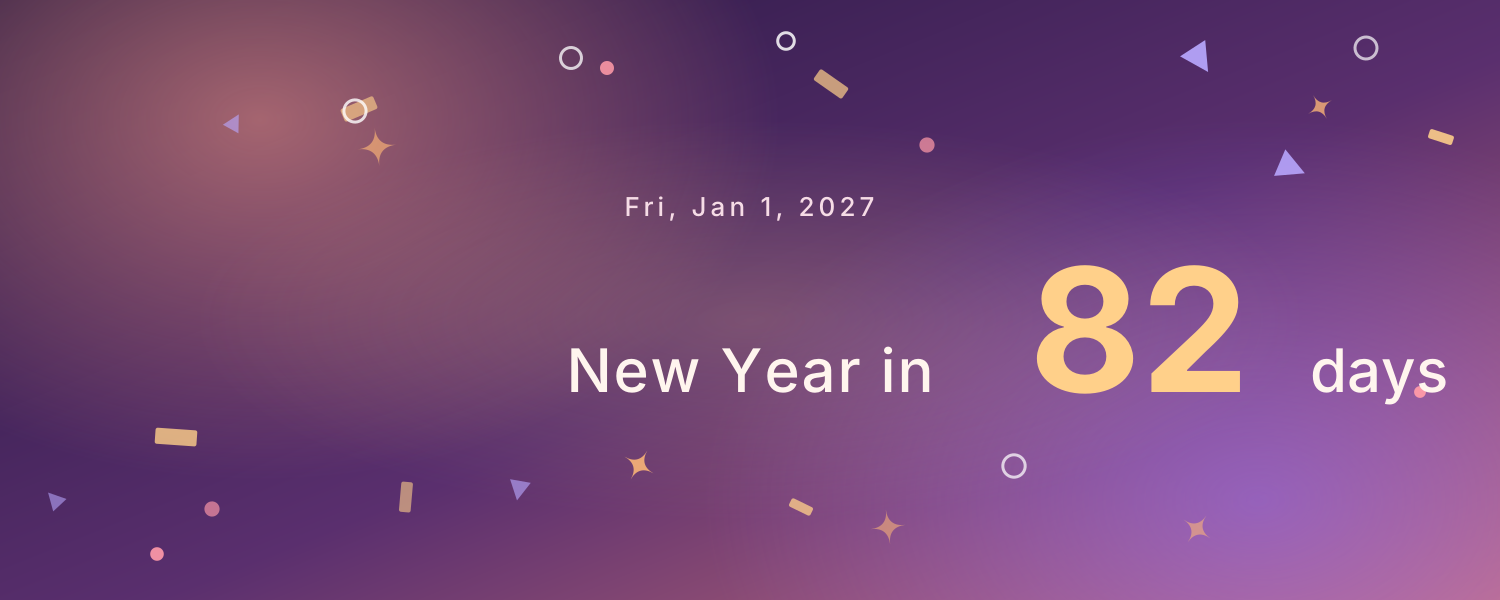
Exams, trips, launch days, anniversaries — put a countdown on a Notion page and see how many days are left every time you open it. The embeddable widgets include a date countdown (it can count up too), a birthday countdown, a relationship anniversary counter and a holiday countdown.
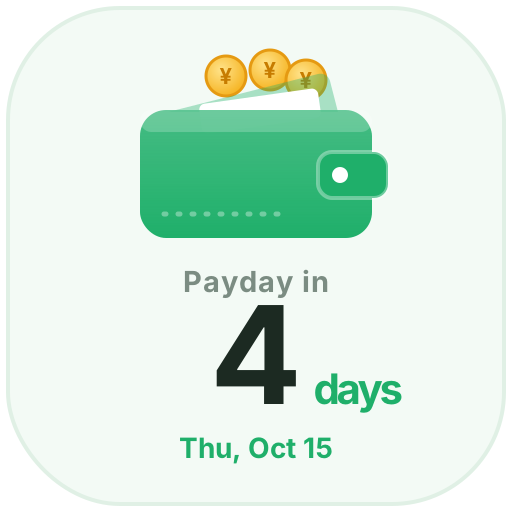
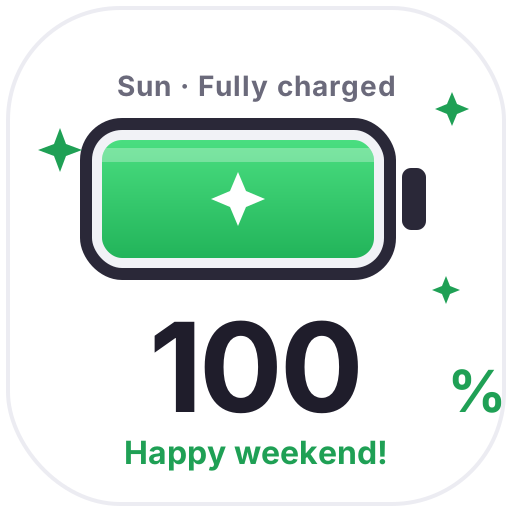
If you want the page icon itself to count down, use an animated icon: Countdown Days, Payday, Clock-Out Countdown, Weekend Battery and more update every day, and the Countdown Banner works as a page cover.
Widgets (3)
Date Countdown · Pro — Count down to a date, mark anniversaries or count up from a day
It depends on the widget: the date countdown can count up from a day instead, the birthday countdown rolls over to next year's birthday, and the Countdown Banner shows the days since.
Are these widgets free?
12 of the 13 widgets on this page are free; the 1 marked Pro need a Pro membership. Free accounts can create a limited number, Pro has no limit.
Do they work in the Notion mobile and desktop apps?
Yes. Widgets are regular web embeds, so they show up in Notion on the web, on desktop and in the mobile app, as long as the device is online.
What language are the widgets in? Is there dark mode?
Widget text follows each visitor's browser language — English, Japanese, Simplified or Traditional Chinese. Most widgets also switch between light and dark with the system setting.
Can I use them outside Notion?
Anywhere that can embed a web page: Obsidian, FlowUs, Wolai, or your own website with an iframe.