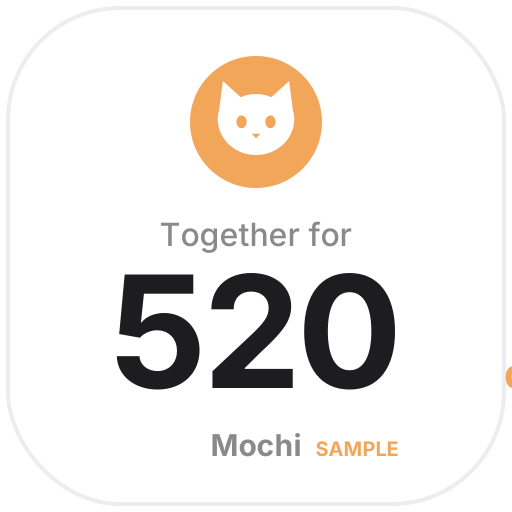
The gotcha day counter shows how many days your pet has been home, the next milestone (100 days, 1,000 days, each anniversary) and their next birthday. Pet Age converts cats and small, medium and large dogs into human years using a widely cited chart and is clearly marked as an estimate. Care Reminders takes the last date and how often (every 1, 3 or 12 months…) and shows what's due next, with overdue items in red — follow your vet's schedule.
The walk and meal log records each tap and shows today's count, the last 7 days and your streak, saved to your own My Data where you can export it any time. The sample pets and avatars are fictional, hand-drawn icons — no real photos — and the days-together icon sits next to a Notion page title and counts up every day.
 Pet Walk & Meal LogWalks, meals, litter, fresh water: tap to log, see today's count, the last 7 days and your streak — saved to My Data
 Pet Care RemindersDeworming, vaccines, checkups, grooming: enter the last date and how often, and see what's due next — overdue items turn red
 Pet Age in Human YearsSee your cat's or dog's age in human years (small, medium and large dogs), with life stage and next birthday — an estimate from a common chart
 Gotcha Day CounterHow many days your pet has been home, the next milestone (100 days, 1,000 days, gotcha day anniversaries) and a birthday countdown
Open a card, then click Create widget. You'll need to sign in — an email code is all it takes.
Change the text, colors, size and other options in the editor. The preview updates as you go.
Click Copy link, type /embed on a Notion page and paste it (or paste the link and choose Embed). Drag the corners to resize.
Help: Embed in Notion, Obsidian, FlowUs and other apps