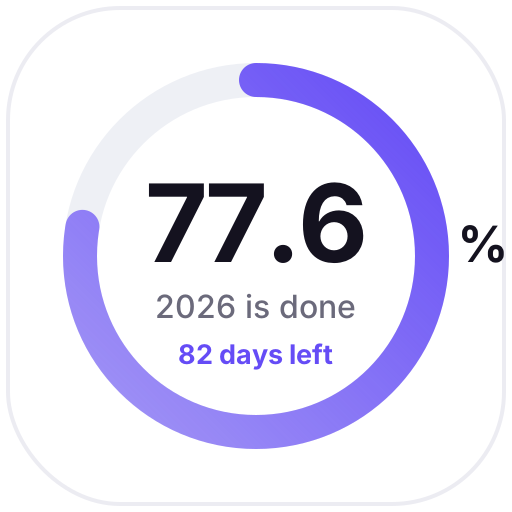
A Notion page icon is usually an emoji or a fixed image. Animated icons are images generated for the current day: a calendar icon shows today's date, a countdown drops a day, a progress ring moves forward a little.
Once set as a page icon, it also shows in the sidebar and in links to the page. They're grouped by theme below, and you can change colors, text and other options.
Animated icons (32)
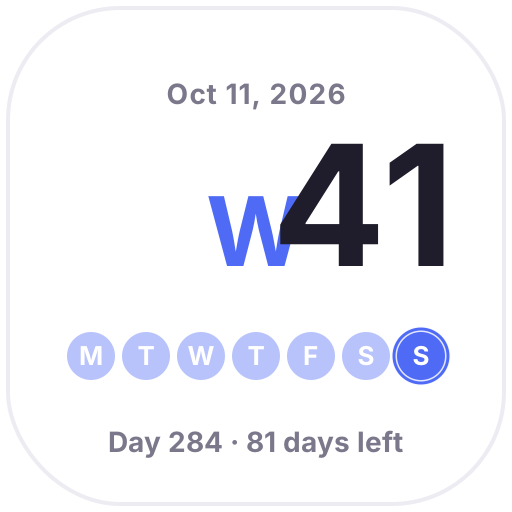
Week Number — Today's week number in big type, dots for this week's progress and the day of the year, updated daily
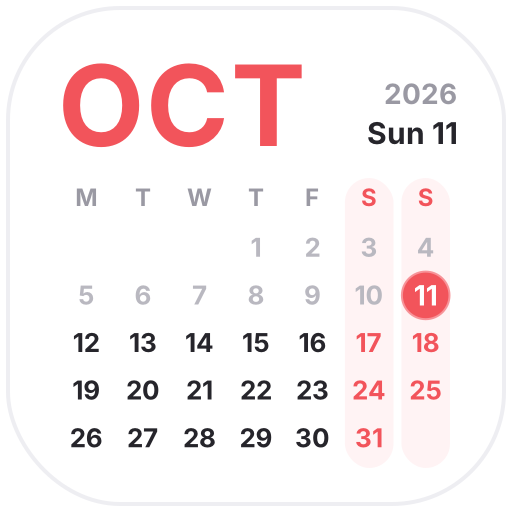
This Month — A clean monthly calendar with a big month name, softer weekends and a glowing ring on today
Live Calendar — A calendar icon that always shows today's date
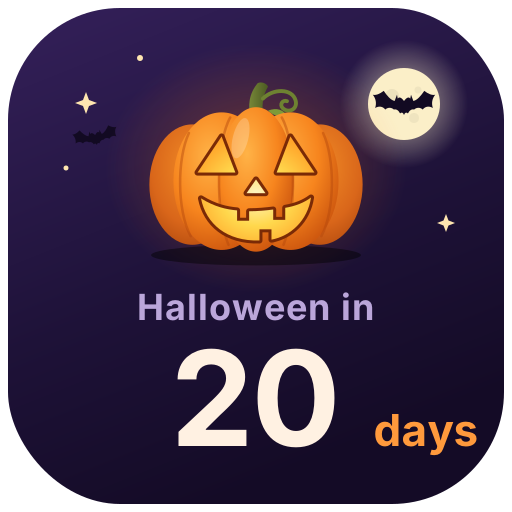
Halloween Countdown — A glowing jack-o'-lantern counts down the days to Halloween (Oct 31), says Happy Halloween on the day, then starts counting to next year
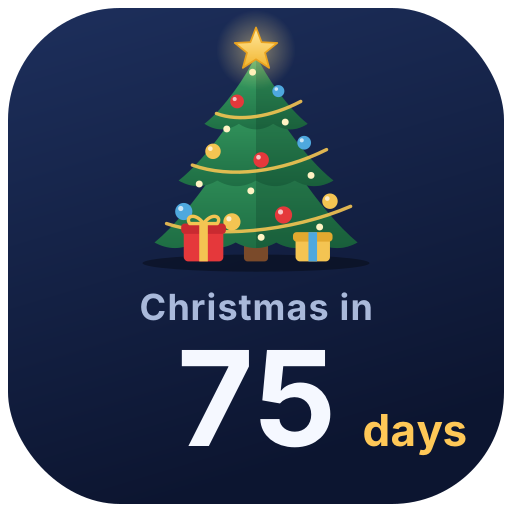
Christmas Countdown — A twinkling Christmas tree with ornaments and falling snow counts down to Christmas, with greetings on Christmas Eve and Christmas Day
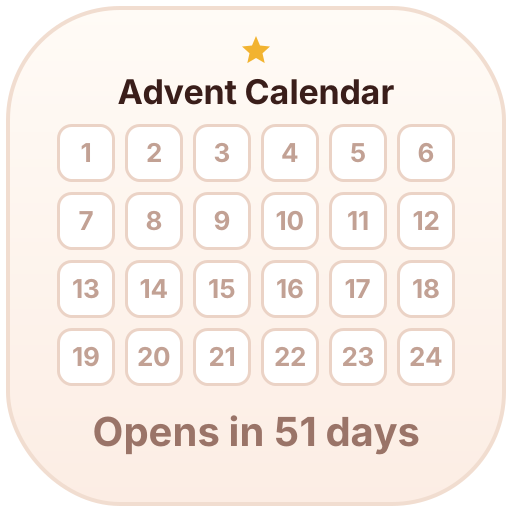
Advent Calendar — Lights up one box a day from Dec 1 to 24 as you count down to Christmas; the rest of the year it shows how many days until it opens
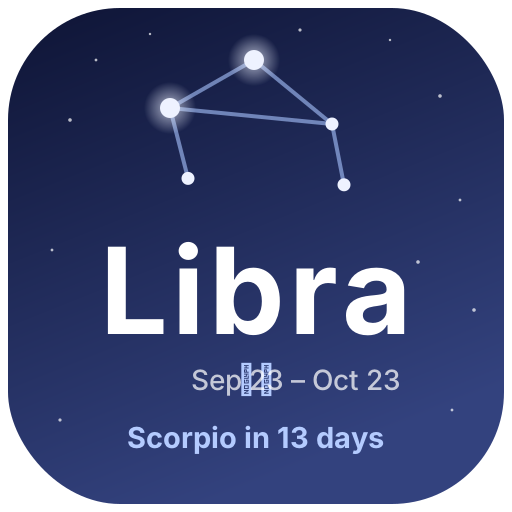
Zodiac Season — The current zodiac season with a twinkling constellation, plus the days until the next sign
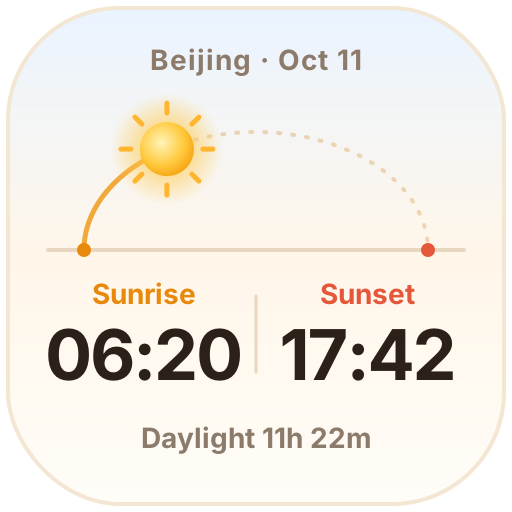
Sunrise & Sunset — Pick a city to see today's sunrise, sunset and day length. The sun moves along its arc, and the moon and stars come out at night
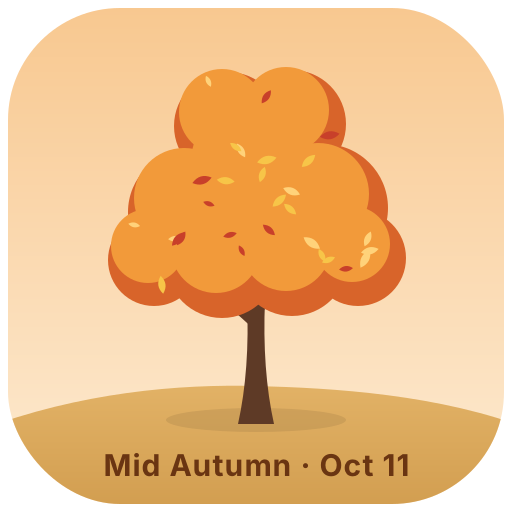
Four Seasons Tree — A little tree that changes with the seasons: cherry blossoms, summer leaves, autumn colors and winter snow drifting down
Day & Night Clock — The sun and moon rise and set across the sky on Beijing time, and the sky shifts from dawn to midnight
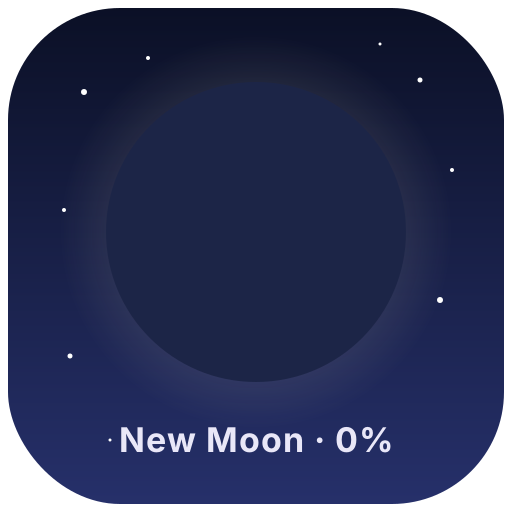
Moon Phase — Tonight's moon drawn from the real lunar cycle: new, crescent, quarter, full… changing every day
Pick an animated icon:Choose one from the animated icon library, click Create and sign in.
Set it up:Set the date, text, colors and other options. The preview shows how it looks today.
Use it as your Notion page icon:Copy the image link, click the page icon in Notion, choose to add a custom image by link and paste it. It updates by itself every day.