Keep music next to your notes instead of switching apps. The Spotify widgets use Spotify's official player for songs, playlists, albums, artists and podcasts — just paste a Spotify link. The large playlist size shows the full track list.
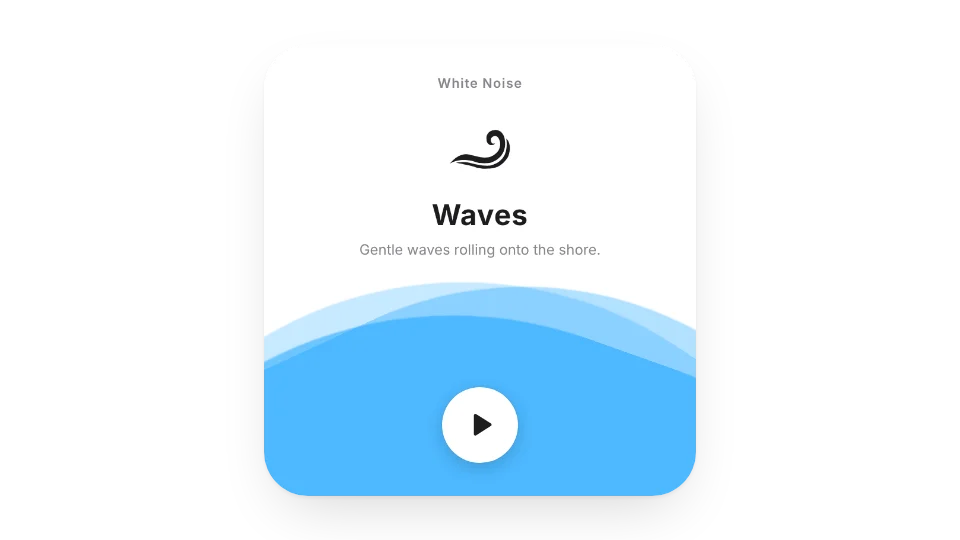
When you need to focus, White Noise plays nature sounds right on the page.
Widgets (4)
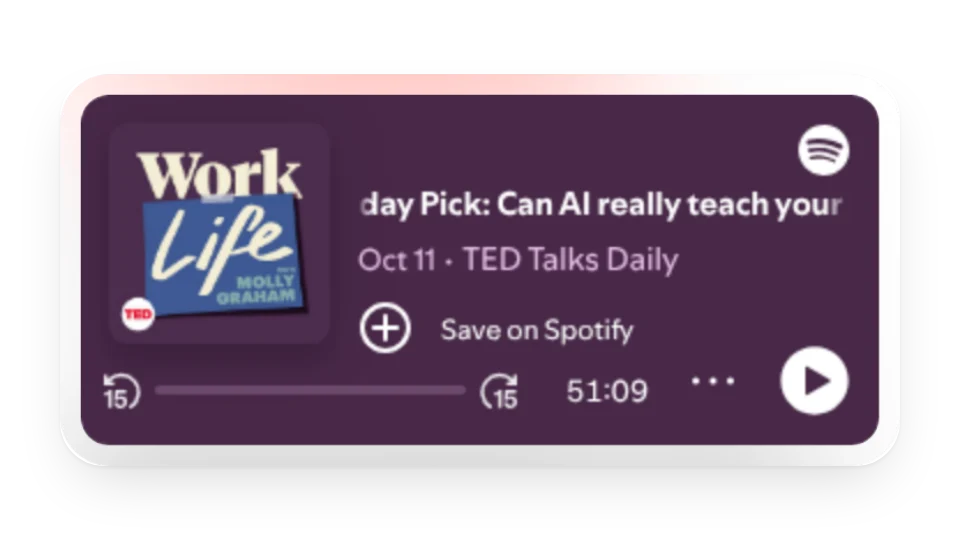
Spotify Podcast — Embed a podcast show or episode with Spotify's official player, and listen right next to your notes
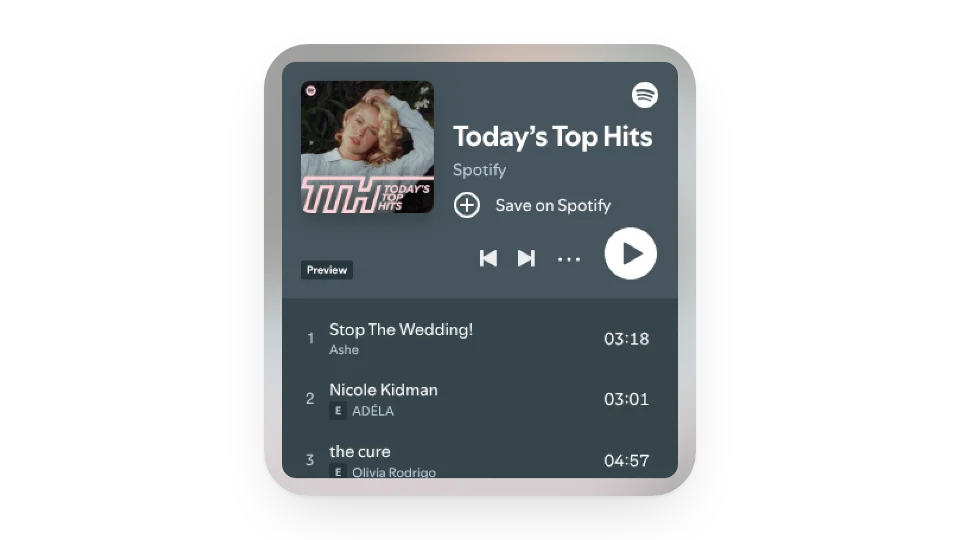
Spotify Playlist & Album — Embed a playlist, album or artist with Spotify's official player. The large size shows the full track list
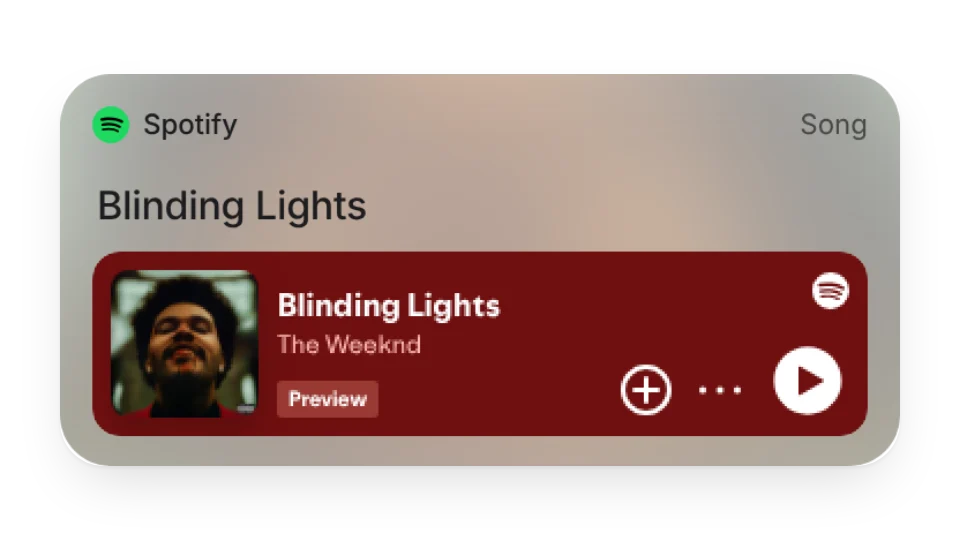
Spotify Song — Embed a song with Spotify's official player, with the cover, title and playback in one card
White Noise — Nature sounds to help you focus, relax and stay productive
Add it to Notion in 3 steps
Pick a widget:Open a card, then click Create widget. You'll need to sign in — an email code is all it takes.
Make it yours:Change the text, colors, size and other options in the editor. The preview updates as you go.
Copy the link into Notion:Click Copy link, type /embed on a Notion page and paste it (or paste the link and choose Embed). Drag the corners to resize.
Does it play full songs? Do I need to sign in to Spotify?
Playback comes from Spotify's official player: without signing in to Spotify you usually get previews, and when you're signed in it plays according to your Spotify account.
Are these widgets free?
All 4 widgets on this page are free. Sign in to create them — free accounts can create a limited number, Pro has no limit.
Do they work in the Notion mobile and desktop apps?
Yes. Widgets are regular web embeds, so they show up in Notion on the web, on desktop and in the mobile app, as long as the device is online.
What language are the widgets in? Is there dark mode?
Widget text follows each visitor's browser language — English, Japanese, Simplified or Traditional Chinese. Most widgets also switch between light and dark with the system setting.
Can I use them outside Notion?
Anywhere that can embed a web page: Obsidian, FlowUs, Wolai, or your own website with an iframe.