Game Time Tracker logs play time with +15 / +30 / +60 taps, shows a heatmap, this week's hours against an optional plan or limit and a day-by-day bar chart, saved to your own My Data. The game library lines up games you're playing, in your backlog, beaten or on hold as cards — upload a photo of your own game box, or let the widget generate a gradient card.
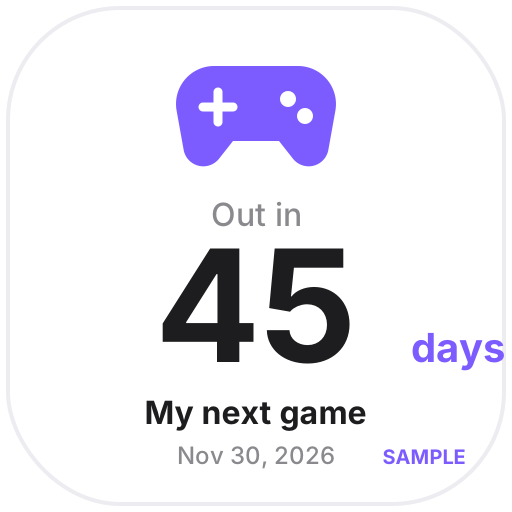
Game Progress tracks how far you are with a progress bar and your own milestones (chapters, bosses, collectibles, 100%), and the release countdown icon shows the days until a launch date you enter. We don't pull data from Steam or any platform and don't use official game logos or screenshots — the sample games are fictional and labeled “Sample”.
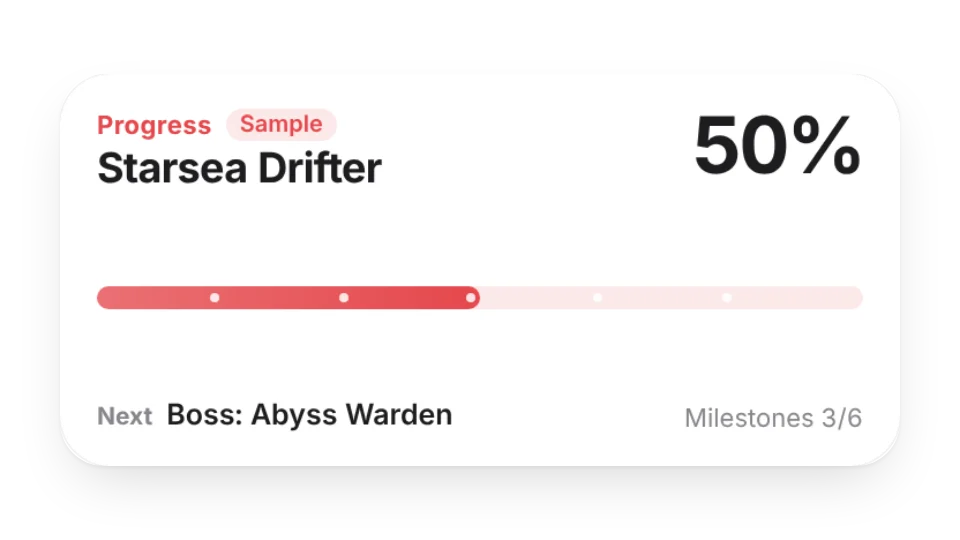 Game ProgressTrack how far you are in a game: a progress bar plus your own milestones — chapters, bosses, collectibles, 100% — ticked off as you go, with hours played and days since you started
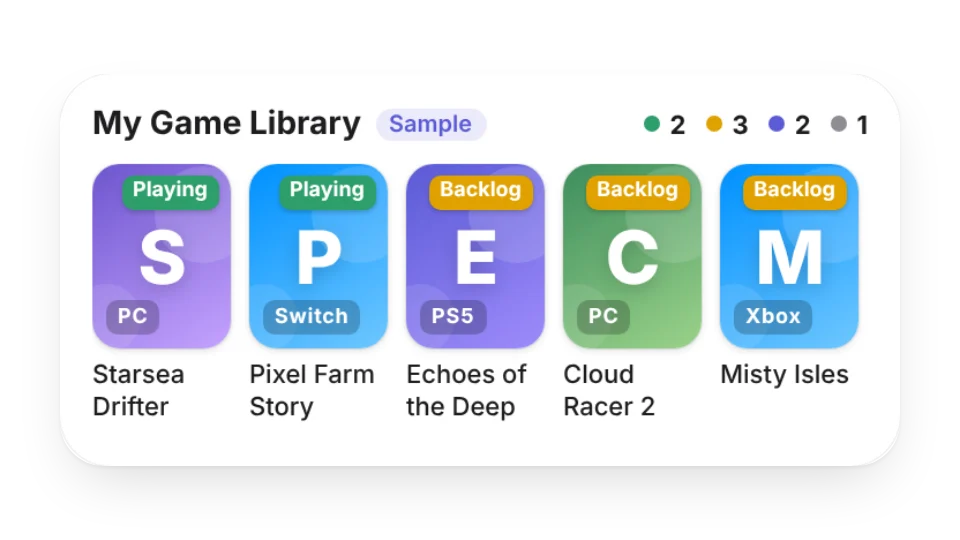 Game Library & BacklogLine up the games you’re playing, plan to play, have beaten or put on hold as cards — add your own cover photos or get a generated gradient card — with counts for each status
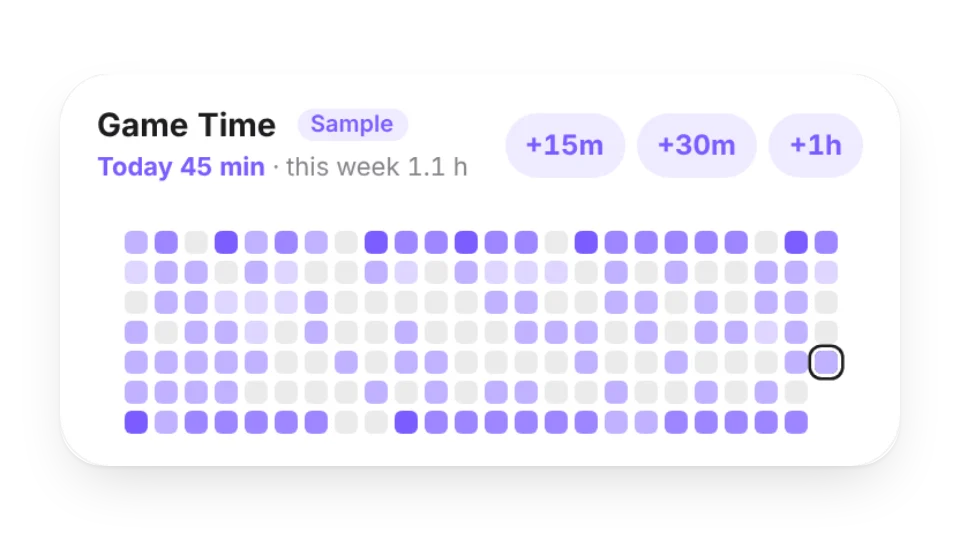 Game Time TrackerLog how long you play with +15 / +30 / +60 taps. See a heatmap, this week’s hours against an optional weekly plan or limit, and a day-by-day bar chart — saved to My Data
Open a card, then click Create widget. You'll need to sign in — an email code is all it takes.
Change the text, colors, size and other options in the editor. The preview updates as you go.
Click Copy link, type /embed on a Notion page and paste it (or paste the link and choose Embed). Drag the corners to resize.
Help: Embed in Notion, Obsidian, FlowUs and other apps