
Recipe of the Day rotates one dish a day from the recipes you add (in order or shuffled), with cooking time, ingredients, short steps and your own photo if you like. The weekly meal plan holds breakfast, lunch and dinner for each day, highlights today and shows the whole week plus a meal-prep note on the large size. We don't pull recipes from any site or app — the sample recipes are our own simple home-cooking notes, labeled “Sample”.
The shopping list keeps your usual groceries in the widget; tap to tick items off and the ticks are saved to your own My Data, clearing every Monday (or daily). Cook or Takeout logs each meal and shows your home-cooked share, counts and spending this month. Kitchen Timers turns times like “eggs 8 min” into buttons you can run at once, with a chime generated in the browser.
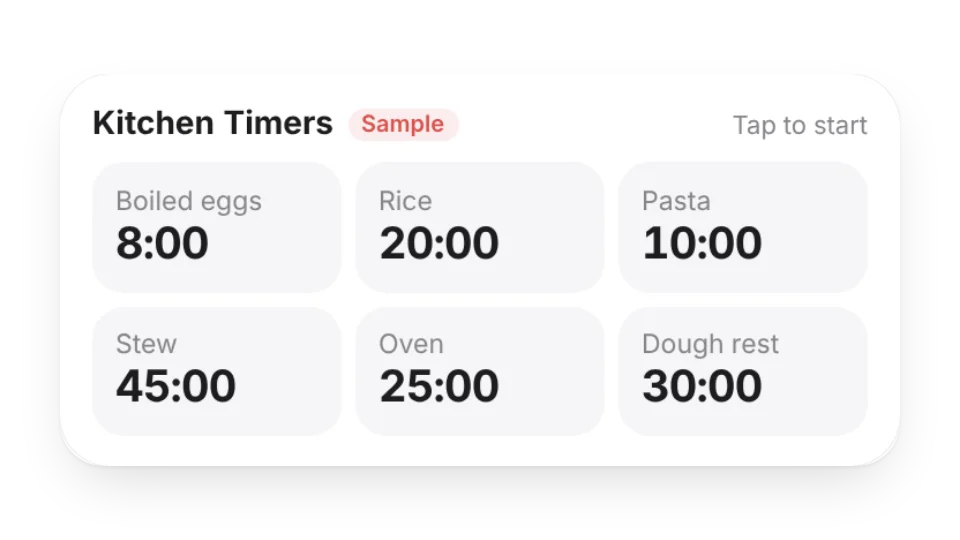 Kitchen TimersTurn your usual cooking times into buttons — eggs 8 min, rice 20 min — and run several at once. A gentle chime and a flashing tile tell you when each one is done; pause or cancel right on the card
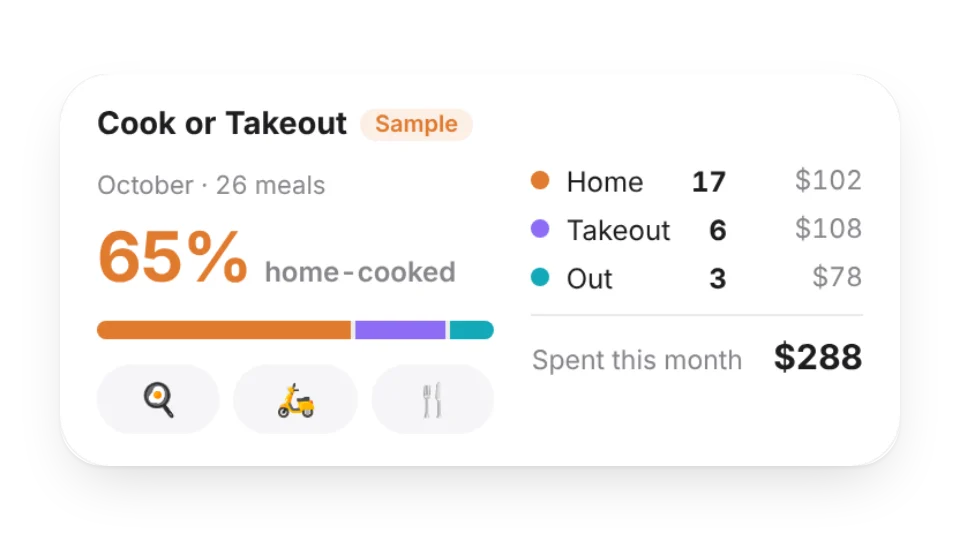 Cook or TakeoutTap after each meal — home-cooked, takeout or eating out — and optionally what it cost. See this month’s home-cooked share, counts and spending, plus the last 6 months on the large size. Saved to My Data
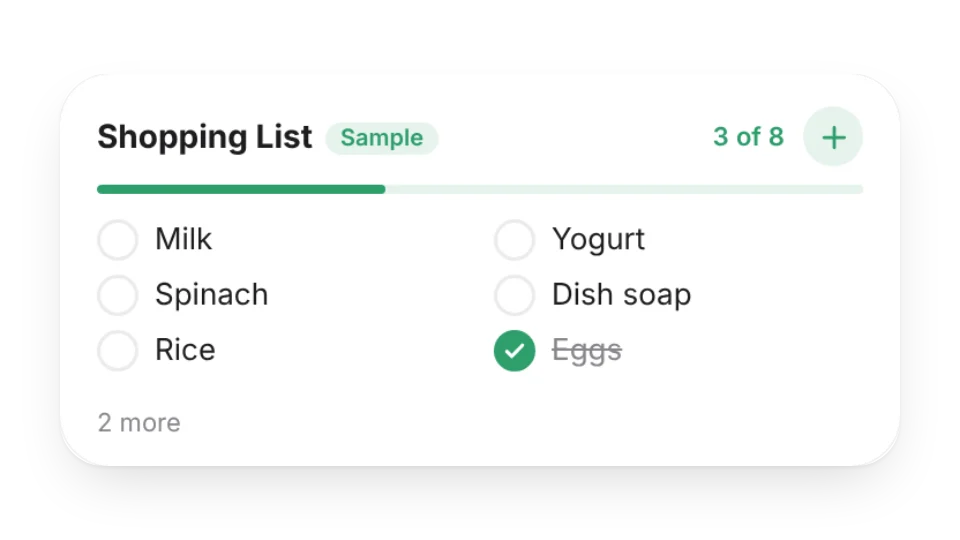 Shopping ListKeep your usual groceries in the widget, tap to tick them off as you shop, or add something on the go. Ticks are saved to My Data and clear every Monday (or every day)
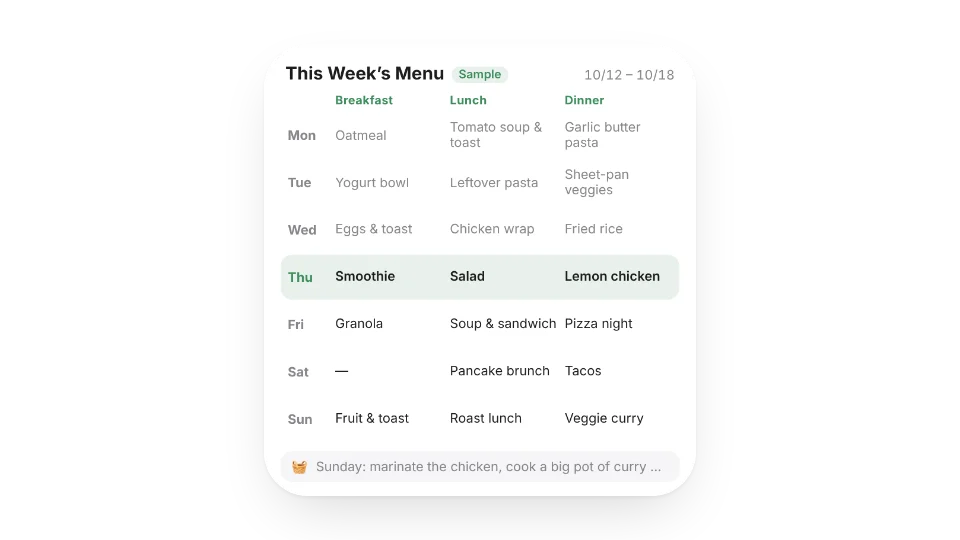 Weekly Meal PlanPlan breakfast, lunch and dinner for each day of the week — today is highlighted. Medium shows today and tomorrow; large shows the whole week plus a meal-prep note
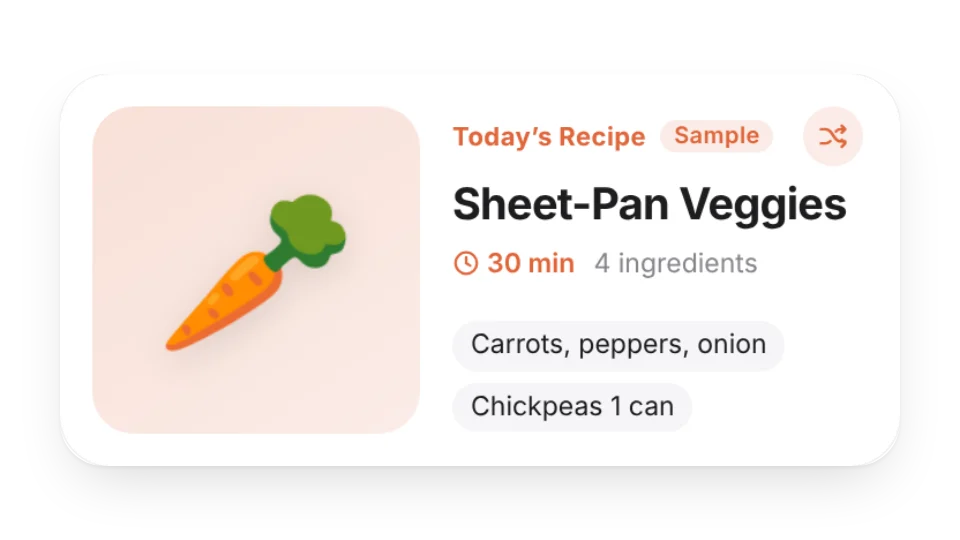 Recipe of the DayRotates one dish a day from your own recipe box — name, cooking time, ingredients and short steps, with your own photo if you like. Tap shuffle when you want something else
Open a card, then click Create widget. You'll need to sign in — an email code is all it takes.
Change the text, colors, size and other options in the editor. The preview updates as you go.
Click Copy link, type /embed on a Notion page and paste it (or paste the link and choose Embed). Drag the corners to resize.
Help: Embed in Notion, Obsidian, FlowUs and other apps