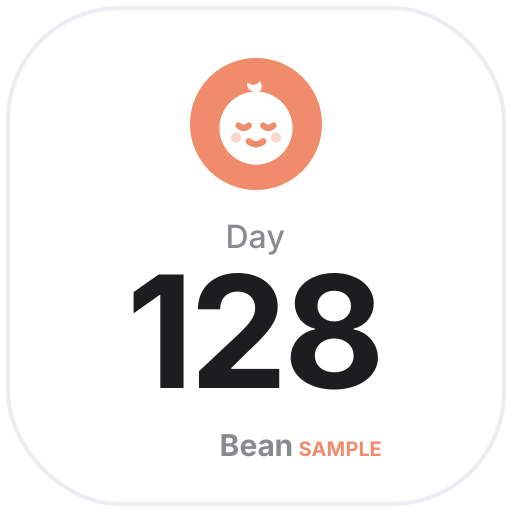
The baby age tracker shows how many days old your baby is, their age in months and days, and the next milestone (1 month, 100 days, half birthday, 1st birthday, 1,000 days), or counts down to the due date. The growth chart plots the heights and weights you log over 3 months to a year — a record only, with no assessment and no standard percentile curves. The feeding and diaper log records each tap and shows today’s counts and time since the last one. These three save to your own My Data, which you can export any time.
The chore rotation assigns chores to family members in turn and rotates every week (or day, two weeks, month). Family Dates lists birthdays, anniversaries, trips and school events by date with days to go and ages. The fridge tracker sorts items by date, with items close to their date in yellow and past ones in red. All sample names are made up, and no real photos are used.
 Fridge Expiry TrackerMilk, meat and leftovers in the fridge, plus medicine and pantry items: add the use-by dates and see them in order — items close to the date turn yellow, past ones red
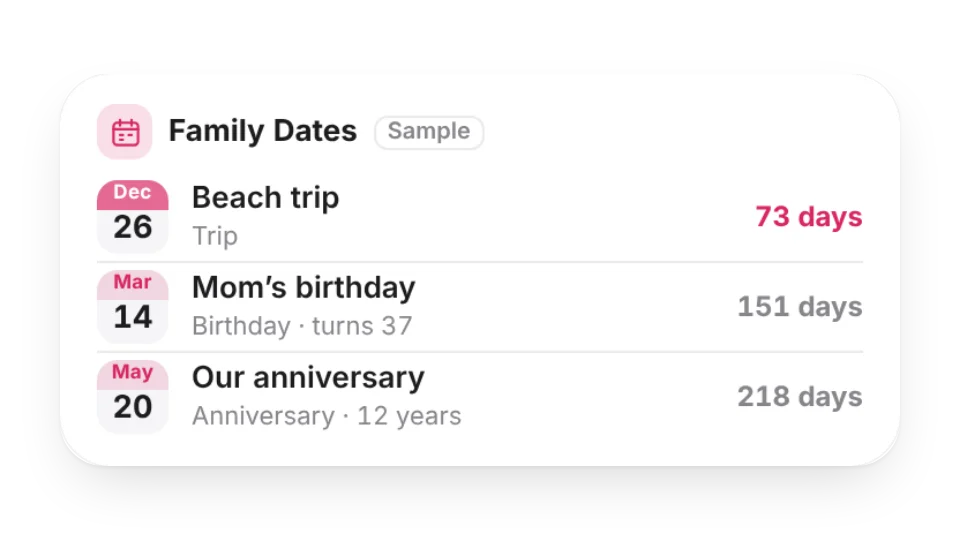 Family DatesFamily birthdays, anniversaries, trips and school events in one place — sorted by date, with days to go, how old they’re turning and which anniversary it is; repeat yearly, monthly or once
 Chore RotationTake turns with household chores: add your family and the chores, and it rotates automatically every week (or day, two weeks, month) — see who’s on what now and who’s next
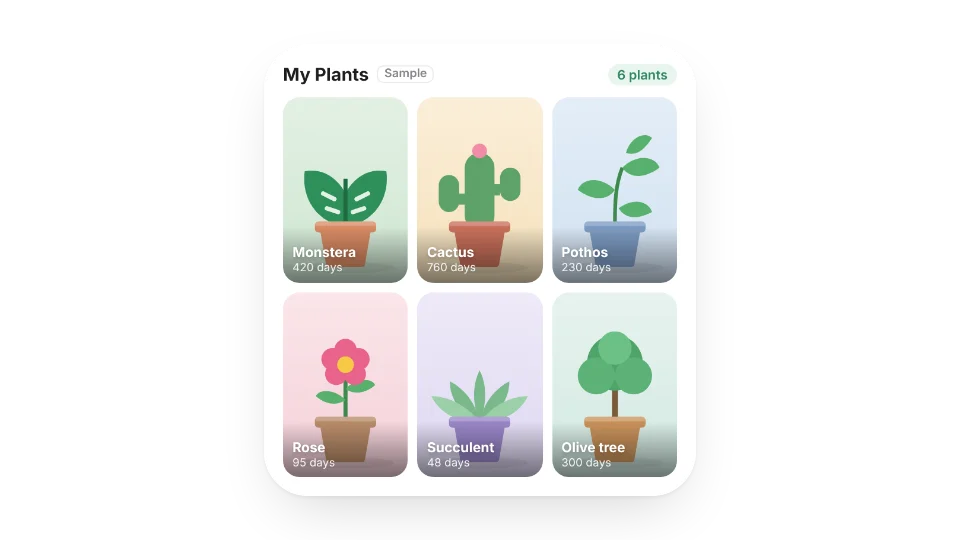 Plant WallTurn your own plant photos into a wall, with each plant’s name and how many days you’ve had it — the small size shows a different plant each day
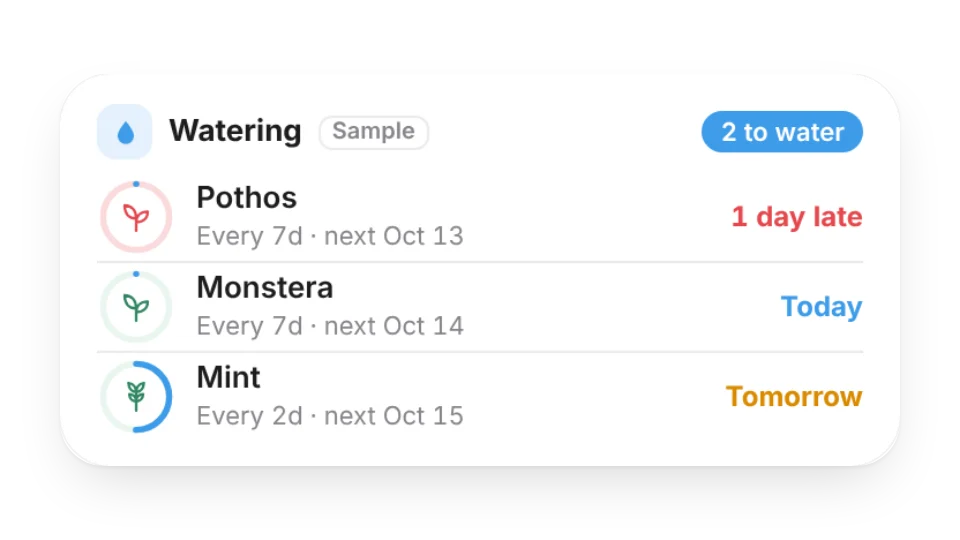 Plant Watering ReminderSet how often each plant needs water and when you last watered it, and see what’s due today and what’s next — late ones turn red. Connect My Data to log watering right from the widget
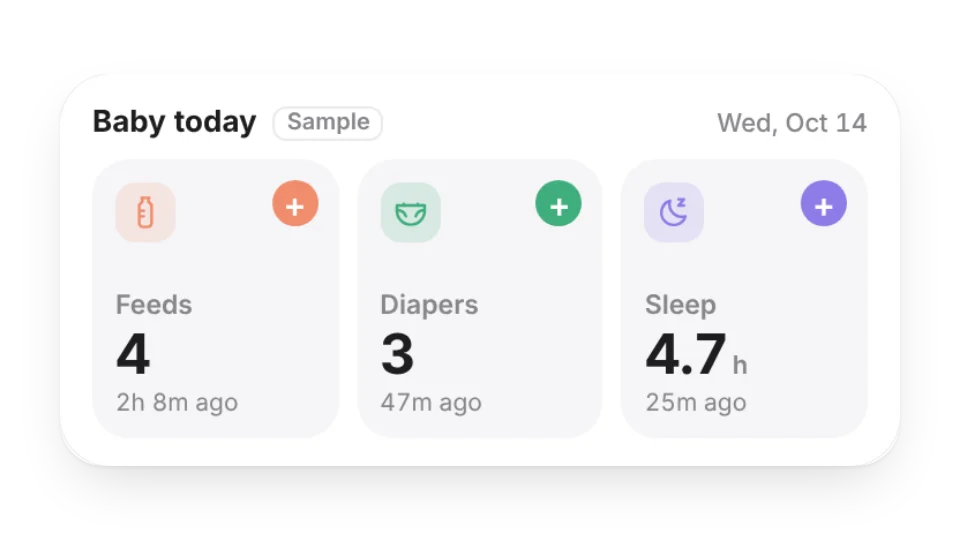 Baby Feeding & Diaper LogLog feeds, diaper changes and sleep with one tap: today’s counts, amount and total sleep, time since the last one, and the last 7 days in the large size — saved to My Data
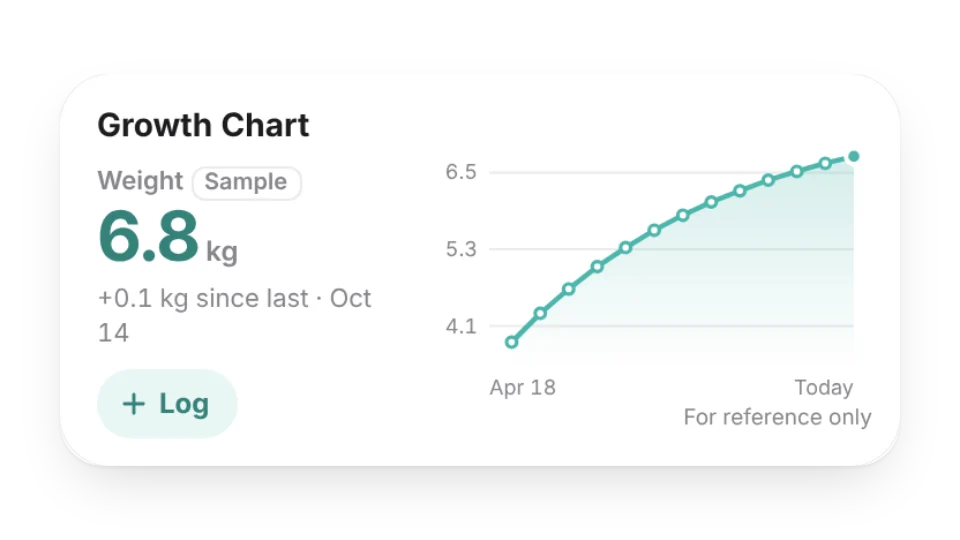 Baby Growth ChartLog height and weight whenever you measure and see the growth curve over 3 months to a year, plus the change since last time. A record only, not an assessment — saved to My Data
 Baby Age TrackerHow many days old your baby is, their age in months and days, and the next milestone (1 month, 100 days, half birthday, 1st birthday, 1,000 days) — or a countdown to the due date
Open a card, then click Create widget. You'll need to sign in — an email code is all it takes.
Change the text, colors, size and other options in the editor. The preview updates as you go.
Click Copy link, type /embed on a Notion page and paste it (or paste the link and choose Embed). Drag the corners to resize.
Help: Family & home widgets: baby, plants and choresEmbed in Notion, Obsidian, FlowUs and other apps