
Notion has no built-in timer. Embed the minimal Pomodoro Timer on your work page: pick a length and press start, pause or reset any time, and a ring shows how much is left. When time's up it chimes once and pulses. You can edit the presets — for example 25 minutes of focus and a 5-minute break.
The timer runs in your browser, stays accurate if you switch tabs, and saves or uploads nothing. Add white noise (waves, campfire, birdsong or rain) while you focus, list today's tasks in the Daily Checklist, and sit for a few minutes with the Meditation Timer on your break.
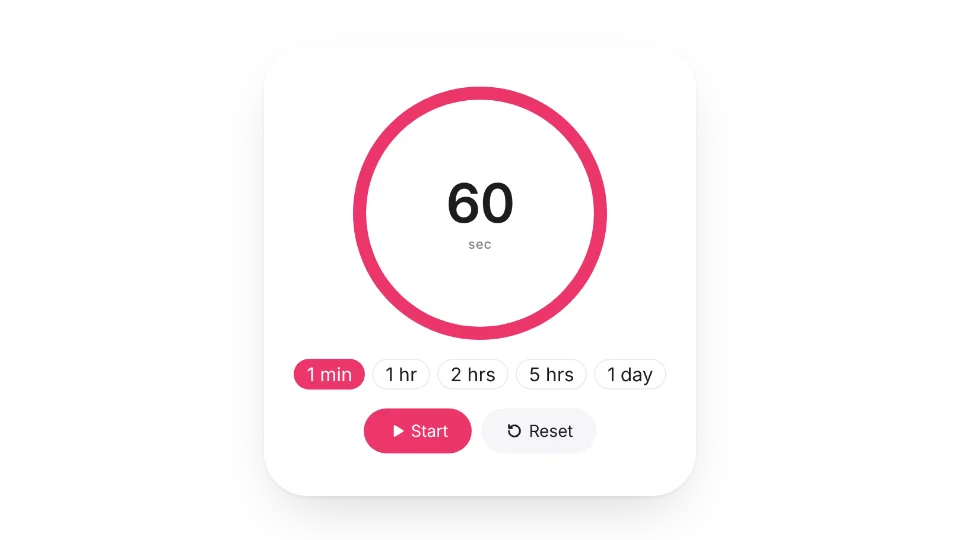 Pomodoro TimerA minimal Pomodoro timer to help you focus and beat procrastination
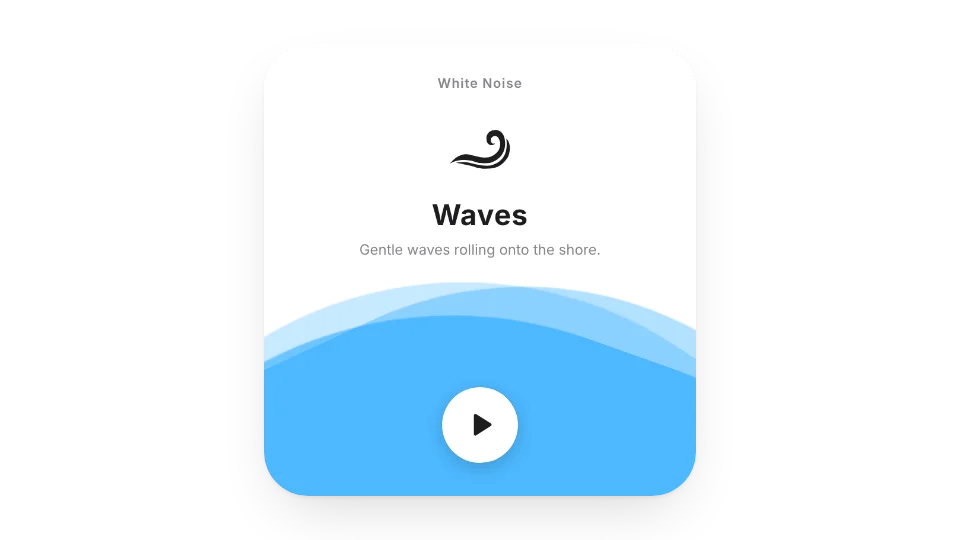 White NoiseNature sounds to help you focus, relax and stay productive
 Daily ChecklistA to-do list you can tick off and add to anytime. The progress bar updates live and resets every day
 Meditation TimerA quiet timer for sitting practice: a singing-bowl tone at the start and end, optional interval bells and settle-in time, with bowl, bell or wood-block sounds
Open a card, then click Create widget. You'll need to sign in — an email code is all it takes.
Change the text, colors, size and other options in the editor. The preview updates as you go.
Click Copy link, type /embed on a Notion page and paste it (or paste the link and choose Embed). Drag the corners to resize.
Help: Embed in Notion, Obsidian, FlowUs and other appsThe editor and My widgets