
A line that changes every day is an easy way to make a home or journal page feel alive. The Daily English Quote widget shows a classic English sentence every day.
For the top of a page, the Quote of the Day cover types out the day's quote and its author with a typewriter effect, rotating about 60 English and 60 Chinese quotes by date.
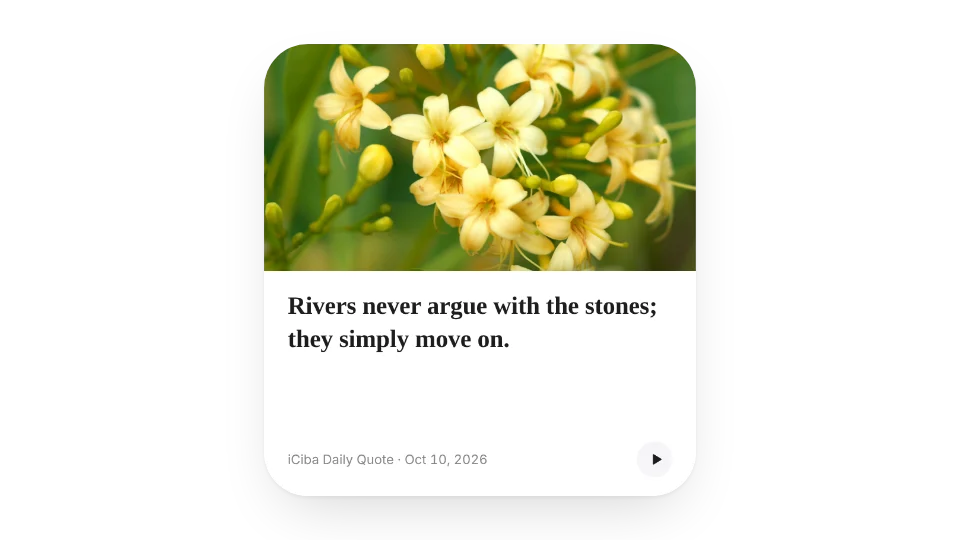
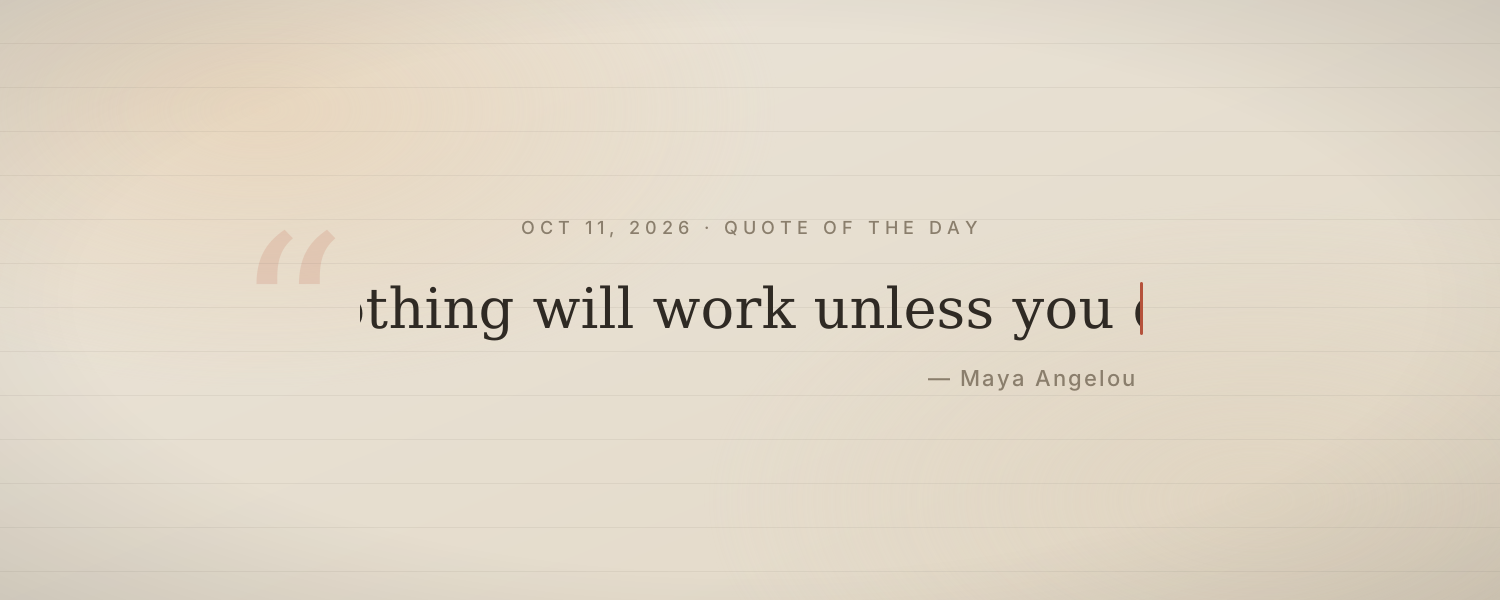
These rotate by date automatically and can't be edited line by line. To show your own words, use Typewriter Animation, Animated Text or a Sticky Note instead.
All 2 widgets on this page are free. Sign in to create them — free accounts can create a limited number, Pro has no limit.
Yes. Widgets are regular web embeds, so they show up in Notion on the web, on desktop and in the mobile app, as long as the device is online.
Widget text follows each visitor's browser language — English, Japanese, Simplified or Traditional Chinese. Most widgets also switch between light and dark with the system setting.
Anywhere that can embed a web page: Obsidian, FlowUs, Wolai, or your own website with an iframe.