
Fitness and reading widgets: runs, steps, weight and reading
How the running, step, weight and reading widgets save to My Data, plus how to use the training plan, stretch, race countdown, bookshelf and excerpts.
WidgetStore has 10 fitness and reading widgets, all free to use. Five of them record things — how far you ran, how many steps, how many pages — and save those entries to your own My Data tables. The other five are display widgets: what they show is what you enter in the editor.
Browse them in the library under Fitness and Reading, or see Notion fitness widgets and Notion reading widgets.
Widgets that record (connected to My Data)
| Widget | How you log on the widget | Table it saves to |
|---|---|---|
| Running Log | Tap Log run, enter distance and time (today or yesterday) | Workout log (distance, duration, note) — one entry per run |
| Step Goal Ring | Tap Log steps and enter today’s total | Counter (count) — one per day; the last total you enter wins |
| Weight Trend | Tap Log and enter your weight | Weight (weight — required, note) — one per entry; several in a day are averaged |
| Currently Reading | Tap +10 / +20 / +50 pages | Reading log (pages, minutes, book, note) — added up per day |
| Reading Log | Tap +10 / +20 / +30 (minutes or pages) | Reading log — added up per day |
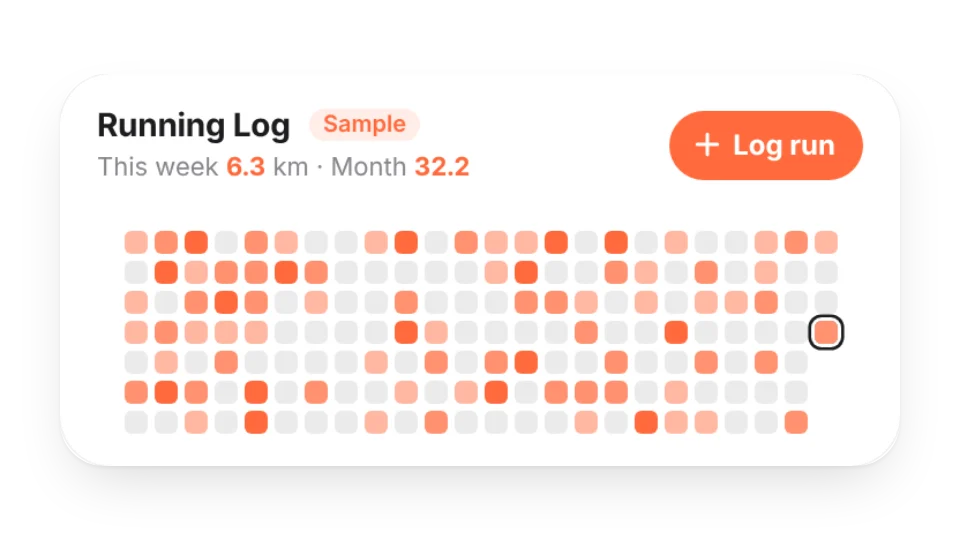
You connect them like any other widget: in the editor, find Where data is saved and click a button like Create “Running Log” and connect, or pick an existing table with matching fields. See Data source.
- Currently Reading and Reading Log can share one Reading log table — one adds pages, the other minutes, into the same entry for the day.
- How Currently Reading counts pages: your page = the page you were on at the start + pages logged in the table since the start date. Starting a new book? Set the start date to today and the start page to 0.
- Steps can be logged automatically: create a check-in link for your steps table and call it from a phone automation such as Shortcuts. The widgets never read any health app or fitness platform.
- Weight numbers are hidden by default: anyone with the embed link can see the widget, so the weight trend shows only the curve and whether it’s trending down, holding steady or trending up. Turn on Show numbers under Privacy in the editor to display values. The entries themselves are visible only to you in My Data.
Display widgets (settings only)
- Weekly Training Plan: what you’re doing each day — run, strength, ride, swim, intervals, mobility, sports or rest — with today highlighted.
- Stretch of the Day: one simple, original stretch a day with a line drawing, two cues and a hold time; tap Start for a timer, or show desk-friendly moves only.
- Race Countdown: a race bib with the days to go. Add a goal time (like 4:30:00) and the large size shows your pace and splits.
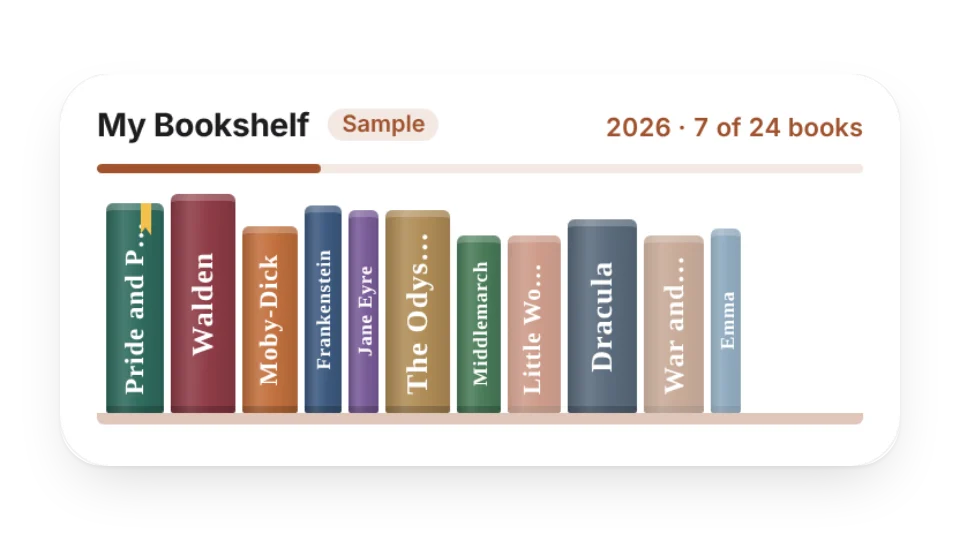
- Bookshelf: books you’ve read, are reading and want to read, with spines set from the titles or your own cover photos, plus this year’s count against your goal.
- Daily Book Excerpt: add lines you’ve copied from your reading and see a different one each day.
Limits and privacy
- Writes count per account, whether they come from the website, a widget or a check-in link: 20 a day on Free (15 per table), with up to 3 connected widgets. When you run out, the widget says Daily logging limit reached; it resets at midnight Beijing time. See Limits and Pro.
- Widgets get a write-only key and show daily totals only — your notes are never made public.
- These widgets record and display; they don’t give medical, training or weight-loss advice. Stretch within your own range.
- Sample books and quotes come from public-domain classics and are marked Sample. Nothing — titles or covers — is pulled from Goodreads or any other platform.
Last updated: Oct 15, 2026