Fitness, reading, pet & money widgets, saved to My Data
Running Log, Weight Trend, Currently Reading, Budget & Spending and 15 more Notion widgets. Logging ones save to your own My Data, with 5 new templates.
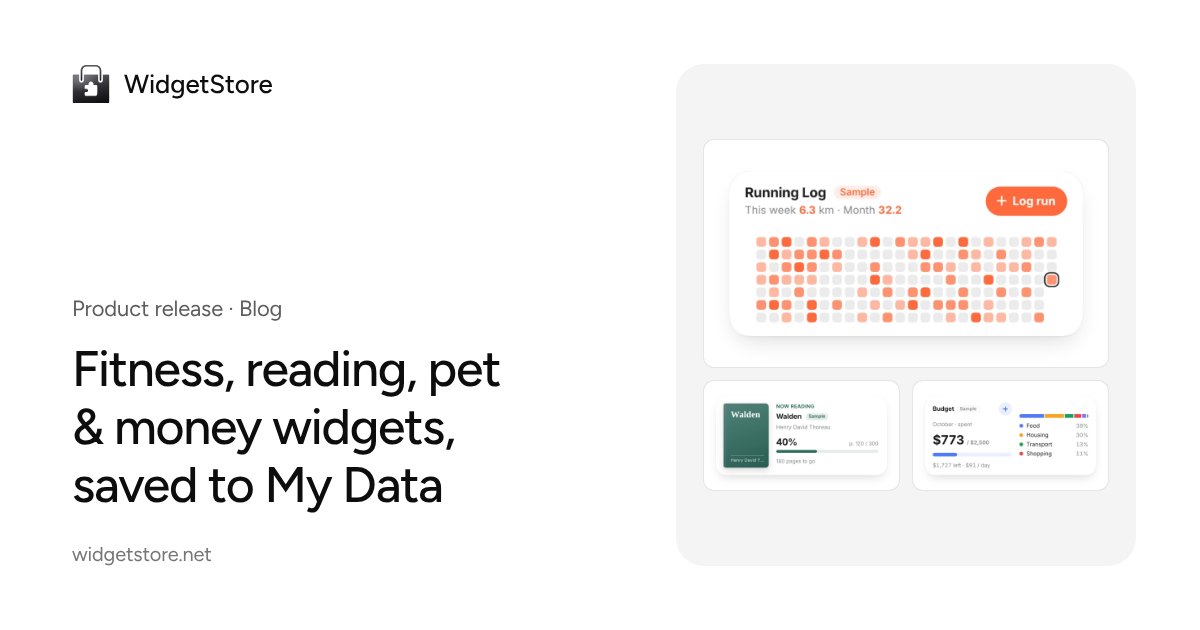
We just added four new categories: Fitness, Reading, Pets and Money. That's 18 widgets and 1 animated icon, all free.
Many of them are for logging things: how far you ran, how many pages you read, how many walks the dog got, what you spent. Those entries don't live inside the widget anymore. They go into your own My Data tables, so they survive a new device or a new widget, and you can view, edit and export them any time.
Logging widgets save to tables you own
My Data is a set of tables in your account. The logging widgets in this release only save to My Data:
| Widget | How you log on the widget | Table type |
|---|---|---|
| Running Log | Tap Log run, enter distance and time | Workout log |
| Step Goal Ring | Enter today's total steps | Counter |
| Weight Trend | Enter your weight | Weight |
| Currently Reading | Tap +10 / +20 / +50 pages | Reading log |
| Reading Log | Tap +10 / +20 / +30 | Reading log |
| Pet Walk & Meal Log | Tap once per walk or meal | Counter |
| Budget & Spending | Tap + to add an expense or income | Ledger |
| Savings Challenge | Tap Saved each time you save | Counter |
Setup is the same for all of them:
- Open the widget from the widget library and go to the editor.
- Under Where data is saved, click a button like Create “Running Log” and connect (it creates a table for that widget), or pick an existing table with matching fields.
- Paste the link into Notion. From then on, one tap on the widget logs an entry.
Until you connect a table, the widget asks you to connect My Data first; the library preview shows sample data marked Sample. See Data source for details.
5 new My Data templates
Creating a table now offers five more templates. You can change the fields later.
| Template | Built-in fields | Good for |
|---|---|---|
| Workout log 🏃 | Distance (km), Duration (min), Note | One entry per run or ride |
| Weight ⚖️ | Weight (required), Note | Weight over time; several in a day are averaged |
| Reading log 📖 | Pages, Minutes, Book, Note | Pages and minutes read each day |
| Ledger 💰 | Amount, Type, Category, Note | Spending log, monthly budget |
| Checklist ☑️ | Item, Done, Due date, Tags | To-dos, shopping lists, packing |
A ledger table shows this month's expenses, income and balance, category shares and the last 6 months at a glance; a checklist shows how many items are done. See My Data tables.
Fitness and reading
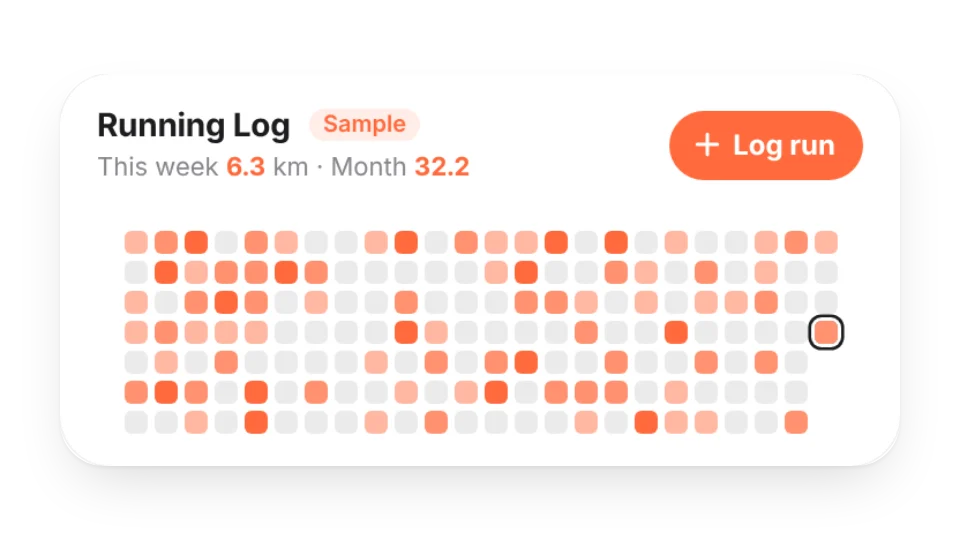
Alongside the logging widgets there are five display widgets that show whatever you enter in the editor:
- Weekly Training Plan: what you're doing each day, with today highlighted.
- Stretch of the Day: one simple, original stretch a day with a line drawing and a timer.
- Race Countdown: a race bib with the days to go; add a goal time to see your pace and splits.
- Bookshelf: books you've read, are reading and want to read, with this year's count against your goal.
- Daily Book Excerpt: add lines you've copied down and see a different one each day.
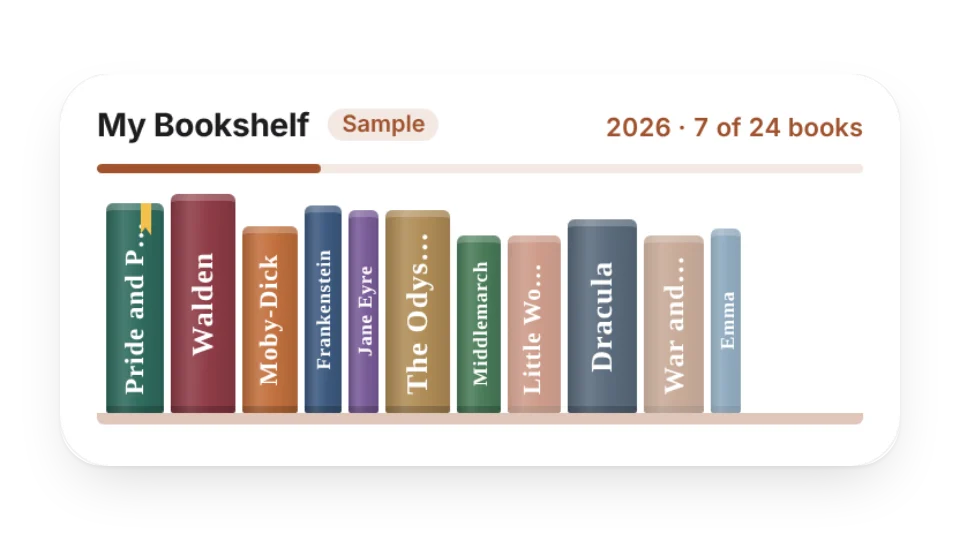
Weight Trend hides numbers by default and shows only the curve and whether it's trending down, holding steady or trending up. Turn numbers on under Privacy in the editor. Sample book titles and excerpts are public-domain works marked Sample, and nothing is pulled from any book platform.
Collections by use case: Notion fitness widgets and Notion reading widgets. Full guide: Fitness and reading widgets.
Pets and money
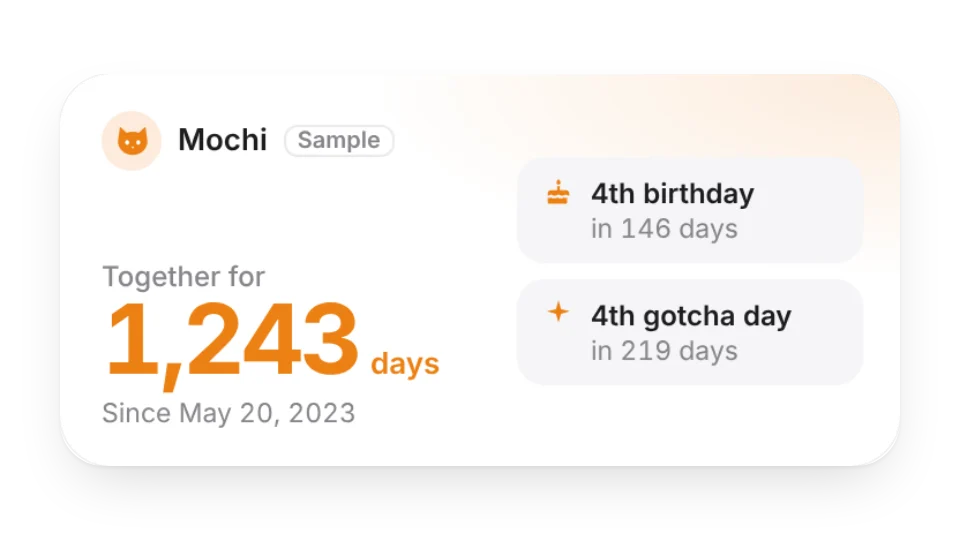
For pets:
- Gotcha Day Counter: days together, the next 100-day or 1,000-day milestone and a birthday countdown.
- Pet Age in Human Years: cats and small, medium or large dogs, from a common chart (an estimate).
- Pet Care Reminders: enter the last date and interval to see what's due next; overdue items turn red. Follow your vet's advice on schedules.
- Pet Walk & Meal Log: today's count, the last 7 days and your streak.
- Days with My Pet, an animated icon that sits next to a Notion page title and counts up every day.
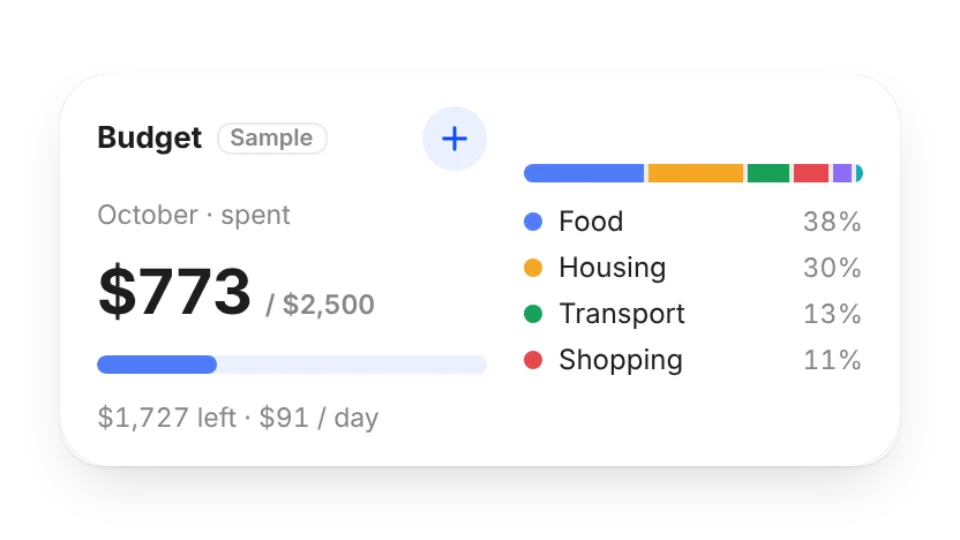
For money:
- Budget & Spending: spent vs. budget this month, what's left, a daily allowance and categories. Add entries right in the widget.
- Savings Goal: a jar that fills up, with how much to save each month to hit your deadline.
- Subscription Tracker: monthly and yearly totals and the next billing date.
- Savings Challenge: a 52-week or 365-day grid you fill one tap at a time.
None of these widgets connect to a bank, payment or investment service. You record every amount yourself. Putting one on a public page? Turn on Hide amounts (percentages only). Collections: Notion pet widgets and Notion budget widgets. Full guide: Pet and money widgets.
Limits and privacy
- All 19 are free. Writes are counted per account across the web, widgets and check-in links: 20 a day on Free and 80 on Pro, with up to 3 connected widgets on Free. See Limits and Pro.
- Widgets get a write-only key and show daily totals only. Your notes are never made public, and ledger tables are private by default.
- The fitness, weight and pet widgets are for logging and display only. They don't give medical, training or veterinary advice.
Browse everything in the widget library, or start with the Quick start guide if you're new.