Introducing AI Space Builder: describe it, AI builds it
Describe what you need and AI builds a whole personal space from real widgets, tables and pages, ready for Notion, Obsidian or your start page.
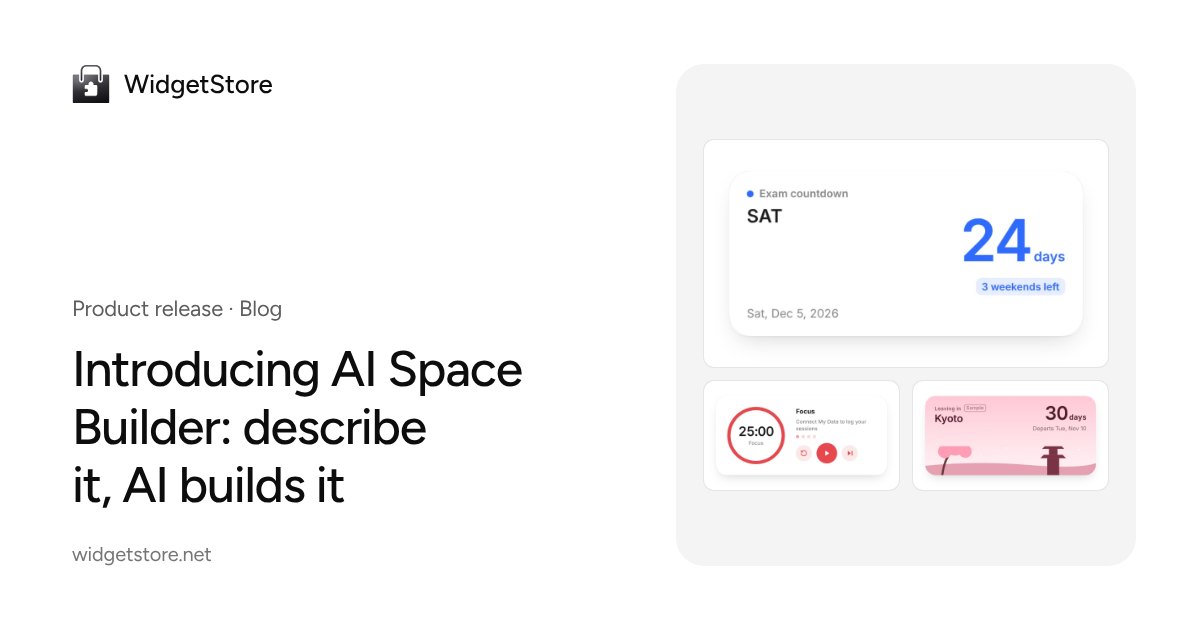
Setting up a good Notion study page used to go like this: find a countdown, a focus timer and flashcards in the library, configure each one, copy the embed links, paste them into Notion, then set up a table to track your study time. Plenty of people give up halfway.
Starting today, that’s one step: describe it, and AI builds the whole space.
One sentence, a complete space
Open AI Space Builder and say what you want, for example:
- “I’m taking the SAT in March, I can study three hours a day, and I want a countdown, a focus timer and vocabulary cards.”
- “Plan a five-day trip to Kyoto next month.”
- “I want to lose fat. I train three days a week. Track my weight and workouts.”
AI builds a complete space: a home page and a few sub-pages filled with real, live widgets (countdowns tick, timers respond), with recording widgets connected to tables in My Data and one consistent palette. Prefer not to type? Pick a scenario from the library and answer three questions.
Preview, edit, apply
- Preview: every page is rendered with real widgets.
- Edit: change text, swap widgets, change colors, delete pages, or ask AI something like “replace the vocabulary cards with a mistakes log”. It changes only what you asked for.
- Apply: create the widgets, tables and start page in one go.
The full walkthrough is in Build a space.
Send it where you work
| Destination | What you get |
|---|---|
| Notion | A page tree under the page you choose, widgets as embeds, tables as Notion databases |
| Obsidian | A vault folder, as a zip or pulled in with the plugin |
| Start page, extension and app | A new start page that also appears in the extension’s new tab and the app |
| Claude and ChatGPT | Say “build me a…” in a chat, preview it there and apply it |
17 scenarios, localized by region
The first 17: exam prep, job search, freelancing, reading, fitness, self-care, travel, family, budgeting, journaling, language learning, content creation, the student semester, project management, habits, fan life and pet care.
They’re not just translations. The English versions cover the SAT and job search with sites like College Board and LinkedIn; the Japanese, Korean and Chinese versions are built around their own exams, job seasons and local sites. Every sample in the library is marked as an example, with placeholder names and dates that AI replaces with your answers.
Pricing
Your first build is free, including planning, a few edits and every destination. After that, builds use sparks, and Pro includes builds each month. See Pricing and limits. Shared copies include structure and settings only, never your data, see Privacy.
Give it a try, and tell us which scenarios you’d like next.