Introducing the focus space: a free Pomodoro timer, ambient sounds, to-dos and habits
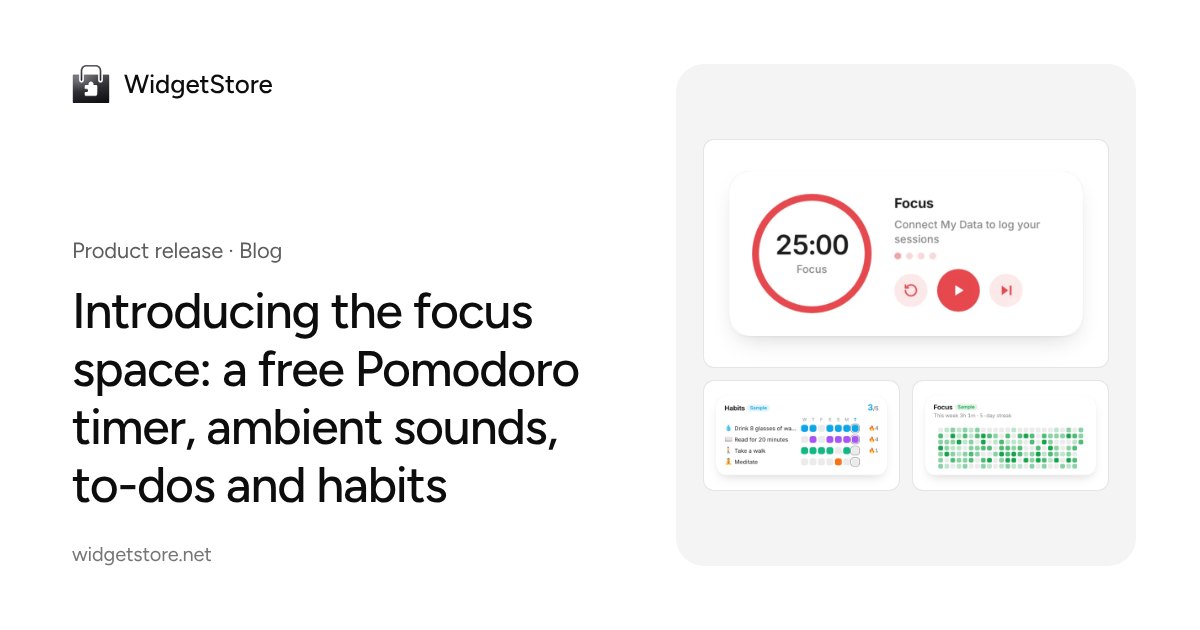
The WidgetStore focus space brings a Pomodoro timer, 14 layered ambient sounds, live backdrops, to-dos, time tracking, habits and goals into one calm page. No sign-up needed.
Getting into deep work often means juggling several tools: a Pomodoro timer, a white-noise site, a to-do list, a habit app. Today we’re putting them on one calm page: the focus space (/focus). Open it and start — no account needed.
Settle in
- Four timer modes: Pomodoro, countdown, stopwatch and Animedoro (40 minutes of focus, 20 minutes of break), all with your own lengths, plus alert sounds and desktop notifications.
- Three views: Home has a big clock, a greeting and a daily quote; Focus keeps only the timer; Break walks you through a few slow breaths.
- Ambient sounds: rain, café, campfire, waves, white noise and more — 14 sounds you can layer, each with its own volume. Everything is generated live in your browser, so there’s nothing to download.
- Backdrops and music: live scenes like aurora, starry sky and rainy night, daily photos and landscapes, and playlists from YouTube, Spotify, Apple Music or NetEase Cloud Music.
- Picture-in-picture and clear mode: float the timer above your other windows, or keep only the backdrop and the time.
Run your day
- To-dos: type “Weekly report 30m !1 tomorrow” to add an estimate, priority and due date. Your next task is always on top, and Plan my day turns your list into time blocks (rule-based for free, or with AI).
- Time tracking: give activities like work, study or exercise an emoji and a color, tap to start tracking, and get a timeline of your day.
- Habits and goals: daily or weekly habits with streaks and a monthly calendar; goals like “10 hours of study a week” or “4 Pomodoros a day” are calculated from what you record.
- Stats and badges: focus time and activities by day, week and month, a yearly heatmap, and badges that unlock only from your real records.
Your data stays yours
Signed out, everything is saved on this device. Sign in and it’s merged and synced to five tables in My Data, ready to export or use in Notion Charts.
In Notion and on your start page
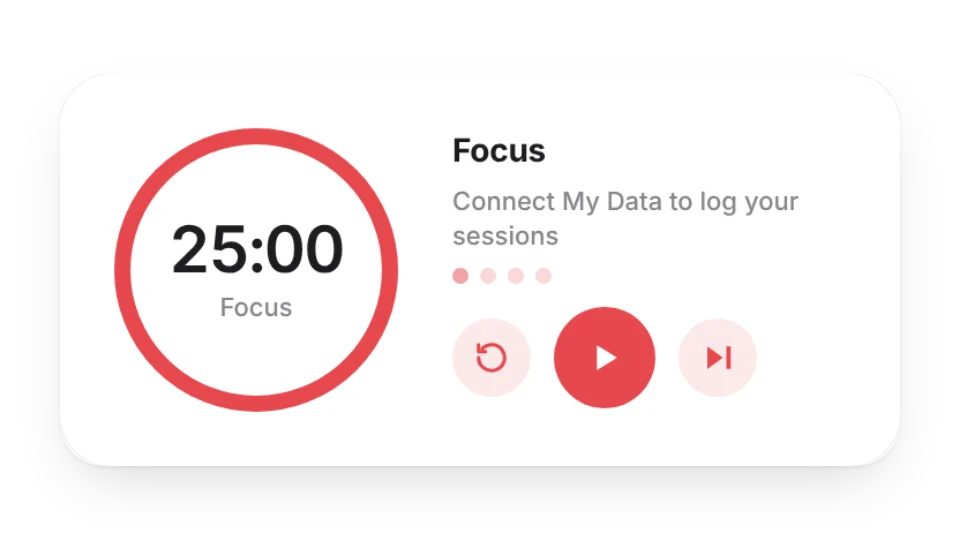
Five new focus widgets join the library: Focus Timer (logs every session), Today’s Time Blocks, Focus Heatmap, Habit Grid and Goal Progress. Connect the matching table and they show your real data. Your start page also gets a focus mode plus timer, to-do and habit tiles.
Free and Pro
The timer, sounds, to-dos, time tracking, habits, goals, stats, badges and widgets are all free. Pro raises the limits: 50 habits instead of 5, 30 goals instead of 3, 8 sound layers, every live scene, image and YouTube backgrounds, and your full stats history. See the help docs and pricing.
Head to /focus and start a session.