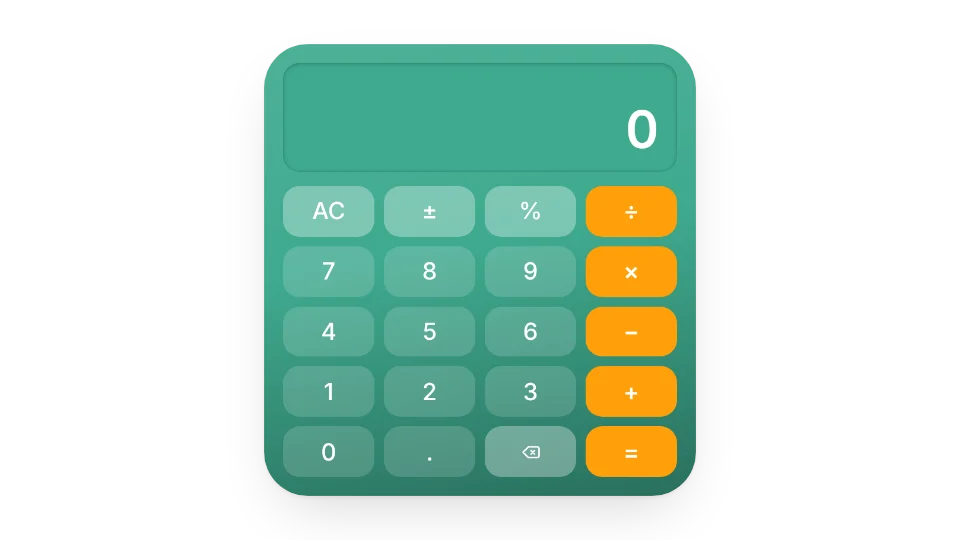
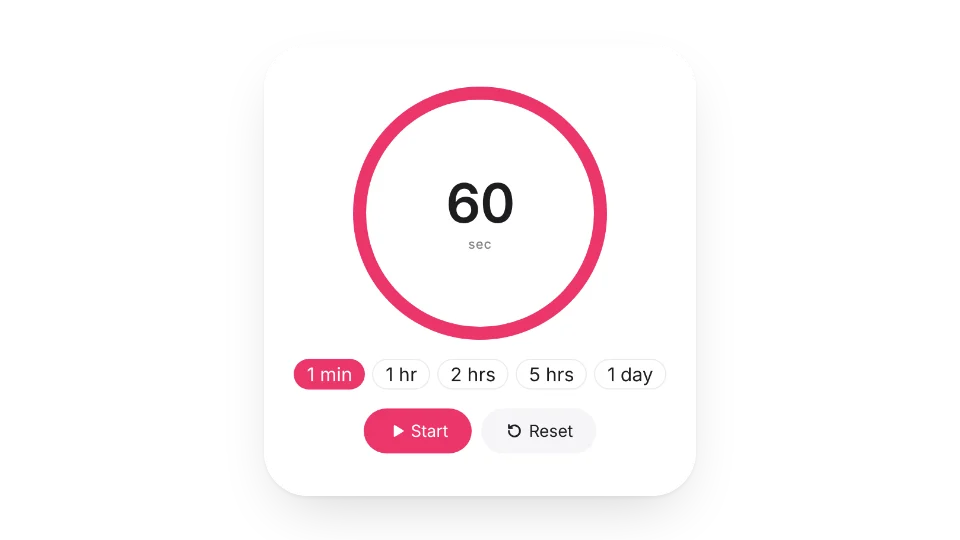
Embed the little tools you reach for while working: a minimal Pomodoro timer to stay focused, a daily checklist that resets every day and shows your progress, a sticky note you can type on, and a breathing exercise for 4-7-8 or box breathing.
There's also white noise, a calculator and a trash day reminder where you set your local collection days.
Widgets (6)
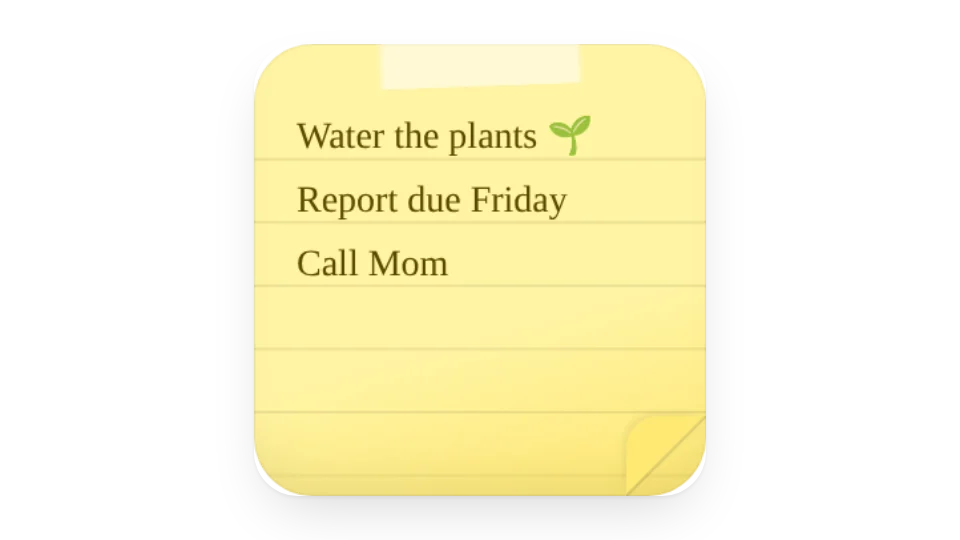
Sticky Note — A paper sticky note for your Notion page in six colors. Click to edit the text
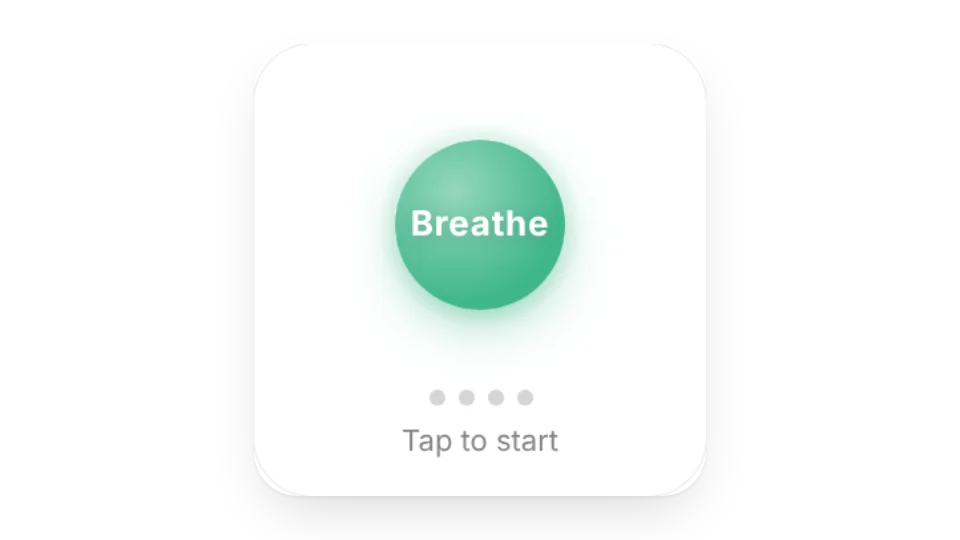
Breathing Exercise — Follow the ring for 4-7-8 or box breathing and unwind for a minute between tasks
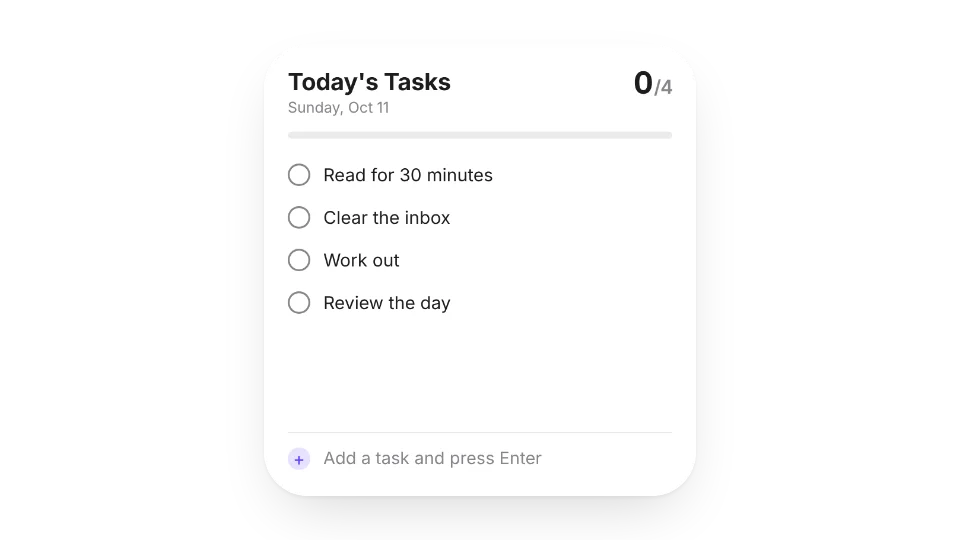
Daily Checklist — A to-do list you can tick off and add to anytime. The progress bar updates live and resets every day
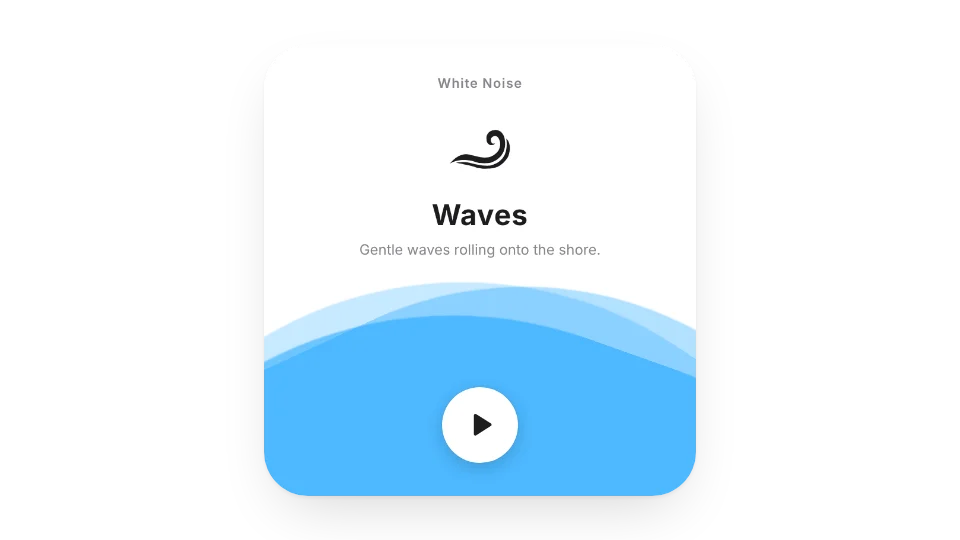
White Noise — Nature sounds to help you focus, relax and stay productive
All 6 widgets on this page are free. Sign in to create them — free accounts can create a limited number, Pro has no limit.
Do they work in the Notion mobile and desktop apps?
Yes. Widgets are regular web embeds, so they show up in Notion on the web, on desktop and in the mobile app, as long as the device is online.
What language are the widgets in? Is there dark mode?
Widget text follows each visitor's browser language — English, Japanese, Simplified or Traditional Chinese. Most widgets also switch between light and dark with the system setting.
Can I use them outside Notion?
Anywhere that can embed a web page: Obsidian, FlowUs, Wolai, or your own website with an iframe.