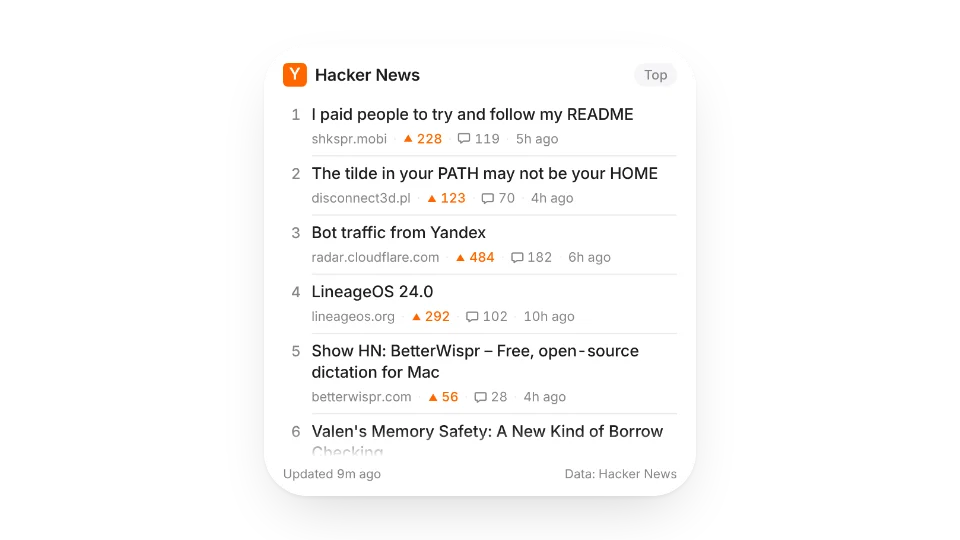
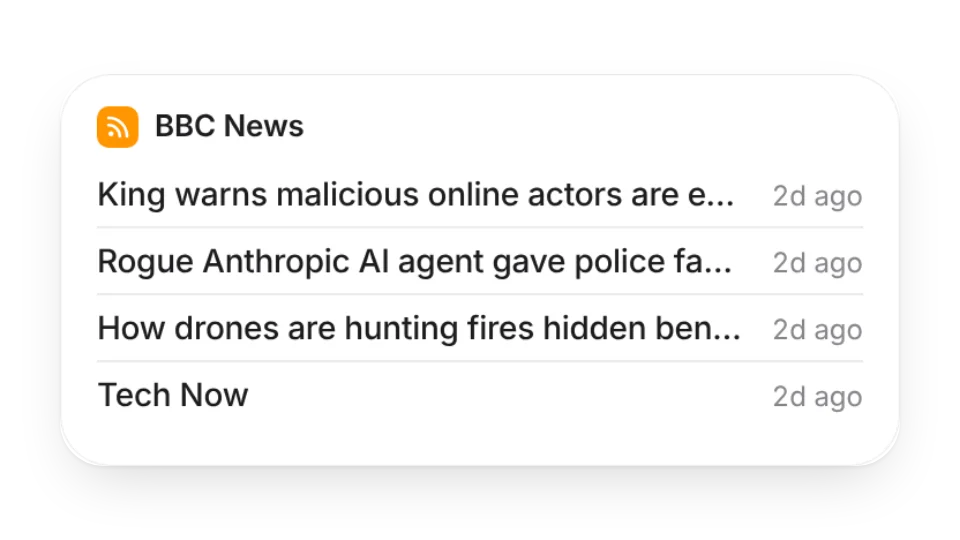
Bring the sources you check every day into Notion. The RSS Reader handles RSS, Atom and JSON Feed and can merge several feeds by date; Hacker News Top Stories switches between Top, New, Best, Ask HN and Show HN.
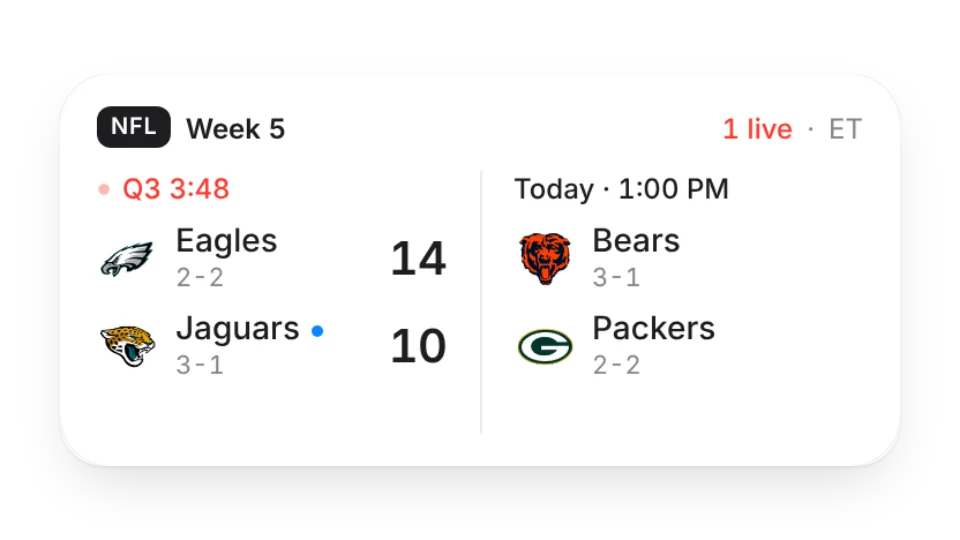
Sports fans can follow this week's NFL schedule and live scores with NFL Scores (Pro).
Widgets (3)
Hacker News Top Stories — Live Hacker News lists — Top, New, Best, Ask HN and Show HN — with rank, title, site, points, comments and age. Tap to open the story or the discussion
RSS Reader — Follow blogs, news and podcasts with RSS or Atom feeds and see the latest posts, with multiple feeds merged by date
NFL Scores · Pro — This week's NFL schedule and scores: live quarter and clock, kickoff times and final scores. Follow your team and pick your time zone
Add it to Notion in 3 steps
Pick a widget:Open a card, then click Create widget. You'll need to sign in — an email code is all it takes.
Make it yours:Change the text, colors, size and other options in the editor. The preview updates as you go.
Copy the link into Notion:Click Copy link, type /embed on a Notion page and paste it (or paste the link and choose Embed). Drag the corners to resize.
2 of the 3 widgets on this page are free; the 1 marked Pro need a Pro membership. Free accounts can create a limited number, Pro has no limit.
Do they work in the Notion mobile and desktop apps?
Yes. Widgets are regular web embeds, so they show up in Notion on the web, on desktop and in the mobile app, as long as the device is online.
What language are the widgets in? Is there dark mode?
Widget text follows each visitor's browser language — English, Japanese, Simplified or Traditional Chinese. Most widgets also switch between light and dark with the system setting.
Can I use them outside Notion?
Anywhere that can embed a web page: Obsidian, FlowUs, Wolai, or your own website with an iframe.