Abstract and gradient covers: Bauhaus shapes, a cyber sunset, paper planes and a flowing mesh gradient whose colors and layout can change daily. Copy the image link and paste it in Notion under Change cover → Link.
Animated covers (5)
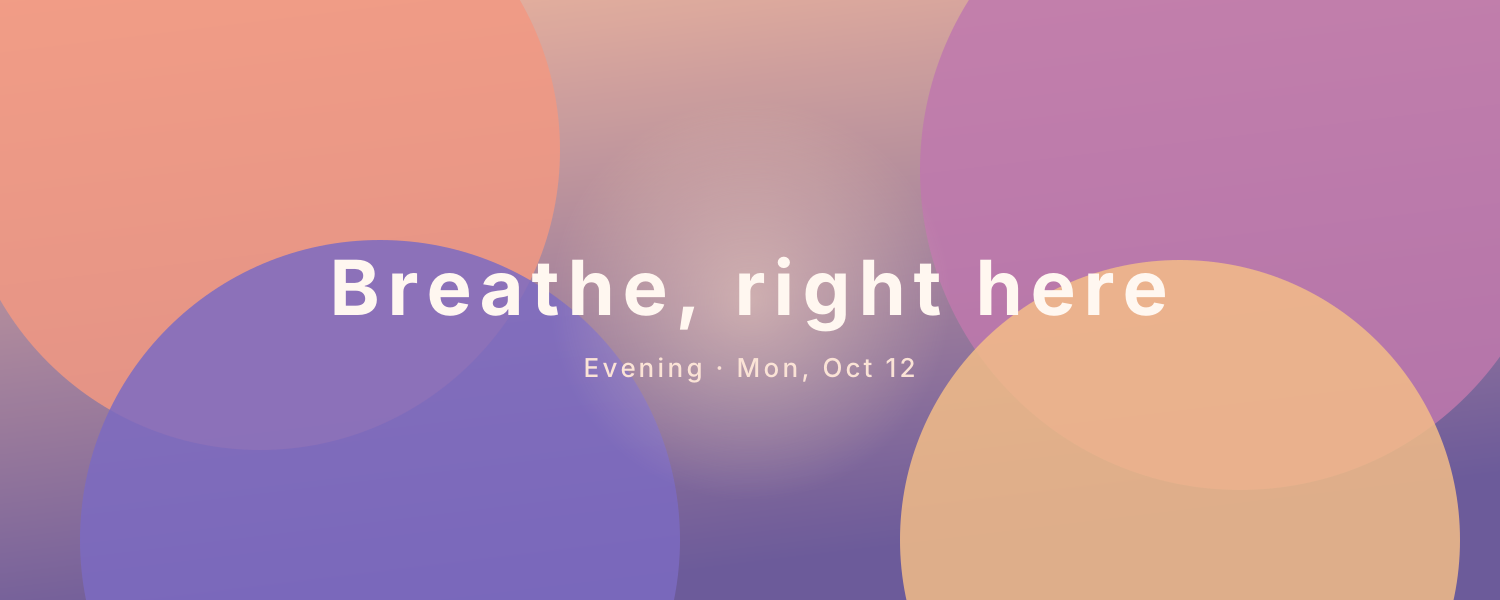
Calm Gradient — A soft gradient that changes with the time of day — dawn, daytime, evening and night palettes — with a glow in the middle that slowly brightens and dims like a breath
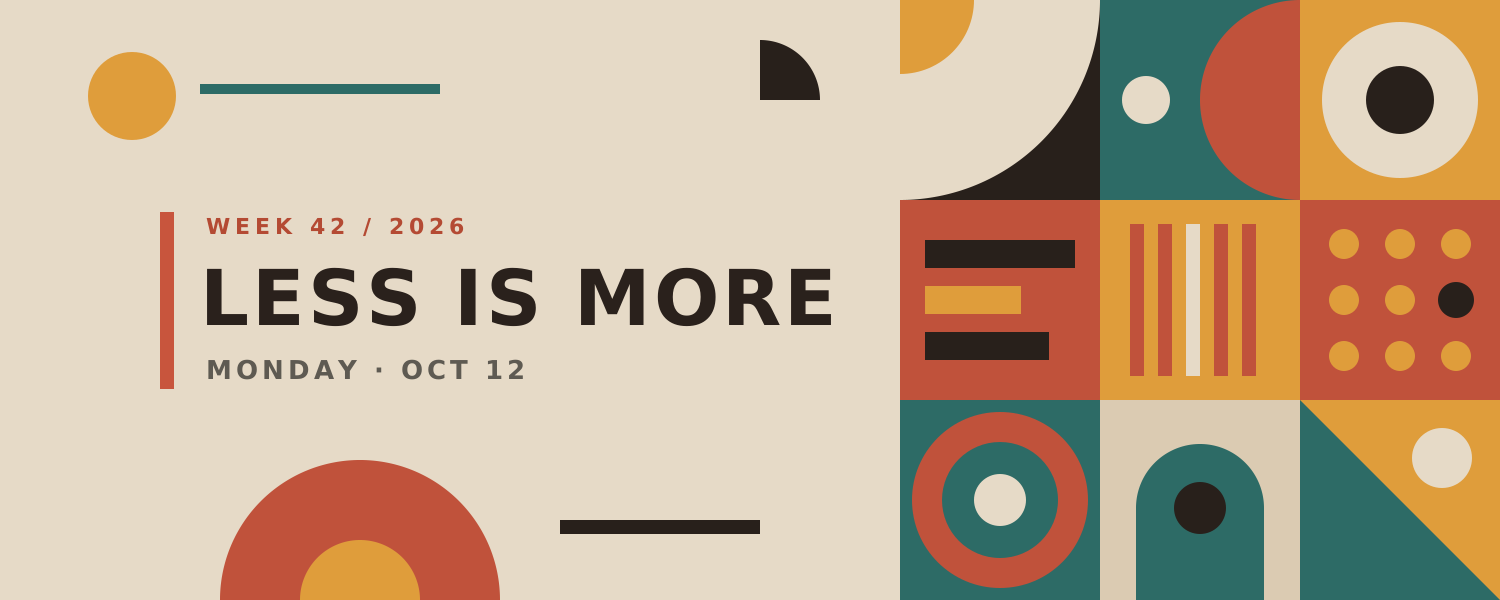
Bauhaus Shapes — Red, yellow and blue Bauhaus shapes slowly turn and slide, with a bold title and today's date. The layout changes daily
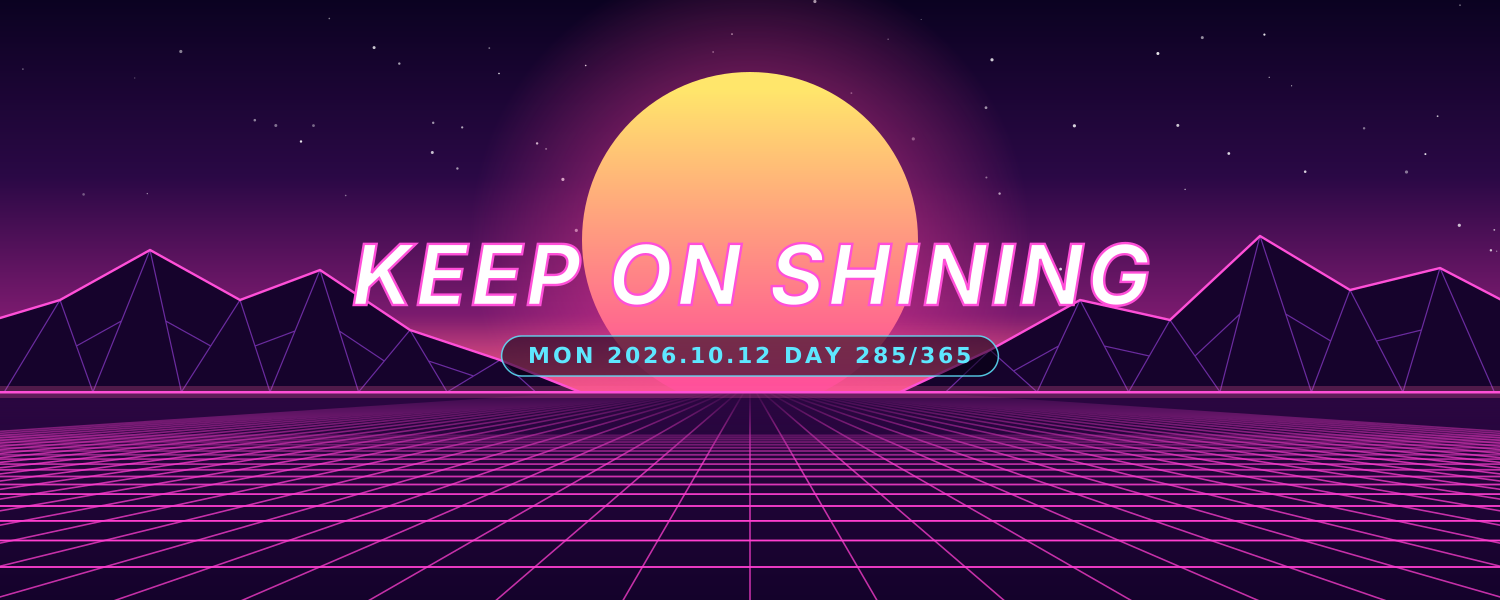
Cyber Sunset — Retro synthwave: a striped sun sinks below the horizon as a neon grid rolls toward you past glowing wireframe peaks
Paper Planes — Paper planes glide and loop through a pastel sky, with a new note of encouragement every day
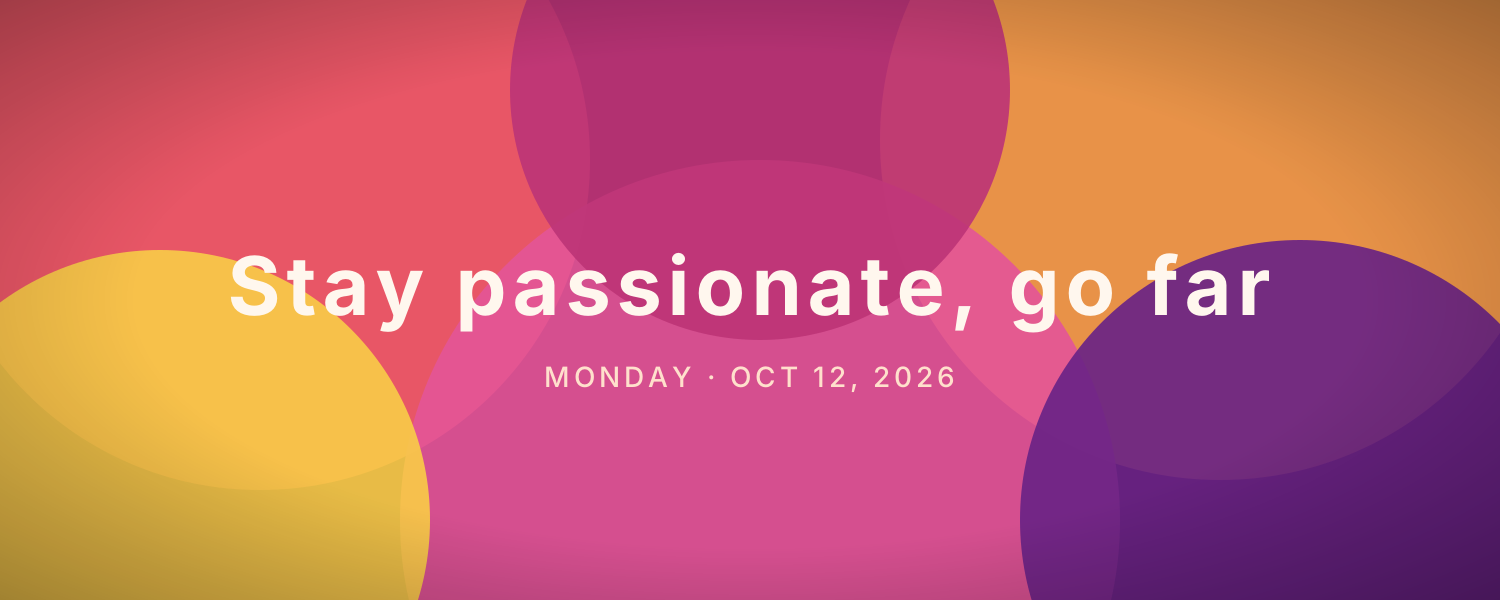
Flowing Gradient — Soft blobs of color flow together into an elegant mesh gradient. The palette can change daily, with today's date
Add it to Notion in 3 steps
Pick an animated background:Choose one from the animated background library, click Create and sign in.
Set it up:Set the title, date, colors and other options.
Use it as your Notion cover:Copy the image link, then in Notion click Change cover → Link and paste it. The cover changes with the time by itself.