Countdown and progress icons: countdown days, birthdays, payday, clock-out time, weekend battery, days together, year in dots and time rings. Copy the image link, set it as a Notion page icon and it updates by itself every day.
Animated icons (9)
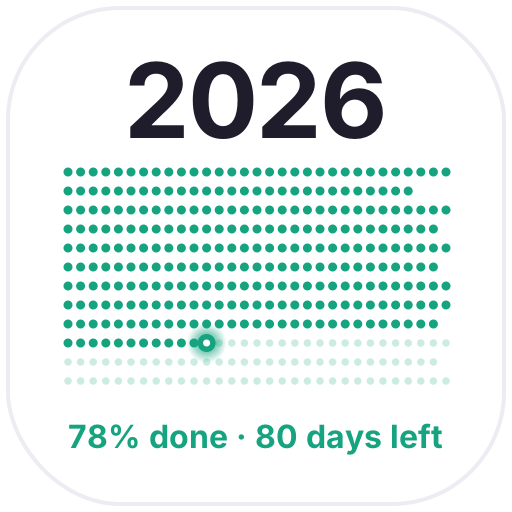
Year in Dots — Every day of the year as a dot: past days light up, today blinks and the rest fade out ahead
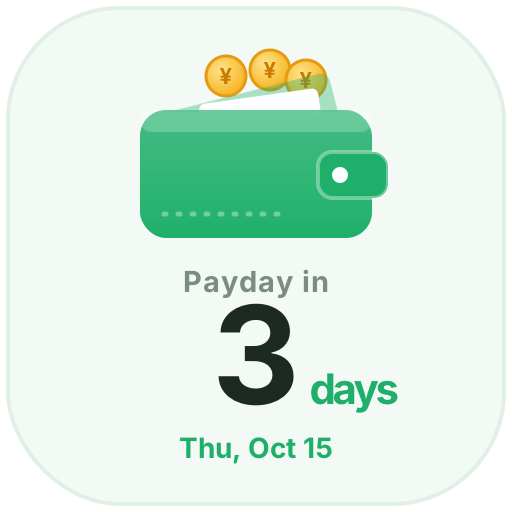
Payday — Set your monthly payday and see the days left as coins drop into your wallet, with a coin shower on payday
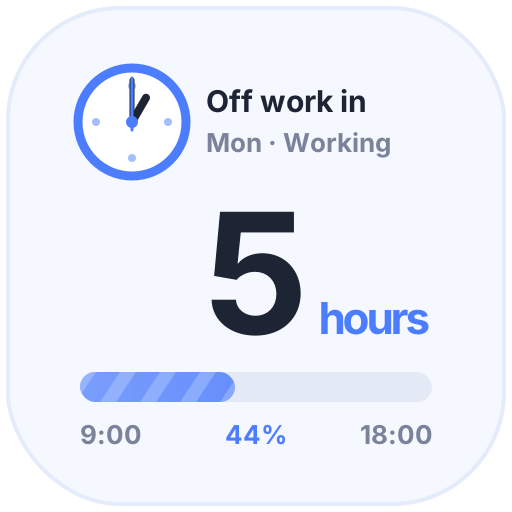
Clock-Out Countdown — Hours left until you clock out and today's progress. After work, the moon and a beer help you unwind; on weekends, just enjoy
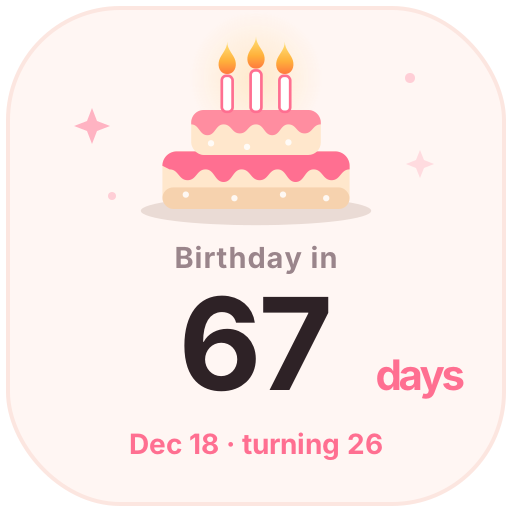
Birthday Countdown — Enter a birthday to see the days until the next one and the age to come. On the day, candles flicker and confetti falls
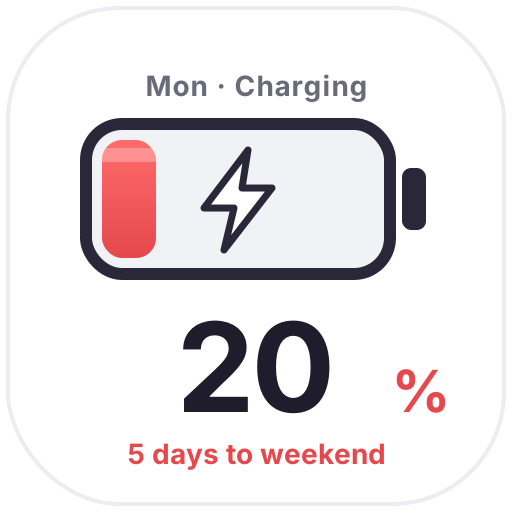
Weekend Battery — The closer the weekend, the fuller the battery: 20% on Monday, full on Friday, with bubbles and a charging bolt to get you through
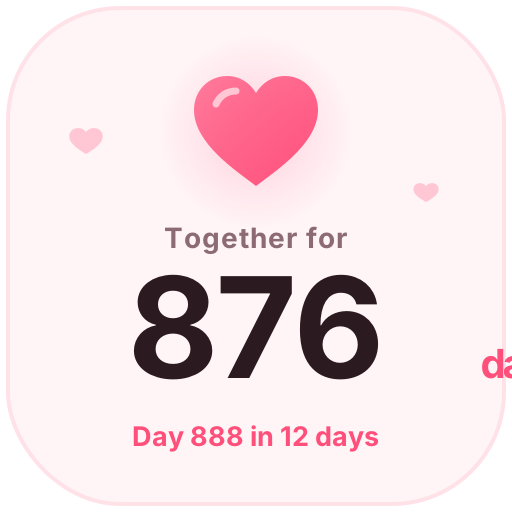
Days Together — Count your days together with a beating heart, plus your next 100-day milestone or anniversary
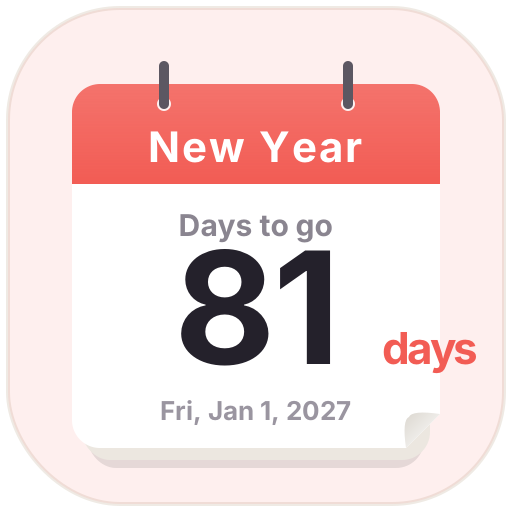
Countdown Days — A tear-off calendar countdown. Pick a date to see the days left; birthdays and anniversaries can repeat every year
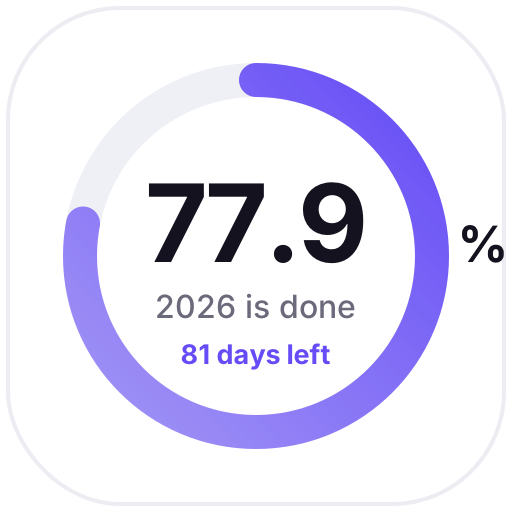
Time Rings — Rings show how much of this year, month, week and day has passed, updated daily as a gentle reminder
Pick an animated icon:Choose one from the animated icon library, click Create and sign in.
Set it up:Set the date, text, colors and other options. The preview shows how it looks today.
Use it as your Notion page icon:Copy the image link, click the page icon in Notion, choose to add a custom image by link and paste it. It updates by itself every day.