
When does each show air, what's out today and how long until the next episode? Add the shows you're watching with their weekly airtime (Japan time by default; late-night slots like 25:30 work too) and the Anime Watchlist Schedule converts everything to each viewer's own time zone, marking what's out today, what's on air and the countdown to the next episode. You can also switch it to Bangumi's daily schedule to list everything airing today (by Japan airdate).
The episode tracker shows how far you are into each show and how many episodes are left, with a Completed mark when you finish. Character Birthdays counts down to your favorite characters' birthdays and your own fandom anniversaries, and the Anime Season icon shows whether it's the winter, spring, summer or fall season and which week of it — handy as a Notion page icon.
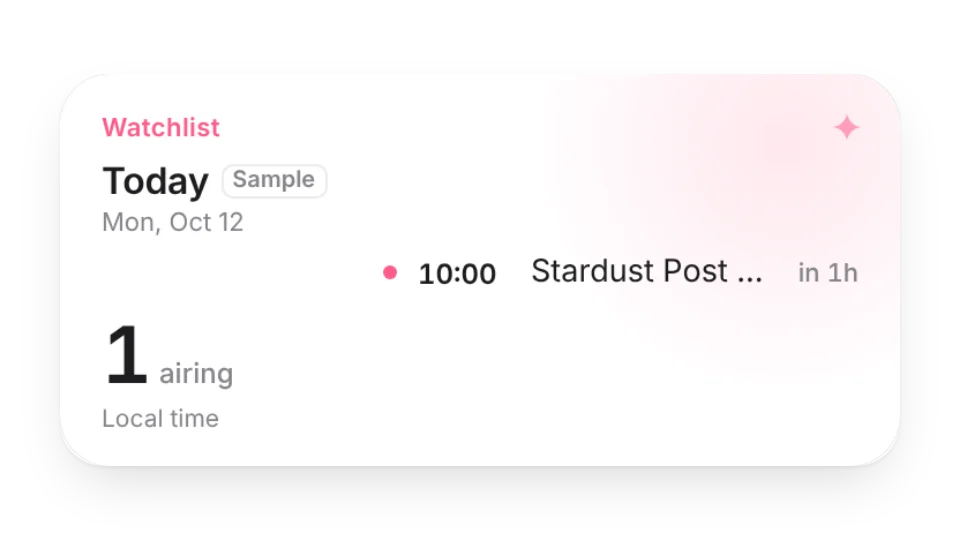
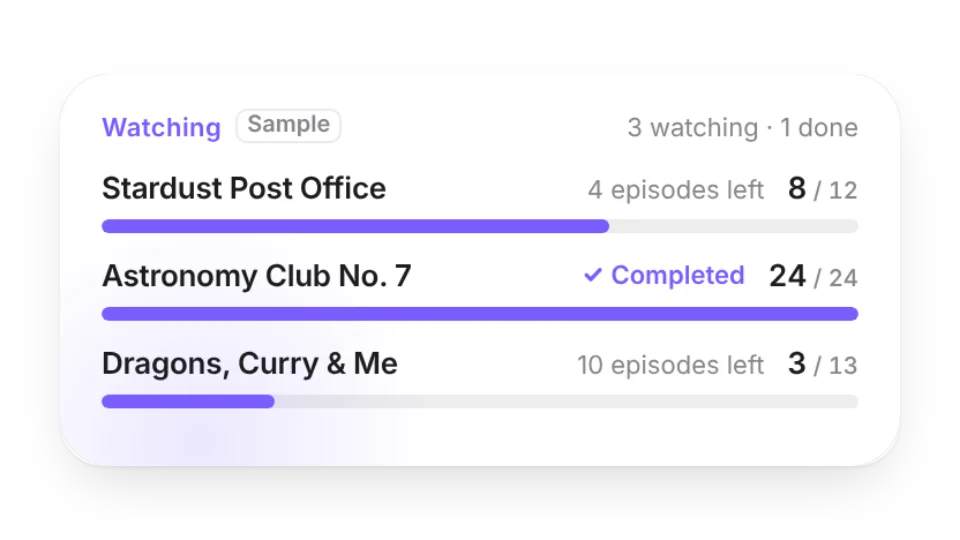
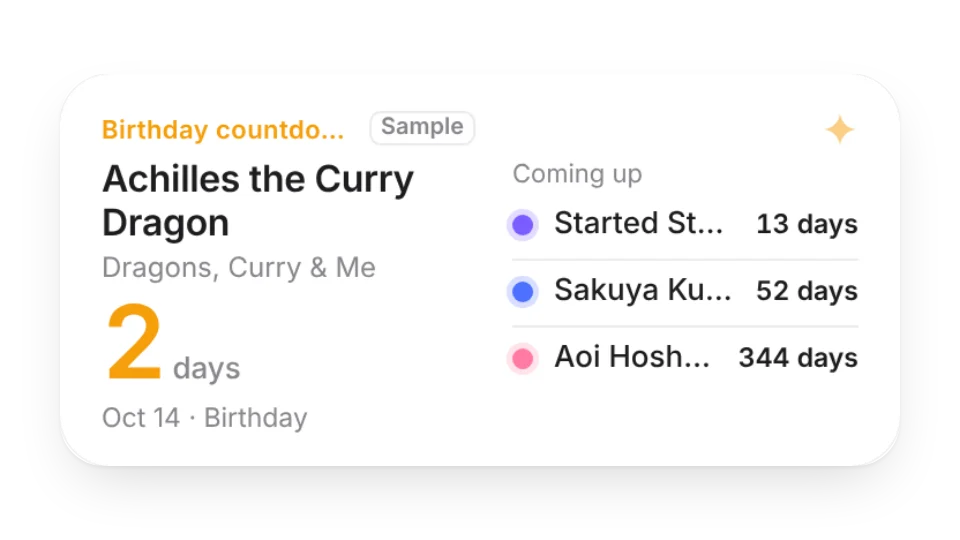
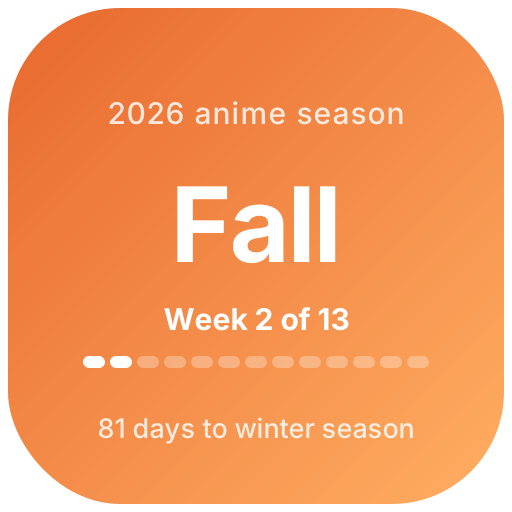
By default, from the shows and airtimes you enter. In Bangumi mode it comes from Bangumi (bgm.tv, CC BY-SA) with credit shown on the widget. Bangumi lists airing days but not times, so that mode has no countdown, and titles appear in their original language.
No. Key art and screenshots are copyrighted, so the widgets show text only. The sample shows and characters are fictional and marked as samples.
You enter times in the broadcast time zone (Japan, China/Taiwan or UTC) and each viewer's browser converts them to their own local time.
All 4 widgets on this page are free. Sign in to create them — free accounts can create a limited number, Pro has no limit.
Yes. Widgets are regular web embeds, so they show up in Notion on the web, on desktop and in the mobile app, as long as the device is online.
Widget text follows each visitor's browser language — English, Japanese, Simplified or Traditional Chinese. Most widgets also switch between light and dark with the system setting.
Anywhere that can embed a web page: Obsidian, FlowUs, Wolai, or your own website with an iframe.