
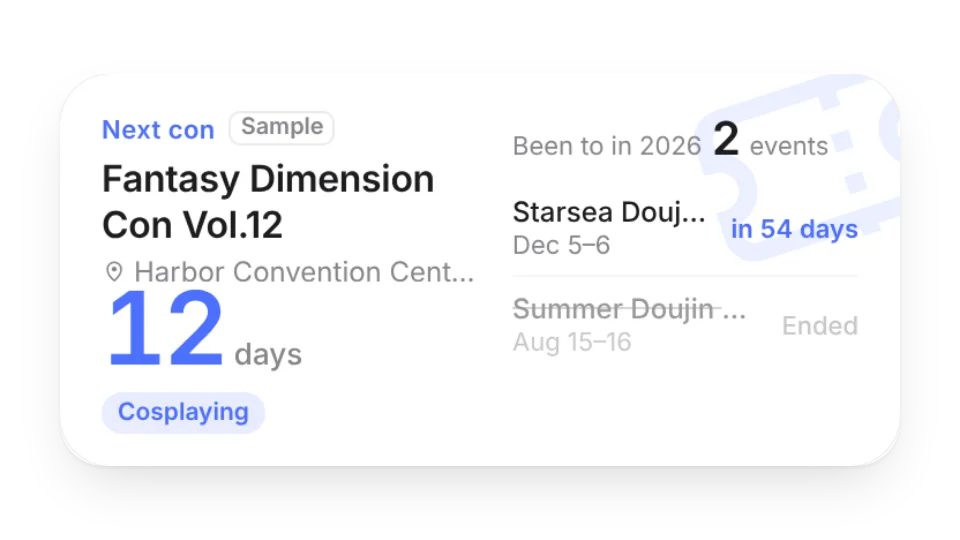
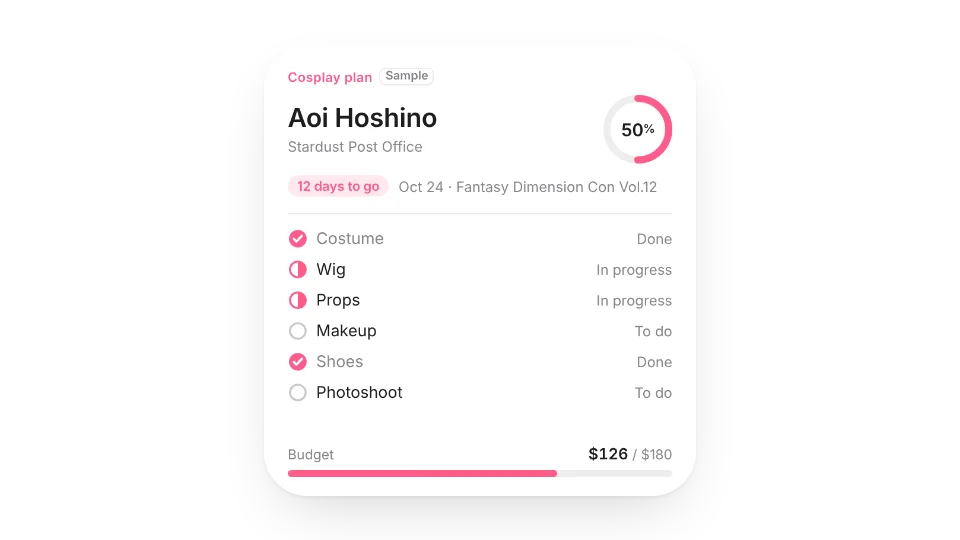
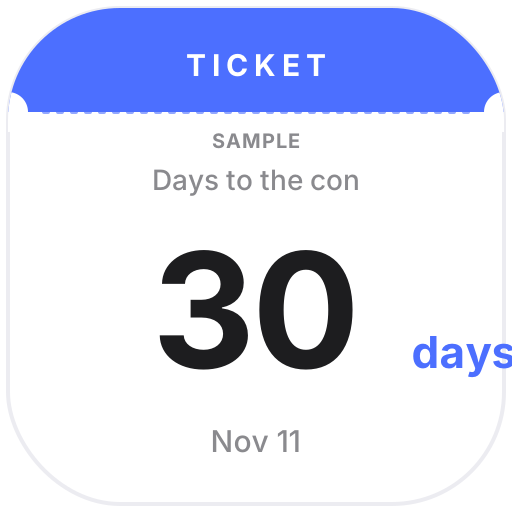
Con Countdown keeps the cons and doujin events you're going to: days to go, the venue and your booth number if you're exhibiting, day 2 of 3 during multi-day events, past events faded out and how many you've been to this year. The Con Countdown Badge works as a Notion page icon. The Cosplay Build Planner puts the character, the con date, how far along your costume, wig, props, makeup, shoes and photoshoot are, and your budget on one card.
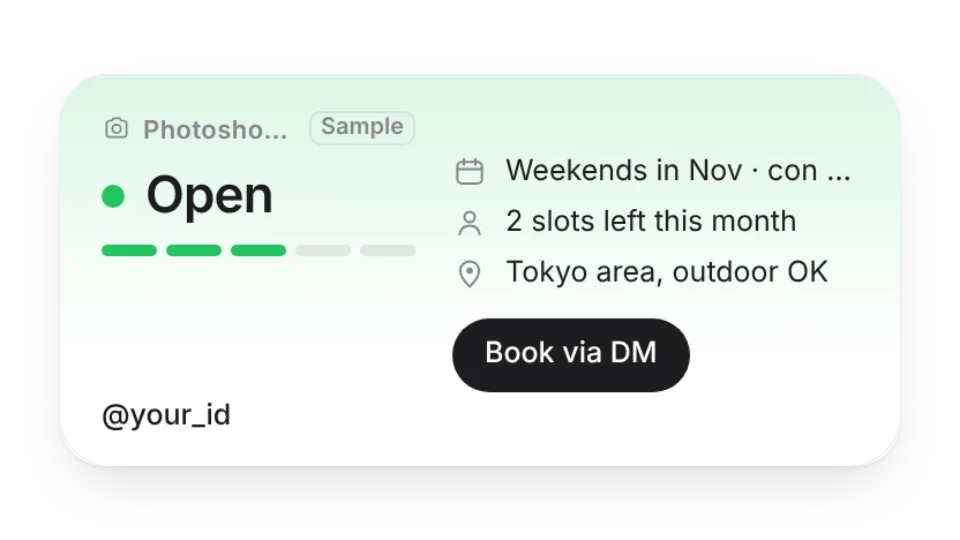
The Cosplay Photo Album turns your own photos into a polaroid- or magazine-style slideshow with credits for the photographer and cosplayer, and Commission Status shows whether you're open, have a few slots left or are fully booked, with your schedule, area and a contact button. Nothing is pulled from Bilibili, Weibo, Pixiv, X or any other platform.
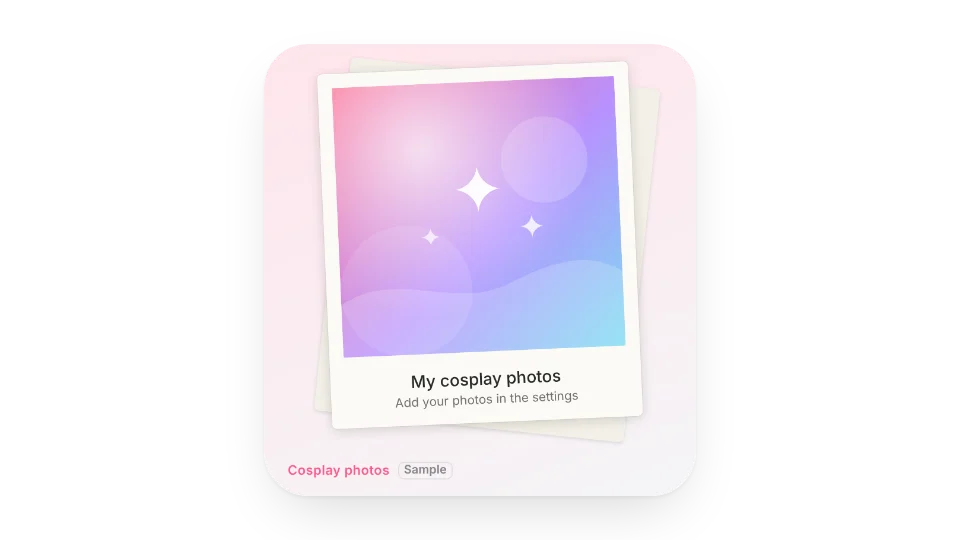
Only photos you upload. Please use your own photos, or ones the photographer and cosplayer agreed to share. Until you add some, it shows an abstract placeholder marked as a sample.
No. You enter the event name, dates, venue and booth yourself, and the widget switches between days to go, day N and ended based on the date.
No. It only shows the status, schedule, slots and contact link you write — never reviews, sales counts or follower numbers.
All 5 widgets on this page are free. Sign in to create them — free accounts can create a limited number, Pro has no limit.
Yes. Widgets are regular web embeds, so they show up in Notion on the web, on desktop and in the mobile app, as long as the device is online.
Widget text follows each visitor's browser language — English, Japanese, Simplified or Traditional Chinese. Most widgets also switch between light and dark with the system setting.
Anywhere that can embed a web page: Obsidian, FlowUs, Wolai, or your own website with an iframe.
Anime · Fandom · Countdowns · Productivity