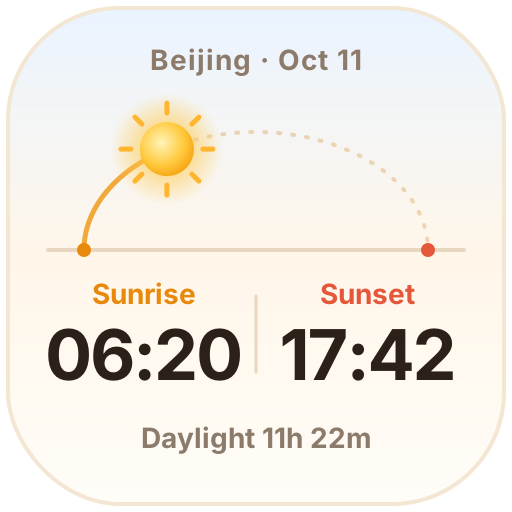
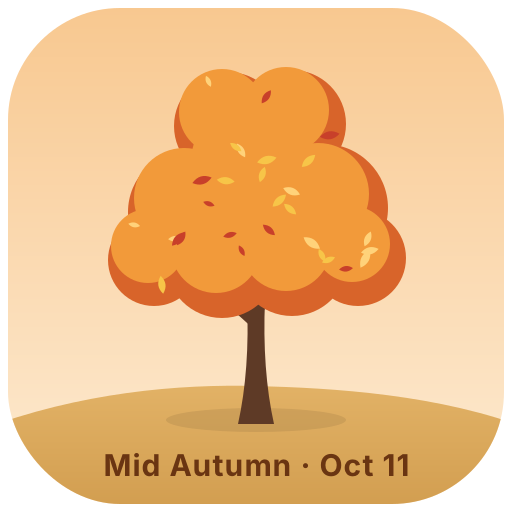
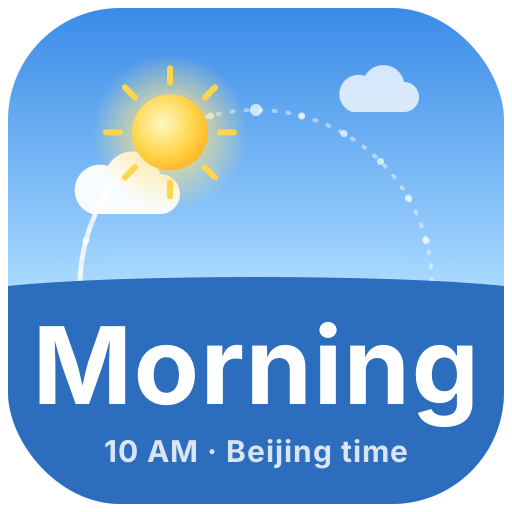
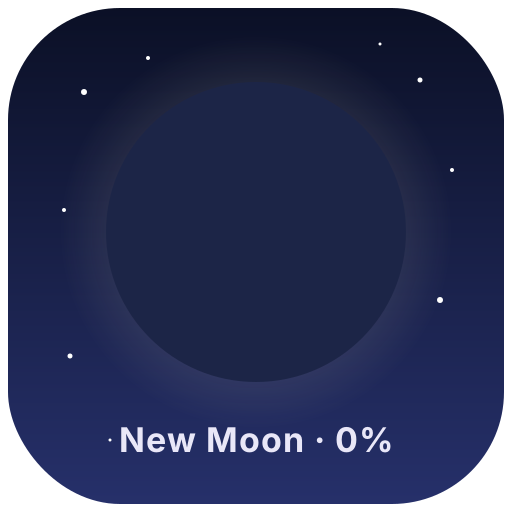
Sky and nature icons that follow the real date and time: sunrise and sunset, tonight's moon phase, a four seasons tree and a day and night clock. Copy the image link, set it as a Notion page icon and it updates by itself every day.
Animated icons (4)
Sunrise & Sunset — Pick a city to see today's sunrise, sunset and day length. The sun moves along its arc, and the moon and stars come out at night
Four Seasons Tree — A little tree that changes with the seasons: cherry blossoms, summer leaves, autumn colors and winter snow drifting down
Day & Night Clock — The sun and moon rise and set across the sky on Beijing time, and the sky shifts from dawn to midnight
Moon Phase — Tonight's moon drawn from the real lunar cycle: new, crescent, quarter, full… changing every day
Add it to Notion in 3 steps
Pick an animated icon:Choose one from the animated icon library, click Create and sign in.
Set it up:Set the date, text, colors and other options. The preview shows how it looks today.
Use it as your Notion page icon:Copy the image link, click the page icon in Notion, choose to add a custom image by link and paste it. It updates by itself every day.