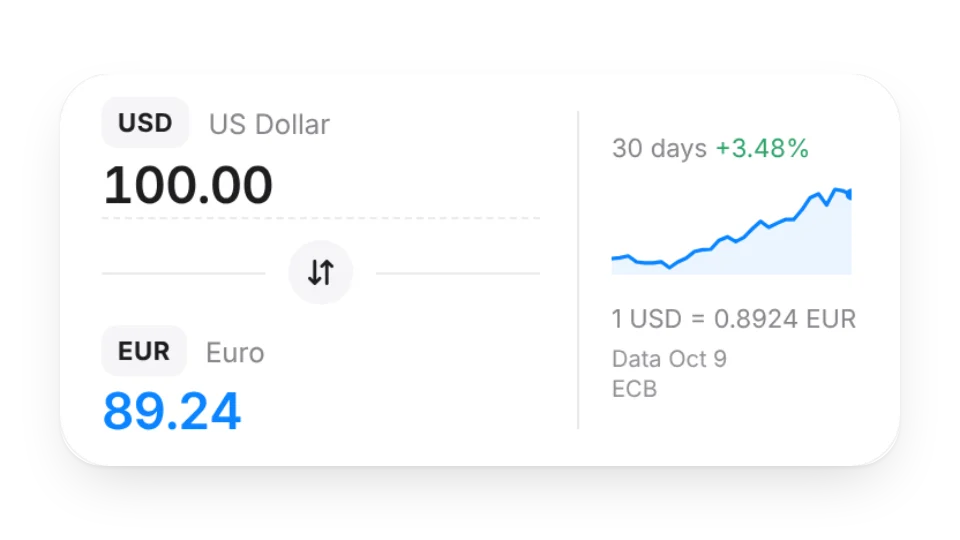
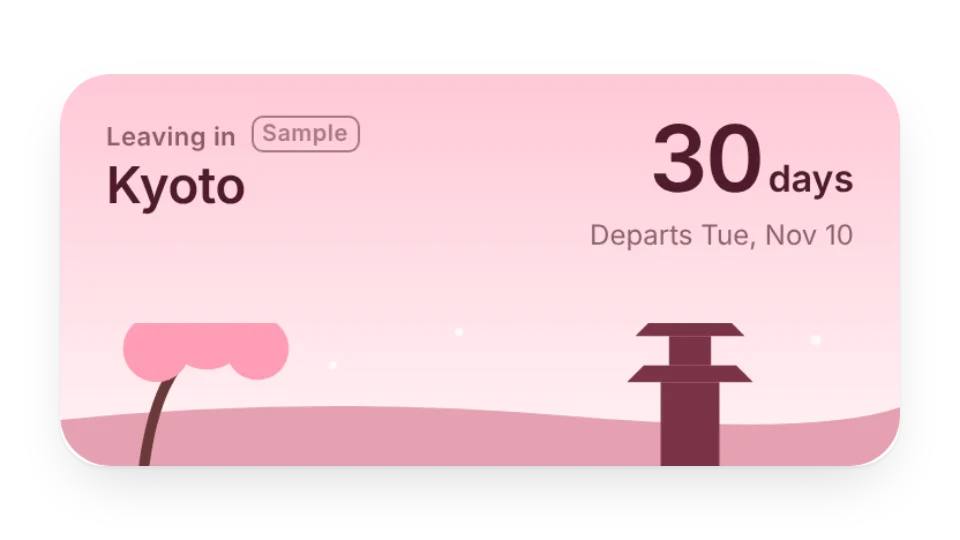
Planning a trip in Notion? Put these at the top of your itinerary: the Trip Countdown counts down to departure and changes on the day and during the trip; the Currency Converter shows the ECB reference rate, a 30-day trend and a quick price table, with the data date and source.
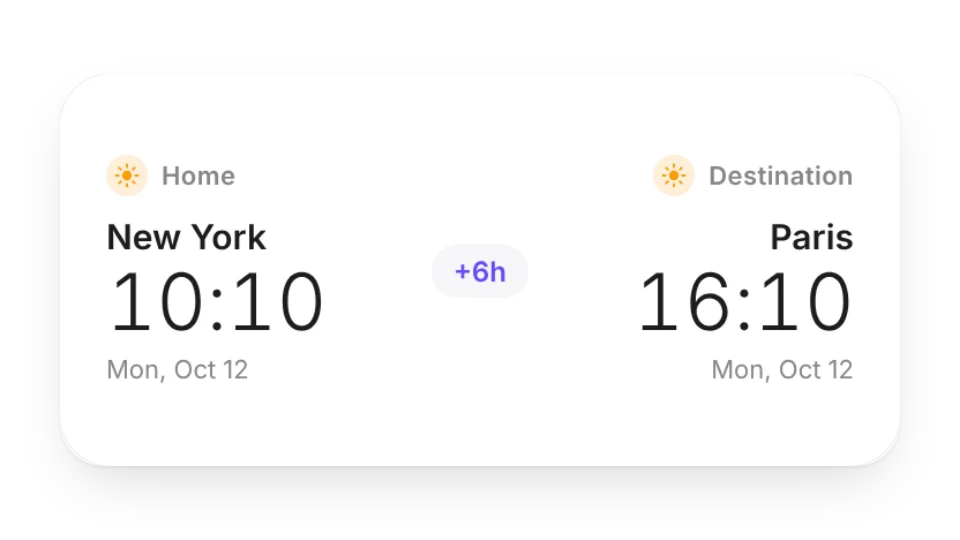
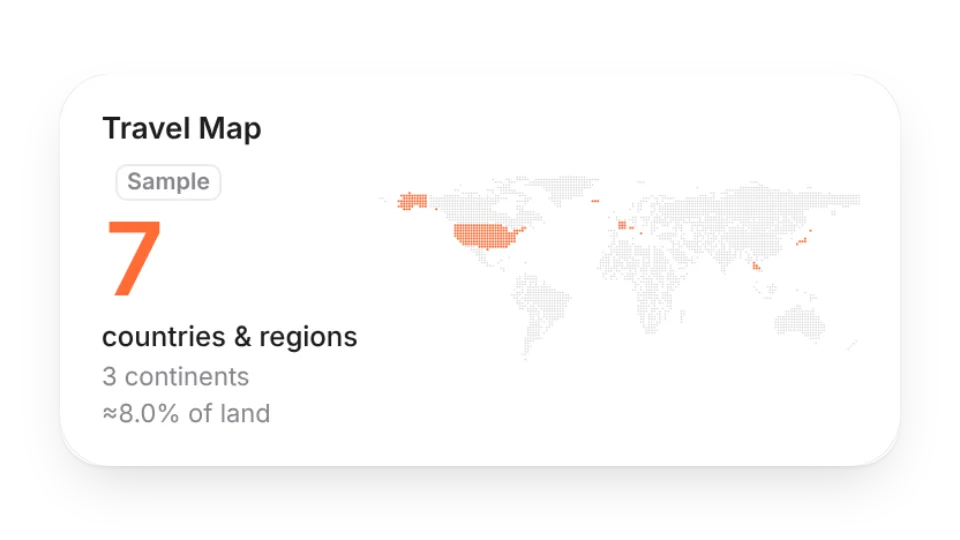
Destination Time puts home and destination side by side — how many hours apart and when you're both awake for a call — and the Travel Map lights up every country you've been to.
Widgets (4)
Destination Time — Home and destination side by side: how many hours ahead or behind, whether it's a different day, and when both sides are awake for a call
Travel Map — List the countries you've been to and light them up on a dot world map, with continents and share of the world's land
Currency Converter — Convert between two currencies for your trip, with the ECB reference rate, a 30-day trend and a quick price table. Data date and source always shown
Trip Countdown — Set a destination and departure date to count down the days. It changes on departure day, during the trip and after you're back, with six scenic themes
Add it to Notion in 3 steps
Pick a widget:Open a card, then click Create widget. You'll need to sign in — an email code is all it takes.
Make it yours:Change the text, colors, size and other options in the editor. The preview updates as you go.
Copy the link into Notion:Click Copy link, type /embed on a Notion page and paste it (or paste the link and choose Embed). Drag the corners to resize.
All 4 widgets on this page are free. Sign in to create them — free accounts can create a limited number, Pro has no limit.
Do they work in the Notion mobile and desktop apps?
Yes. Widgets are regular web embeds, so they show up in Notion on the web, on desktop and in the mobile app, as long as the device is online.
What language are the widgets in? Is there dark mode?
Widget text follows each visitor's browser language — English, Japanese, Simplified or Traditional Chinese. Most widgets also switch between light and dark with the system setting.
Can I use them outside Notion?
Anywhere that can embed a web page: Obsidian, FlowUs, Wolai, or your own website with an iframe.