Text and intro covers for Notion home pages and GitHub READMEs: an animated README banner, a typewriter headline, tech stack tags and a quote of the day. Copy the image link and paste it in Notion under Change cover → Link.
Animated covers (4)
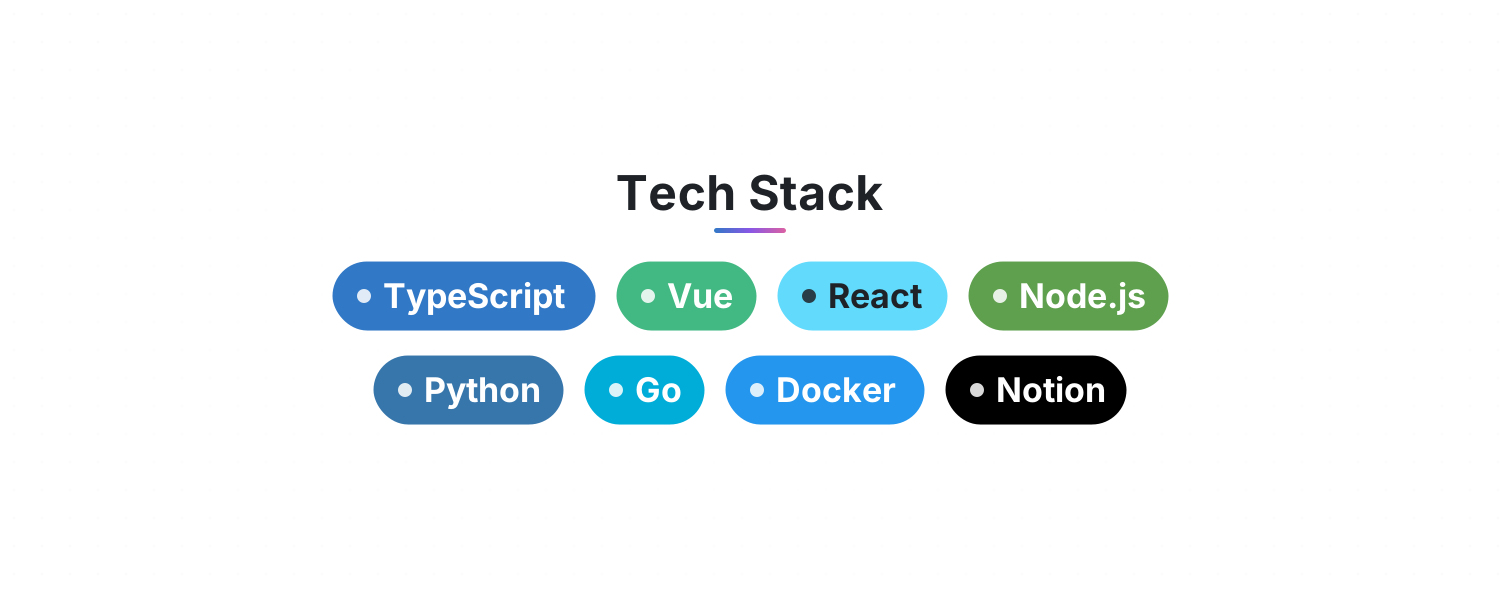
Tech Stack — List your skills and get rows of gently floating, brand-colored tags for your GitHub README or Notion page
Typewriter Headline — Lines type out, pause, delete and loop with a blinking cursor. Perfect for an intro or tagline at the top of your README
README Banner — An animated header for your GitHub README or Notion page: a shimmering gradient title, a tagline and flowing waves. Looks great in light and dark
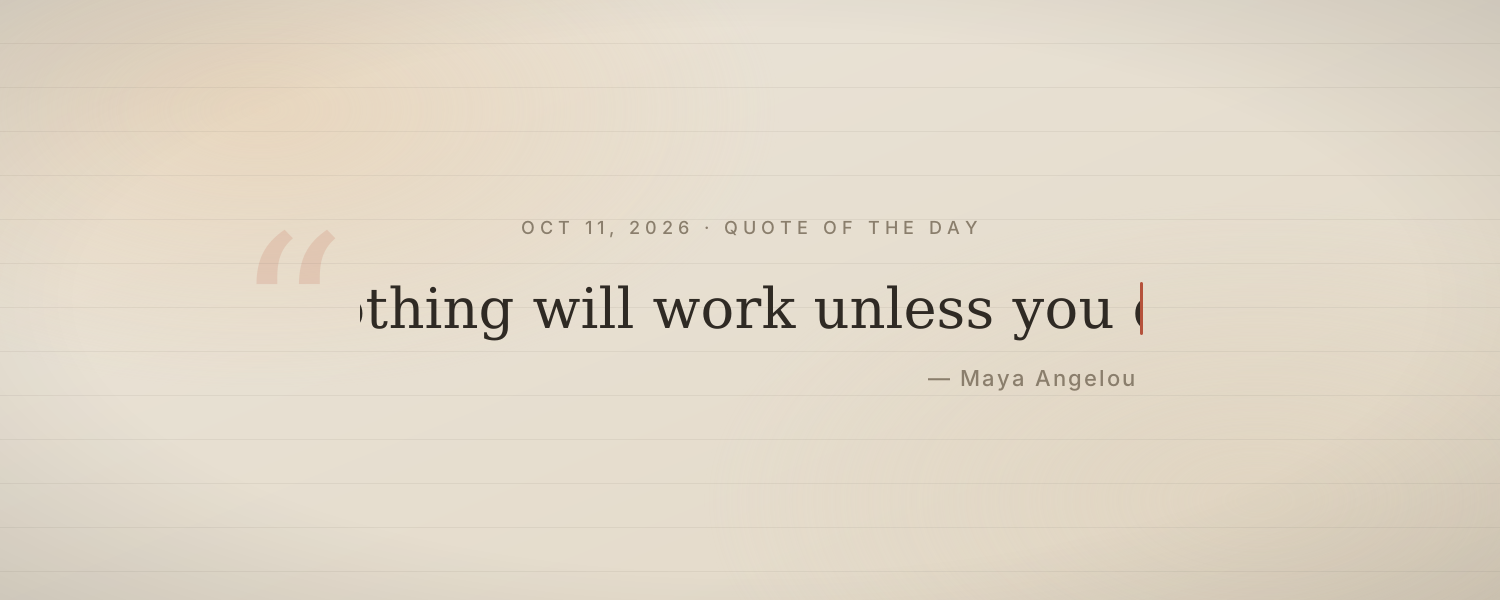
Quote of the Day — A quote types itself out each day with its author on soft paper. About 60 Chinese and 60 English quotes rotate by date
Add it to Notion in 3 steps
Pick an animated background:Choose one from the animated background library, click Create and sign in.
Set it up:Set the title, date, colors and other options.
Use it as your Notion cover:Copy the image link, then in Notion click Change cover → Link and paste it. The cover changes with the time by itself.