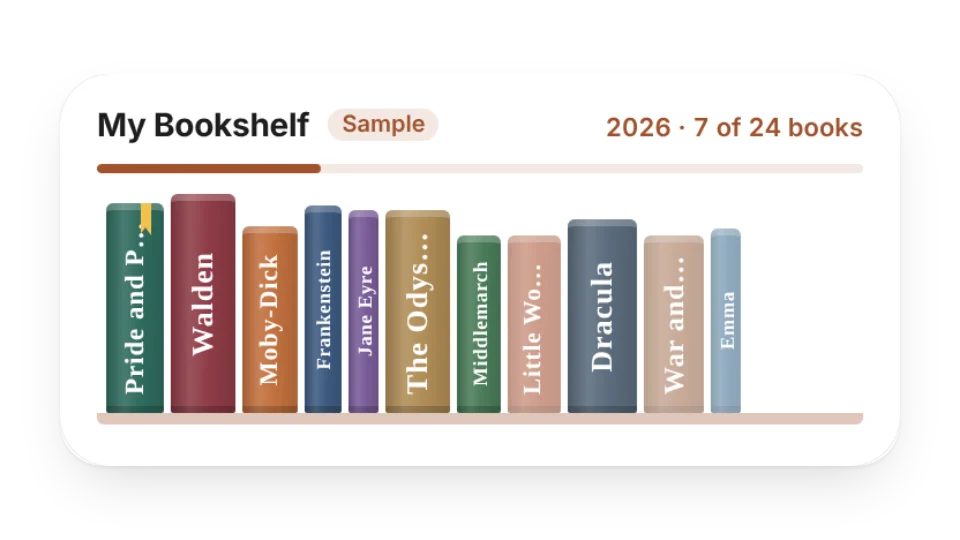
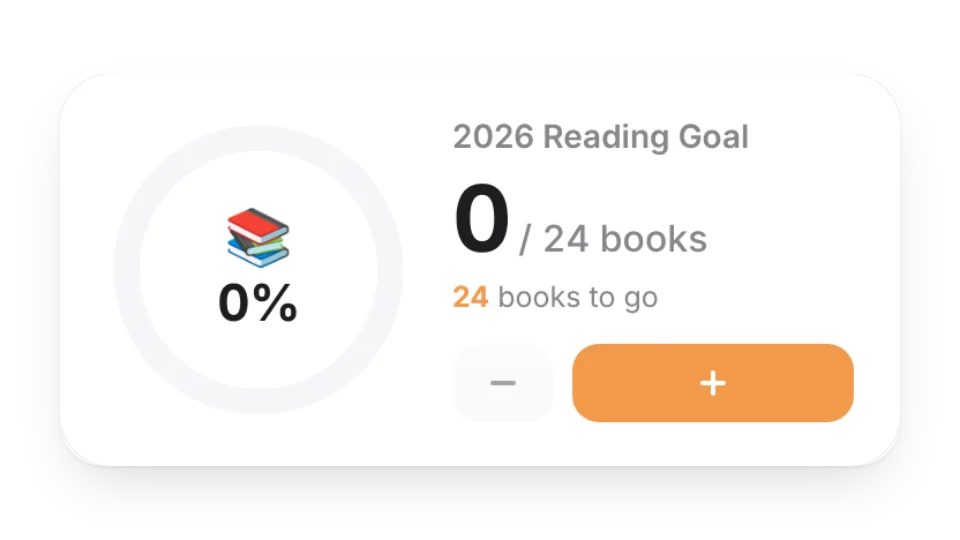
Line up the books you’ve read, are reading and want to read on a shelf — add your own cover photos if you like — with this year’s count and your reading goal on top
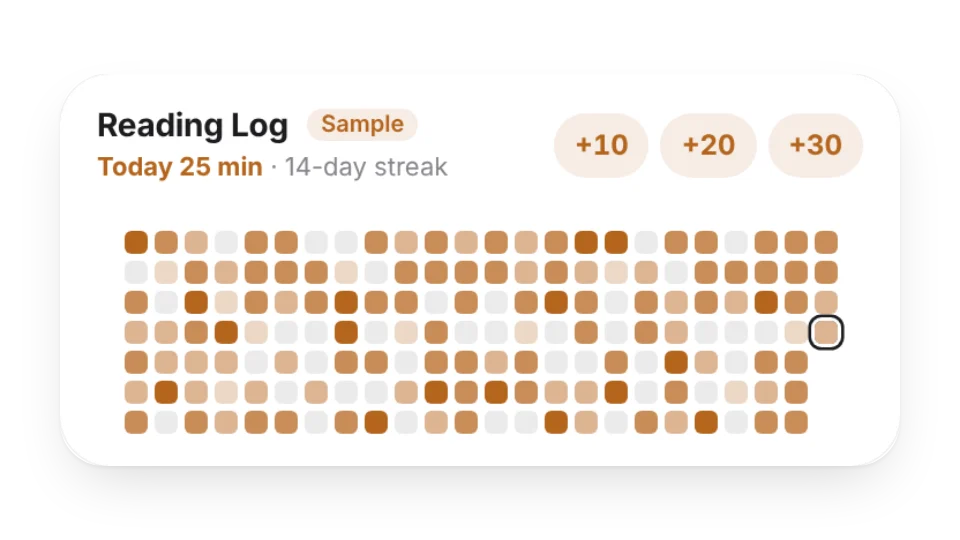
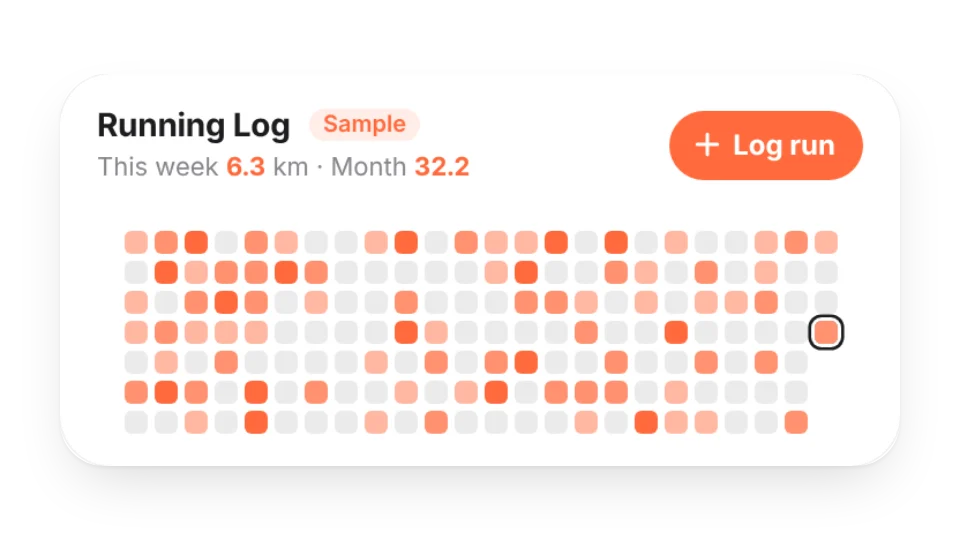
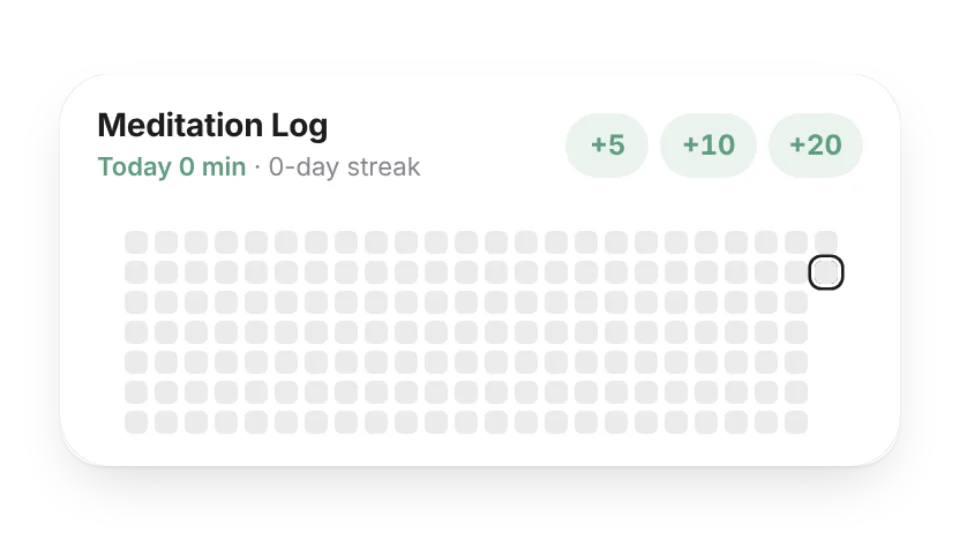
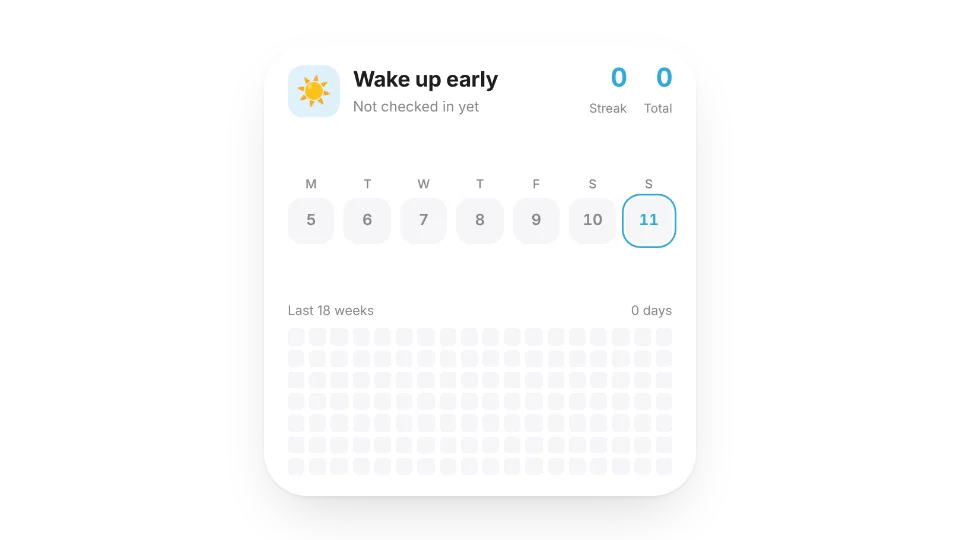
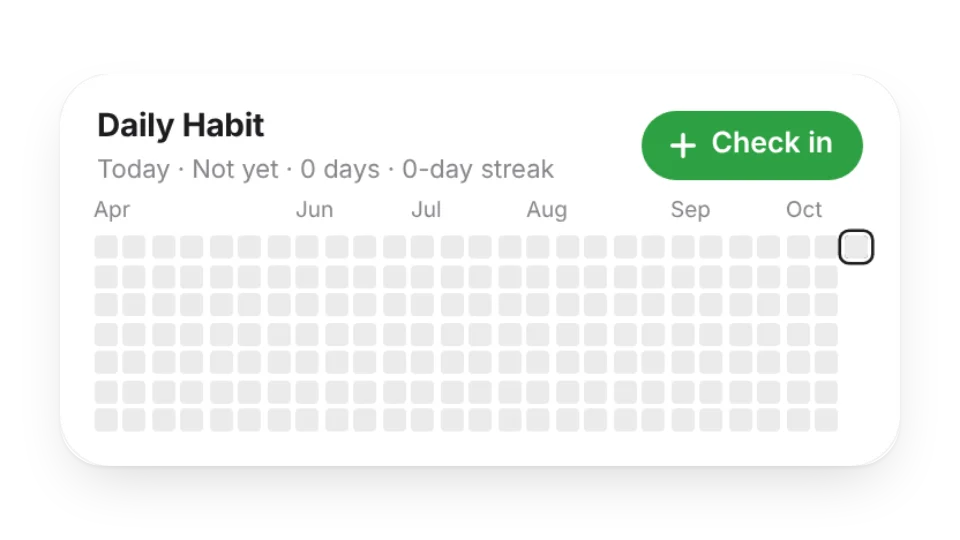
How long (or how many pages) you read each day — a heatmap, your reading streak, this week’s and this year’s totals. Tap +10 / +20 / +30 to log; saved to My Data
The book you’re reading now — cover, current page, a progress bar and an estimated finish date. Set the page in the editor, or connect My Data and tap +10 pages to log
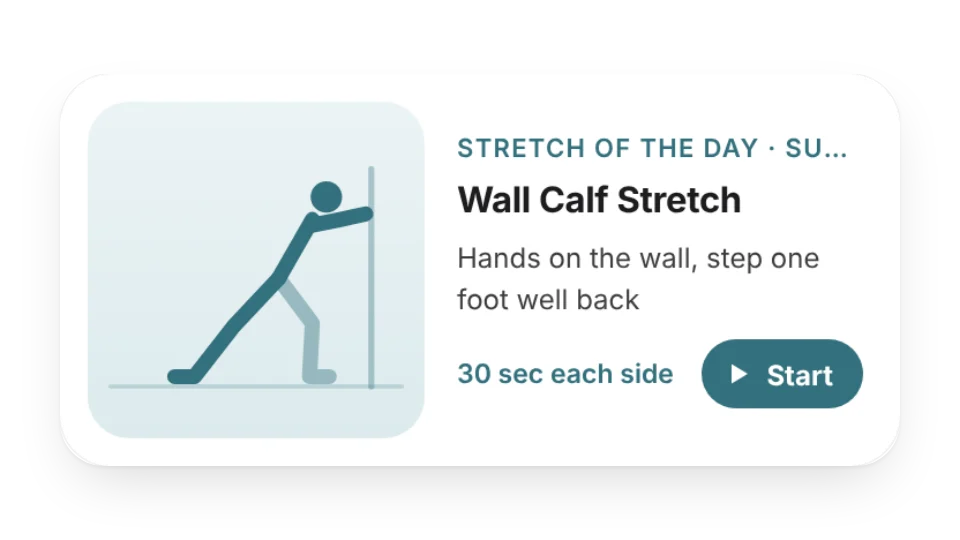
One simple stretch a day with the target area, step-by-step cues, how long to hold it and a line drawing — tap Start for a timer, or show only desk-friendly moves
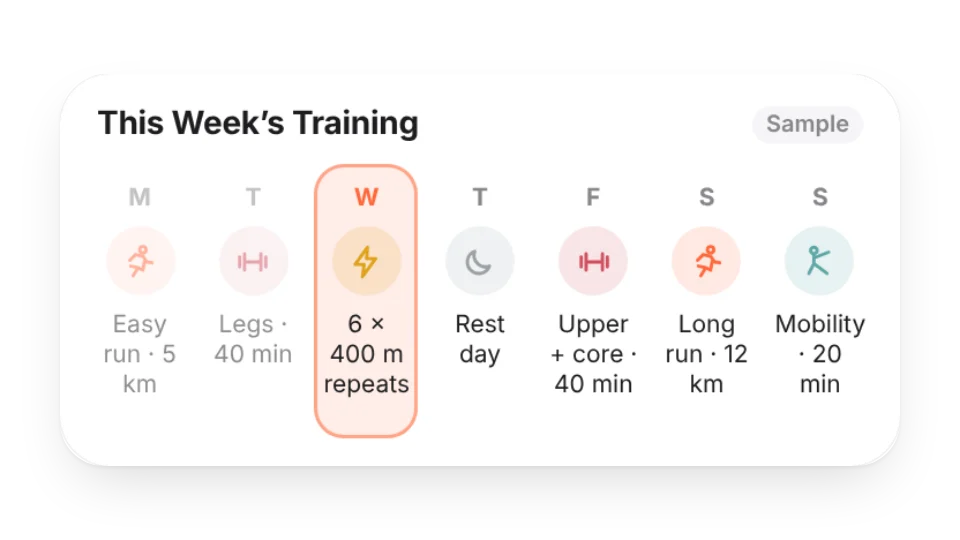
Plan your week of runs, strength, rides, swims, intervals, mobility and rest days — today is highlighted, and the large size counts sessions and rest days
Log your weight and see the last 30–365 days as a trend with a 7-day average and an optional goal line. Numbers are hidden by default; entries are saved to My Data
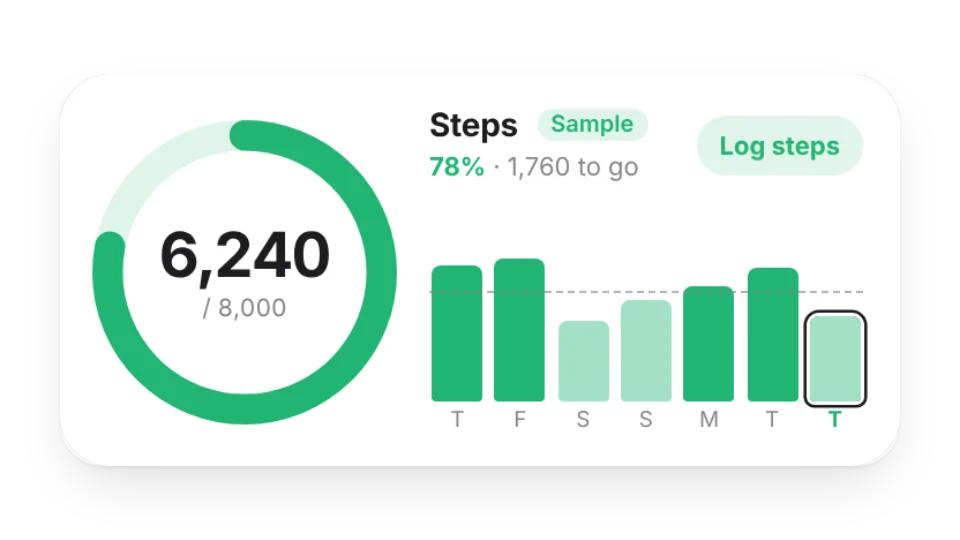
Today’s steps against your daily goal as a ring, with the last 7 / 30 days as bars, your daily average and goal streak. Log by hand or with a check-in link — saved to My Data
Log spending and income, then see this month's total, what's left of your budget, a daily allowance and a category breakdown — saved to My Data, with an option to hide amounts
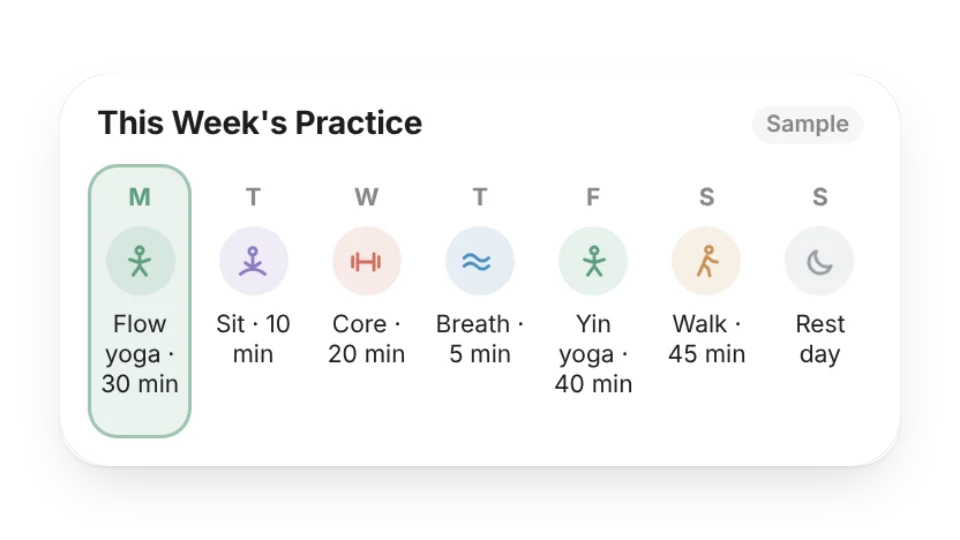
Write down your week of yoga, meditation, breathwork, walks and rest days — today is highlighted automatically, and the small size shows just today and tomorrow
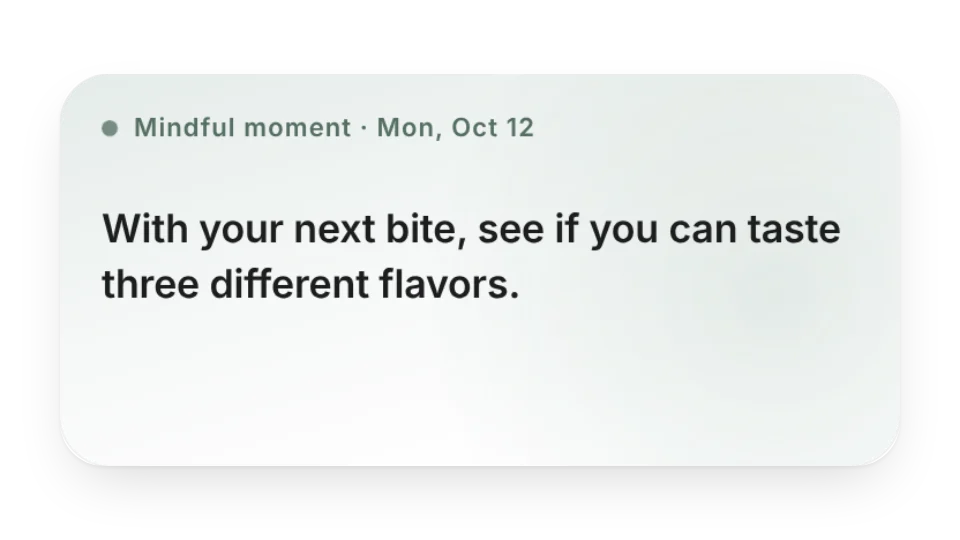
A short mindfulness prompt each day — notice your breath, your body and the small things around you. Original prompts, or a new one every time you open the page
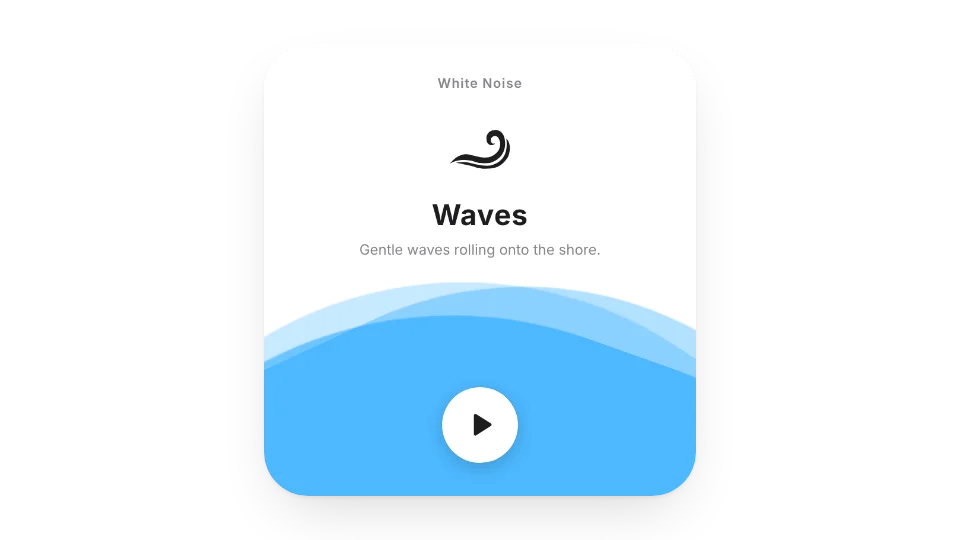
A quiet timer for sitting practice: a singing-bowl tone at the start and end, optional interval bells and settle-in time, with bowl, bell or wood-block sounds
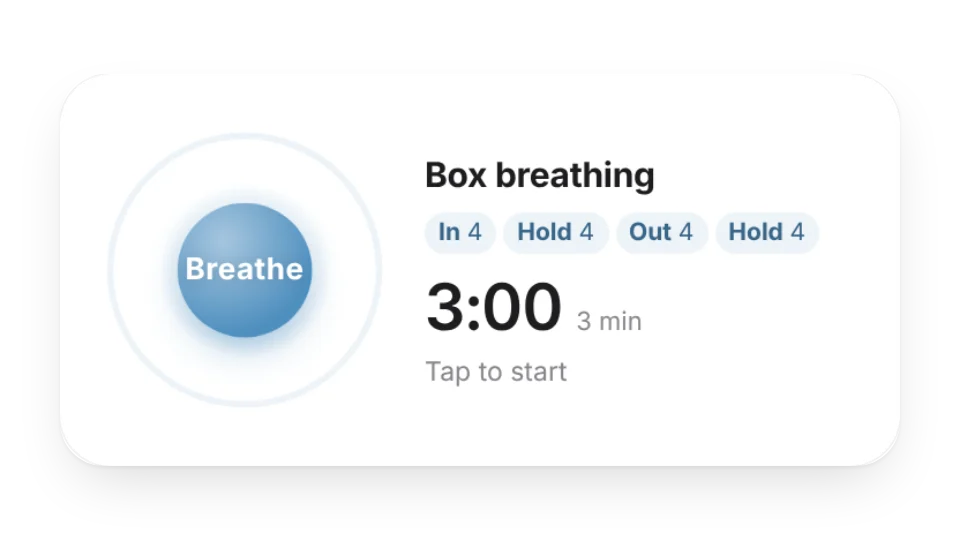
Breathe along with an expanding circle or a dot tracing a square — box breathing, 4-7-8, 5-5, longer exhale or your own rhythm, for as many minutes as you like, with optional soft tones
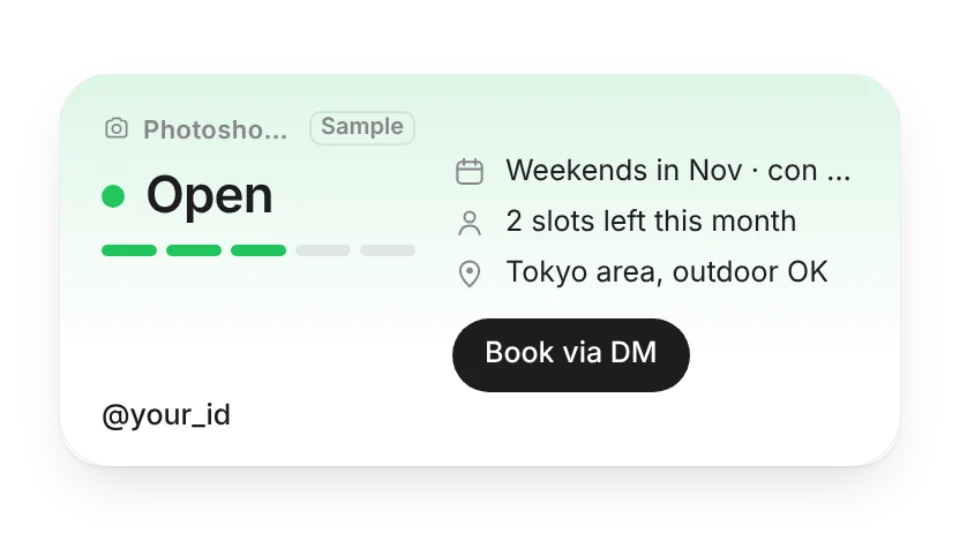
Let people know whether you're taking photoshoot bookings or commissions — open, few slots left, fully booked or closed — with your schedule, slots, area, rates and a contact button. Great for a profile page
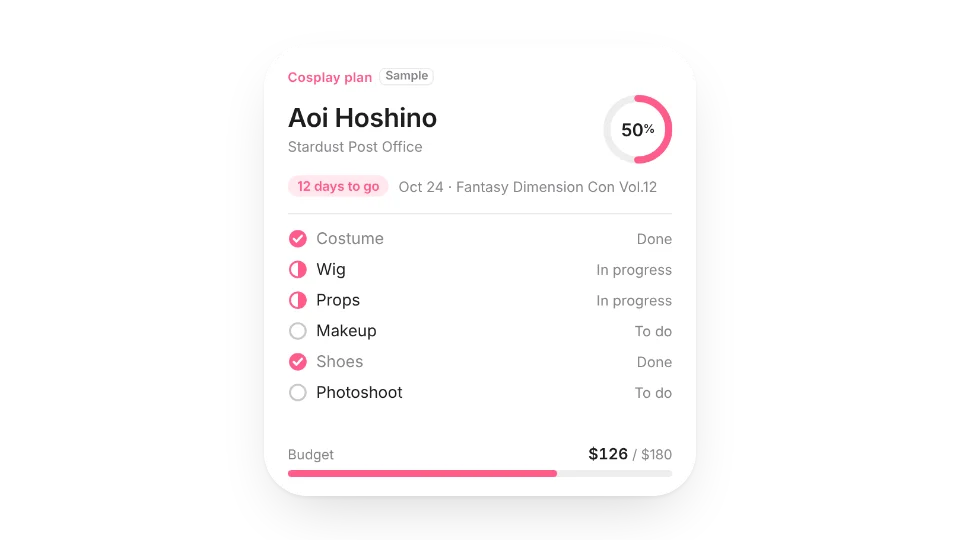
Plan your next cosplay: the character, the con and days left, where your costume, wig, props, makeup, shoes and photoshoot stand, and how much of the budget you've spent
Track the anime cons and doujin events you're going to: days to go, venue, your booth number, day 2 of 3 during multi-day events. Past events fade out, and it counts how many you've been to this year
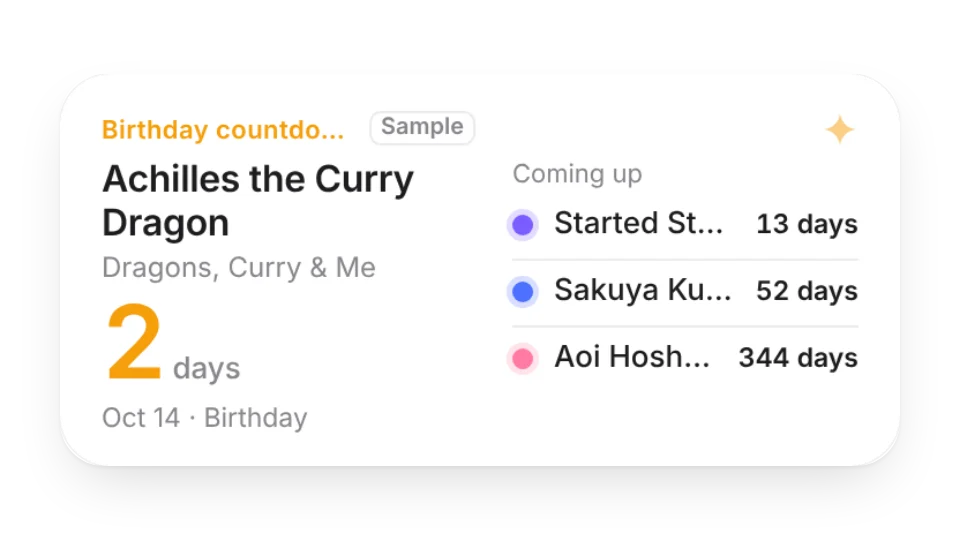
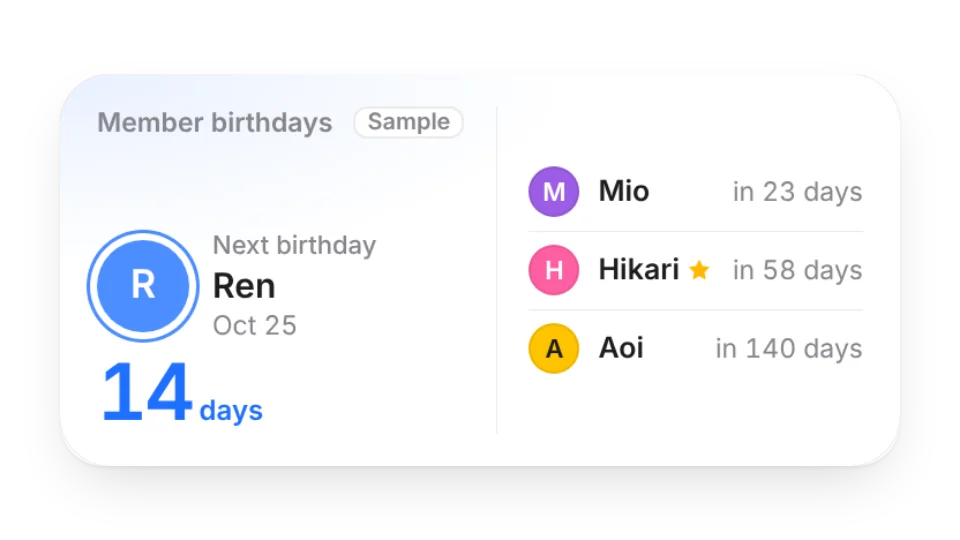
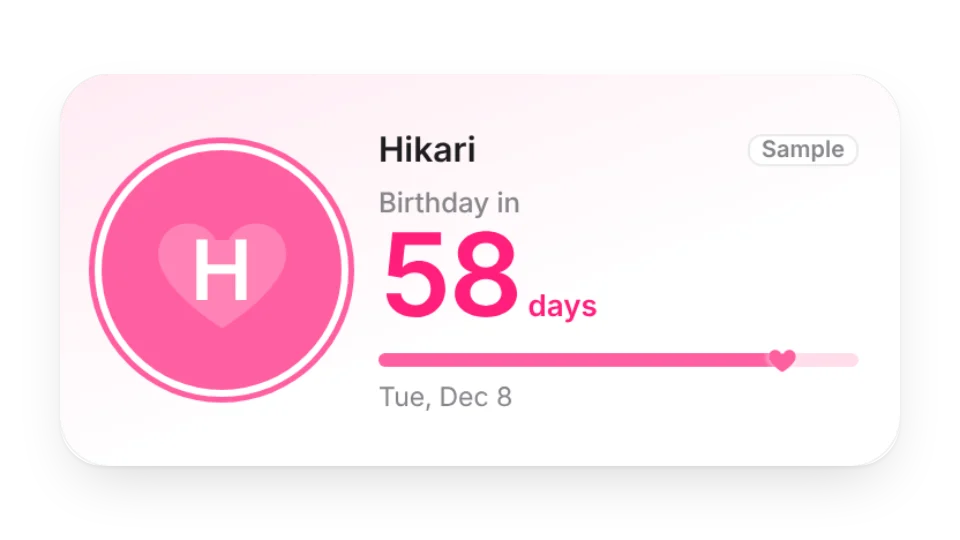
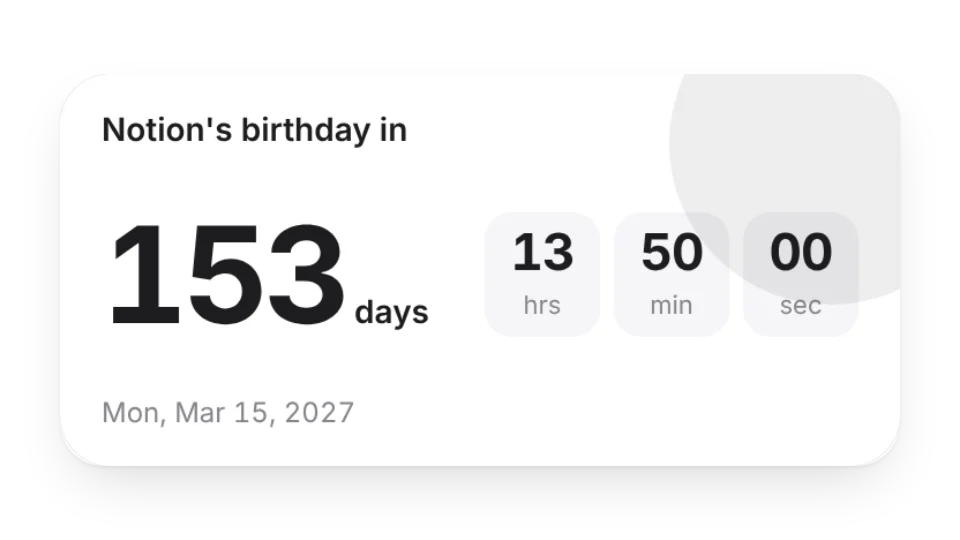
Count down to your favorite characters' birthdays and your own fandom anniversaries. On the day it switches to a celebration card, in each character's own color
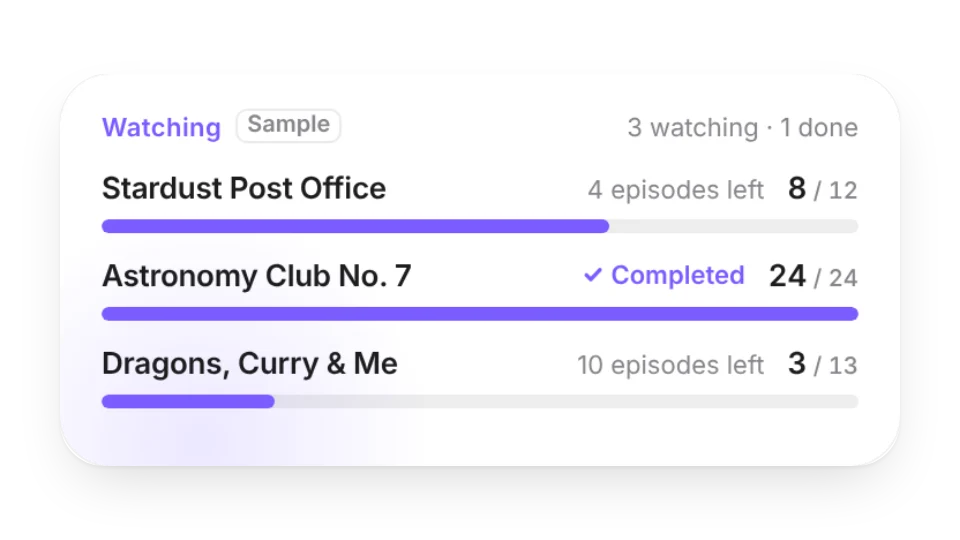
List the shows you're watching or catching up on and which episode you're on. Progress bars show how many episodes are left, and finished shows get a “Completed” mark
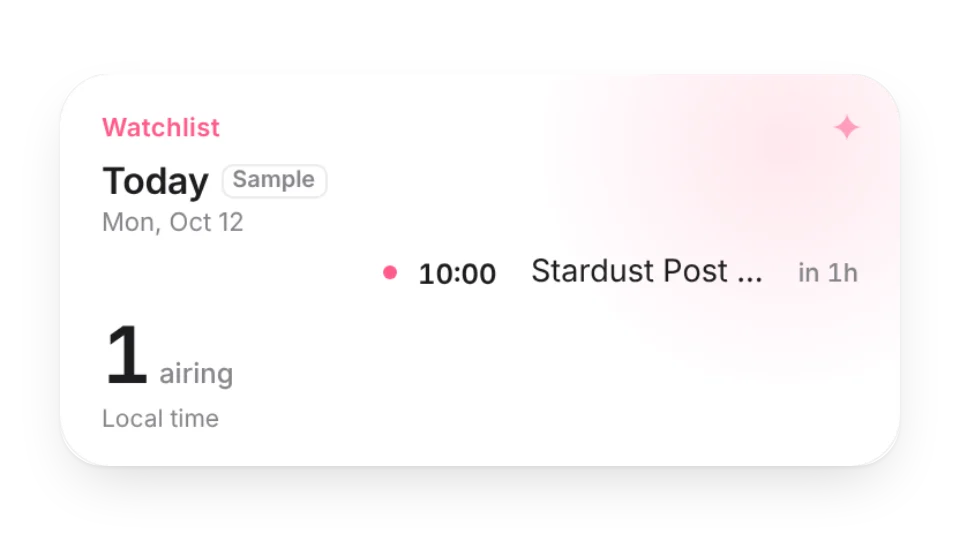
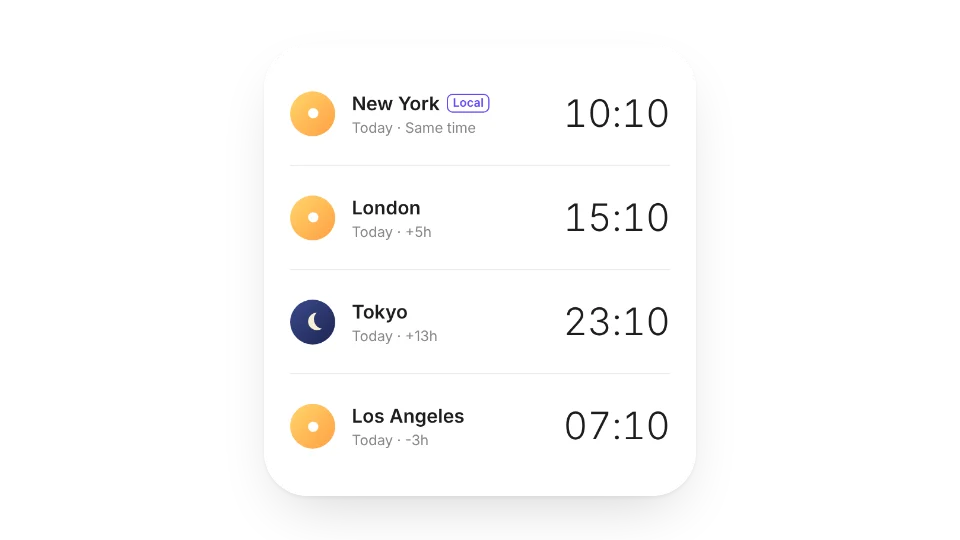
See when each seasonal anime you watch airs every week, what's out today and how long until the next episode — converted to your time zone. Or use the daily schedule from Bangumi
A calendar and clock in your fave's color that marks their birthday, releases, TV, livestreams and shows — you add the plans, birthdays can repeat yearly
Ticket-style D-day countdown for concerts, fan meetings and fansigns — list several shows, past ones fade out, and see how many you've been to this year
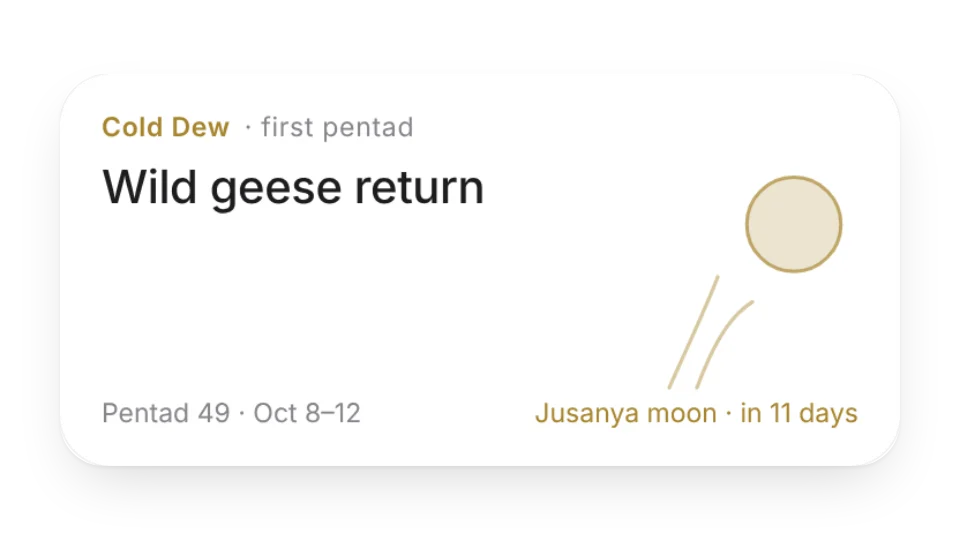
Japan's 72 micro-seasons and 24 solar terms — a new poetic season name every five days, seasonal artwork and upcoming traditions like moon viewing and Tanabata
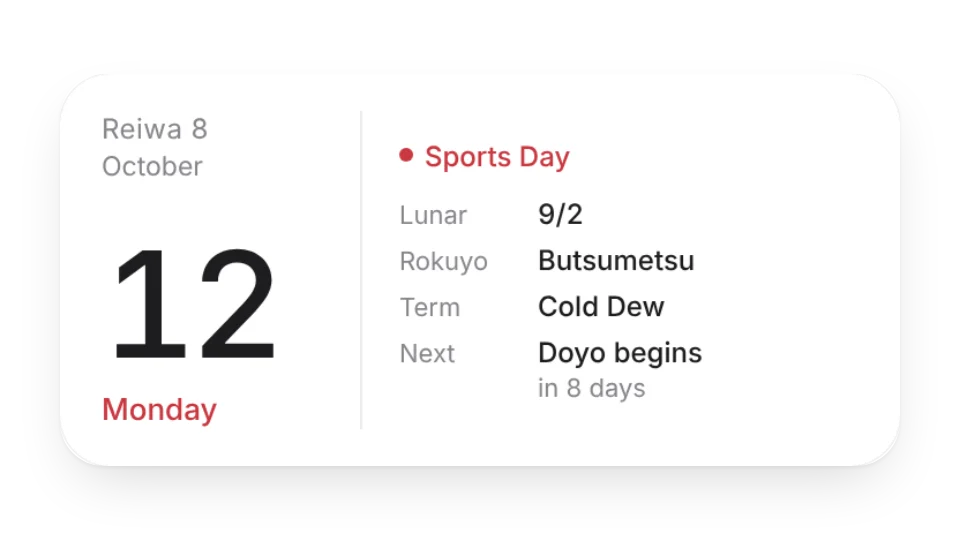
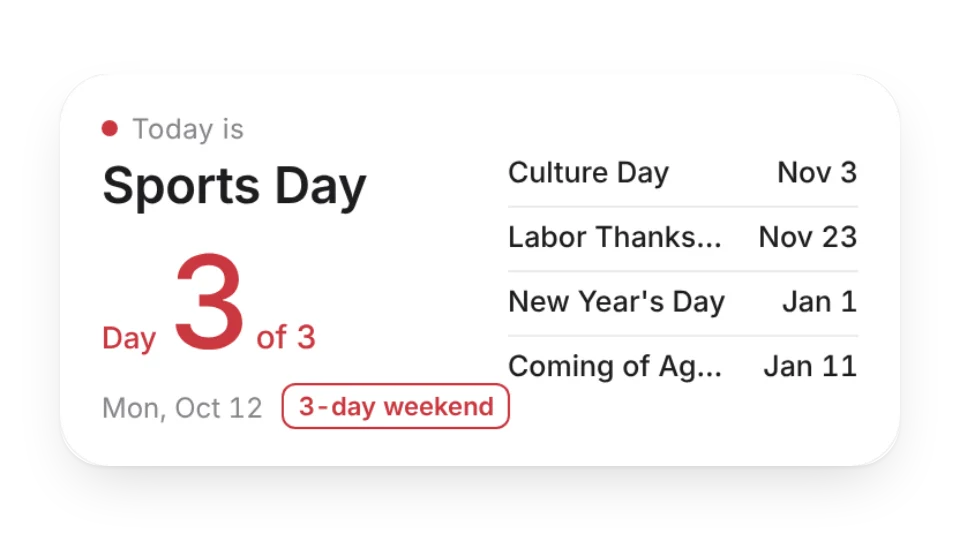
Today in the Japanese calendar — Reiwa era year, rokuyo lucky days, the old lunar date, the 24 solar terms, seasonal days and national holidays, plus a monthly view
Live Hacker News lists — Top, New, Best, Ask HN and Show HN — with rank, title, site, points, comments and age. Tap to open the story or the discussion
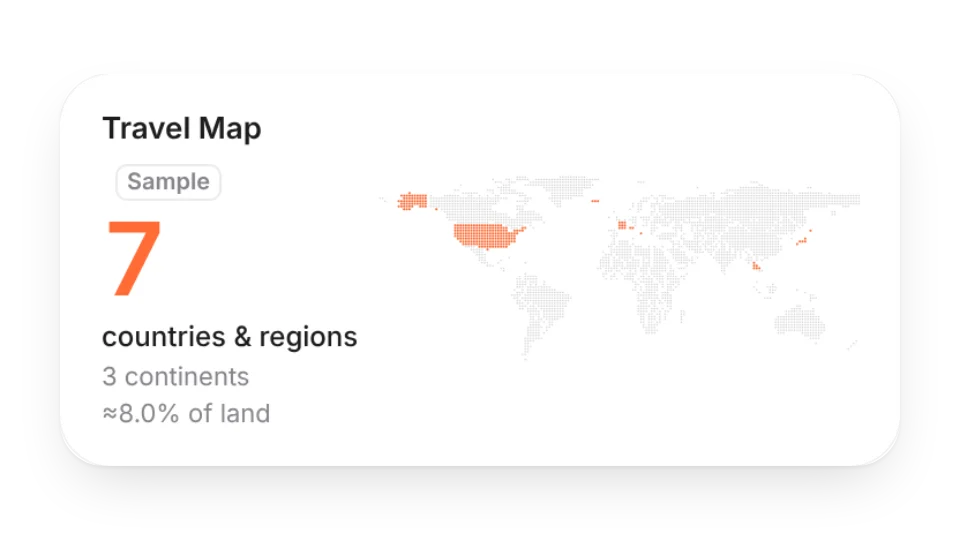
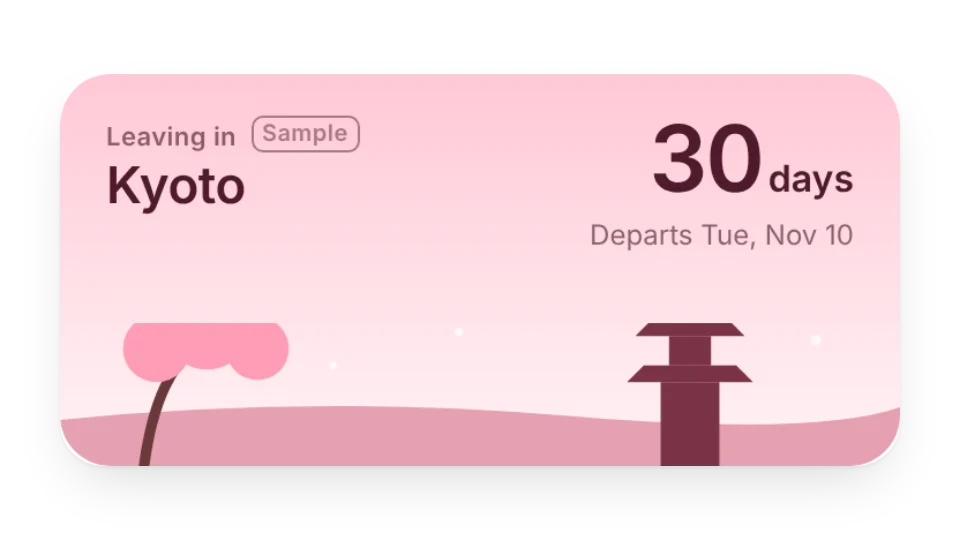
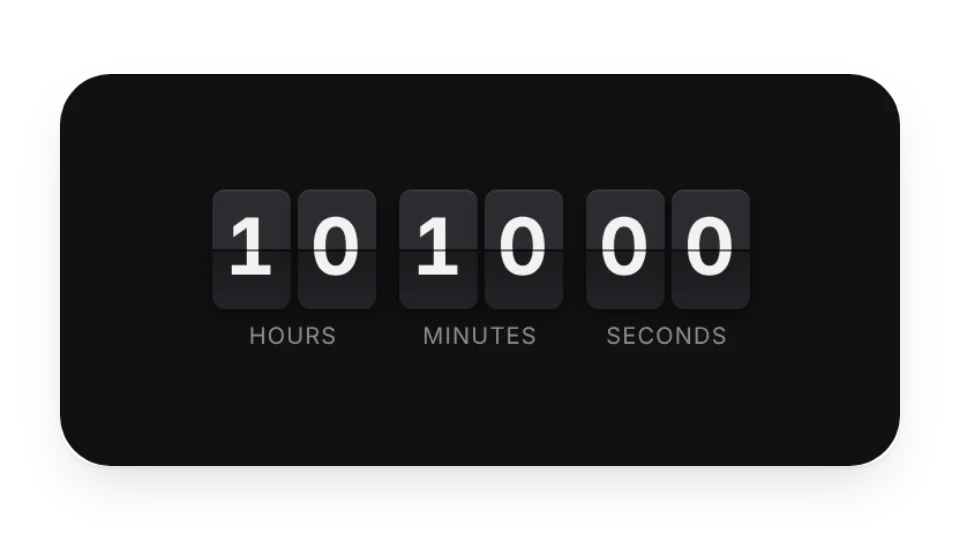
Set a destination and departure date to count down the days. It changes on departure day, during the trip and after you're back, with six scenic themes