
"78% of the year is gone" is a nudge a calendar can't give you. Time Progress shows today, this week, month and year as live bars; Year in Squares draws the year as 365 squares; Life Countdown switches between year, quarter, month, week and day with seven bar styles.
You can also put progress in a page icon or cover: Time Rings, Year in Dots, Weekend Battery, and the liquid-style Year Progress cover.
 Time ProgressHow much of today, this week, month and year has passed? Bars tick every second and show what's left
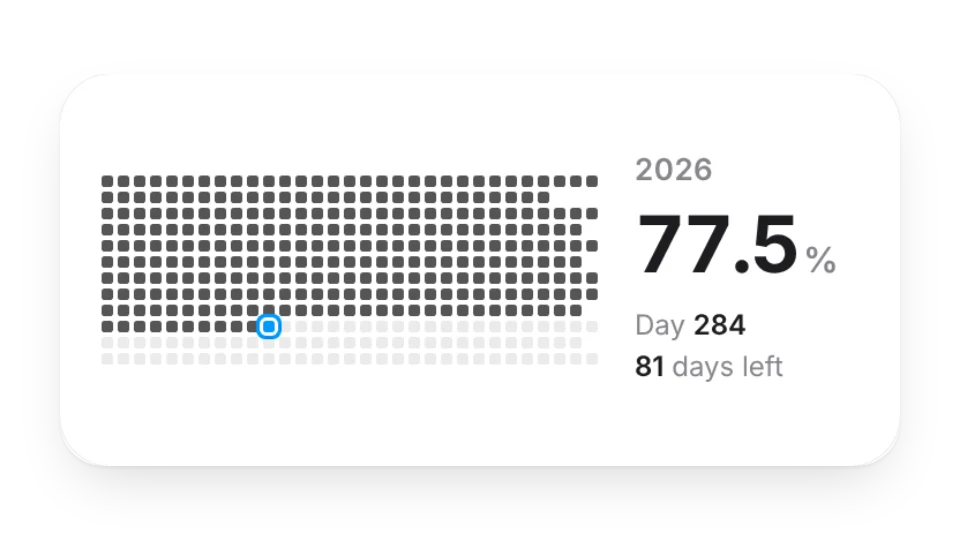 Year in SquaresSee how far through the year you are. Each square is one day
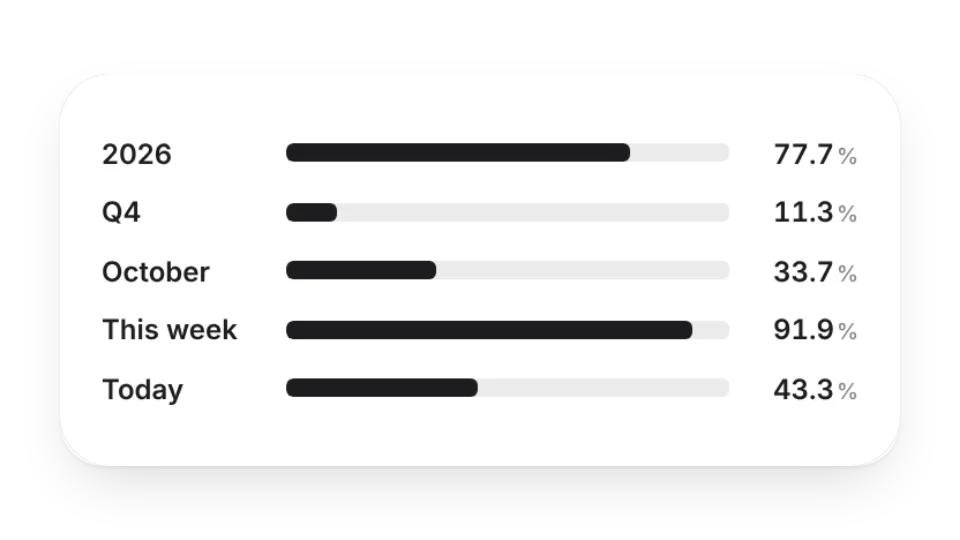 Life CountdownSee how much time has passed by year, quarter, month, week or day, in 7 progress bar styles
 Custom Life CountdownFully customizable
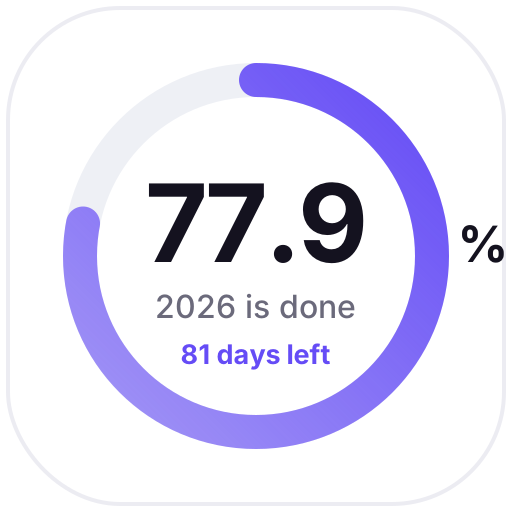 Time RingsRings show how much of this year, month, week and day has passed, updated daily as a gentle reminder
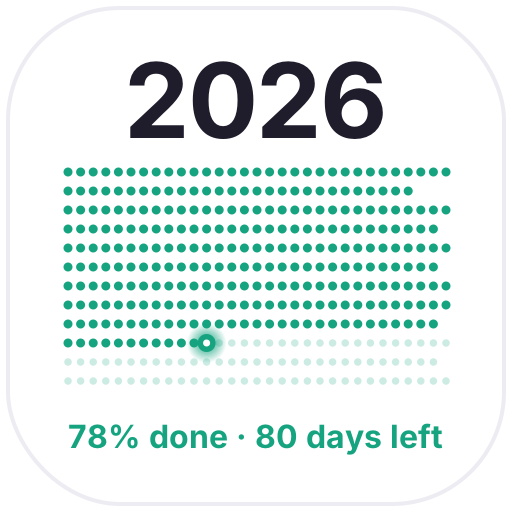 Year in DotsEvery day of the year as a dot: past days light up, today blinks and the rest fade out ahead
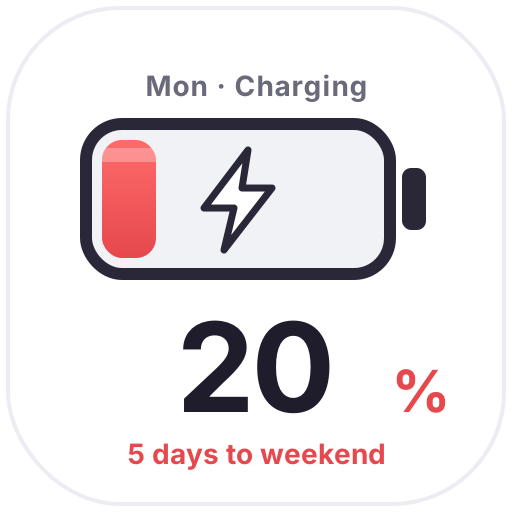 Weekend BatteryThe closer the weekend, the fuller the battery: 20% on Monday, full on Friday, with bubbles and a charging bolt to get you through
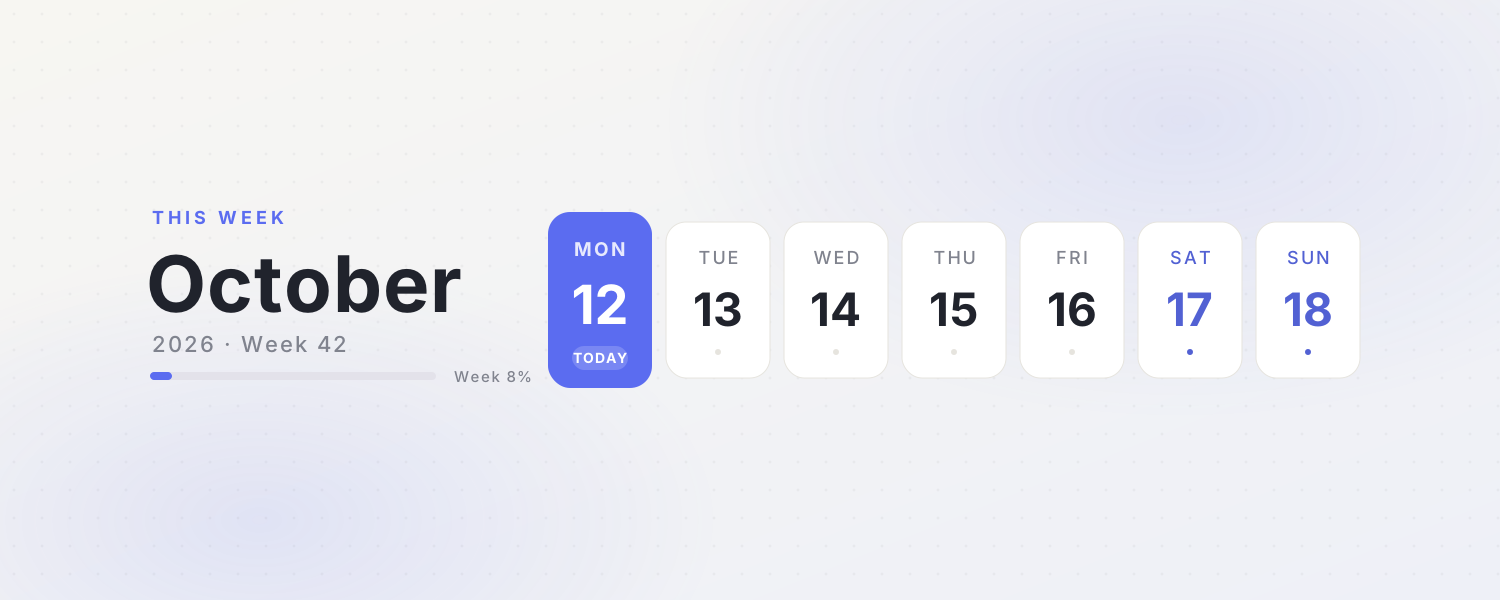 This WeekA clean weekly calendar cover with the month, week number and progress. Today's card glows softly
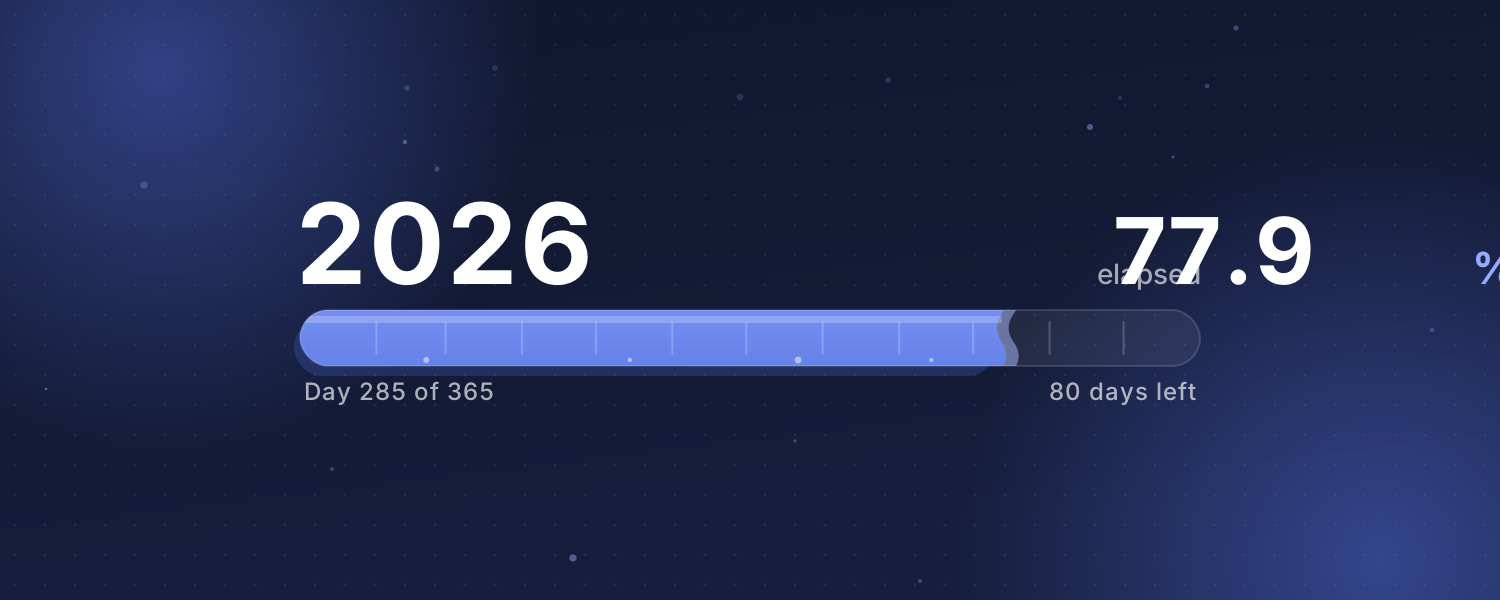 Year ProgressHow much of this year, month or week has passed? A liquid bar fills up on Beijing time with a gently rippling surface
 Countdown BannerPick an important day and the cover shows how many days are left, with floating confetti. Afterwards it counts the days since
Open a card, then click Create widget. You'll need to sign in — an email code is all it takes.
Change the text, colors, size and other options in the editor. The preview updates as you go.
Click Copy link, type /embed on a Notion page and paste it (or paste the link and choose Embed). Drag the corners to resize.