
A Notion database works as a habit tracker, but opening a table to tick a box every day gets old. The Habit Tracker widget turns it into one tap: it records your streak and total days and shows the last 12 weeks as a heatmap.
There's also a water tracker, a goal counter for yearly targets like books read or miles run, and a simple tally counter. Check-ins are saved with the widget, so they're there on every device.
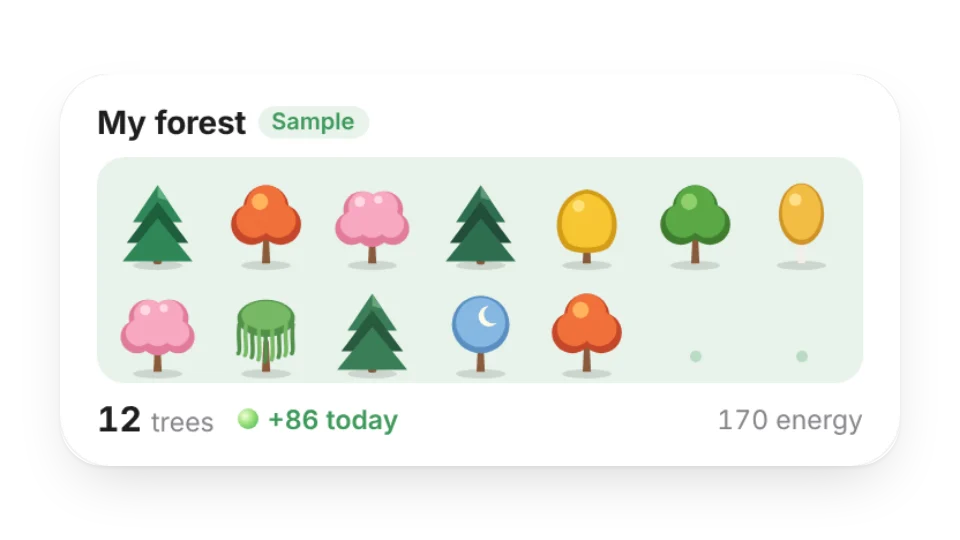 My ForestThe virtual trees you plant with energy from focusing together in Focus Rooms: a grid of your trees plus today's energy (reads your My Data forest table)
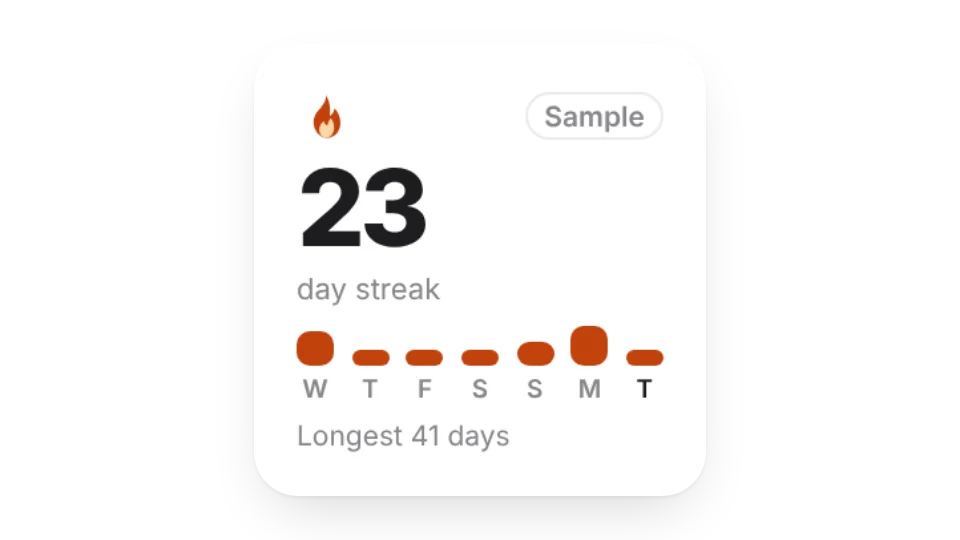 GitHub StreakHow many days in a row you have contributed on GitHub, your longest streak and the last 7 days
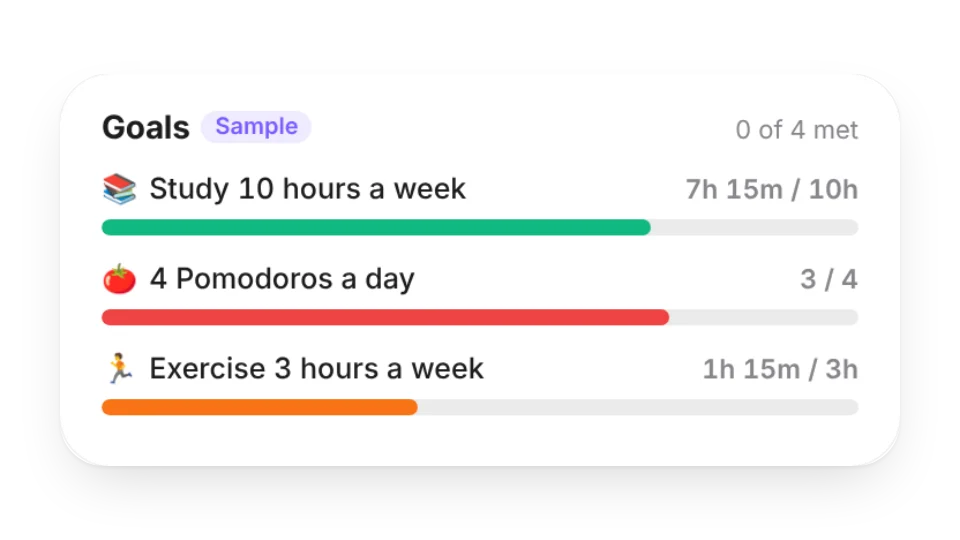 Goal ProgressTrack goals like “10 hours of study a week” or “4 Pomodoros a day”. Progress comes from what you actually record in the focus space (My Data)
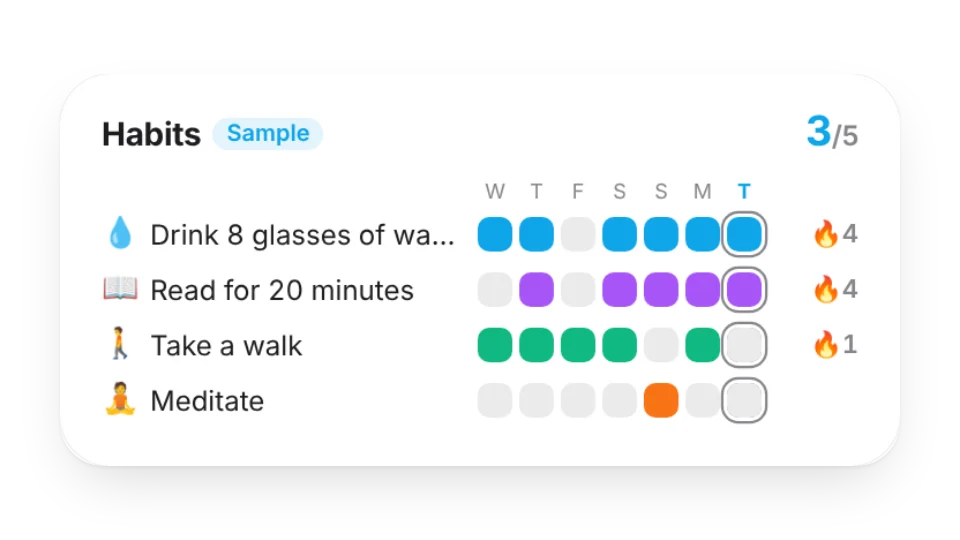 Habit GridOne row per habit: recent weeks of check-ins, how many you’ve done today and your current streaks — from the habits you track in the focus space (My Data)
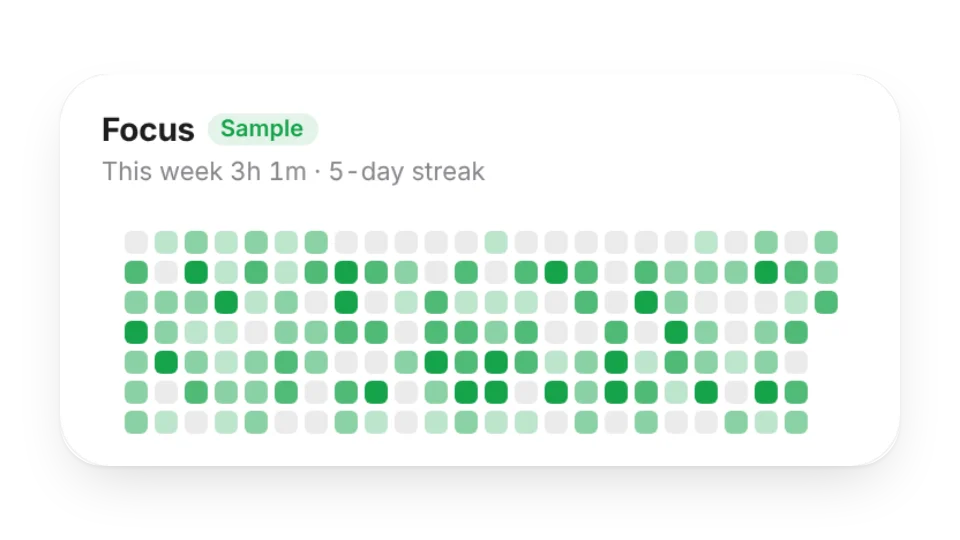 Focus HeatmapYour daily focus time as a contribution-style heatmap, with your streak and today, this week, this month and all-time totals — from the focus space (My Data)
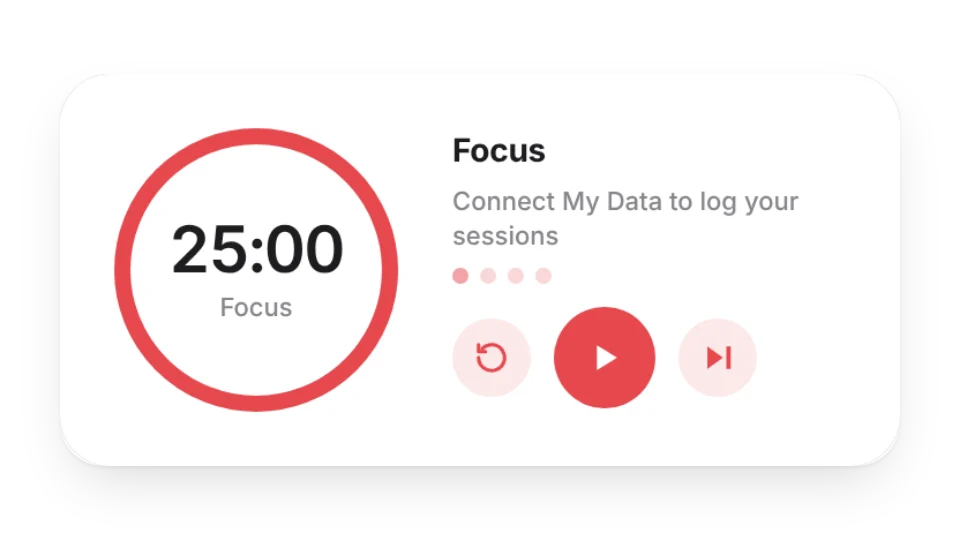 Focus TimerA Pomodoro, countdown and Animedoro timer with a progress ring. Connect My Data to log every session and see today’s focus time, your streak and this week
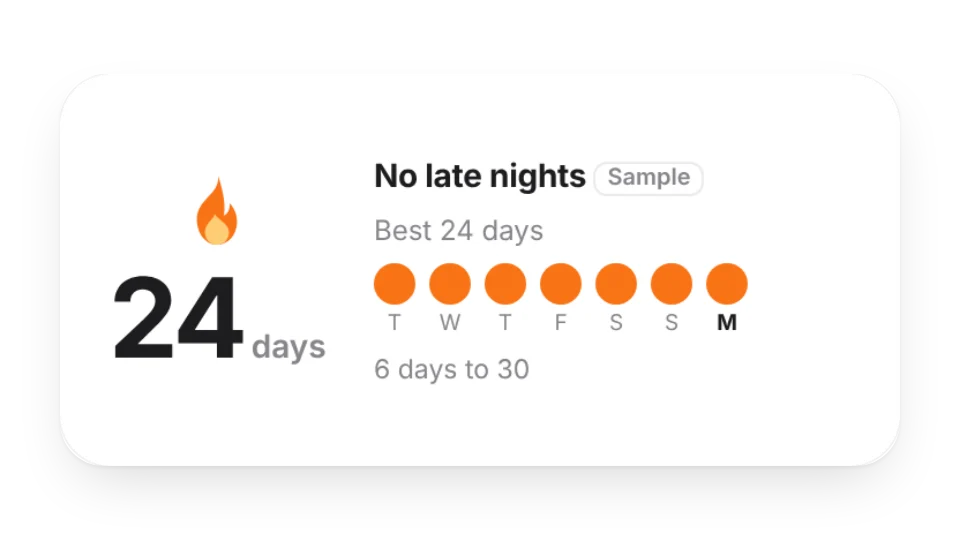 Streak CounterHow many days in a row: a big number, your best streak, the last 7 days and the next milestone. Count from a start date, or connect My Data (check in on the widget) or a Notion database
 Mood TrackerTap how you feel each day on a 5-point scale. A month calendar and recent weeks fill in with color so you can see the last 30 days at a glance. Saved to My Data, or read from a Notion database
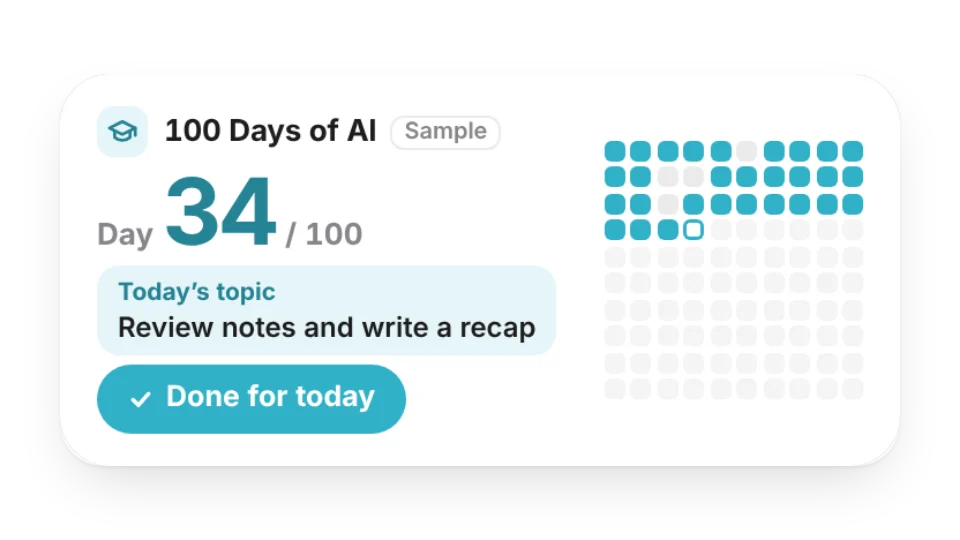 100 Days of AIA “100 Days of AI” learning challenge: see which day you’re on, a 10×10 grid of days done and missed, your streak, and today’s topic from your own plan. One tap logs the day — saved to My Data
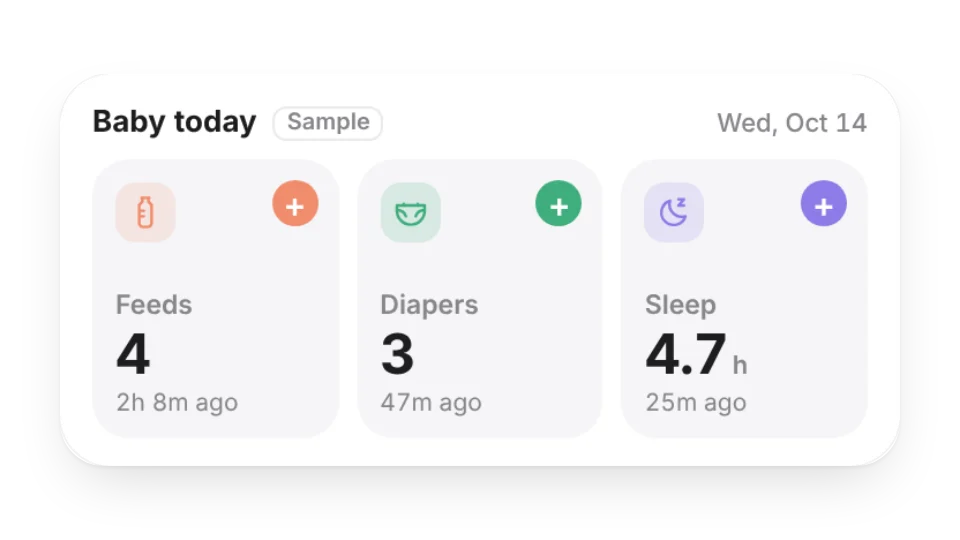 Baby Feeding & Diaper LogLog feeds, diaper changes and sleep with one tap: today’s counts, amount and total sleep, time since the last one, and the last 7 days in the large size — saved to My Data
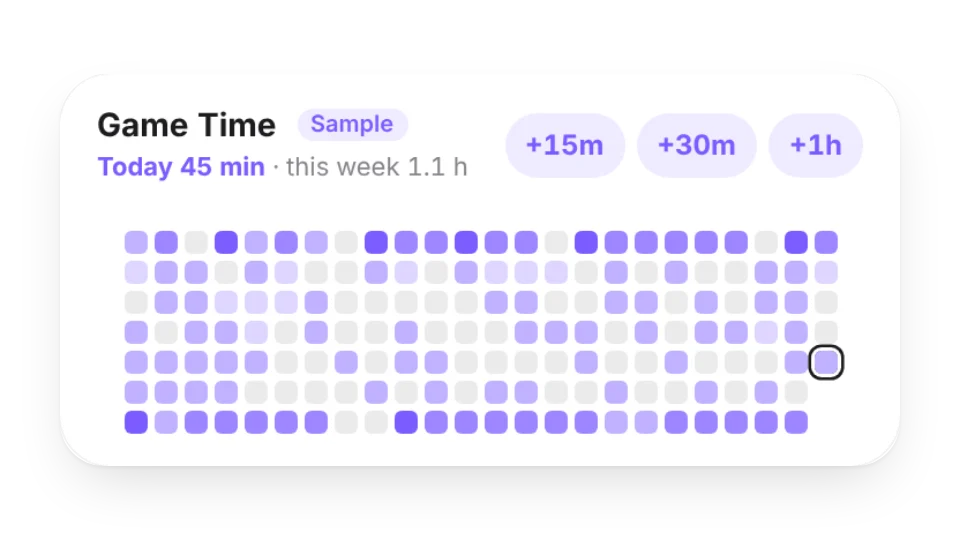 Game Time TrackerLog how long you play with +15 / +30 / +60 taps. See a heatmap, this week’s hours against an optional weekly plan or limit, and a day-by-day bar chart — saved to My Data
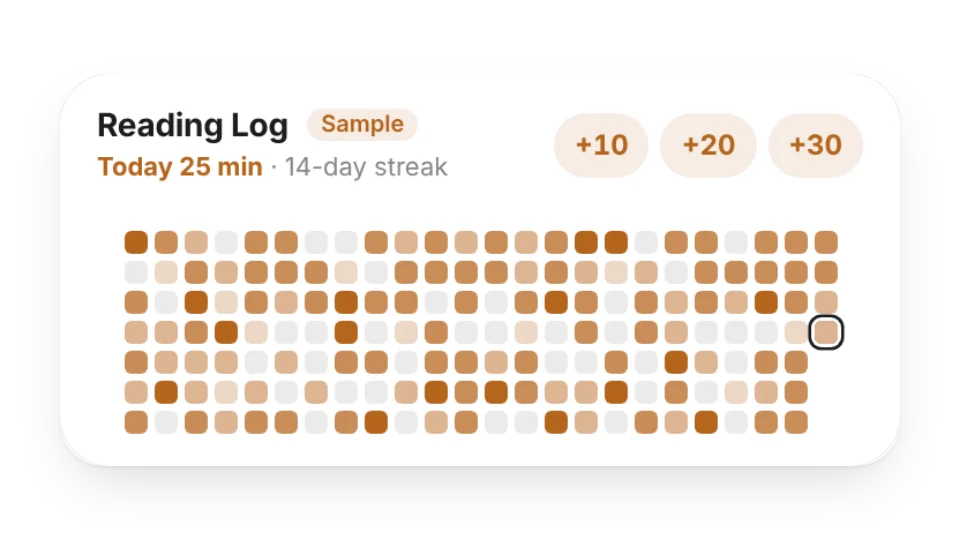 Reading LogHow long (or how many pages) you read each day — a heatmap, your reading streak, this week’s and this year’s totals. Tap +10 / +20 / +30 to log; saved to My Data
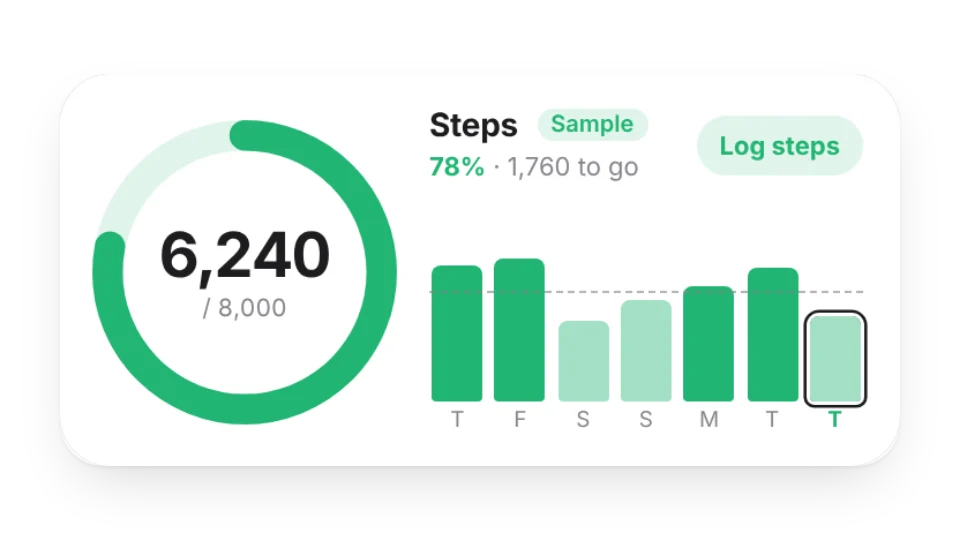 Step Goal RingToday’s steps against your daily goal as a ring, with the last 7 / 30 days as bars, your daily average and goal streak. Log by hand or with a check-in link — saved to My Data
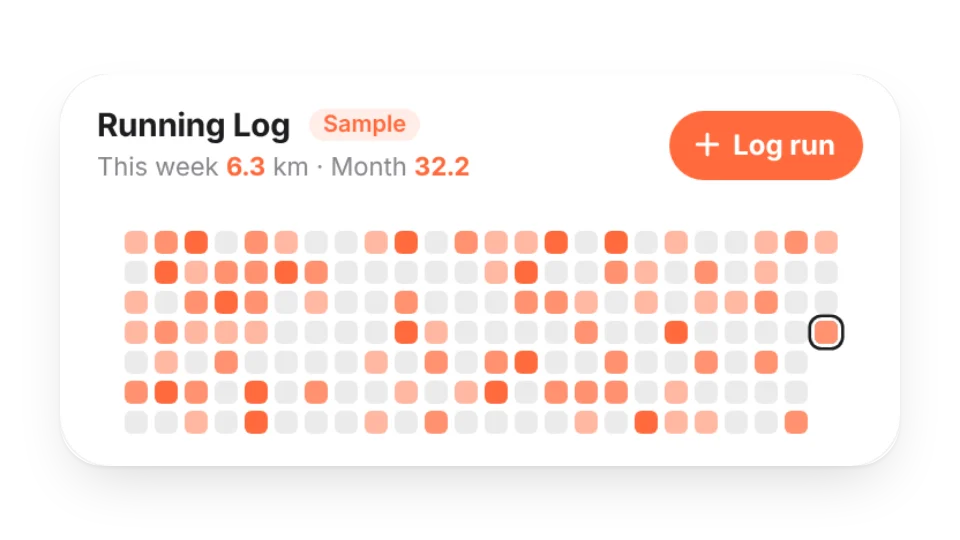 Running LogLog each run’s distance and time — weekly goal progress, week / month / year totals, average pace and a running heatmap, saved to My Data
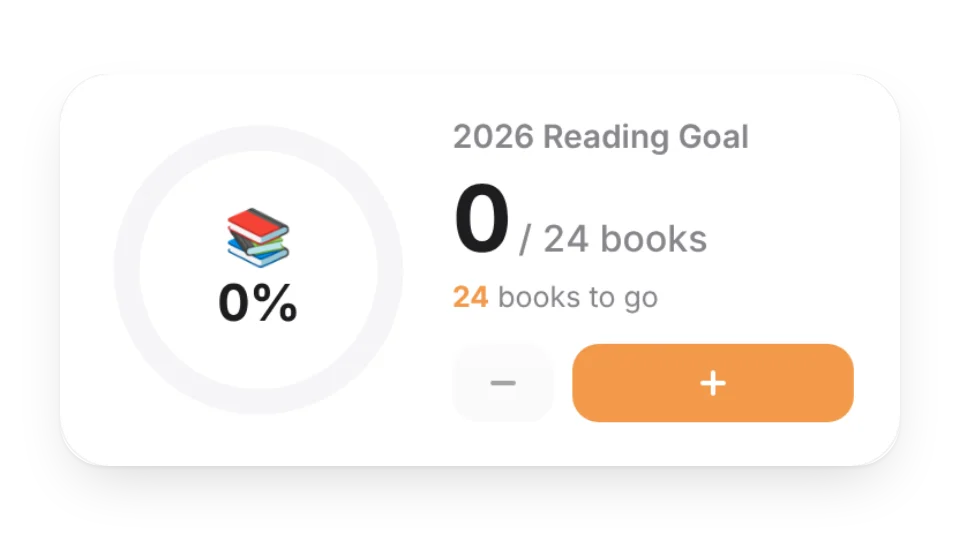 Goal CounterCount toward yearly goals like books read or miles run. Tap + to grow the ring, with confetti when you hit it
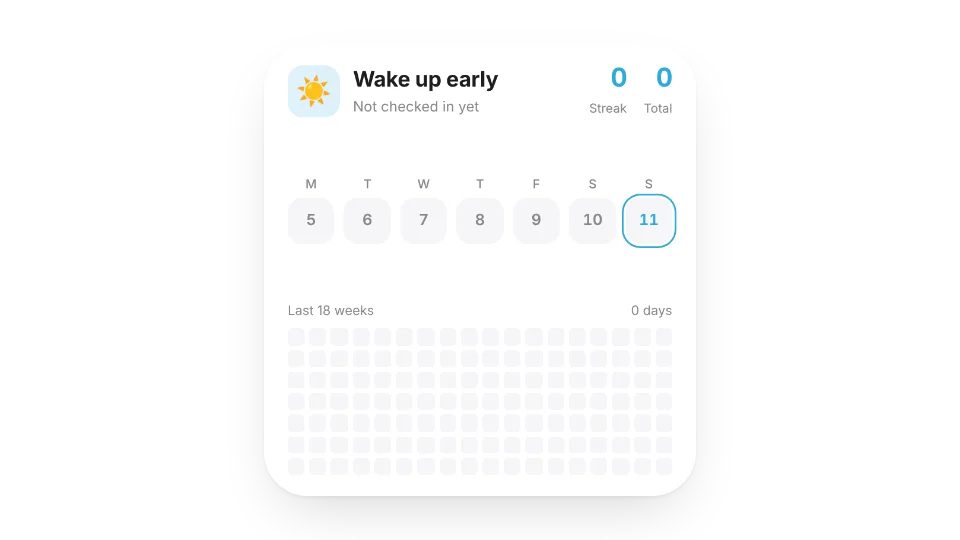 Habit TrackerCheck in with one tap. Tracks your streak and total days, with a 12-week heatmap
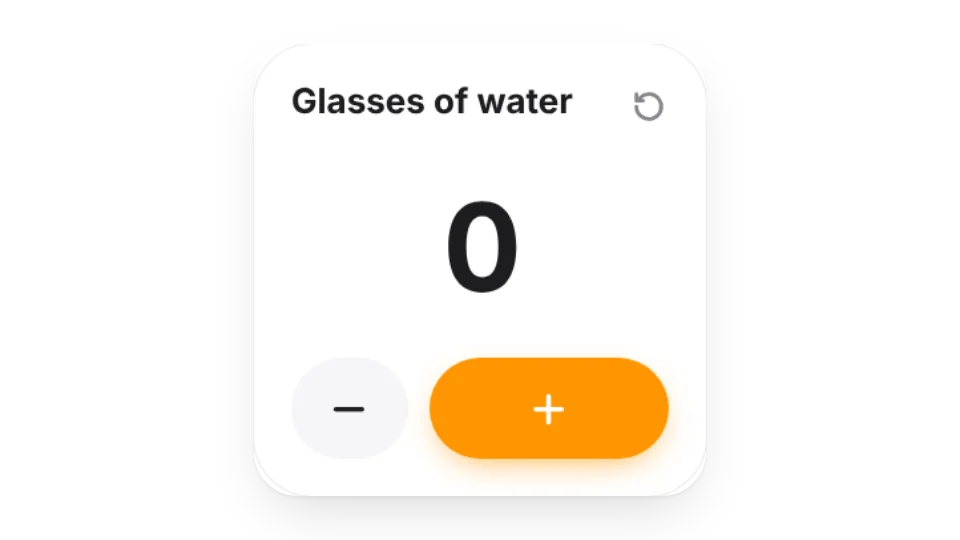
 Water TrackerProTrack how many glasses of water you drink each day
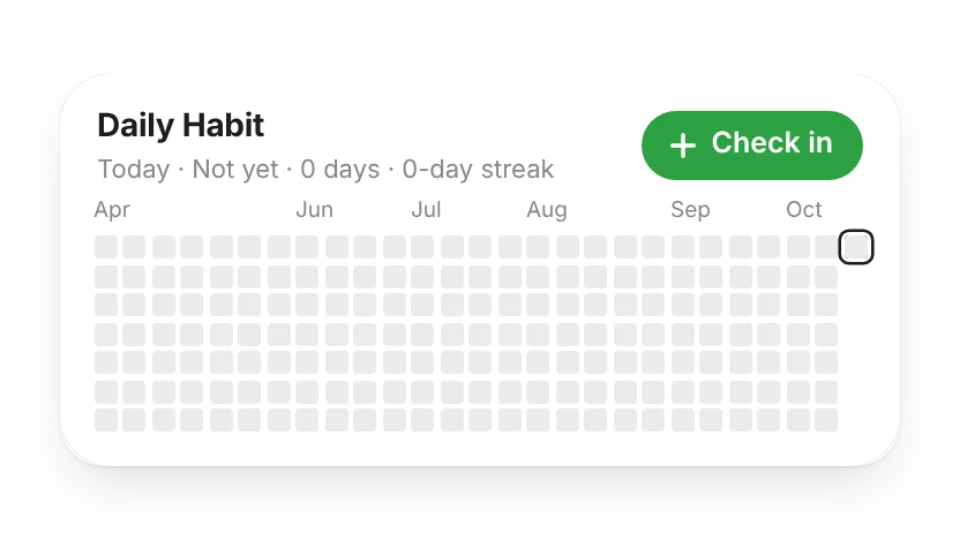 Habit HeatmapTrack your daily routines with a heatmap
 Tally CounterSimply count how many times you've done something
Open a card, then click Create widget. You'll need to sign in — an email code is all it takes.
Change the text, colors, size and other options in the editor. The preview updates as you go.
Click Copy link, type /embed on a Notion page and paste it (or paste the link and choose Embed). Drag the corners to resize.