
Date and progress covers that update every day: this week's calendar, year progress and a countdown banner. Copy the image link and paste it in Notion under Change cover → Link.
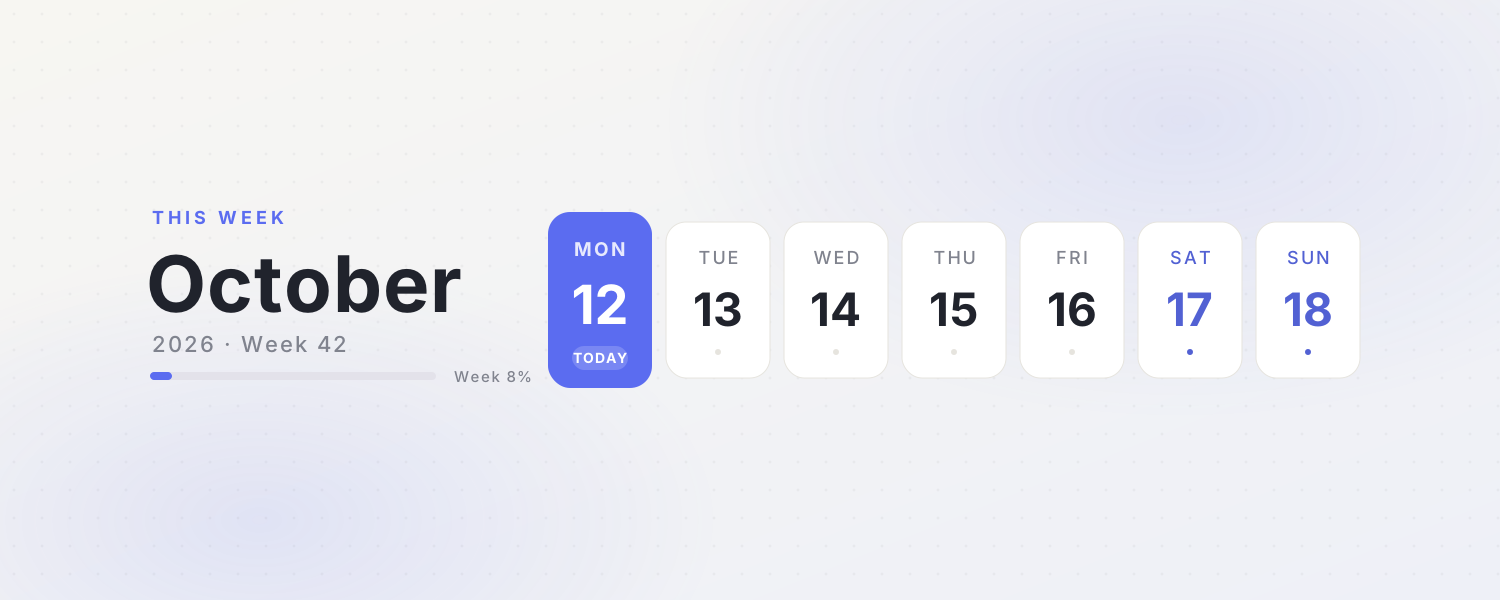 This WeekA clean weekly calendar cover with the month, week number and progress. Today's card glows softly
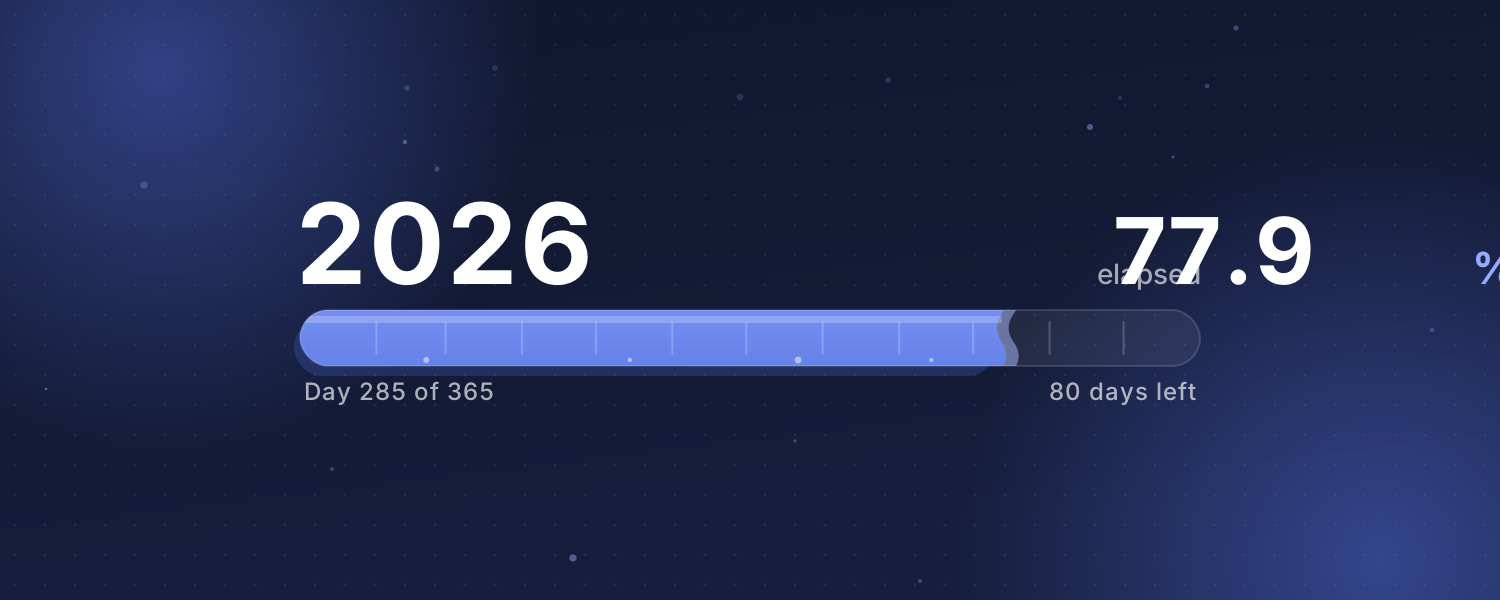 Year ProgressHow much of this year, month or week has passed? A liquid bar fills up on Beijing time with a gently rippling surface
 Countdown BannerPick an important day and the cover shows how many days are left, with floating confetti. Afterwards it counts the days since
Choose one from the animated background library, click Create and sign in.
Set the title, date, colors and other options.
Copy the image link, then in Notion click Change cover → Link and paste it. The cover changes with the time by itself.