Exams, trips, launch days, anniversaries — put a countdown on a Notion page and see how many days are left every time you open it. The embeddable widgets include a date countdown (it can count up too), a birthday countdown, a relationship anniversary counter and a holiday countdown.
If you want the page icon itself to count down, use an animated icon: Countdown Days, Payday, Clock-Out Countdown, Weekend Battery and more update every day, and the Countdown Banner works as a page cover.
 AI Event CountdownPaper deadlines, launches, AI conferences, hackathons, talks — add the dates you care about and see how many days until the next one, plus what’s coming after
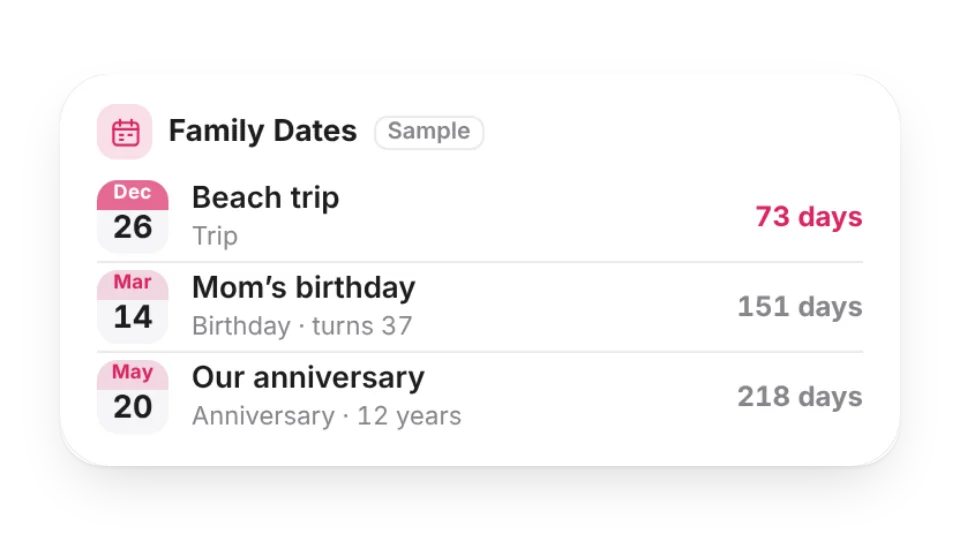 Family DatesFamily birthdays, anniversaries, trips and school events in one place — sorted by date, with days to go, how old they’re turning and which anniversary it is; repeat yearly, monthly or once
 Baby Age TrackerHow many days old your baby is, their age in months and days, and the next milestone (1 month, 100 days, half birthday, 1st birthday, 1,000 days) — or a countdown to the due date
 Race CountdownA race-bib countdown: race name, bib number, days to go and distance. Add a goal time to see your target pace and splits
 Date CountdownProCount down to a date, mark anniversaries or count up from a day
 Love AnniversaryKeep track of your time together
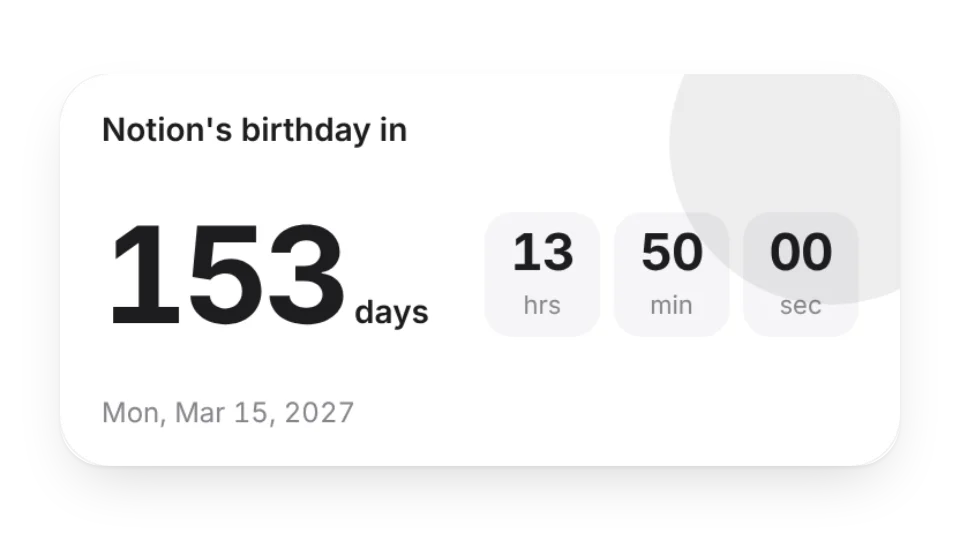 Birthday CountdownCount down to a birthday so you never forget to send your wishes
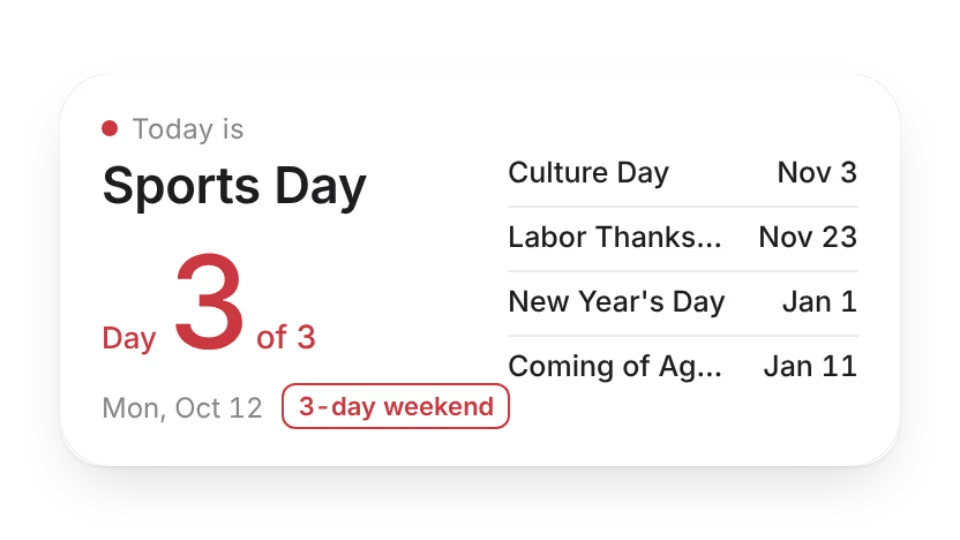 Japan Holiday CountdownDays until Japan's next national holiday, with long-weekend alerts and upcoming holidays — from the Cabinet Office of Japan
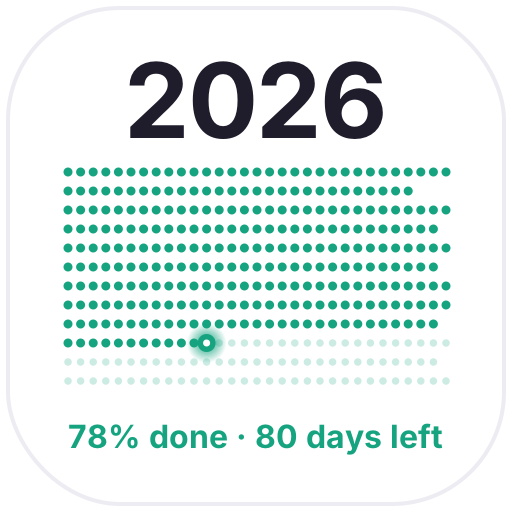 Year in DotsEvery day of the year as a dot: past days light up, today blinks and the rest fade out ahead
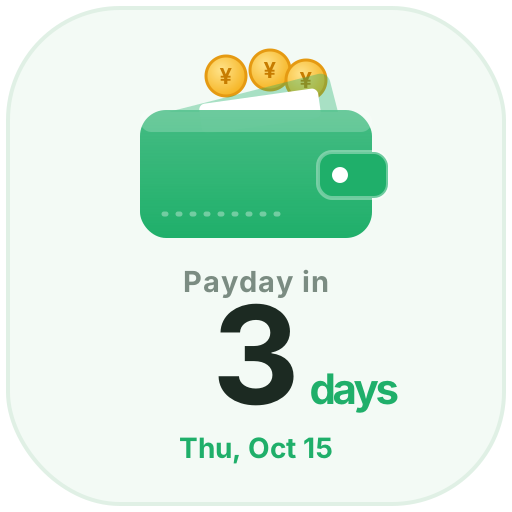 PaydaySet your monthly payday and see the days left as coins drop into your wallet, with a coin shower on payday
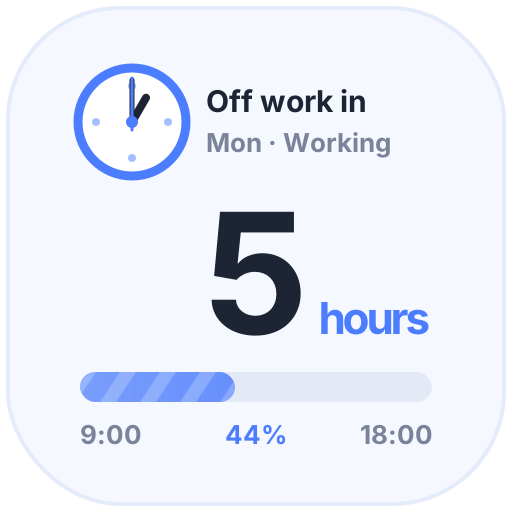 Clock-Out CountdownHours left until you clock out and today's progress. After work, the moon and a beer help you unwind; on weekends, just enjoy
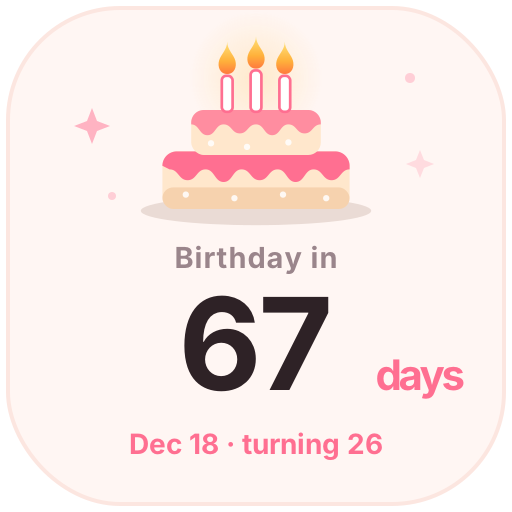 Birthday CountdownEnter a birthday to see the days until the next one and the age to come. On the day, candles flicker and confetti falls
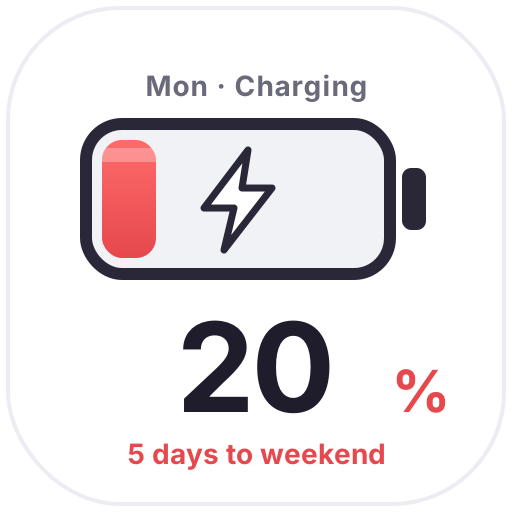 Weekend BatteryThe closer the weekend, the fuller the battery: 20% on Monday, full on Friday, with bubbles and a charging bolt to get you through
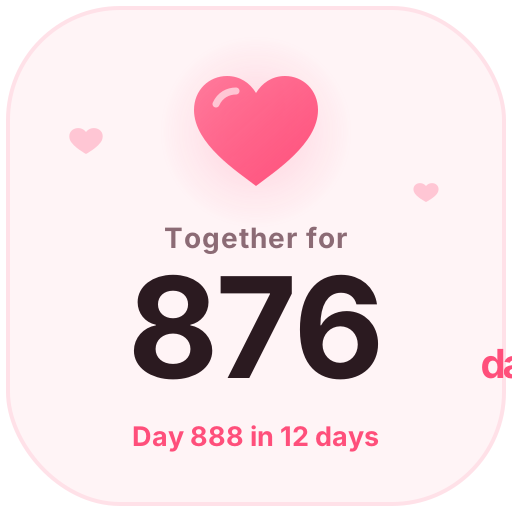 Days TogetherCount your days together with a beating heart, plus your next 100-day milestone or anniversary
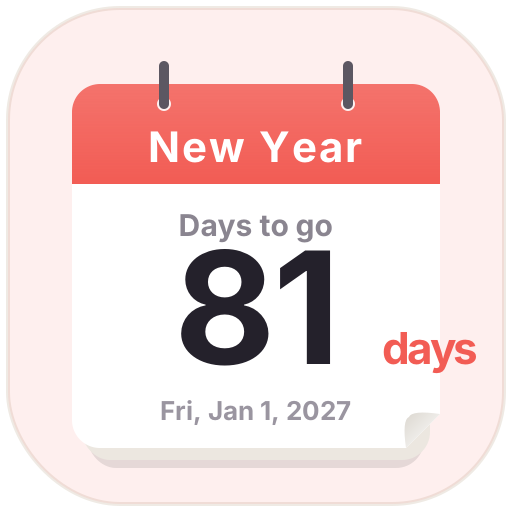 Countdown DaysA tear-off calendar countdown. Pick a date to see the days left; birthdays and anniversaries can repeat every year
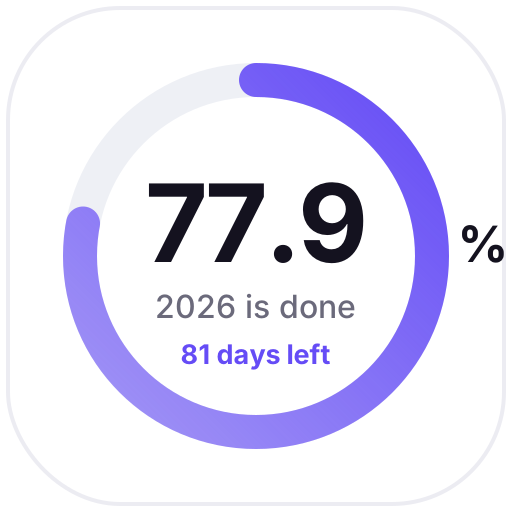 Time RingsRings show how much of this year, month, week and day has passed, updated daily as a gentle reminder
 Animated Countdown
Open a card, then click Create widget. You'll need to sign in — an email code is all it takes.
Change the text, colors, size and other options in the editor. The preview updates as you go.
Click Copy link, type /embed on a Notion page and paste it (or paste the link and choose Embed). Drag the corners to resize.