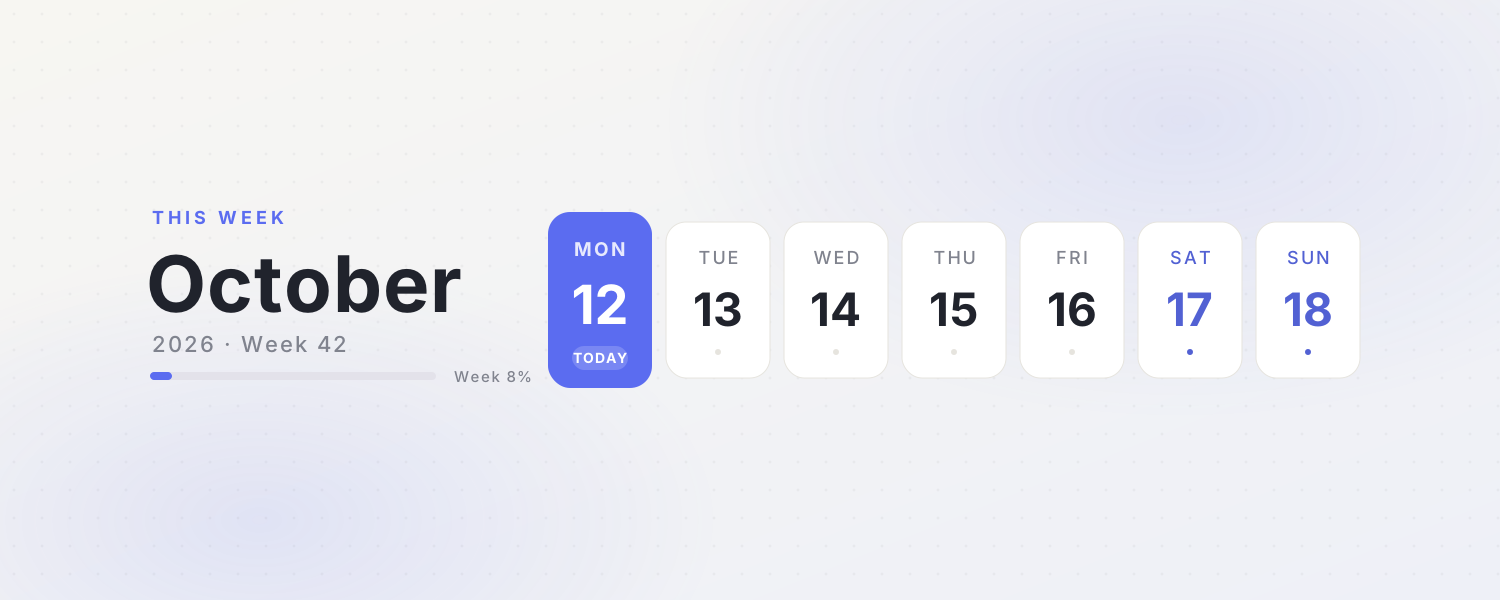
Notion's database calendar is great for scheduling; a small calendar widget is better for a home or journal page where you just want today's date and how far through the month you are. Choose a minimal calendar, Year in Squares, Life Countdown, the Japanese Almanac (Reiwa era, rokuyo, solar terms) or the Japanese Micro-Seasons note.
Among the animated icons, Live Calendar, This Month and Week Number switch to today automatically, and This Week works as a page cover.
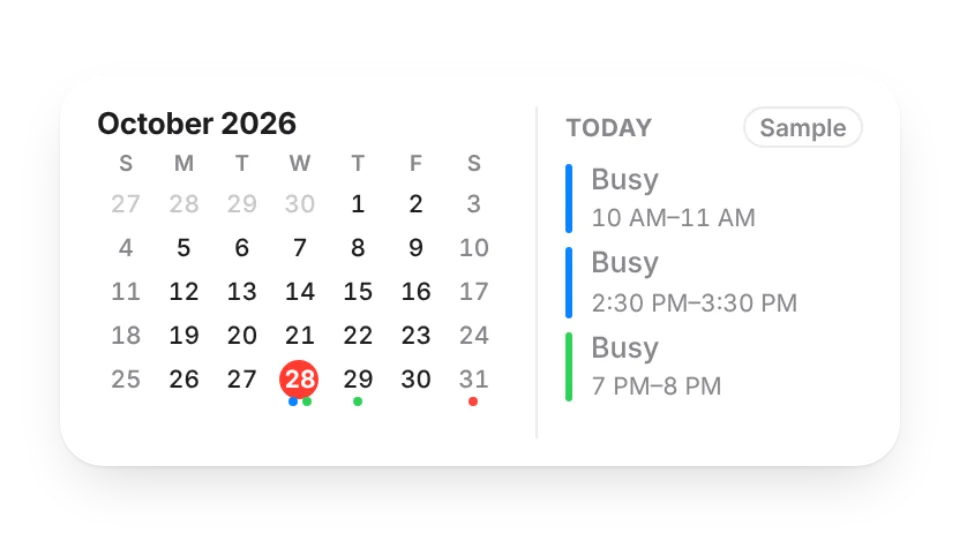 Month CalendarThis month at a glance with colored dots on days that have events from your subscribed calendars, plus today's agenda. Only busy blocks are public by default
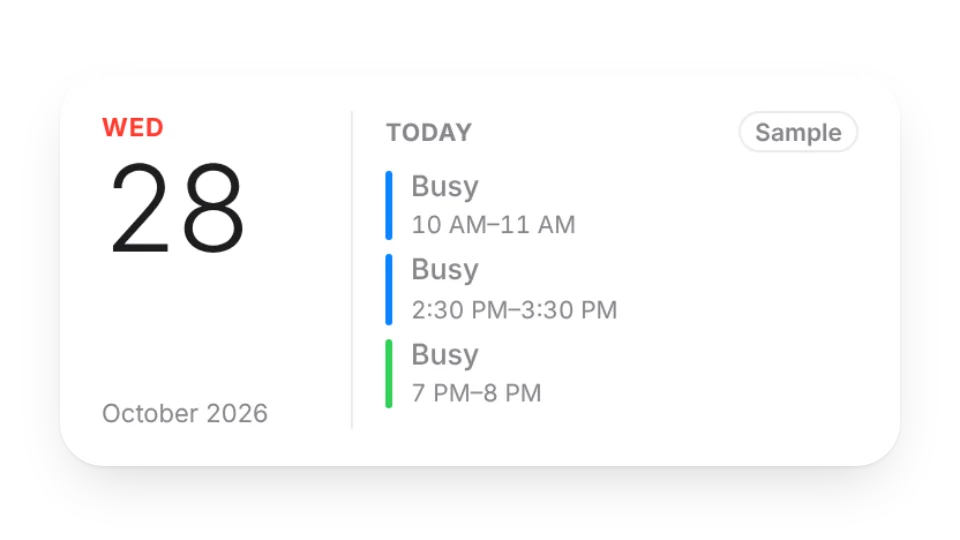 Today's AgendaSubscribe to Google, iCloud, Outlook or any ICS calendar to show today's and upcoming events. Only busy blocks are public by default, not event titles
 Time ProgressHow much of today, this week, month and year has passed? Bars tick every second and show what's left
 Custom Life CountdownFully customizable
 CalendarA minimalist calendar
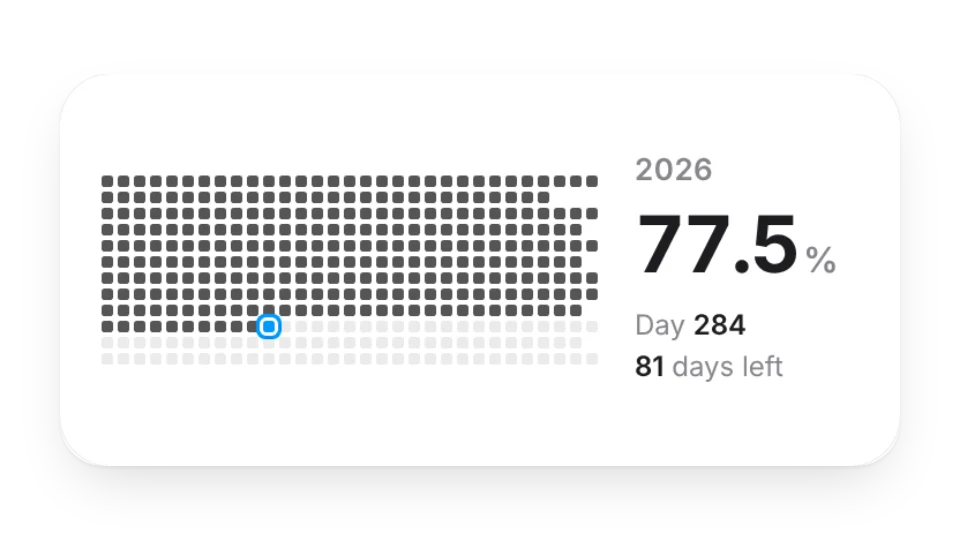 Year in SquaresSee how far through the year you are. Each square is one day
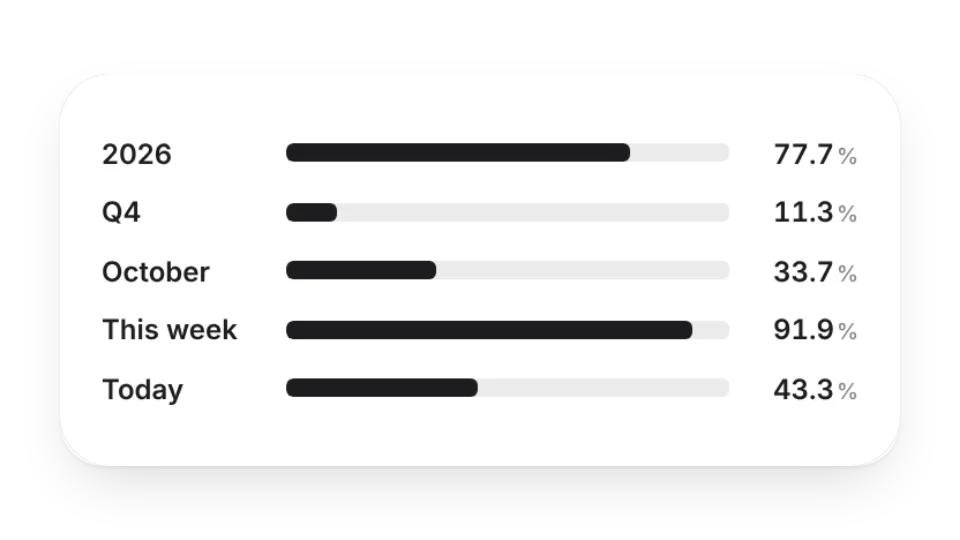 Life CountdownSee how much time has passed by year, quarter, month, week or day, in 7 progress bar styles
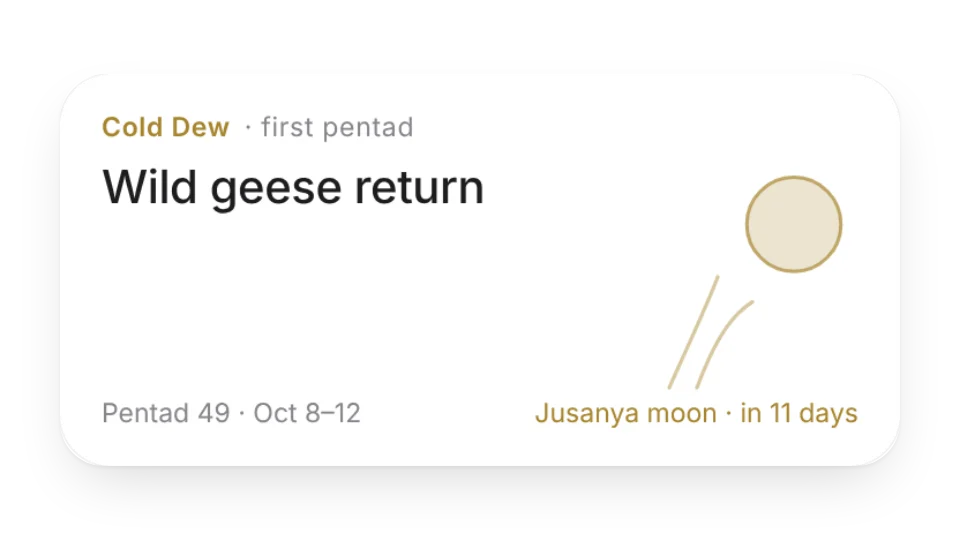 Japanese Micro-SeasonsJapan's 72 micro-seasons and 24 solar terms — a new poetic season name every five days, seasonal artwork and upcoming traditions like moon viewing and Tanabata
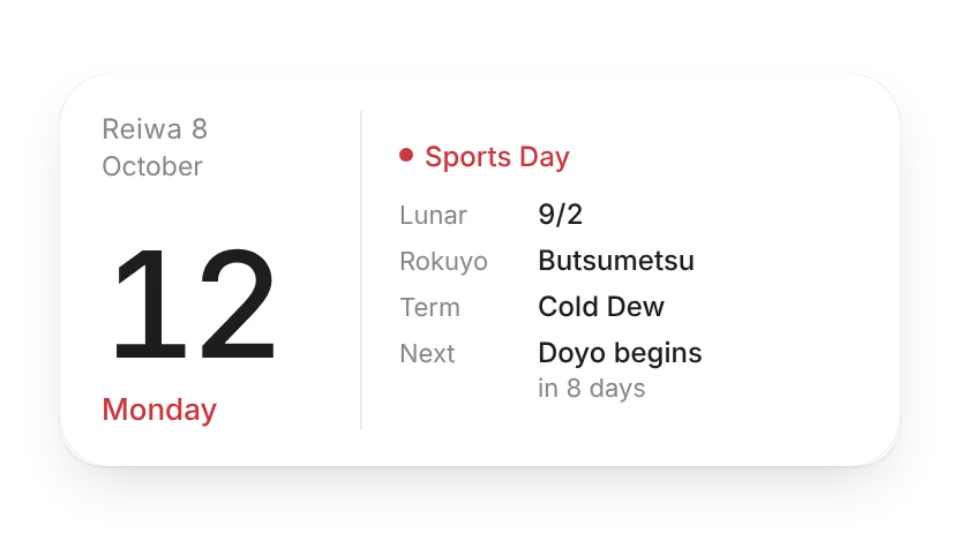 Japanese AlmanacToday in the Japanese calendar — Reiwa era year, rokuyo lucky days, the old lunar date, the 24 solar terms, seasonal days and national holidays, plus a monthly view
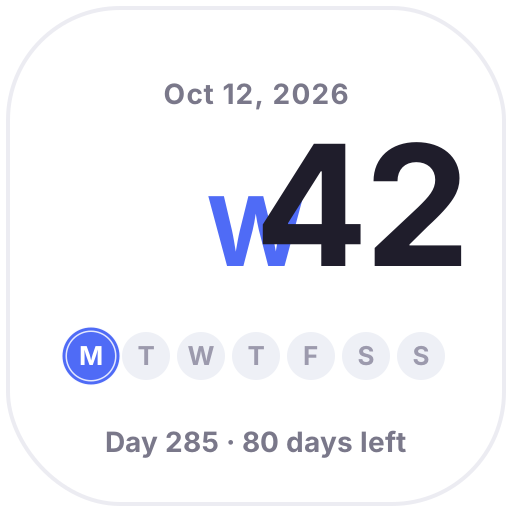 Week NumberToday's week number in big type, dots for this week's progress and the day of the year, updated daily
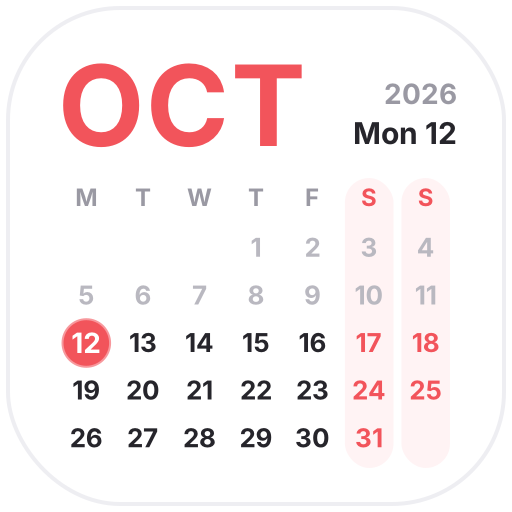 This MonthA clean monthly calendar with a big month name, softer weekends and a glowing ring on today
 Live CalendarA calendar icon that always shows today's date
 Journal CalendarMake your journal pages pop
 Japanese Date StampThe round date stamp used in Japanese offices, stamped with today's date every day — custom top and bottom text, Reiwa era or Western year
Open a card, then click Create widget. You'll need to sign in — an email code is all it takes.
Change the text, colors, size and other options in the editor. The preview updates as you go.
Click Copy link, type /embed on a Notion page and paste it (or paste the link and choose Embed). Drag the corners to resize.