
Embed the little tools you reach for while working: a minimal Pomodoro timer to stay focused, a daily checklist that resets every day and shows your progress, a sticky note you can type on, and a breathing exercise for 4-7-8 or box breathing.
There's also white noise, a calculator and a trash day reminder where you set your local collection days.
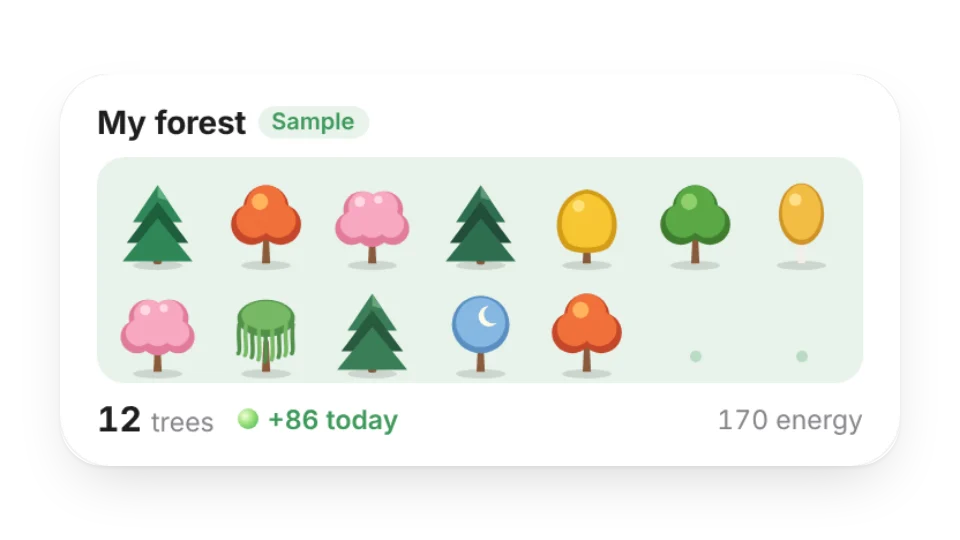 My ForestThe virtual trees you plant with energy from focusing together in Focus Rooms: a grid of your trees plus today's energy (reads your My Data forest table)
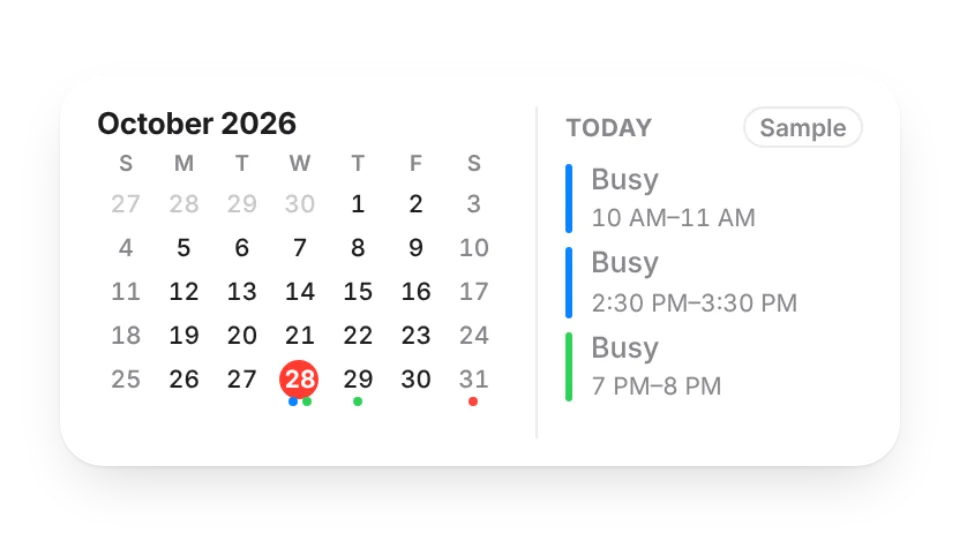 Month CalendarThis month at a glance with colored dots on days that have events from your subscribed calendars, plus today's agenda. Only busy blocks are public by default
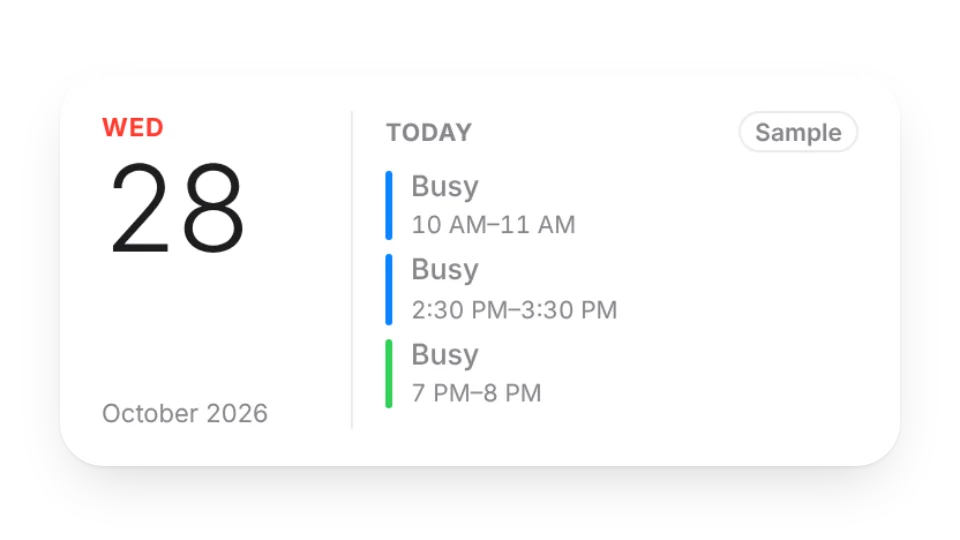 Today's AgendaSubscribe to Google, iCloud, Outlook or any ICS calendar to show today's and upcoming events. Only busy blocks are public by default, not event titles
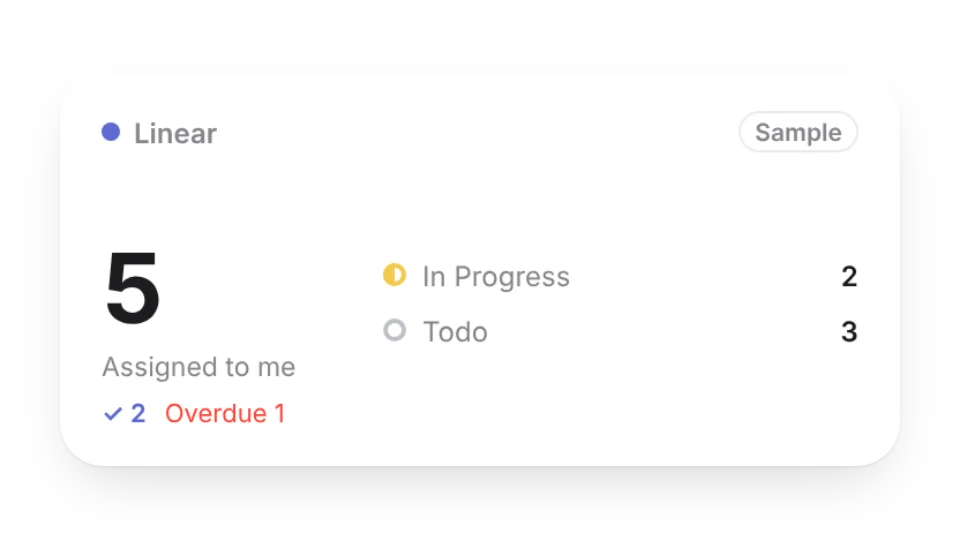 Linear My IssuesConnect Linear to show the issues assigned to you: in progress, to do, overdue, and how many you finished today and this week. Titles stay private by default
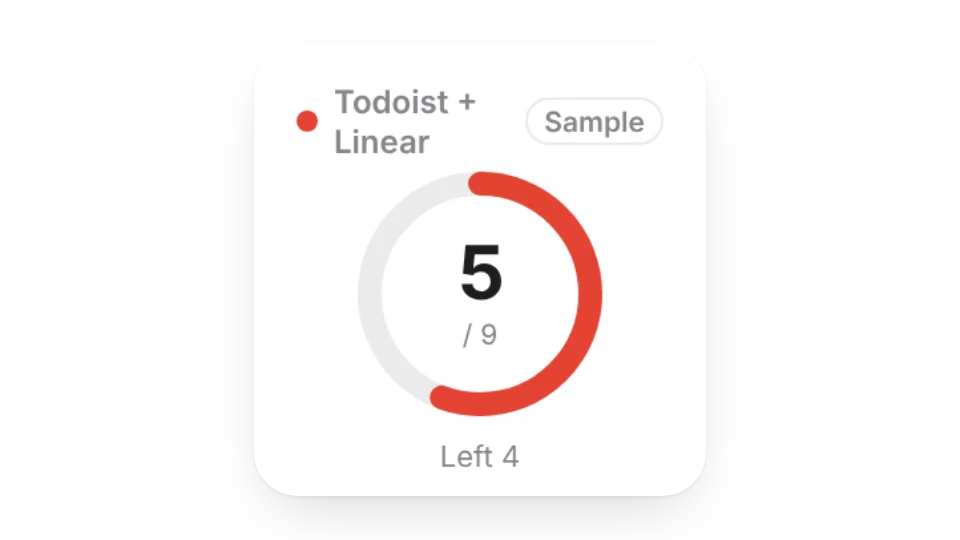 Task ProgressConnect Todoist or Linear to show today's progress ring, what's left and your last 7 days. Counts only, never task titles
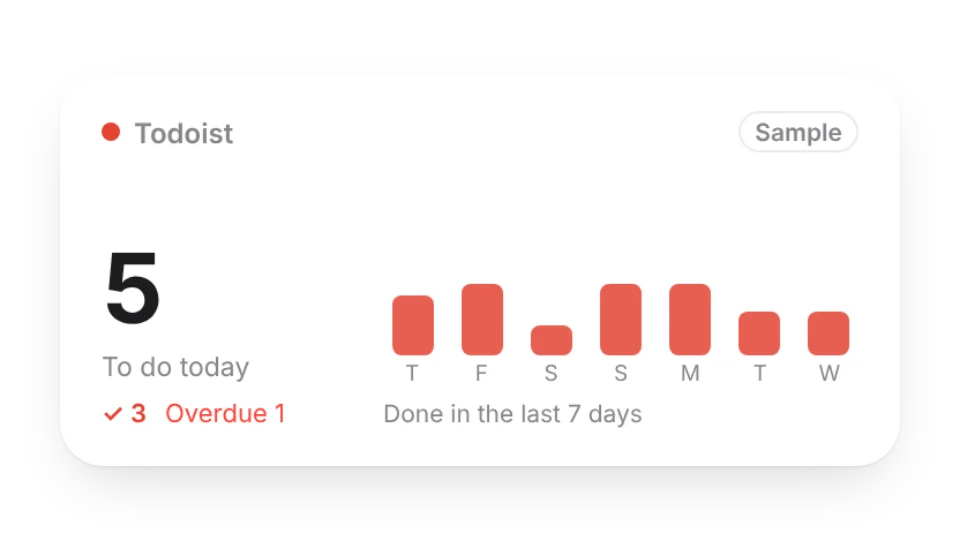 Todoist TodayConnect Todoist to show how many tasks are due today or overdue, how many you finished today and over the last 7 days. Task titles stay private by default
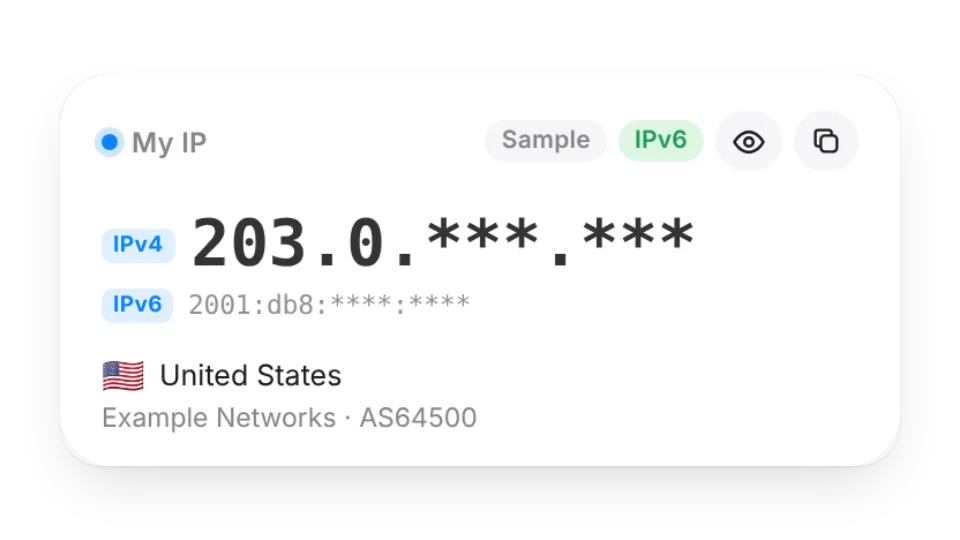 My IPYour public IP right now (IPv4 / IPv6), country and city, ISP, time zone, connection protocol and whether IPv6 works, with one-tap copy. Hide the last part for screenshots and streams. Only you see your IP, in your own browser — it’s never stored
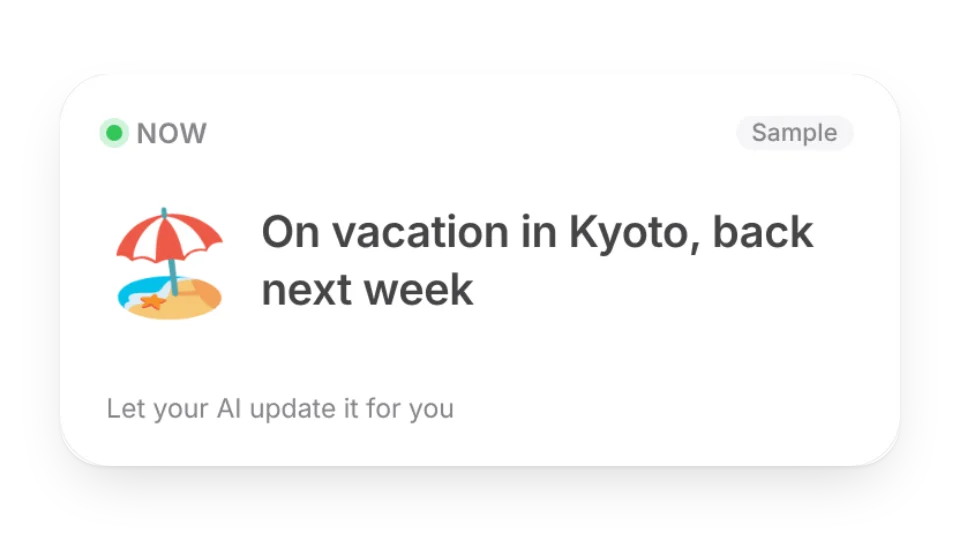 Now · StatusOne line about what you're doing now, with an emoji and when it was updated. Your AI can update it for you
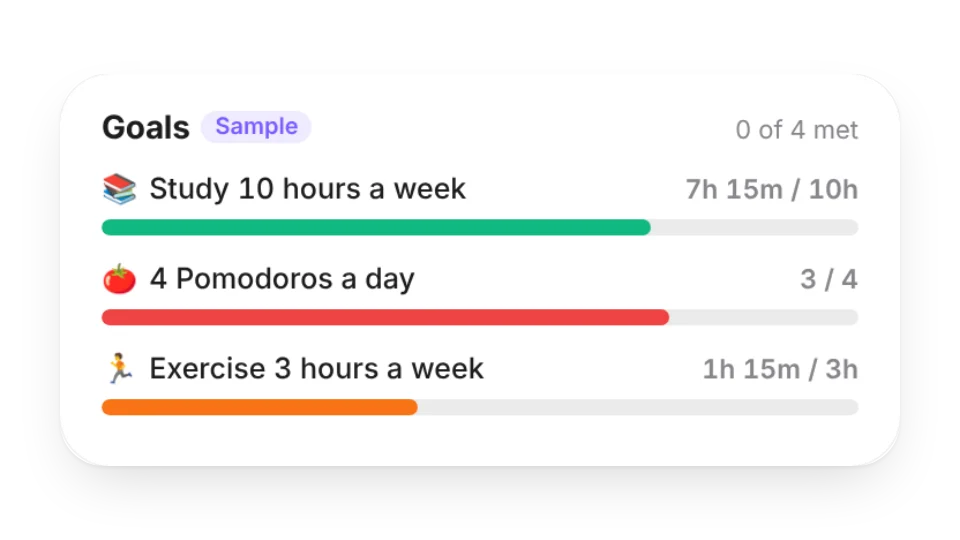 Goal ProgressTrack goals like “10 hours of study a week” or “4 Pomodoros a day”. Progress comes from what you actually record in the focus space (My Data)
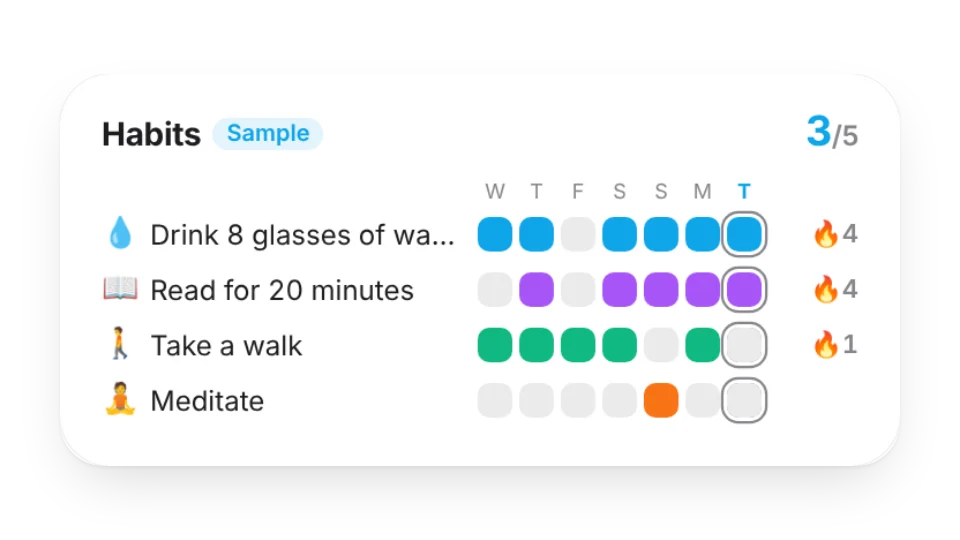 Habit GridOne row per habit: recent weeks of check-ins, how many you’ve done today and your current streaks — from the habits you track in the focus space (My Data)
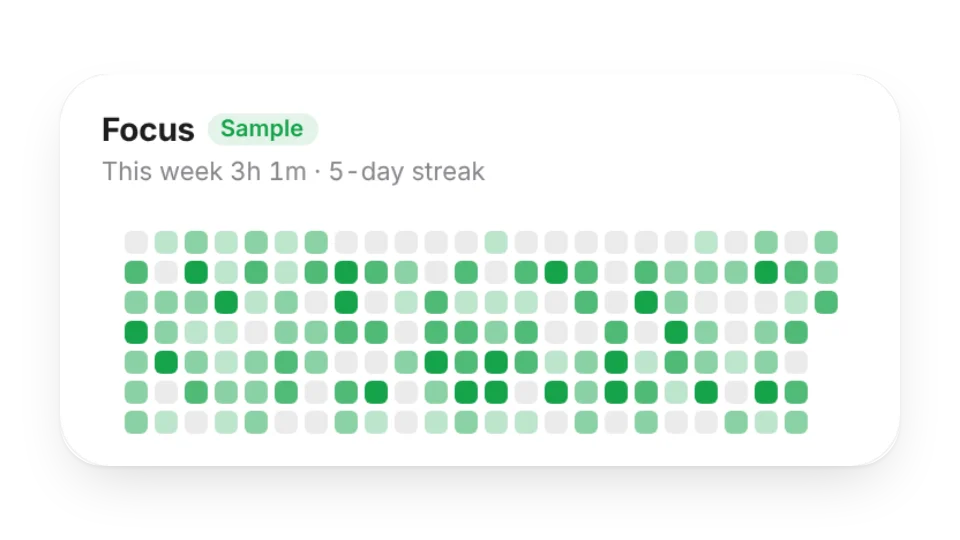 Focus HeatmapYour daily focus time as a contribution-style heatmap, with your streak and today, this week, this month and all-time totals — from the focus space (My Data)
 Today’s Time BlocksSee where today went: a timeline, time per activity and the last 7 days, from the time you track in the focus space (My Data)
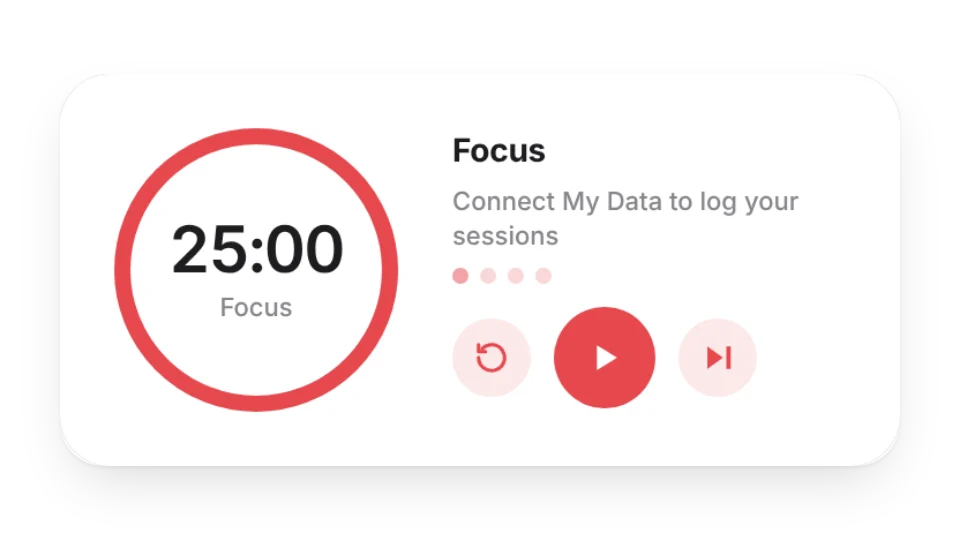 Focus TimerA Pomodoro, countdown and Animedoro timer with a progress ring. Connect My Data to log every session and see today’s focus time, your streak and this week
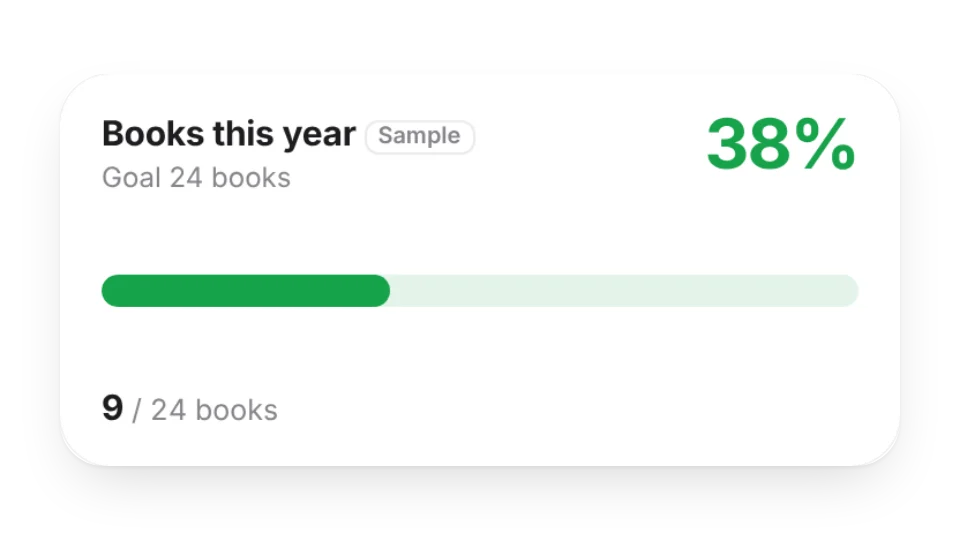 Progress TrackerTrack progress toward one goal as a bar, ring or segments, with an optional deadline. Type the numbers in, or pull them from My Data (log with one tap) or a Notion database
 Chore RotationTake turns with household chores: add your family and the chores, and it rotates automatically every week (or day, two weeks, month) — see who’s on what now and who’s next
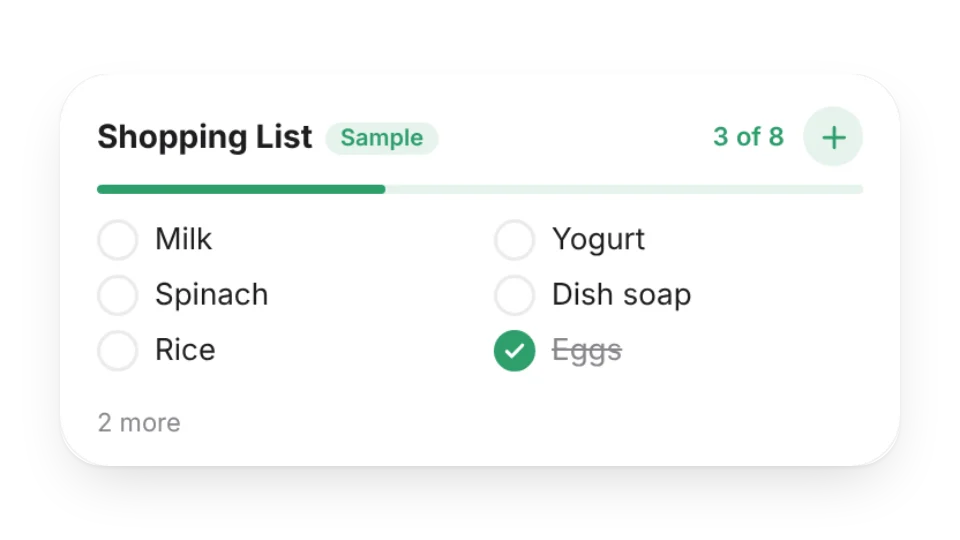 Shopping ListKeep your usual groceries in the widget, tap to tick them off as you shop, or add something on the go. Ticks are saved to My Data and clear every Monday (or every day)
 Sticky NoteA paper sticky note for your Notion page in six colors. Click to edit the text
 Daily ChecklistA to-do list you can tick off and add to anytime. The progress bar updates live and resets every day
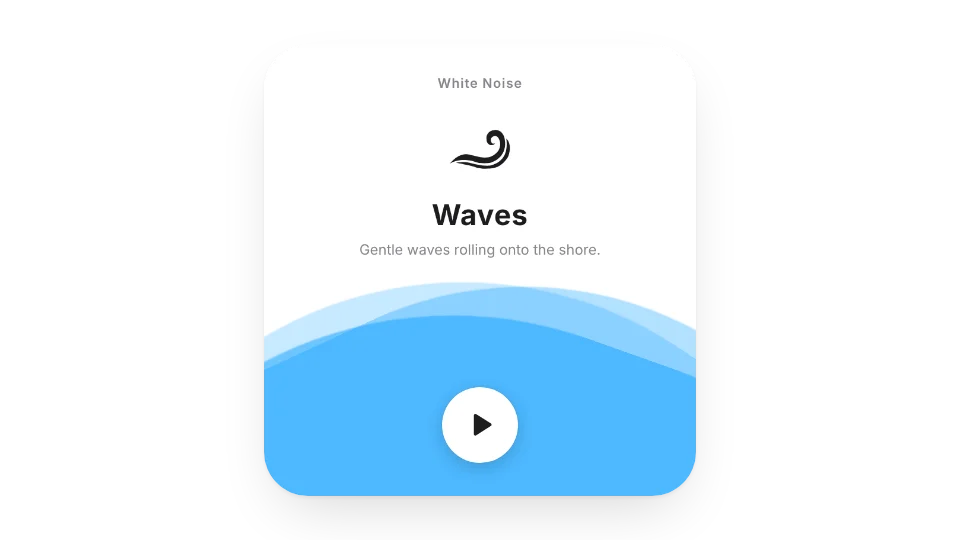 White NoiseNature sounds to help you focus, relax and stay productive
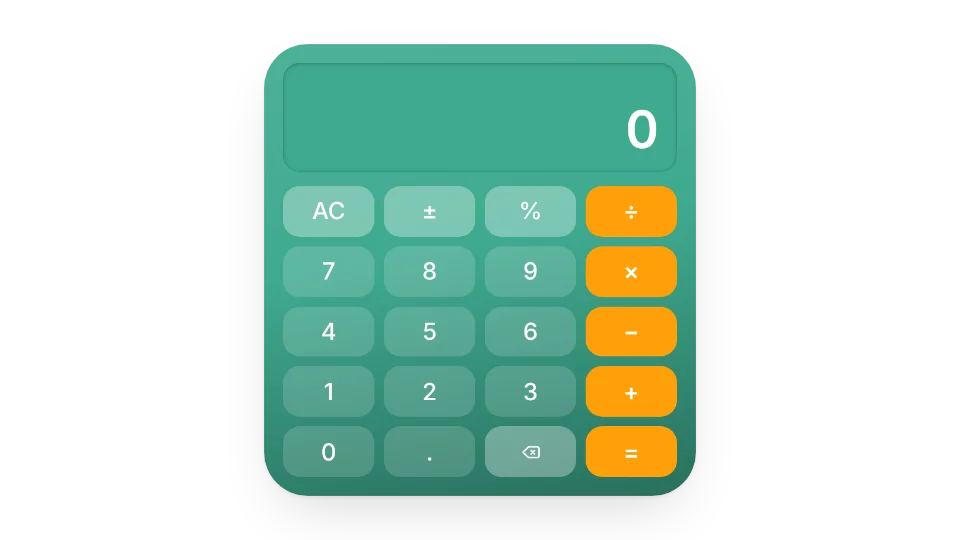 Calculator
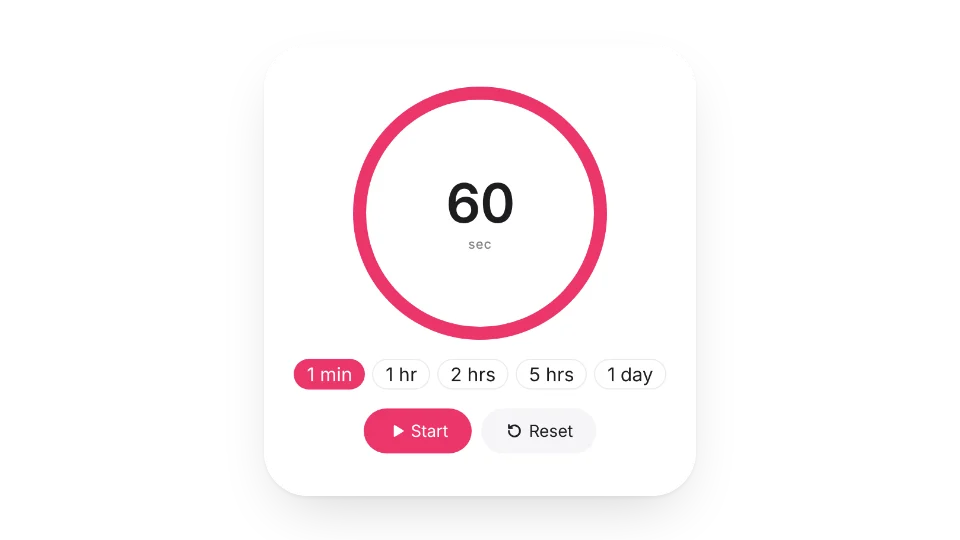 Pomodoro TimerA minimal Pomodoro timer to help you focus and beat procrastination
 Trash Day ReminderSet your local collection days for each kind of trash — weekly or on the 2nd and 4th Friday — and see what goes out today and tomorrow
Open a card, then click Create widget. You'll need to sign in — an email code is all it takes.
Change the text, colors, size and other options in the editor. The preview updates as you go.
Click Copy link, type /embed on a Notion page and paste it (or paste the link and choose Embed). Drag the corners to resize.