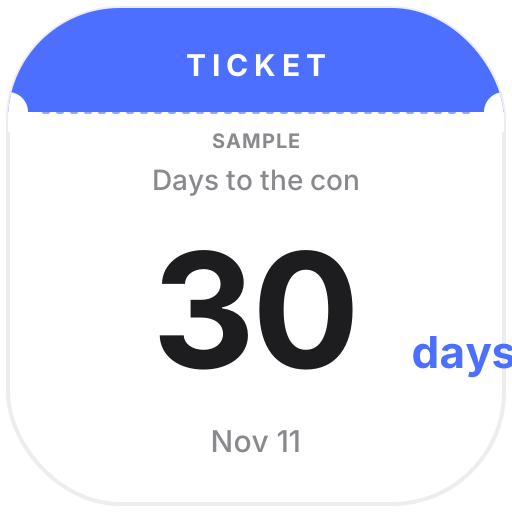
Con Countdown keeps the cons and doujin events you're going to: days to go, the venue and your booth number if you're exhibiting, day 2 of 3 during multi-day events, past events faded out and how many you've been to this year. The Con Countdown Badge works as a Notion page icon. The Cosplay Build Planner puts the character, the con date, how far along your costume, wig, props, makeup, shoes and photoshoot are, and your budget on one card.
The Cosplay Photo Album turns your own photos into a polaroid- or magazine-style slideshow with credits for the photographer and cosplayer, and Commission Status shows whether you're open, have a few slots left or are fully booked, with your schedule, area and a contact button. Nothing is pulled from Bilibili, Weibo, Pixiv, X or any other platform.
 Con CountdownTrack the anime cons and doujin events you're going to: days to go, venue, your booth number, day 2 of 3 during multi-day events. Past events fade out, and it counts how many you've been to this year
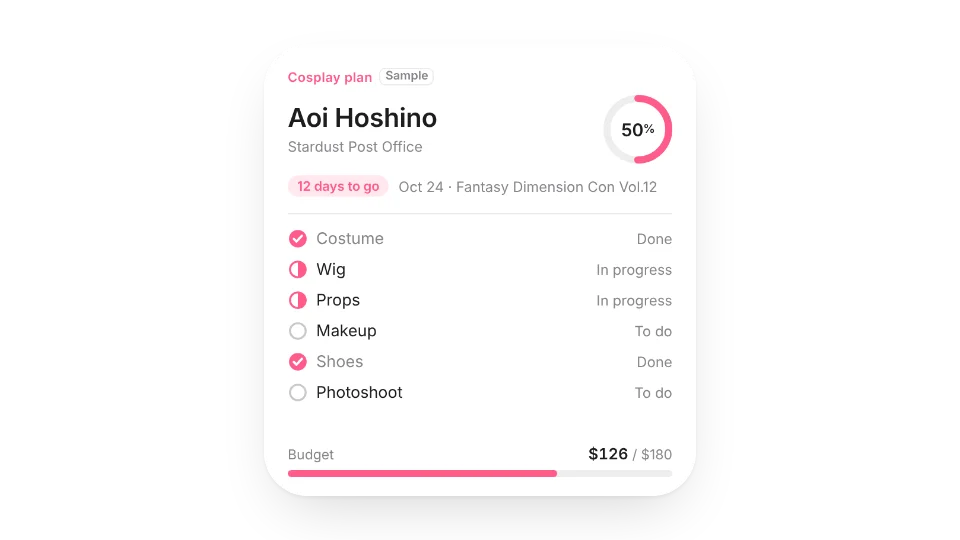 Cosplay Build PlannerPlan your next cosplay: the character, the con and days left, where your costume, wig, props, makeup, shoes and photoshoot stand, and how much of the budget you've spent
 Cosplay Photo AlbumTurn your own cosplay photos into a slideshow in a polaroid or magazine-cover layout, with credits for the photographer, cosplayer and event
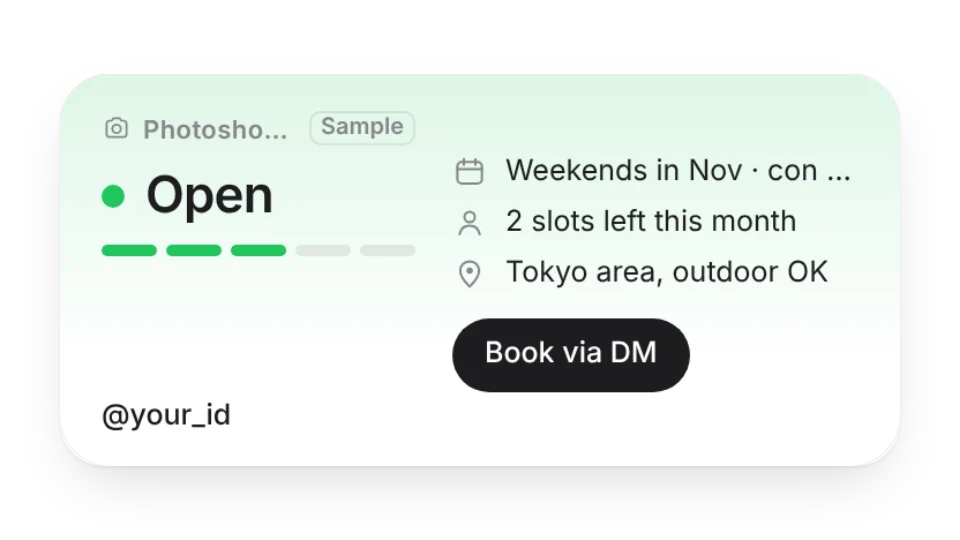 Commission StatusLet people know whether you're taking photoshoot bookings or commissions — open, few slots left, fully booked or closed — with your schedule, slots, area, rates and a contact button. Great for a profile page
Open a card, then click Create widget. You'll need to sign in — an email code is all it takes.
Change the text, colors, size and other options in the editor. The preview updates as you go.
Click Copy link, type /embed on a Notion page and paste it (or paste the link and choose Embed). Drag the corners to resize.