
Birthdays, debut anniversaries, concerts, comebacks and merch spending — being a fan means keeping track of a lot. These widgets turn it into cards you can glance at in Notion. The birthday countdown turns into a celebration with confetti on the day, Stan Days marks milestones like 100 days, 1,000 days and each anniversary, and the show countdown looks like a ticket with a D-day count; past shows fade out and you can see how many you went to this year.
You fill in everything yourself: nothing is pulled from any social platform, and there are no celebrity photos or names — the defaults are a made-up sample idol, clearly marked as a sample. The photocard only shows photos you upload. Pick your fave's color for every widget, and use the heart badge or daily fan stamp as a live page icon.
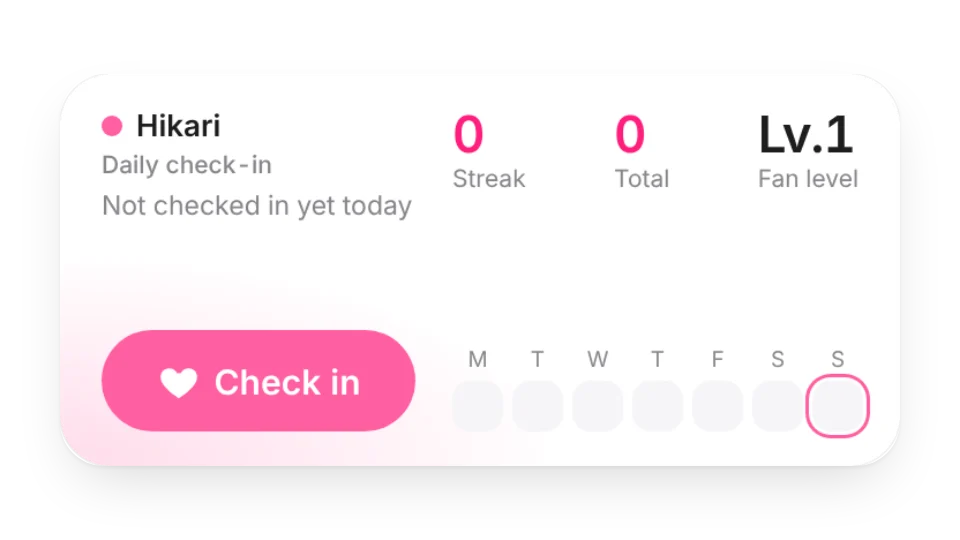 Daily Fan Check-inCheck in for your fave every day: streak, total days, your fan level and a monthly check-in calendar, saved to your My Data
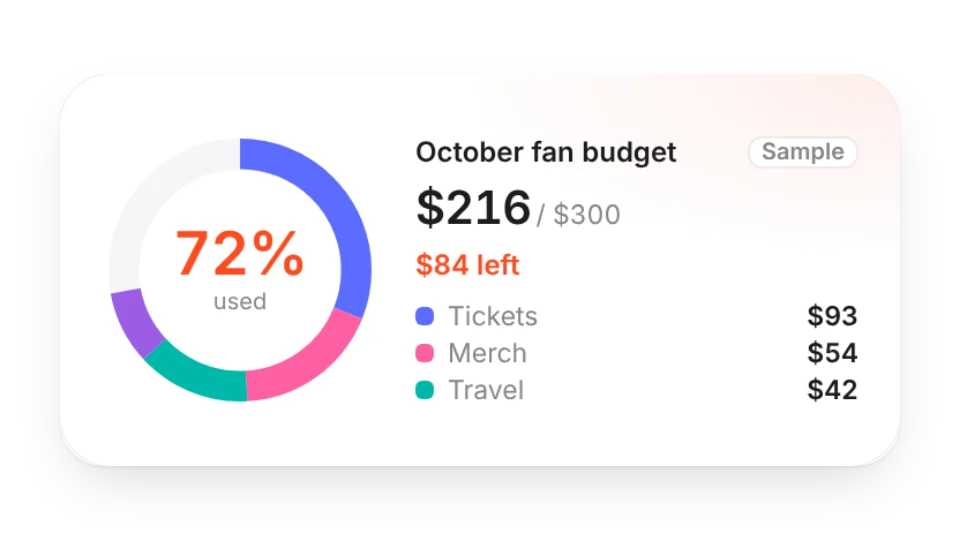 Fan BudgetHow much of this month's fan budget is left — log merch, tickets, travel and albums yourself and see a ring chart by category
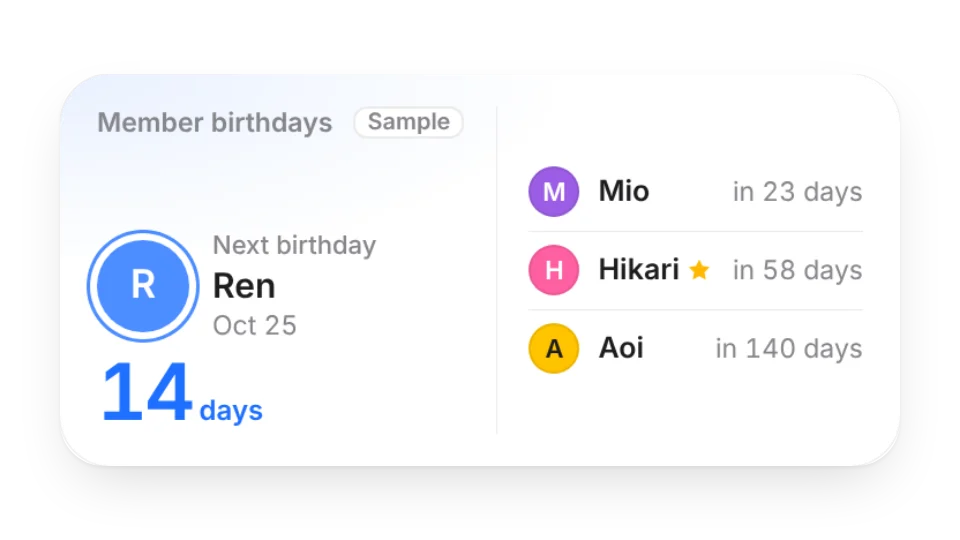 Member BirthdaysAdd each member's birthday and color to see who's next, who has a birthday this month, and mark your bias
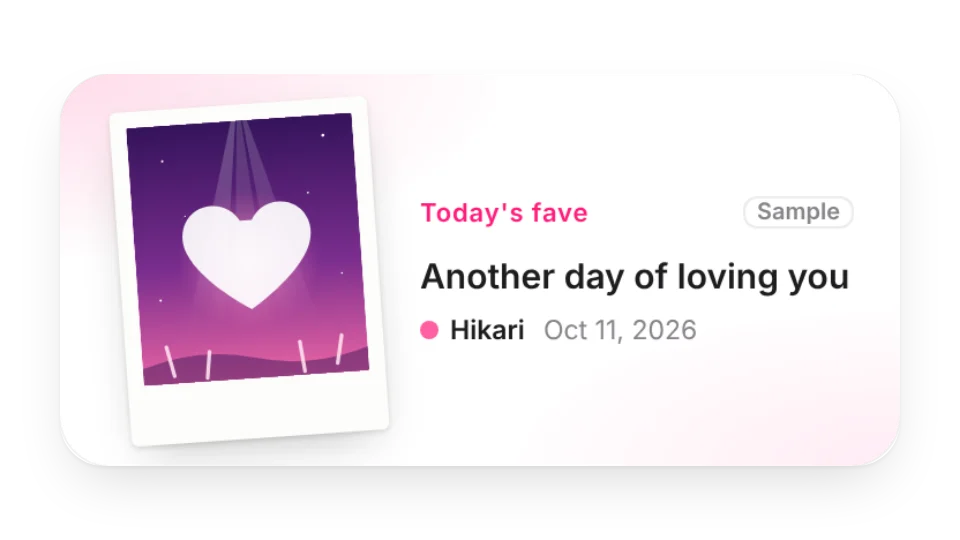 Daily Fave PhotocardYour own photos of your fave, a new one each day (or random / slideshow), in an instant-photo or holo photocard frame with a daily message
 Fave Schedule CalendarA calendar and clock in your fave's color that marks their birthday, releases, TV, livestreams and shows — you add the plans, birthdays can repeat yearly
 Show CountdownTicket-style D-day countdown for concerts, fan meetings and fansigns — list several shows, past ones fade out, and see how many you've been to this year
 Stan DaysHow many days you've been a fan, with milestones like 100 days, 1,000 days and each anniversary — plus a countdown to their debut anniversary
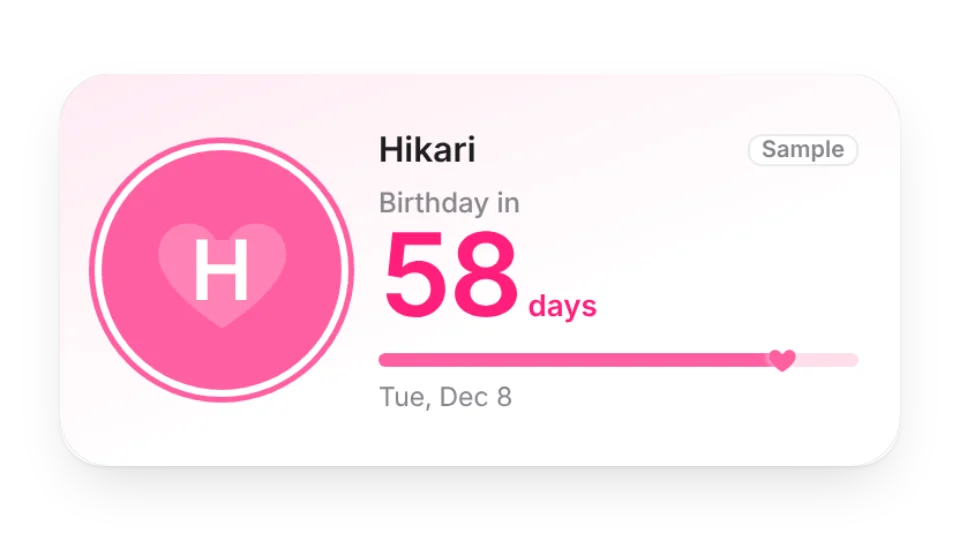 Bias Birthday CountdownCount down to your fave's birthday in their color — on the day it turns into a birthday celebration with confetti
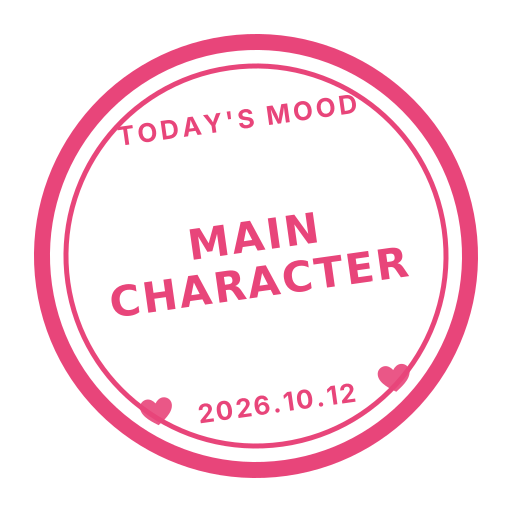 Daily Fan StampA stamp-style icon in your fave's color with a new fan phrase every day (ICONIC, SLAY, LEGEND…) or your own; on their birthday it turns into HBD
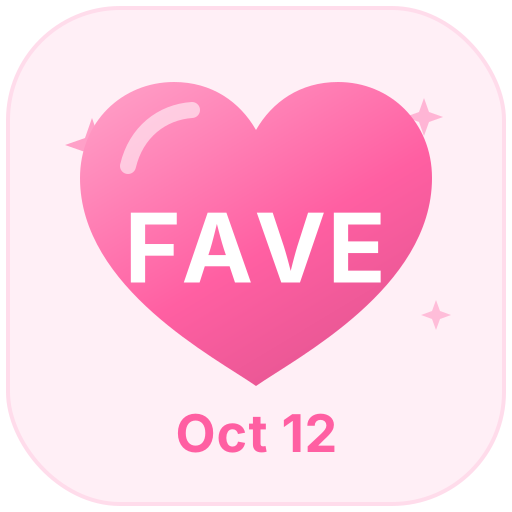 Fave-Color Heart BadgeA heart icon in your fave's color with their name inside — shows your stan days, wears a crown on their birthday and marks their debut anniversary
Open a card, then click Create widget. You'll need to sign in — an email code is all it takes.
Change the text, colors, size and other options in the editor. The preview updates as you go.
Click Copy link, type /embed on a Notion page and paste it (or paste the link and choose Embed). Drag the corners to resize.