When does each show air, what's out today and how long until the next episode? Add the shows you're watching with their weekly airtime (Japan time by default; late-night slots like 25:30 work too) and the Anime Watchlist Schedule converts everything to each viewer's own time zone, marking what's out today, what's on air and the countdown to the next episode. You can also switch it to Bangumi's daily schedule to list everything airing today (by Japan airdate).
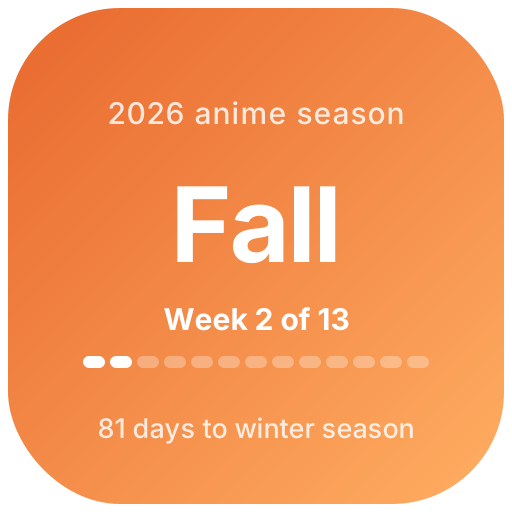
The episode tracker shows how far you are into each show and how many episodes are left, with a Completed mark when you finish. Character Birthdays counts down to your favorite characters' birthdays and your own fandom anniversaries, and the Anime Season icon shows whether it's the winter, spring, summer or fall season and which week of it — handy as a Notion page icon.
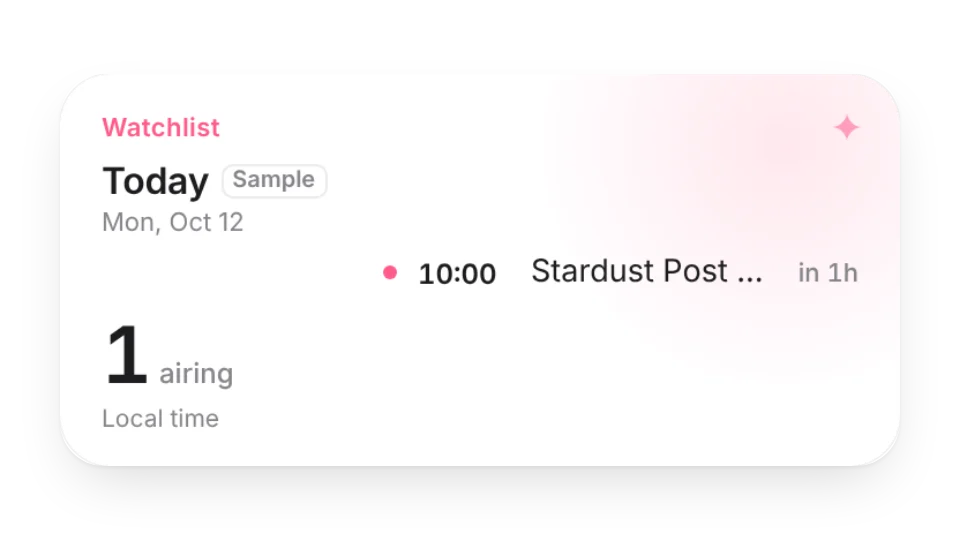 Anime Watchlist ScheduleSee when each seasonal anime you watch airs every week, what's out today and how long until the next episode — converted to your time zone. Or use the daily schedule from Bangumi
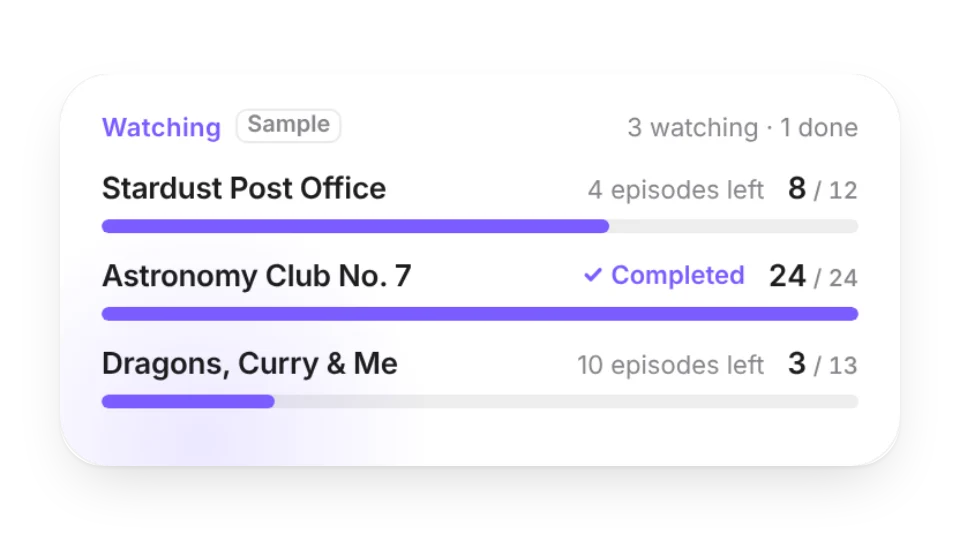 Anime Progress TrackerList the shows you're watching or catching up on and which episode you're on. Progress bars show how many episodes are left, and finished shows get a “Completed” mark
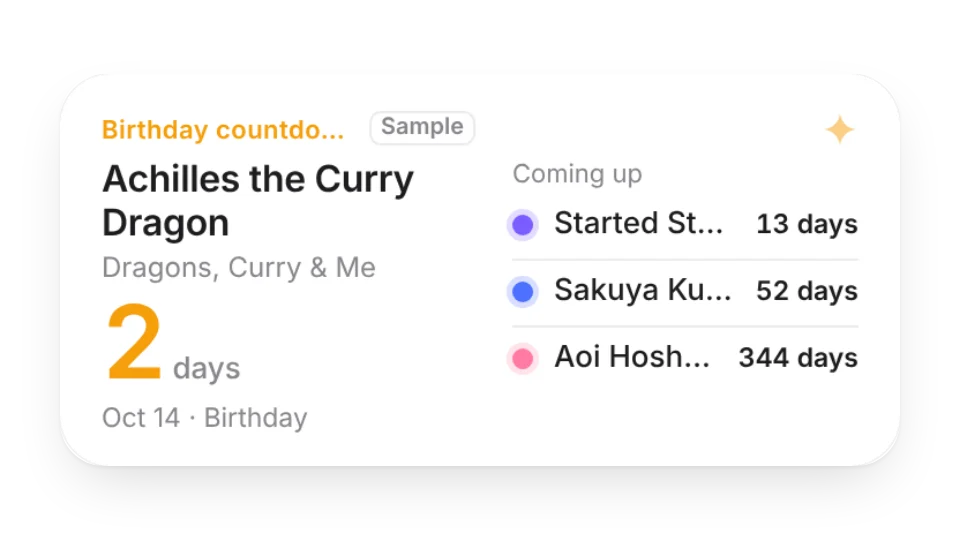 Character BirthdaysCount down to your favorite characters' birthdays and your own fandom anniversaries. On the day it switches to a celebration card, in each character's own color
Open a card, then click Create widget. You'll need to sign in — an email code is all it takes.
Change the text, colors, size and other options in the editor. The preview updates as you go.
Click Copy link, type /embed on a Notion page and paste it (or paste the link and choose Embed). Drag the corners to resize.