Notion has no clock block, but an embedded clock widget puts the time on your dashboard or planner page. Choose from a flip clock, a 3D particle clock, a simple clock, a flat clock and a colorful ring clock.
Working across time zones? The World Clock shows local time, day or night and the time difference for four cities at once. Clocks tick live on the viewer's device.
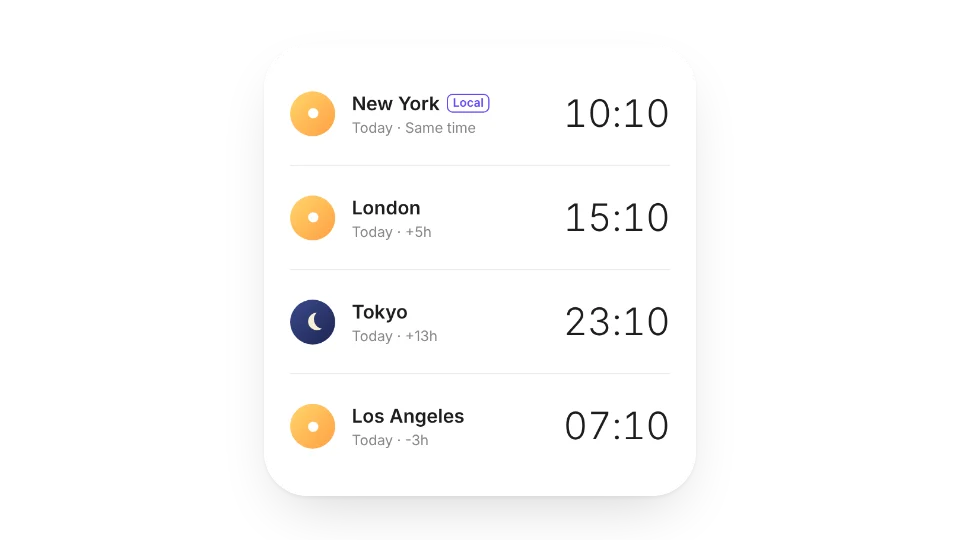 World ClockLocal time, day/night and time difference for 4 cities at once. Great for working across time zones
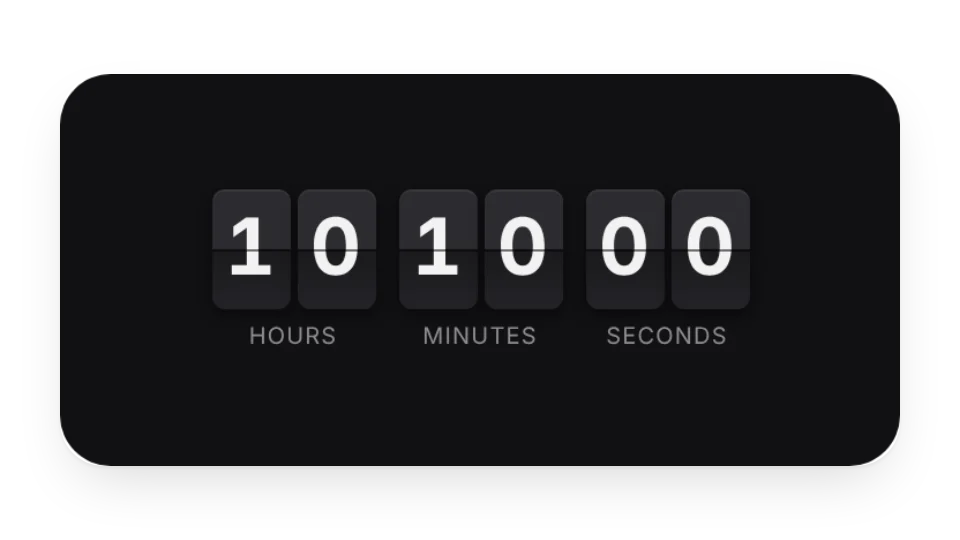 Flip ClockA clock with flip-card digits
 3D Particle ClockA clock made of 3D particles
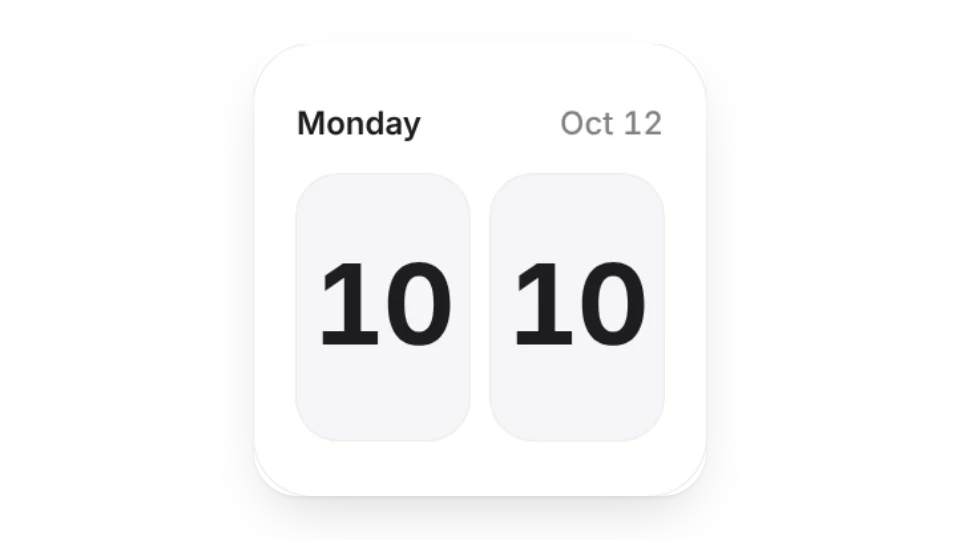 Simple ClockA clean, minimal clock
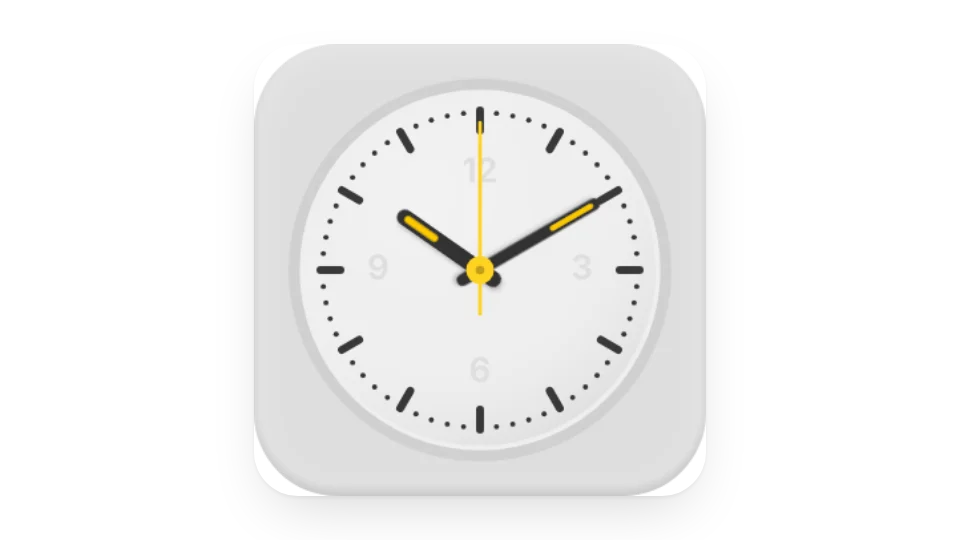 Flat ClockA flat-design clock with lots of color schemes to make it your own
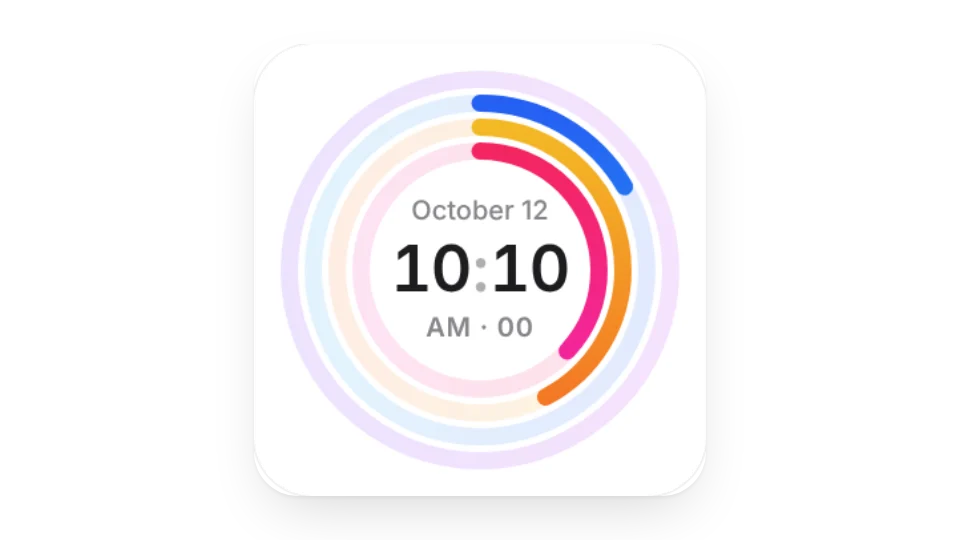 Ring ClockA colorful clock built from progress rings
Open a card, then click Create widget. You'll need to sign in — an email code is all it takes.
Change the text, colors, size and other options in the editor. The preview updates as you go.
Click Copy link, type /embed on a Notion page and paste it (or paste the link and choose Embed). Drag the corners to resize.