
Planning a trip in Notion? Put these at the top of your itinerary: the Trip Countdown counts down to departure and changes on the day and during the trip; the Currency Converter shows the ECB reference rate, a 30-day trend and a quick price table, with the data date and source.
Destination Time puts home and destination side by side — how many hours apart and when you're both awake for a call — and the Travel Map lights up every country you've been to.
 Destination TimeHome and destination side by side: how many hours ahead or behind, whether it's a different day, and when both sides are awake for a call
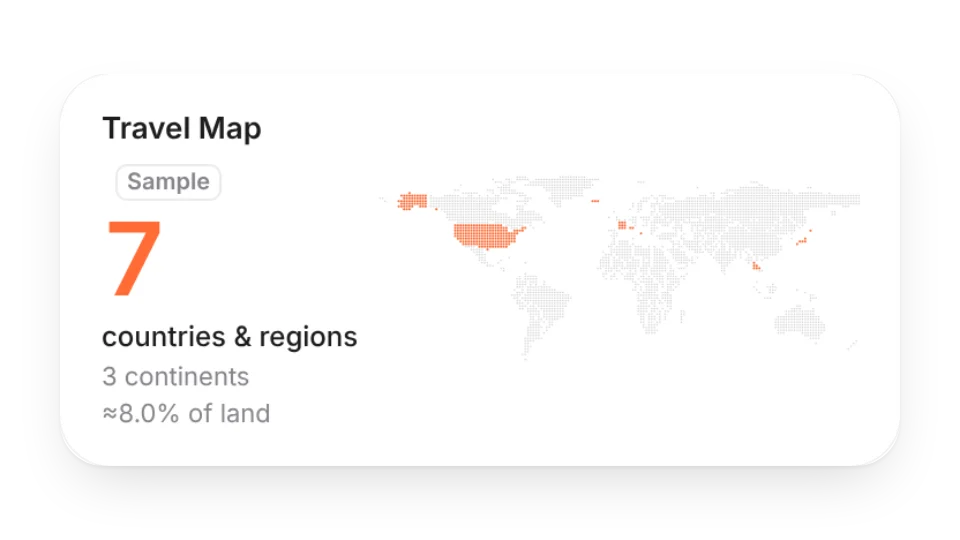 Travel MapList the countries you've been to and light them up on a dot world map, with continents and share of the world's land
 Currency ConverterConvert between two currencies for your trip, with the ECB reference rate, a 30-day trend and a quick price table. Data date and source always shown
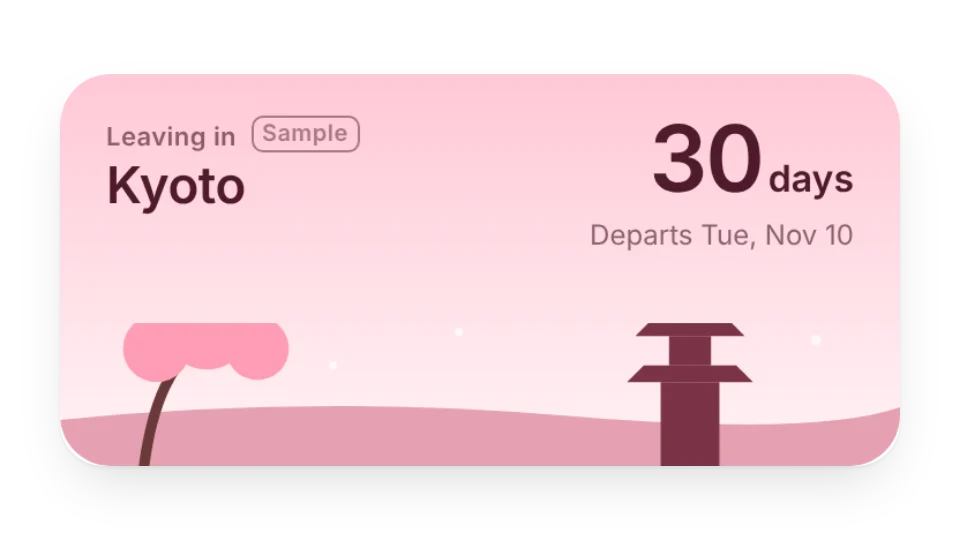 Trip CountdownSet a destination and departure date to count down the days. It changes on departure day, during the trip and after you're back, with six scenic themes
Open a card, then click Create widget. You'll need to sign in — an email code is all it takes.
Change the text, colors, size and other options in the editor. The preview updates as you go.
Click Copy link, type /embed on a Notion page and paste it (or paste the link and choose Embed). Drag the corners to resize.