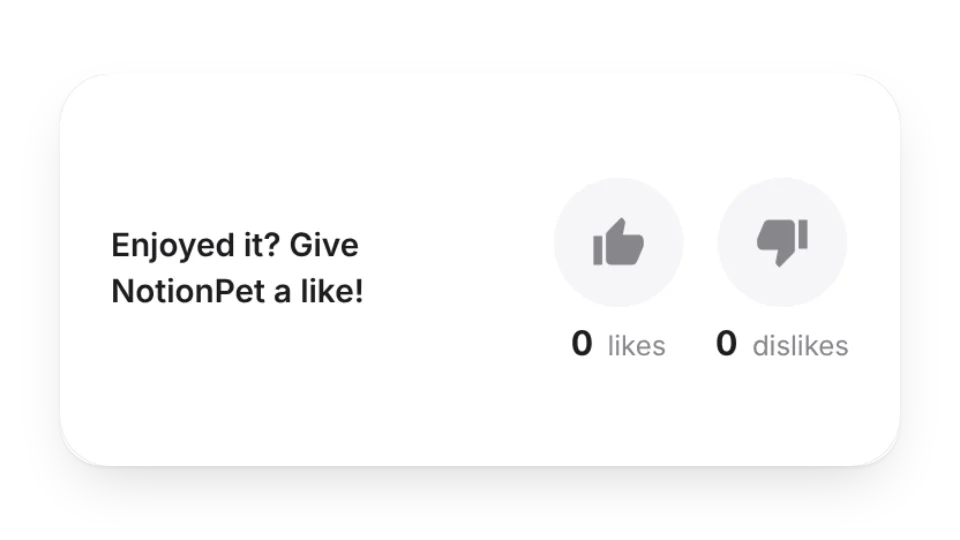
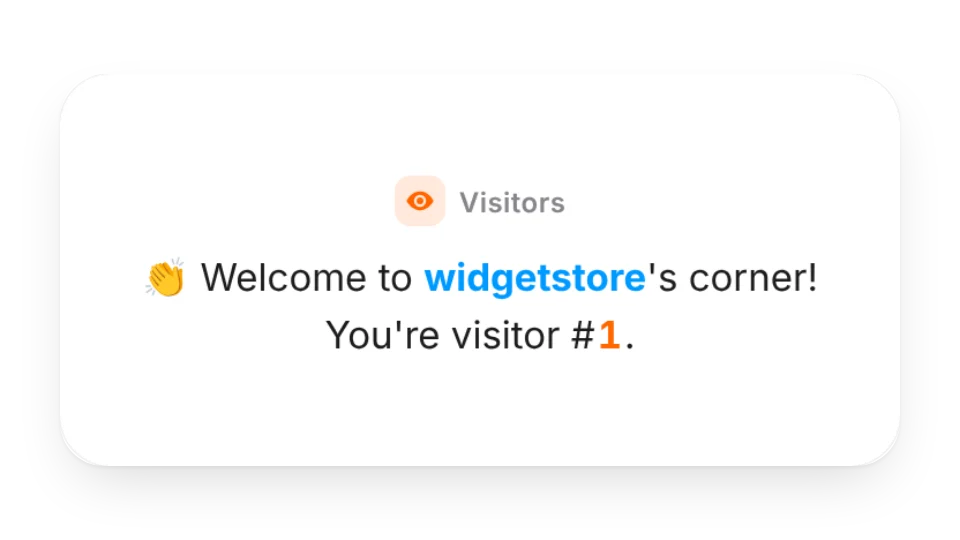
When you publish a Notion page as a blog, portfolio or event page, these fill in what Notion doesn't have: a visitor counter tracks views, a like button lets readers leave a like, and a poll lets people vote with live percentages (Pro).
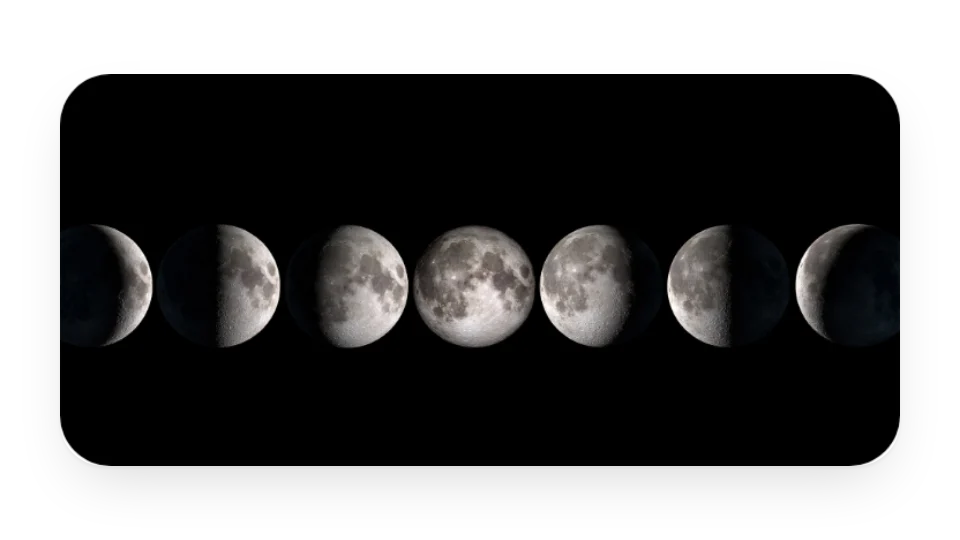
There's also a sponsor list, an info panel made of buttons and a photo slideshow.
Widgets (6)
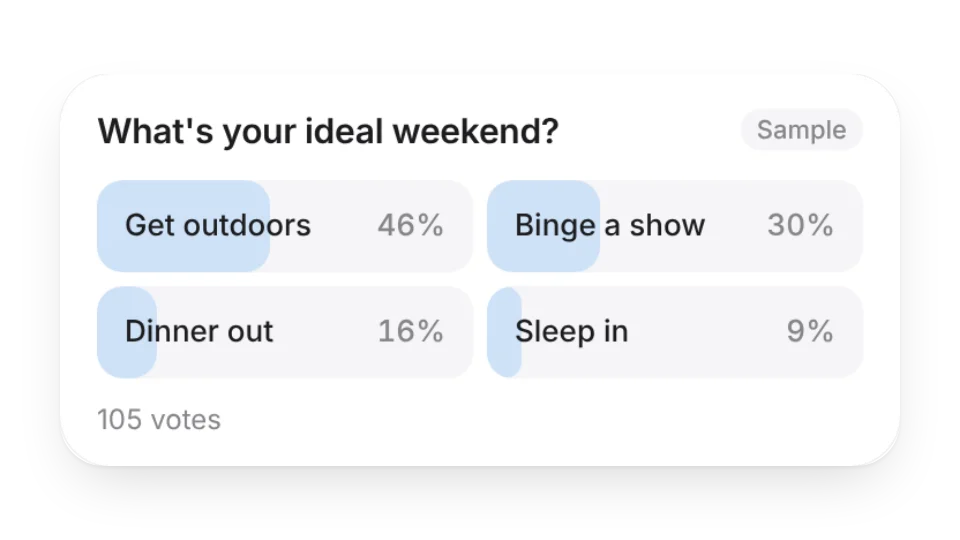
Poll · Pro — Ask a question and let visitors vote right in the widget, with live counts and percentages
Sponsor List · Pro — Build a wall of your sponsors
Button Panel — Build a custom info panel out of buttons
4 of the 6 widgets on this page are free; the 2 marked Pro need a Pro membership. Free accounts can create a limited number, Pro has no limit.
Do they work in the Notion mobile and desktop apps?
Yes. Widgets are regular web embeds, so they show up in Notion on the web, on desktop and in the mobile app, as long as the device is online.
What language are the widgets in? Is there dark mode?
Widget text follows each visitor's browser language — English, Japanese, Simplified or Traditional Chinese. Most widgets also switch between light and dark with the system setting.
Can I use them outside Notion?
Anywhere that can embed a web page: Obsidian, FlowUs, Wolai, or your own website with an iframe.