A Notion cover is usually a still image. Animated covers move and change with the time: the sky shifts from morning to night, a holiday counts down, the year progress moves forward each day.
Copy the image link, then in Notion click Change cover → Link. Backgrounds like the README banner and tech stack also work in a GitHub README.
Animated covers (24)
Hot Air Balloons — Colorful balloons drift up over rolling fields. The balloons change daily and the sky follows Beijing time
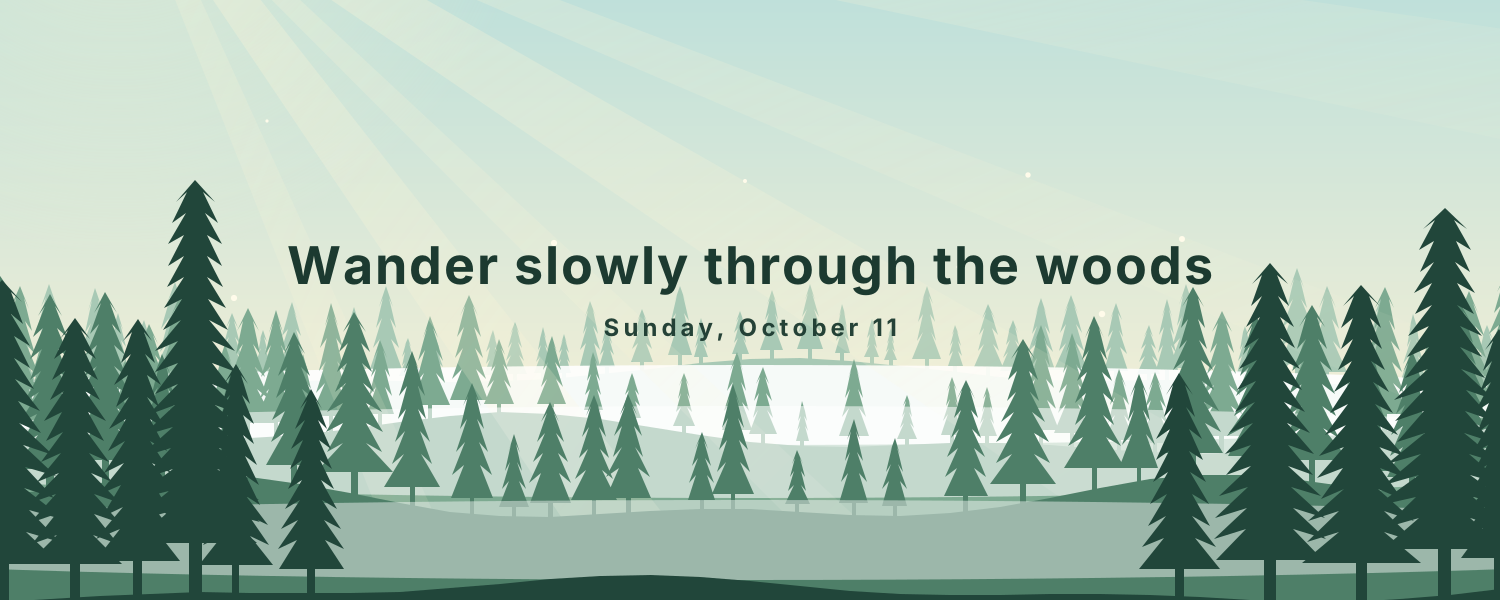
Firefly Forest — Layered pines under a changing sky: fireflies and moonrise at night, sunbeams through the mist by day
Star Trails — Star trails circle Polaris above the Milky Way and a glowing tent, with today's date and moon phase
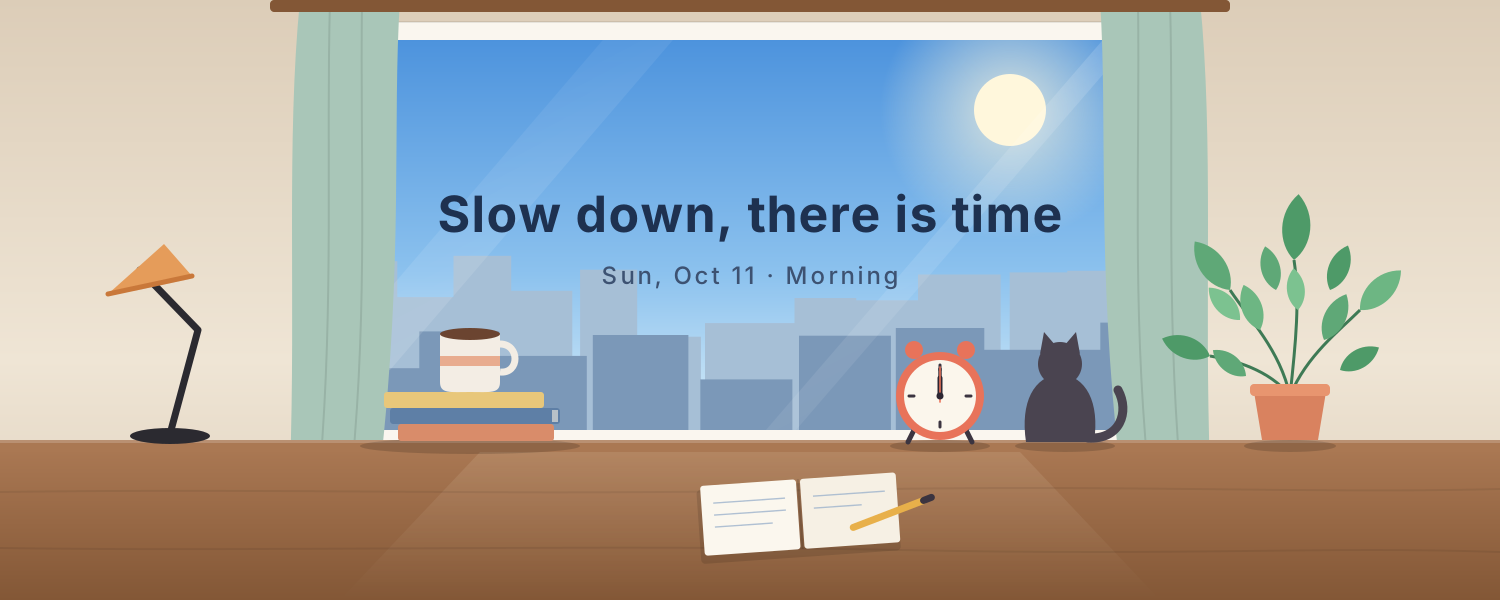
Window Seat — A lo-fi desk by the window. The view goes from morning to dusk to city lights on Beijing time, with steaming coffee and a ticking clock
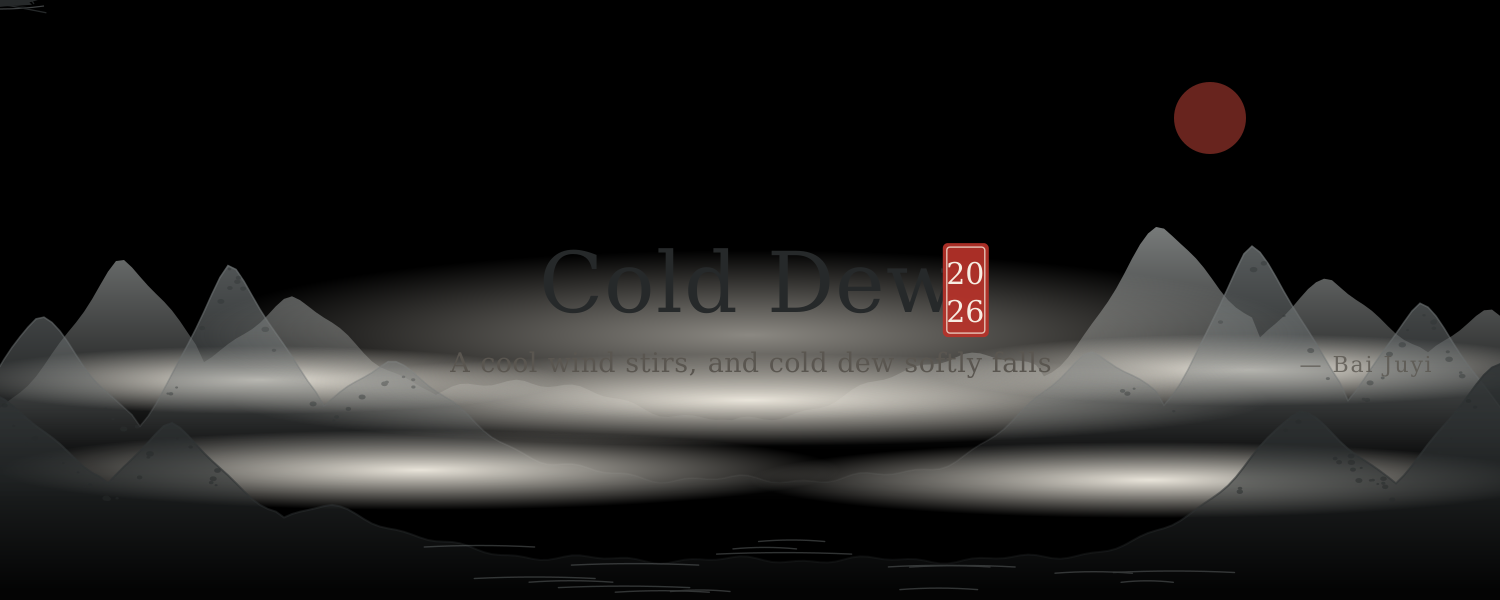
Ink Landscape — Mist drifts through layered ink-wash mountains as cranes fly and a boat rocks, with lines of poetry for each solar term
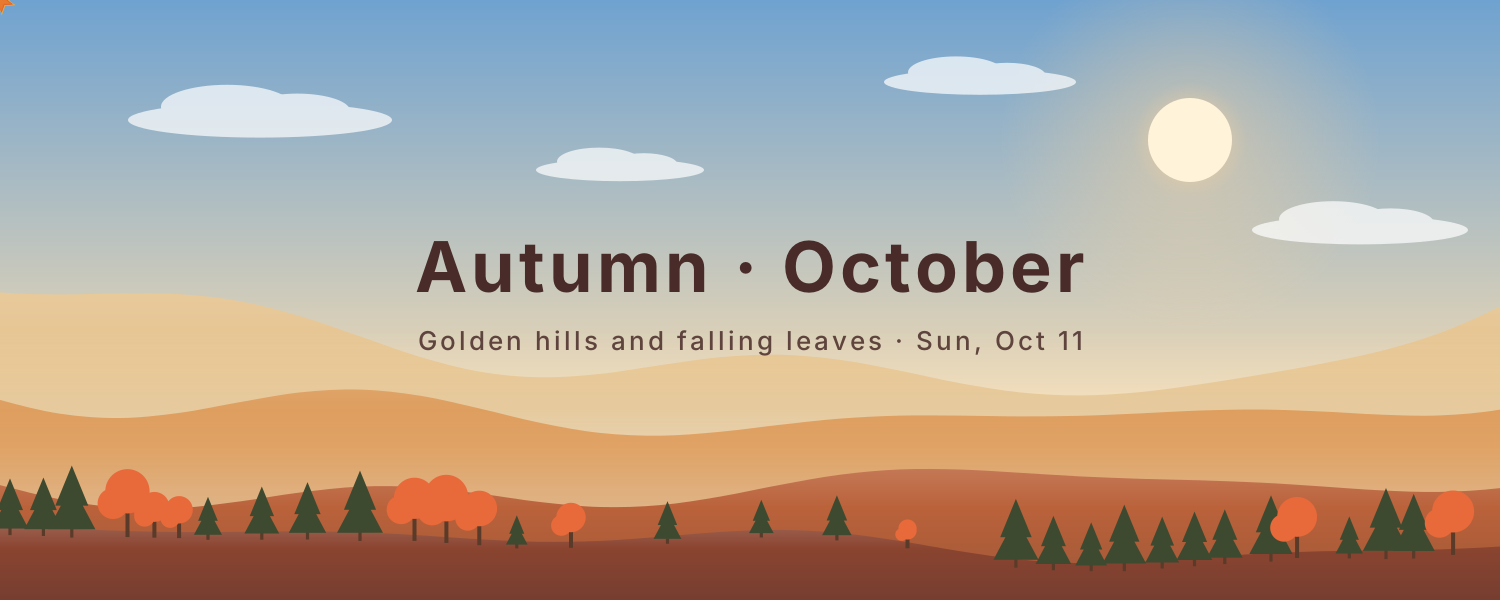
Seasonal Hills — Layered hills change with the seasons: spring petals, summer fireflies, falling autumn leaves and soft winter snow
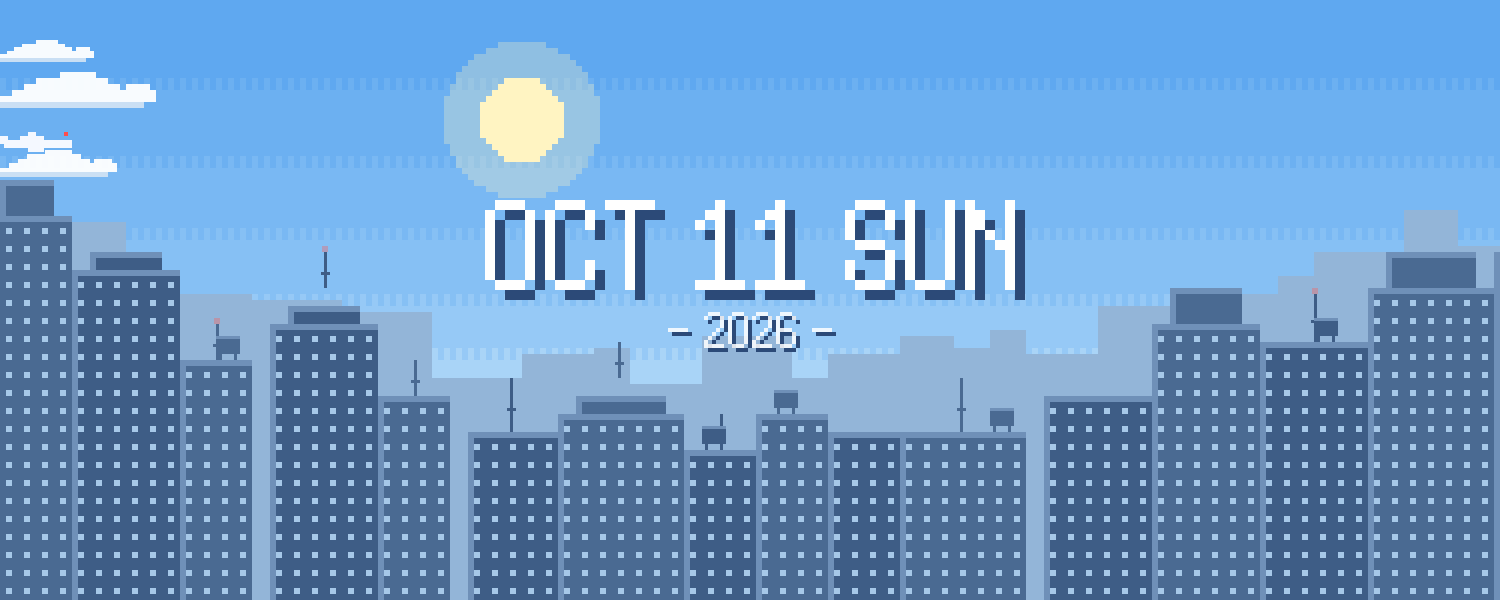
Pixel City — A pixel-art skyline that moves from day to dusk to night on Beijing time. Windows light up differently each night as clouds and planes drift by
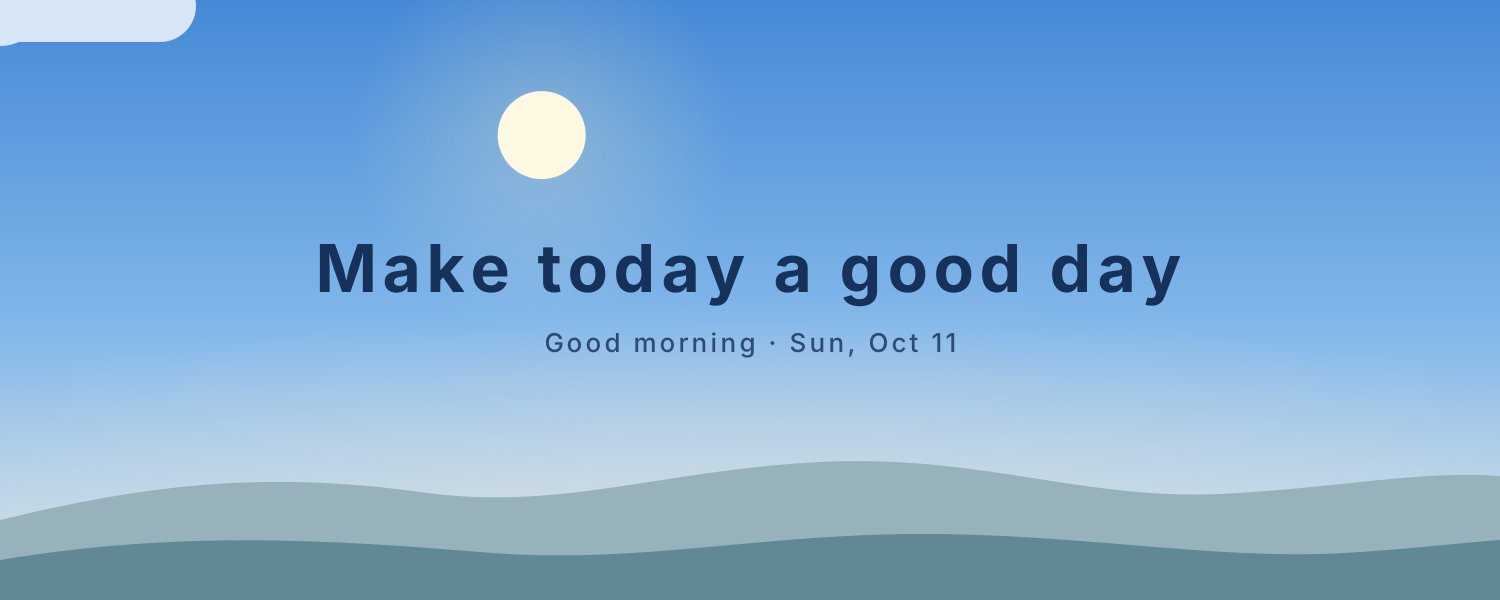
Sky Cycle — The sky changes color through the day: pink dawn, blue noon, golden dusk and starry night, as the sun and moon arc overhead
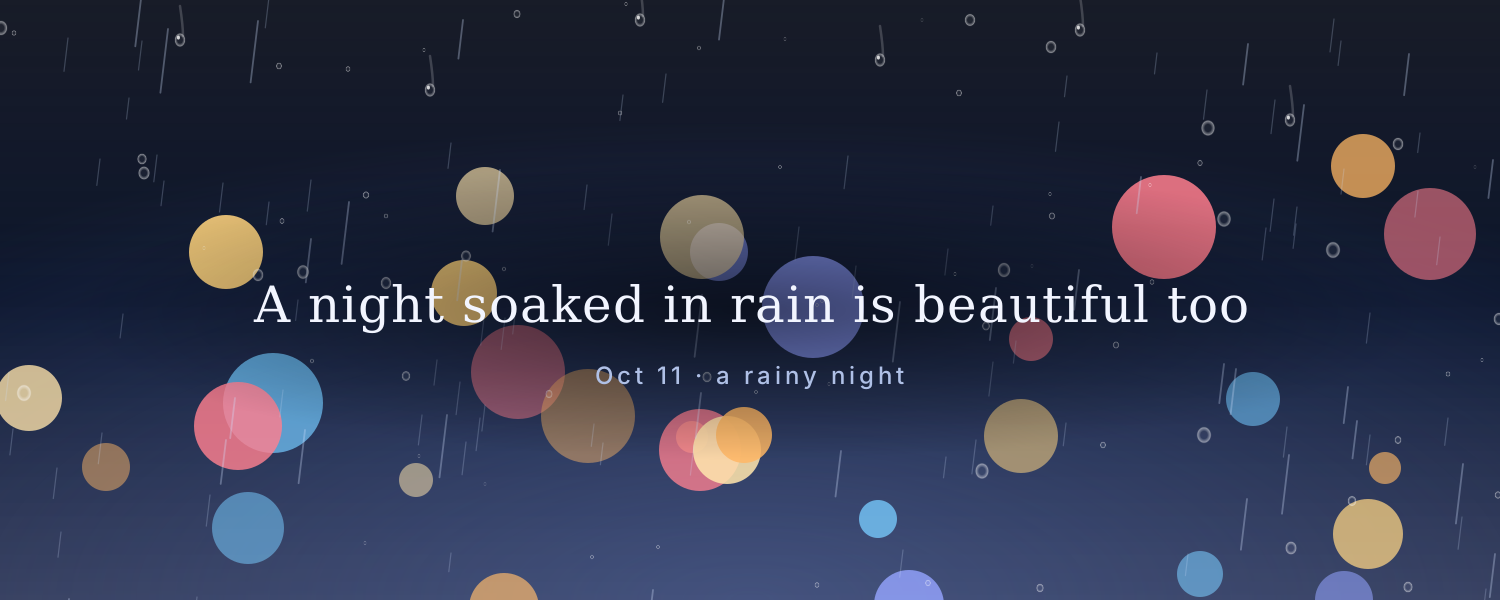
Rainy Window — City lights blur behind a rainy window as drops slide down, with a gentle new message every day
Ocean Waves — Layers of waves roll in while the sky and sea change color from morning to night
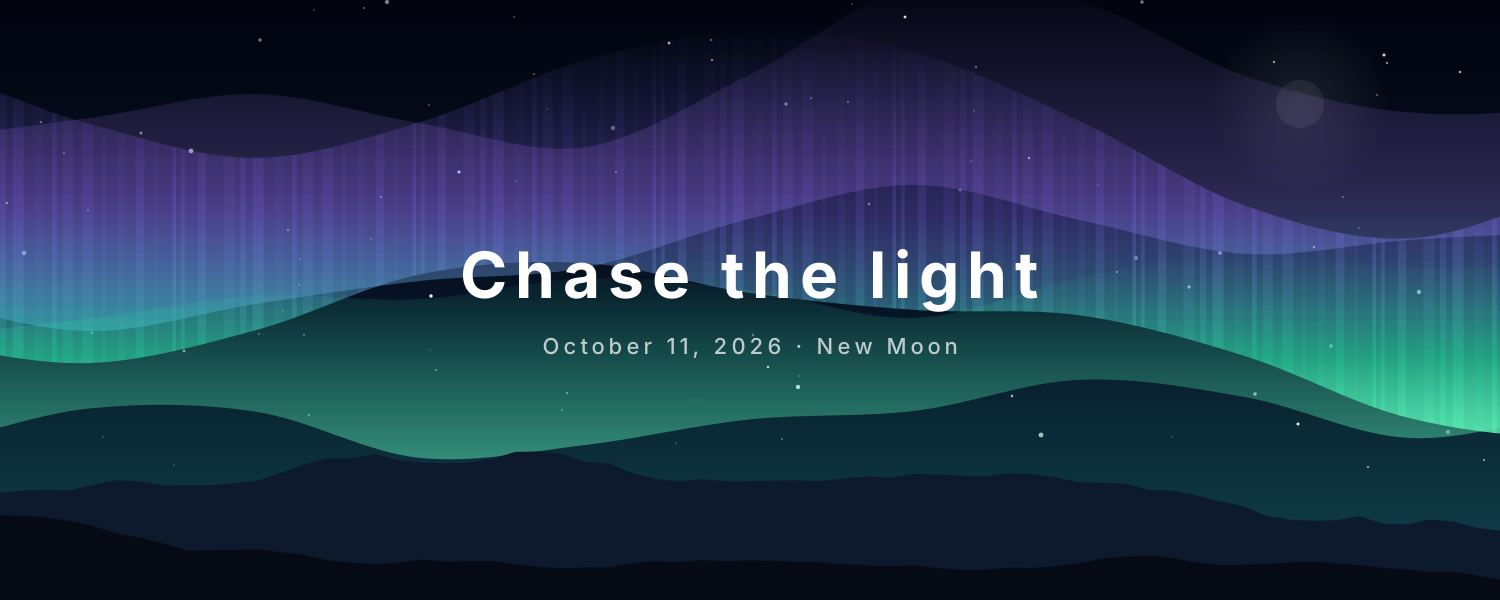
Aurora Night — Northern lights drift over snowy peaks and stars, with today's date and moon phase, updated daily
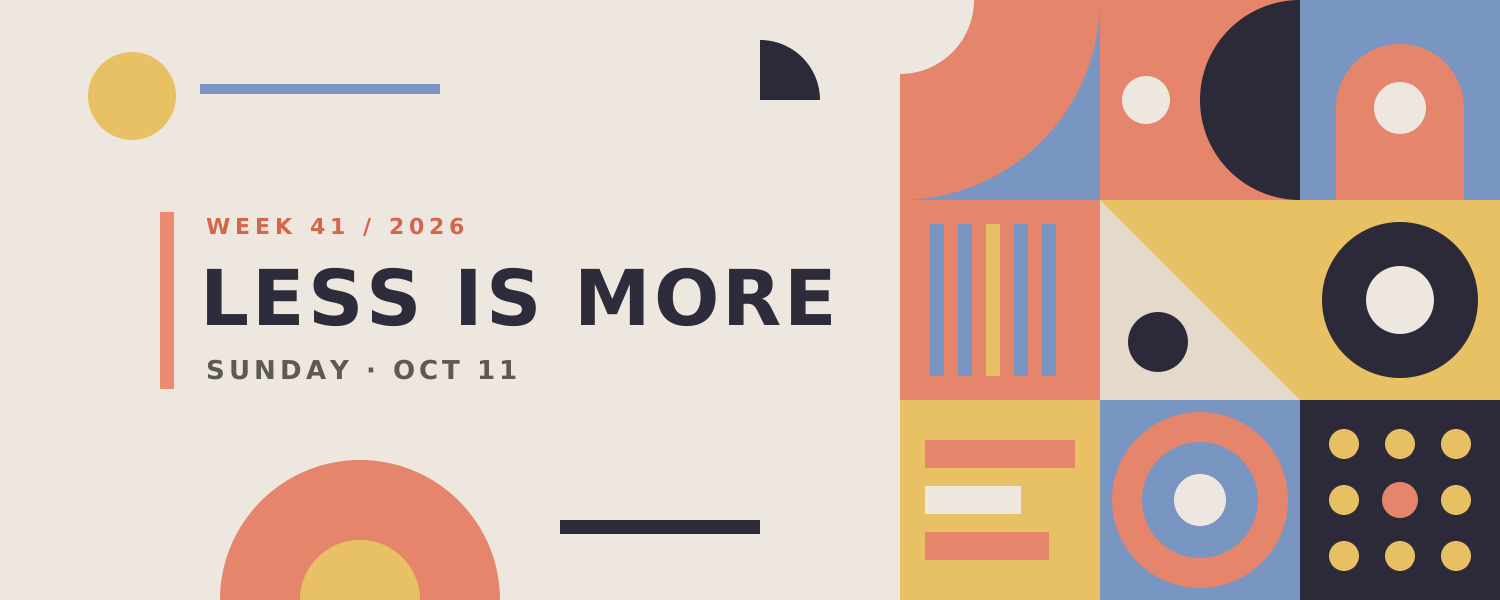
Bauhaus Shapes — Red, yellow and blue Bauhaus shapes slowly turn and slide, with a bold title and today's date. The layout changes daily
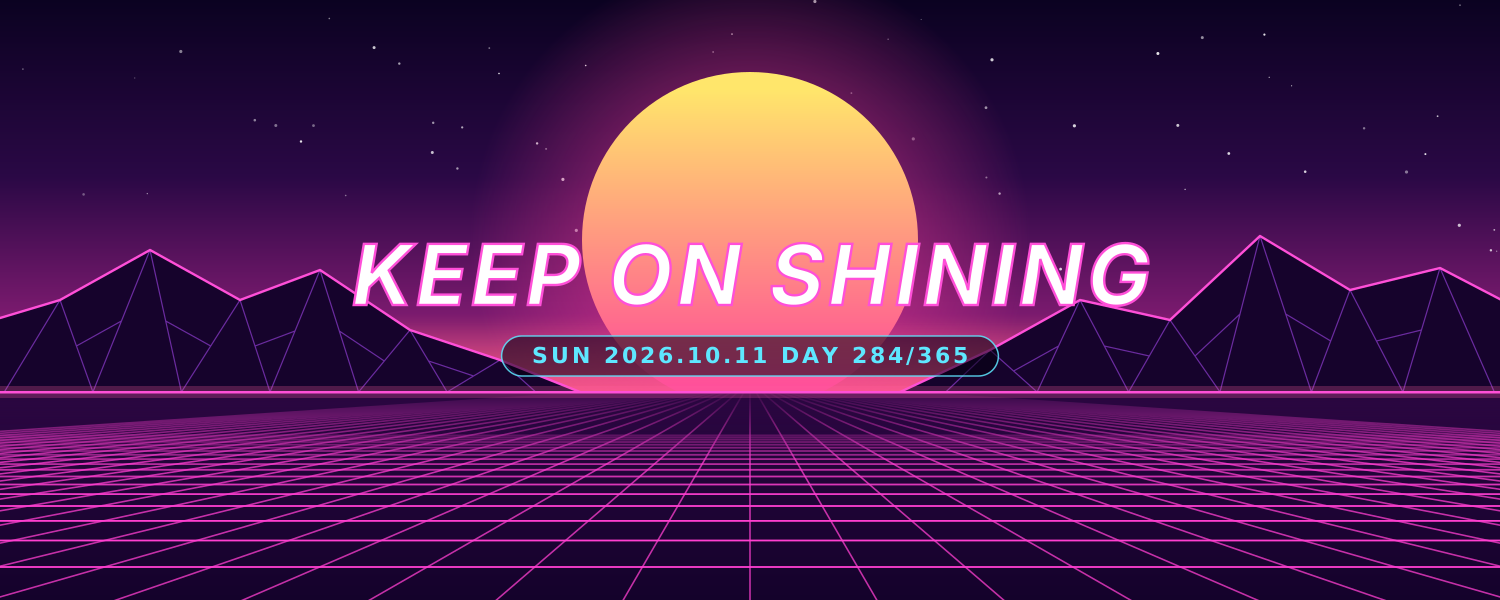
Cyber Sunset — Retro synthwave: a striped sun sinks below the horizon as a neon grid rolls toward you past glowing wireframe peaks
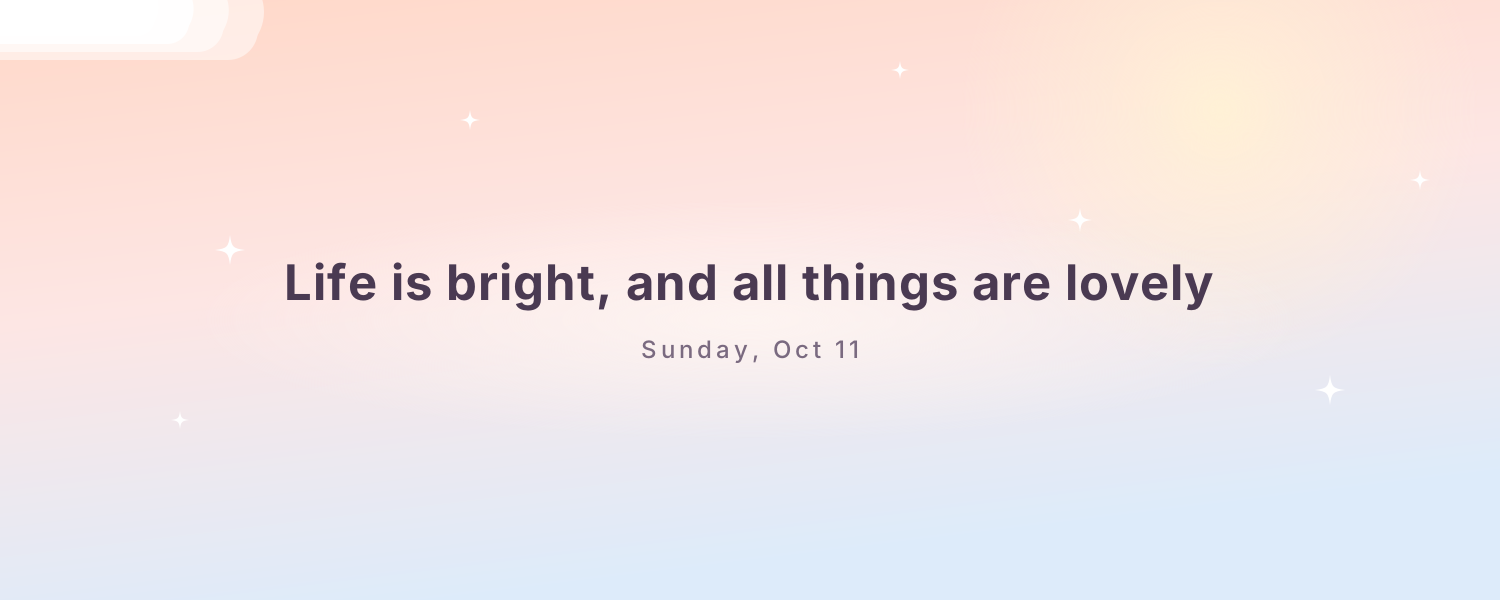
Paper Planes — Paper planes glide and loop through a pastel sky, with a new note of encouragement every day
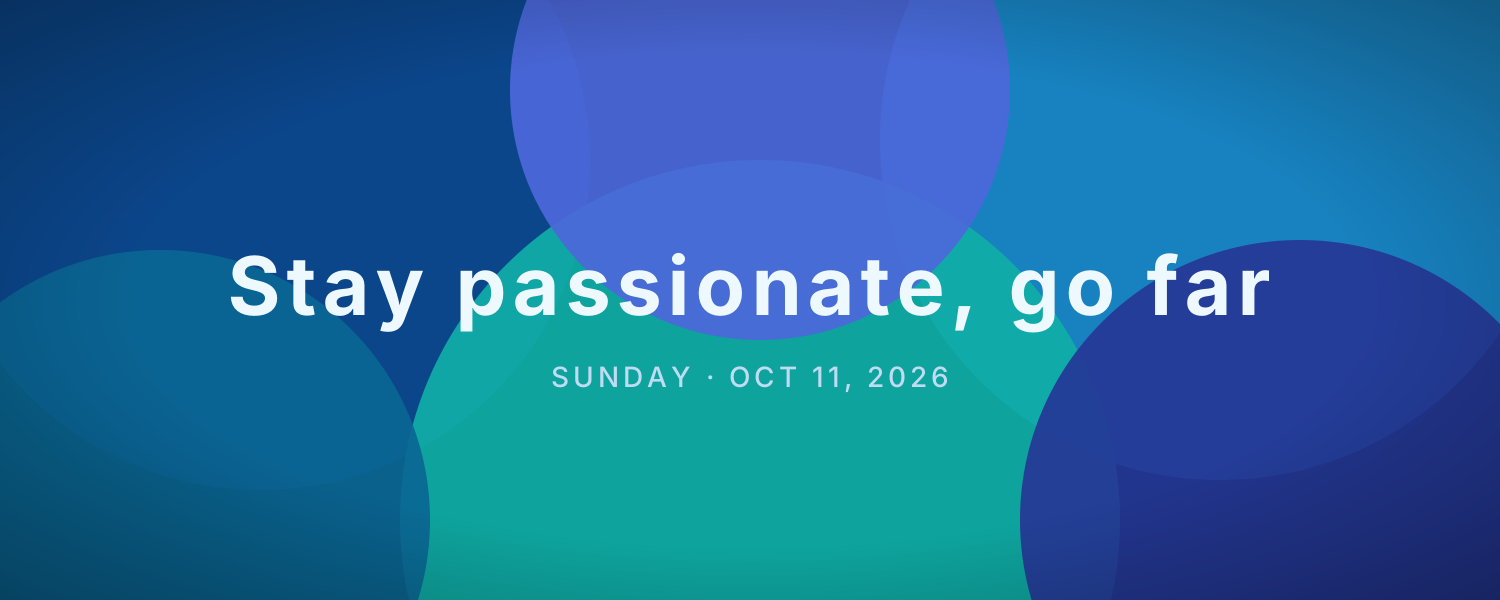
Flowing Gradient — Soft blobs of color flow together into an elegant mesh gradient. The palette can change daily, with today's date
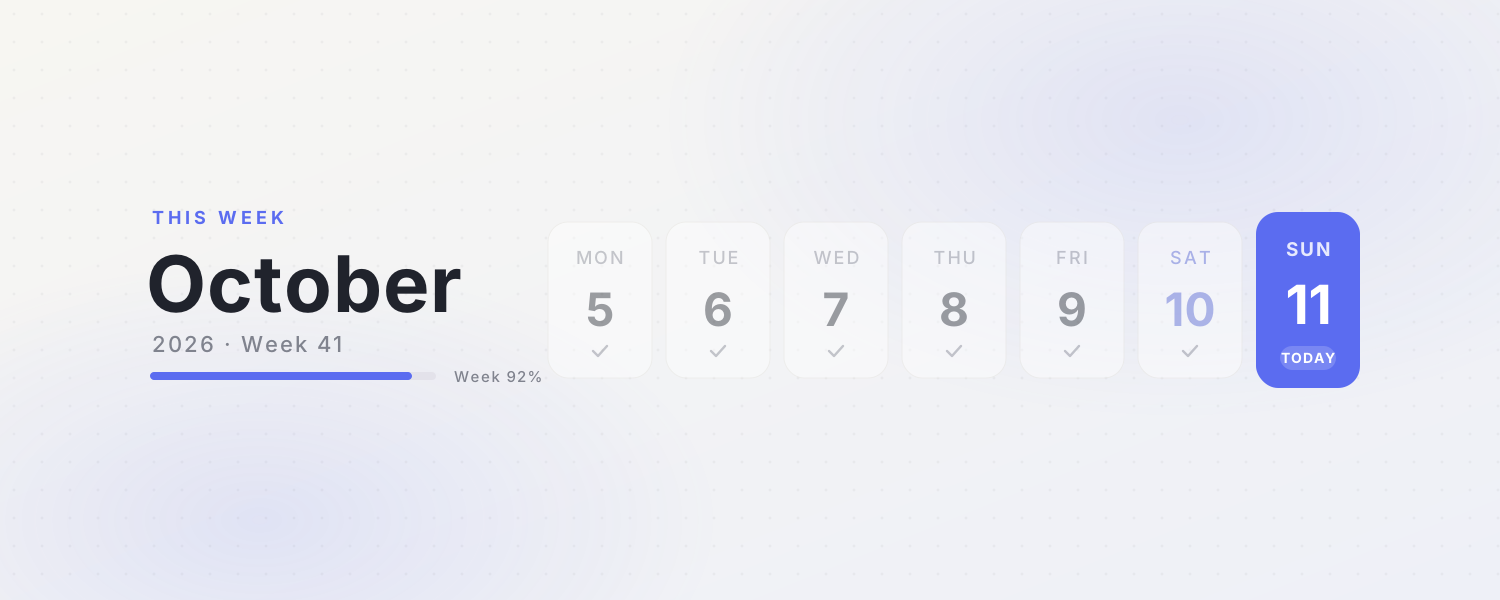
This Week — A clean weekly calendar cover with the month, week number and progress. Today's card glows softly
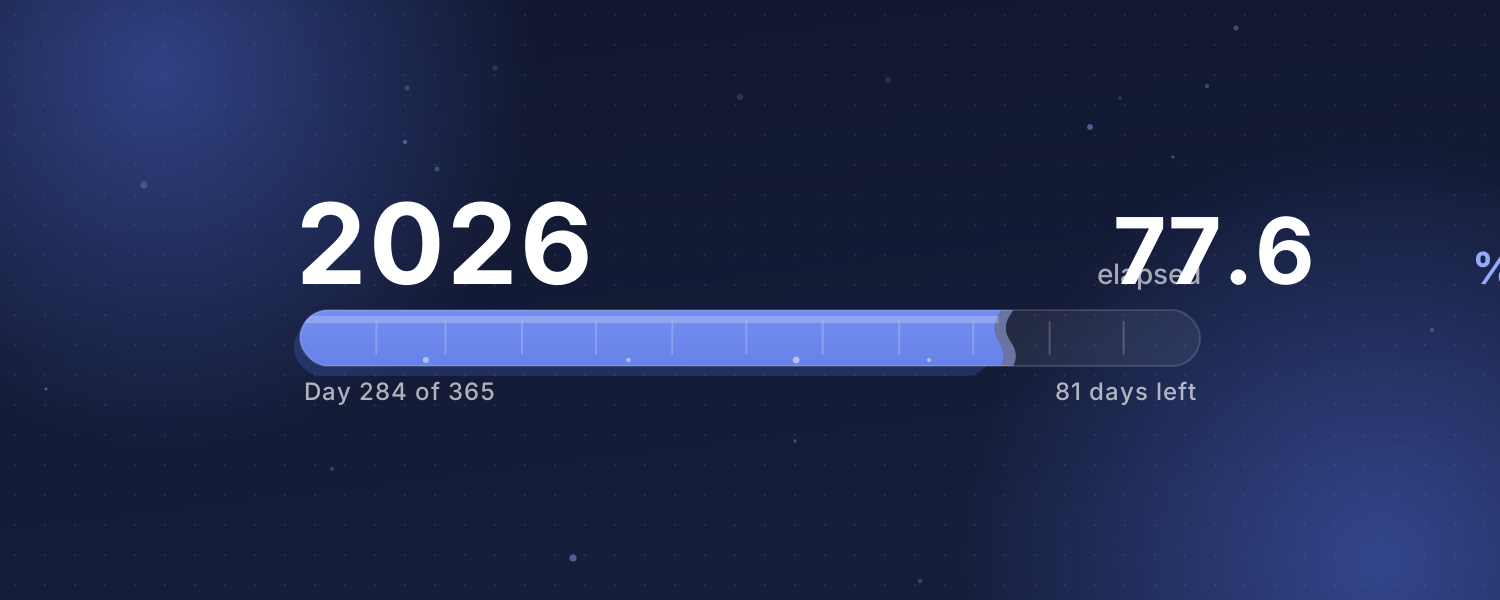
Year Progress — How much of this year, month or week has passed? A liquid bar fills up on Beijing time with a gently rippling surface
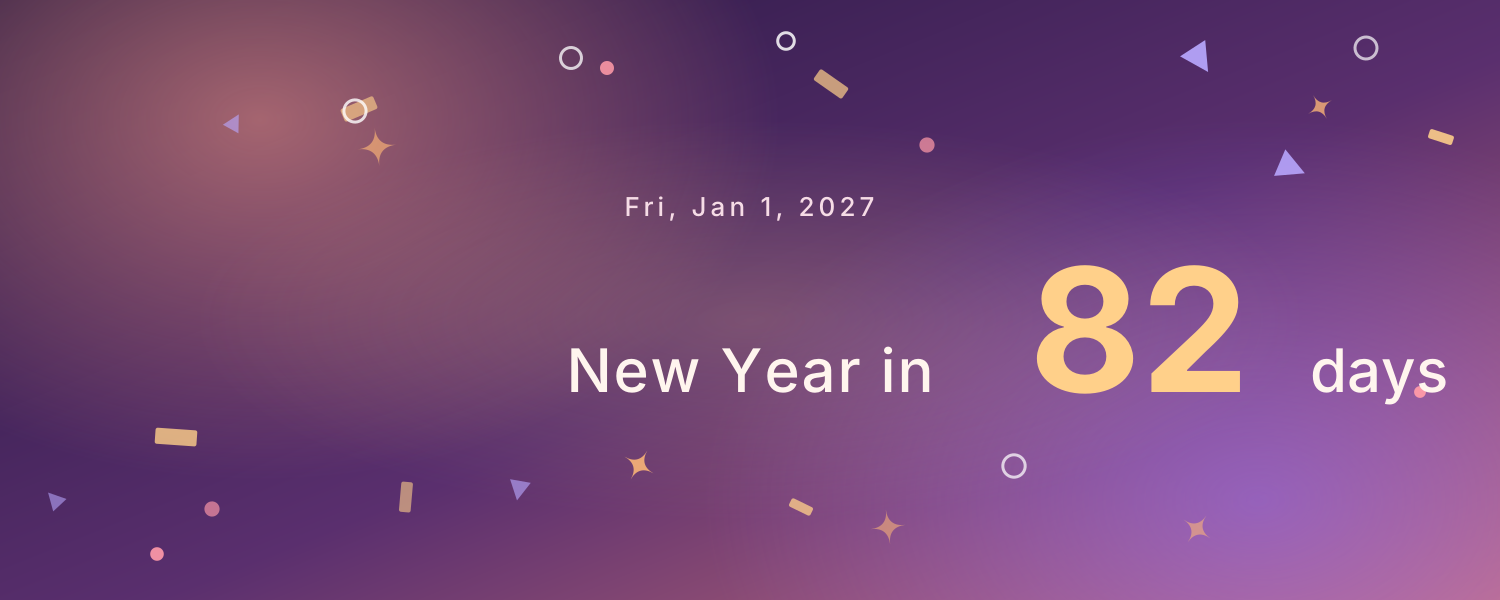
Countdown Banner — Pick an important day and the cover shows how many days are left, with floating confetti. Afterwards it counts the days since
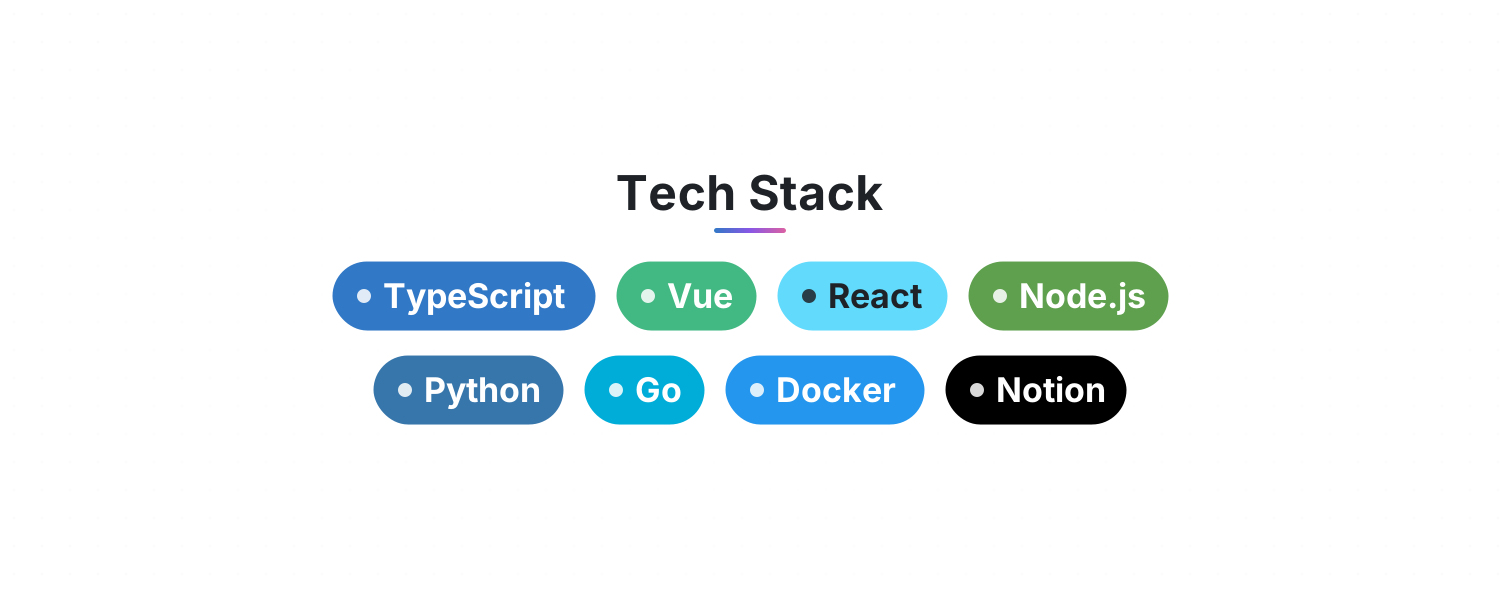
Tech Stack — List your skills and get rows of gently floating, brand-colored tags for your GitHub README or Notion page
Typewriter Headline — Lines type out, pause, delete and loop with a blinking cursor. Perfect for an intro or tagline at the top of your README
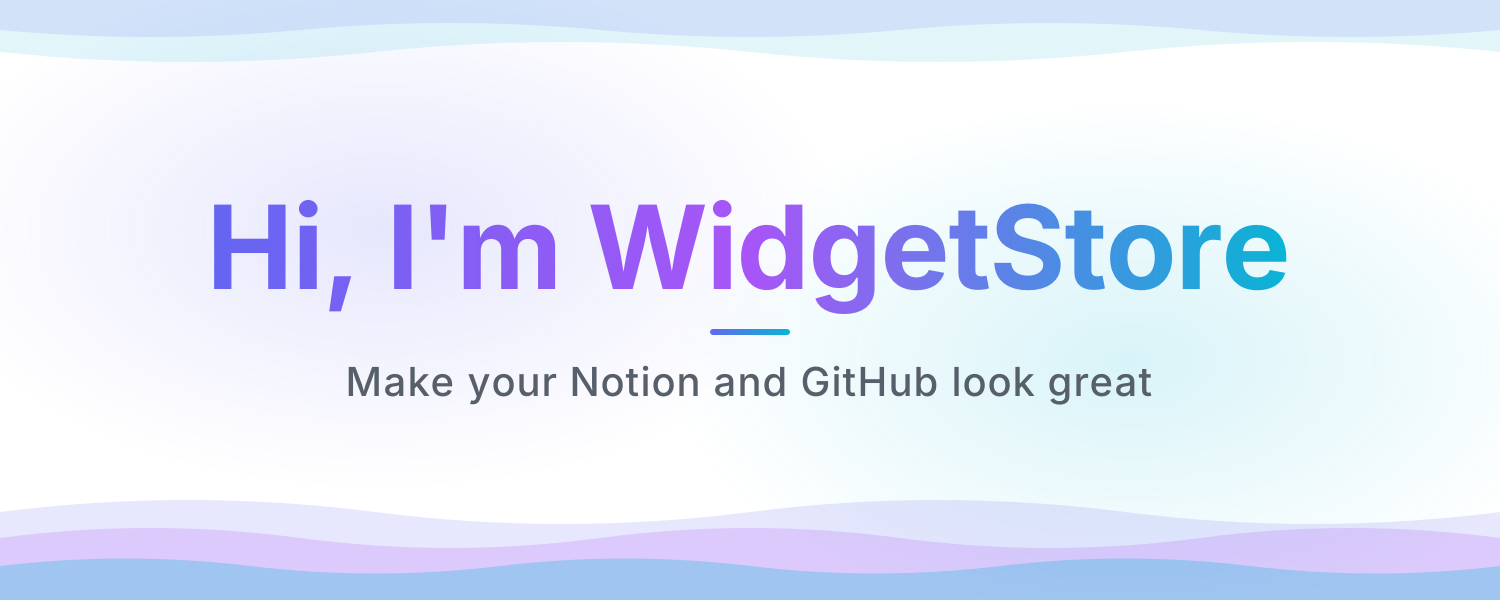
README Banner — An animated header for your GitHub README or Notion page: a shimmering gradient title, a tagline and flowing waves. Looks great in light and dark
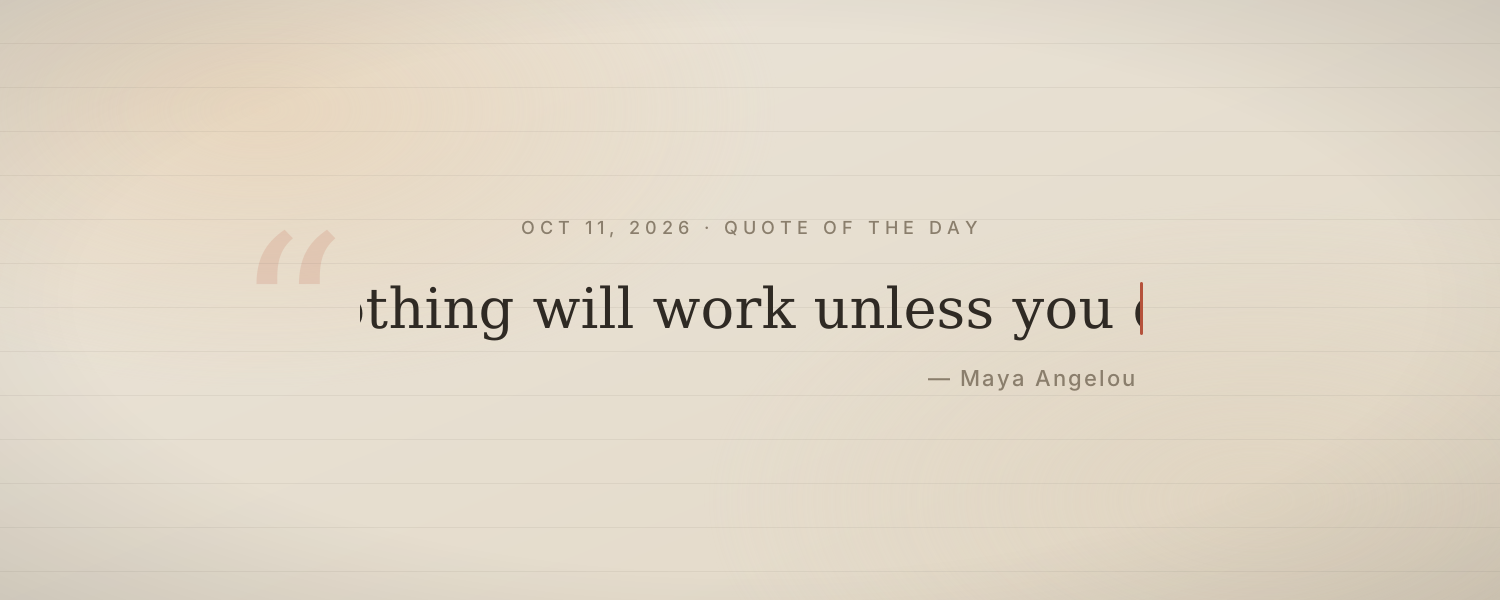
Quote of the Day — A quote types itself out each day with its author on soft paper. About 60 Chinese and 60 English quotes rotate by date
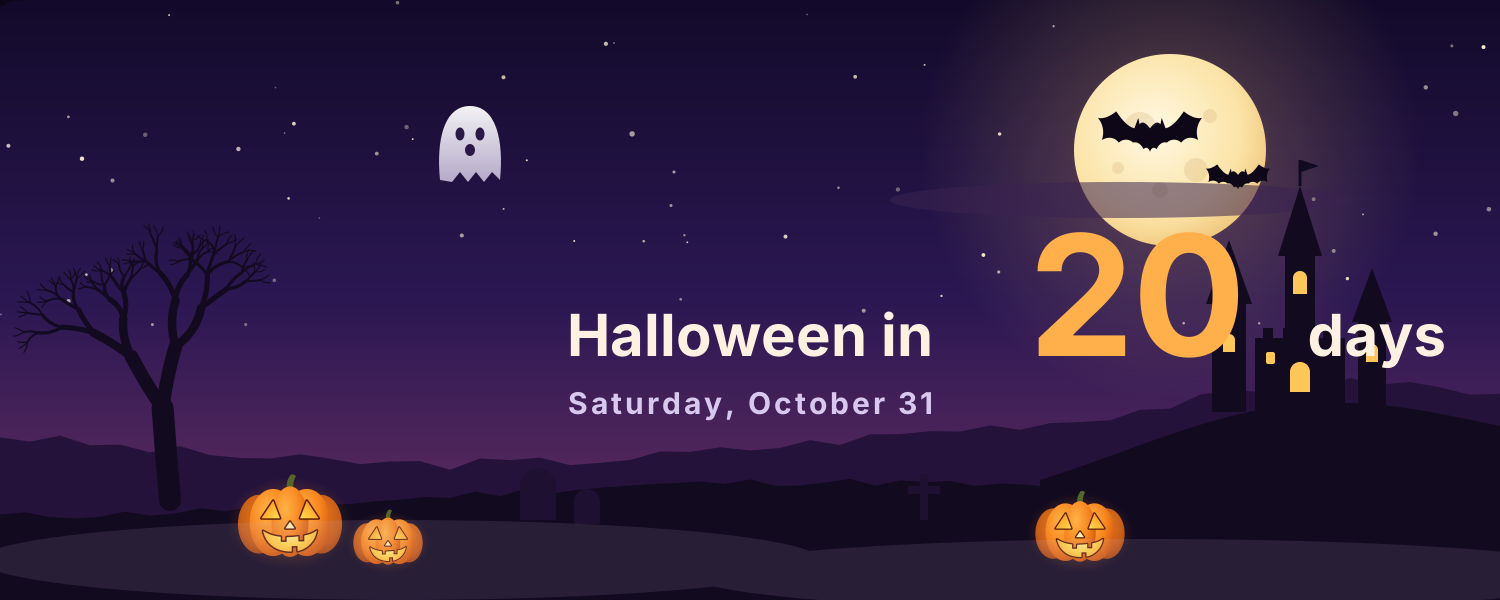
Halloween Night — A full moon, bats, a haunted castle and jack-o'-lanterns. The cover counts down the days to Halloween and wishes you Happy Halloween on the day
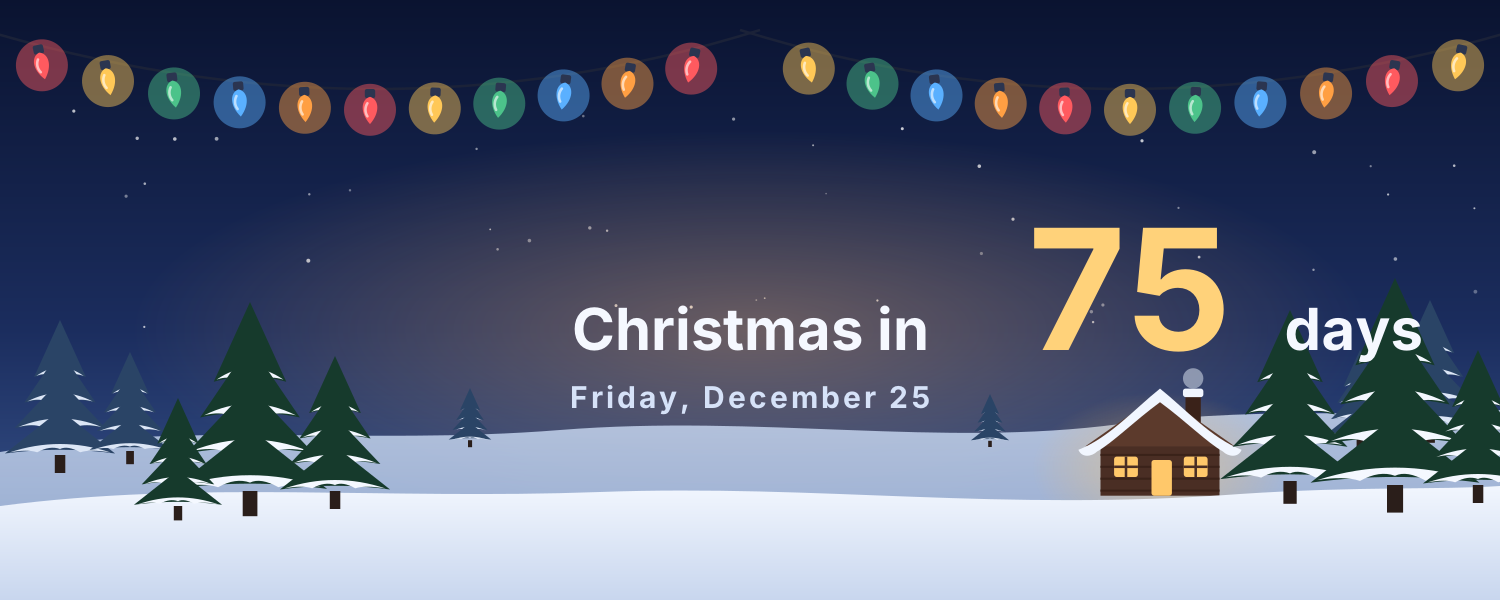
Christmas Snow Night — Warm string lights, snowy pines, a glowing cabin and falling snow. The cover counts down to Christmas, with greetings on Christmas Eve and Christmas Day
Add it to Notion in 3 steps
Pick an animated background:Choose one from the animated background library, click Create and sign in.
Set it up:Set the title, date, colors and other options.
Use it as your Notion cover:Copy the image link, then in Notion click Change cover → Link and paste it. The cover changes with the time by itself.