Scenery covers that follow the time of day: aurora night, hot air balloons, firefly forest, star trails, a window seat, a pixel city, a rainy window, ocean waves and more. Copy the image link and paste it in Notion under Change cover → Link.
Animated covers (11)
Hot Air Balloons — Colorful balloons drift up over rolling fields. The balloons change daily and the sky follows Beijing time
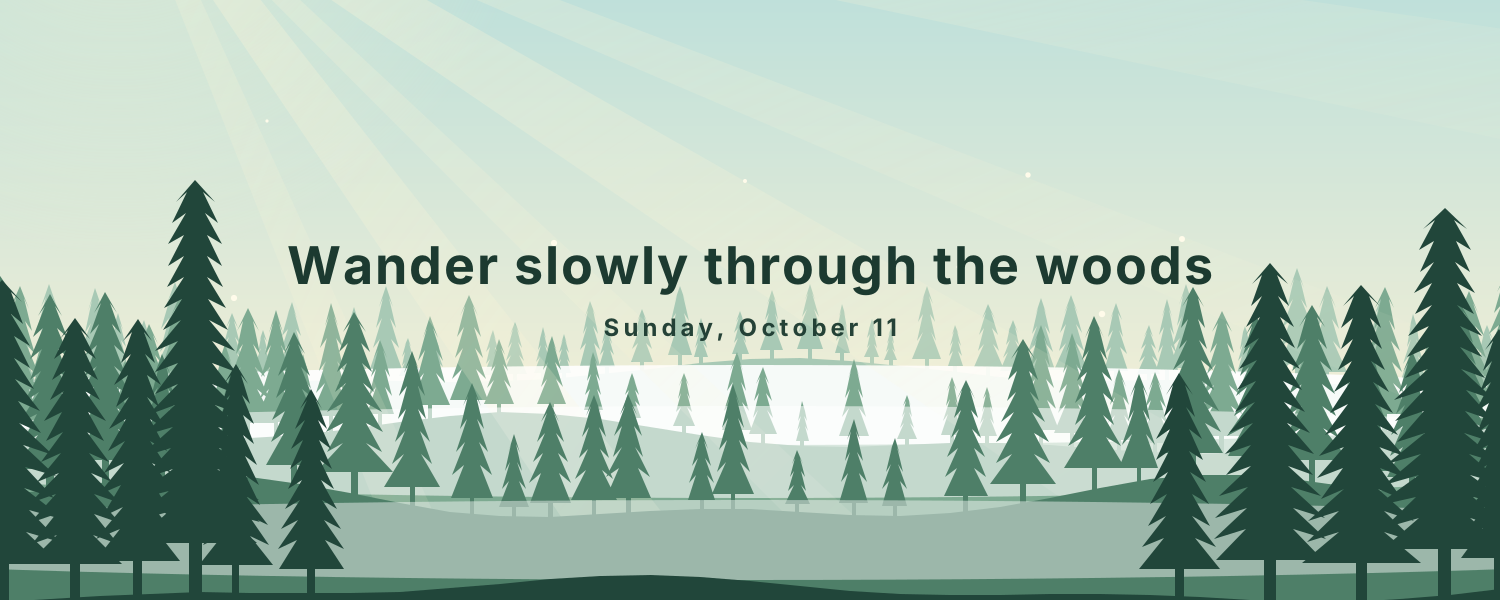
Firefly Forest — Layered pines under a changing sky: fireflies and moonrise at night, sunbeams through the mist by day
Star Trails — Star trails circle Polaris above the Milky Way and a glowing tent, with today's date and moon phase
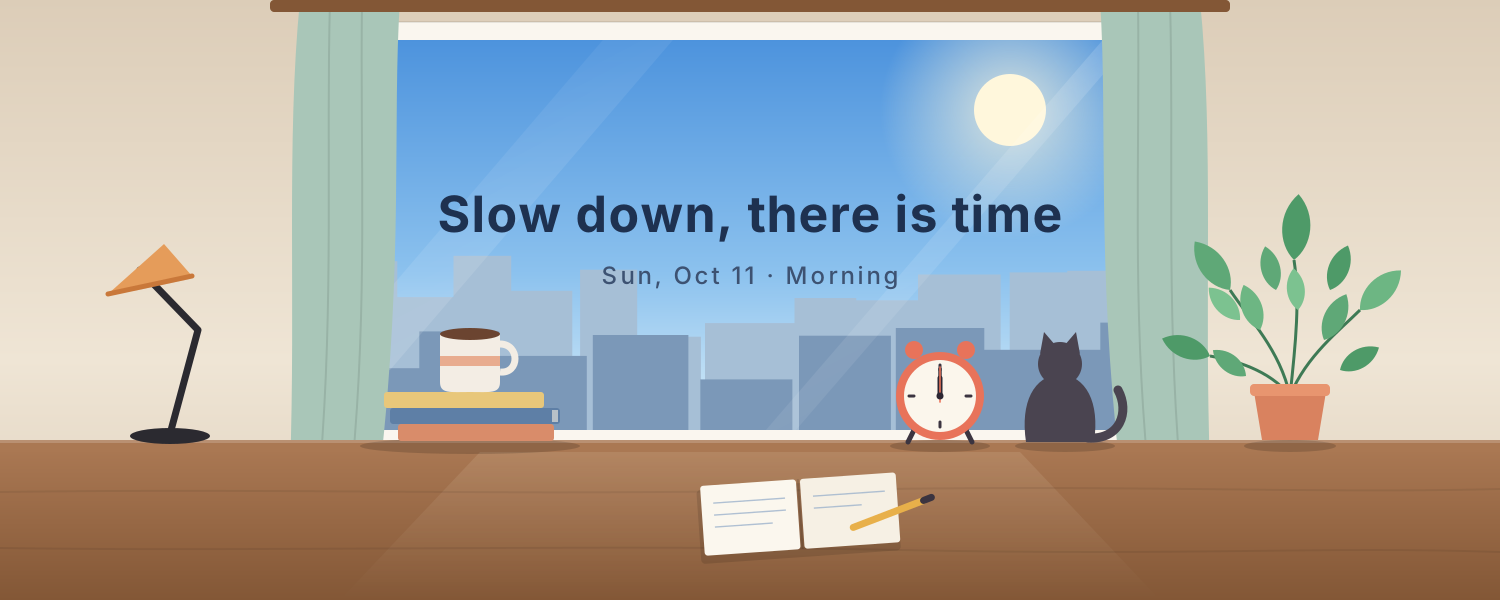
Window Seat — A lo-fi desk by the window. The view goes from morning to dusk to city lights on Beijing time, with steaming coffee and a ticking clock
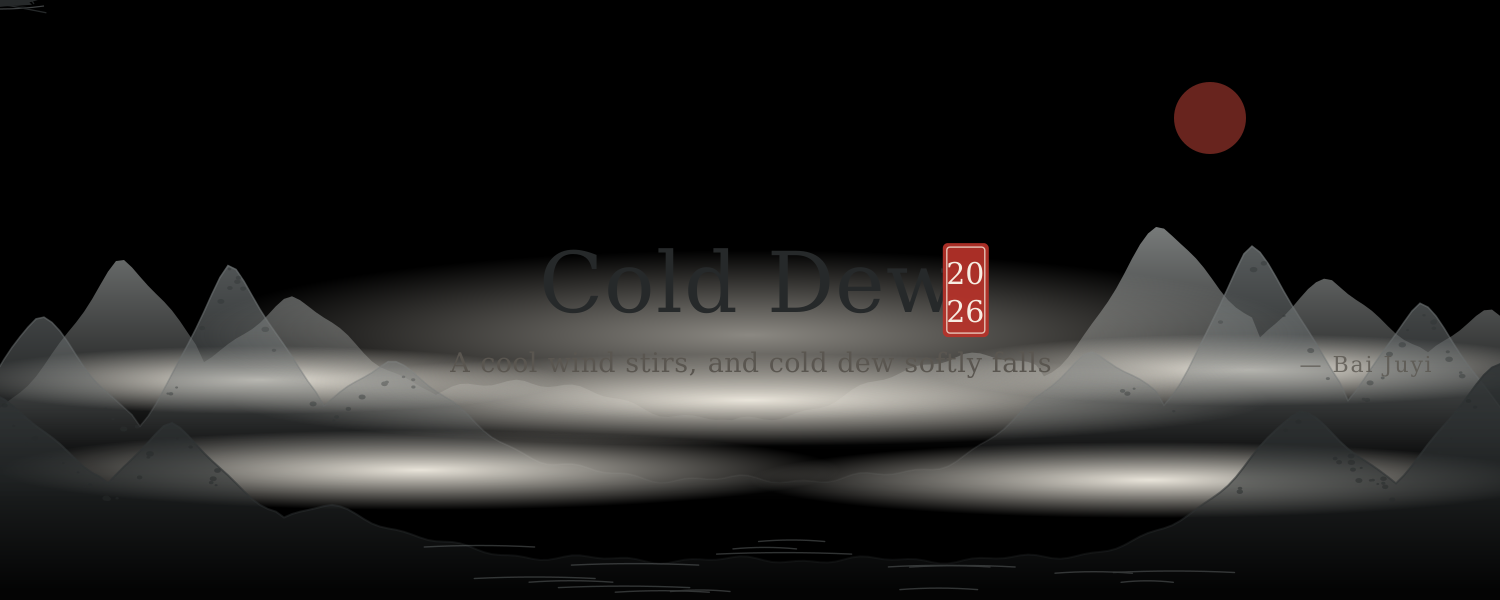
Ink Landscape — Mist drifts through layered ink-wash mountains as cranes fly and a boat rocks, with lines of poetry for each solar term
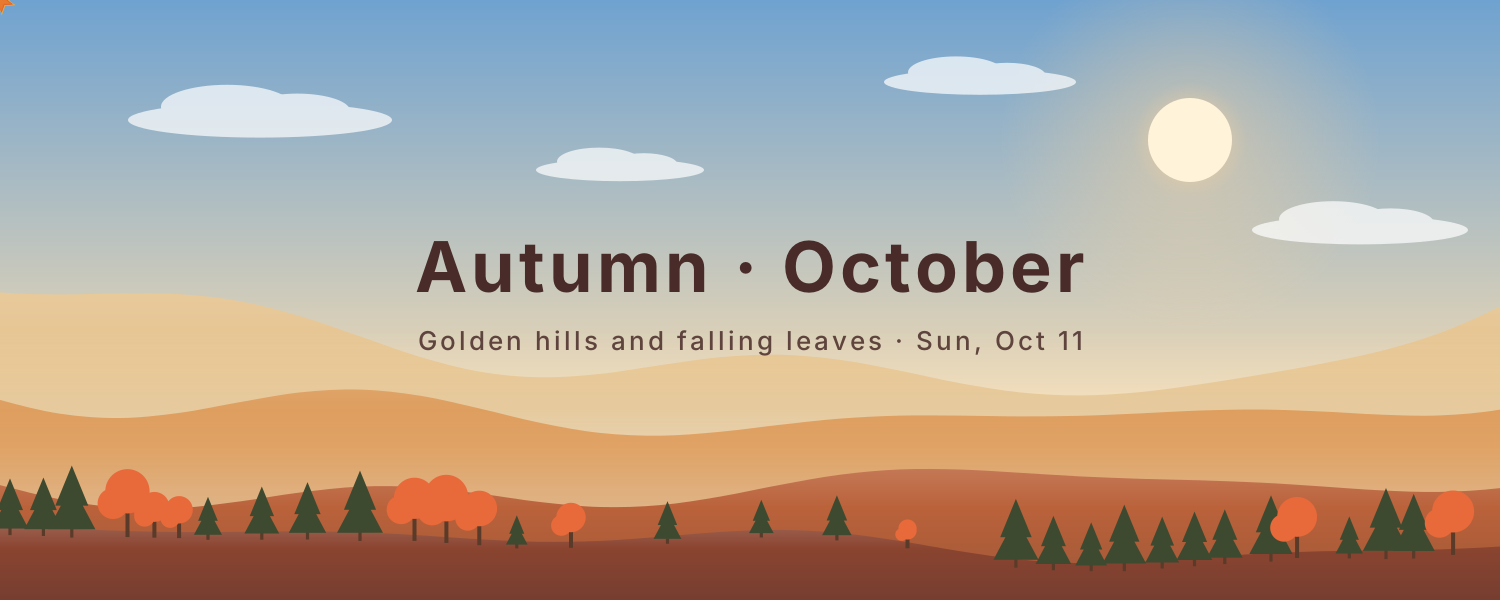
Seasonal Hills — Layered hills change with the seasons: spring petals, summer fireflies, falling autumn leaves and soft winter snow
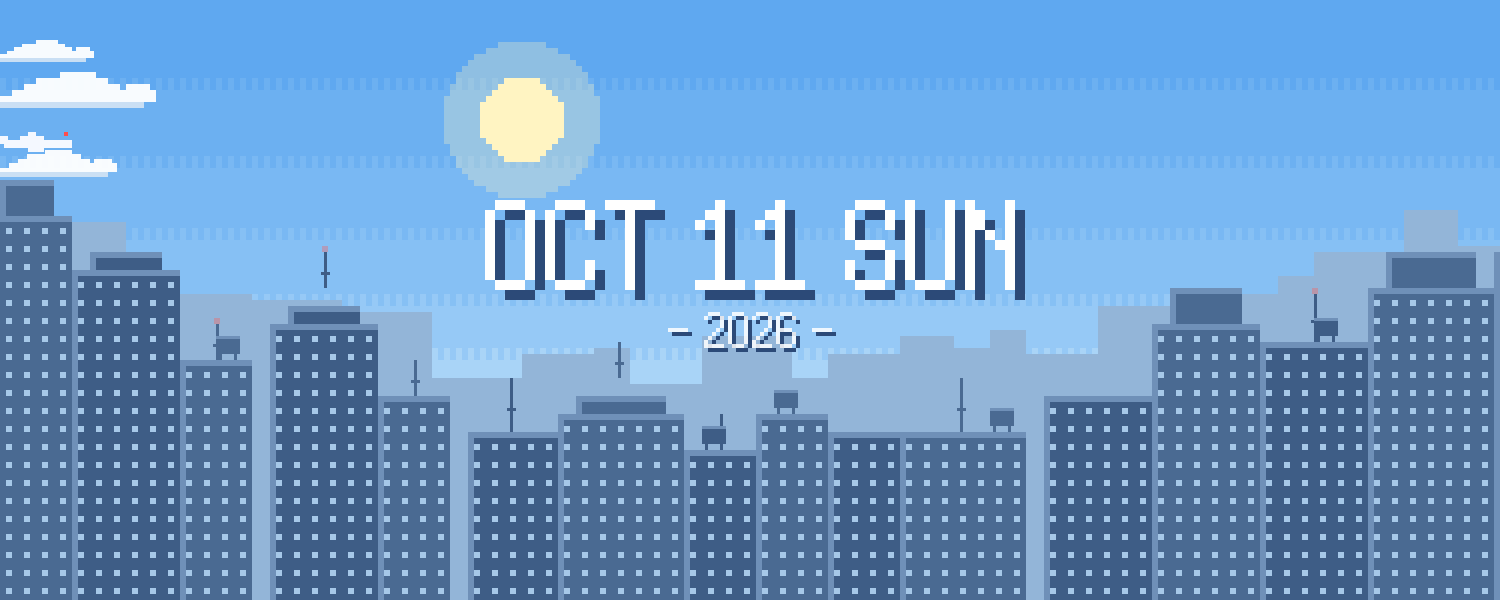
Pixel City — A pixel-art skyline that moves from day to dusk to night on Beijing time. Windows light up differently each night as clouds and planes drift by
Sky Cycle — The sky changes color through the day: pink dawn, blue noon, golden dusk and starry night, as the sun and moon arc overhead
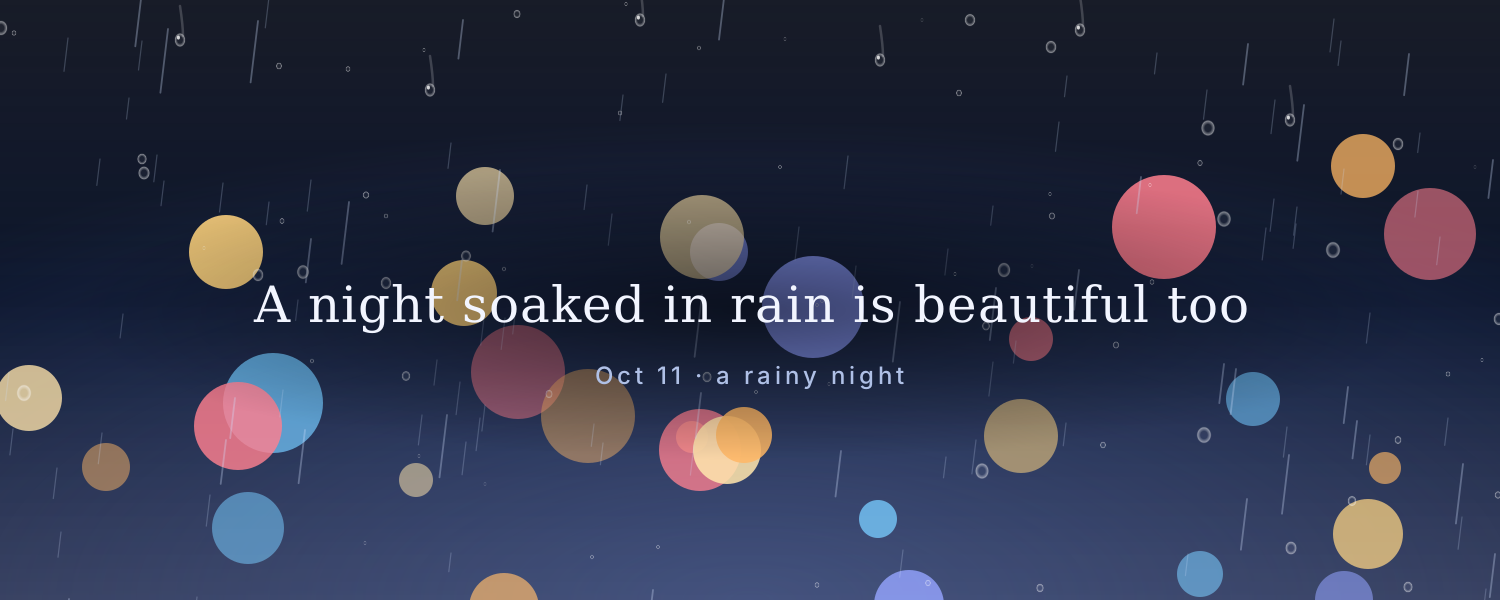
Rainy Window — City lights blur behind a rainy window as drops slide down, with a gentle new message every day
Ocean Waves — Layers of waves roll in while the sky and sea change color from morning to night
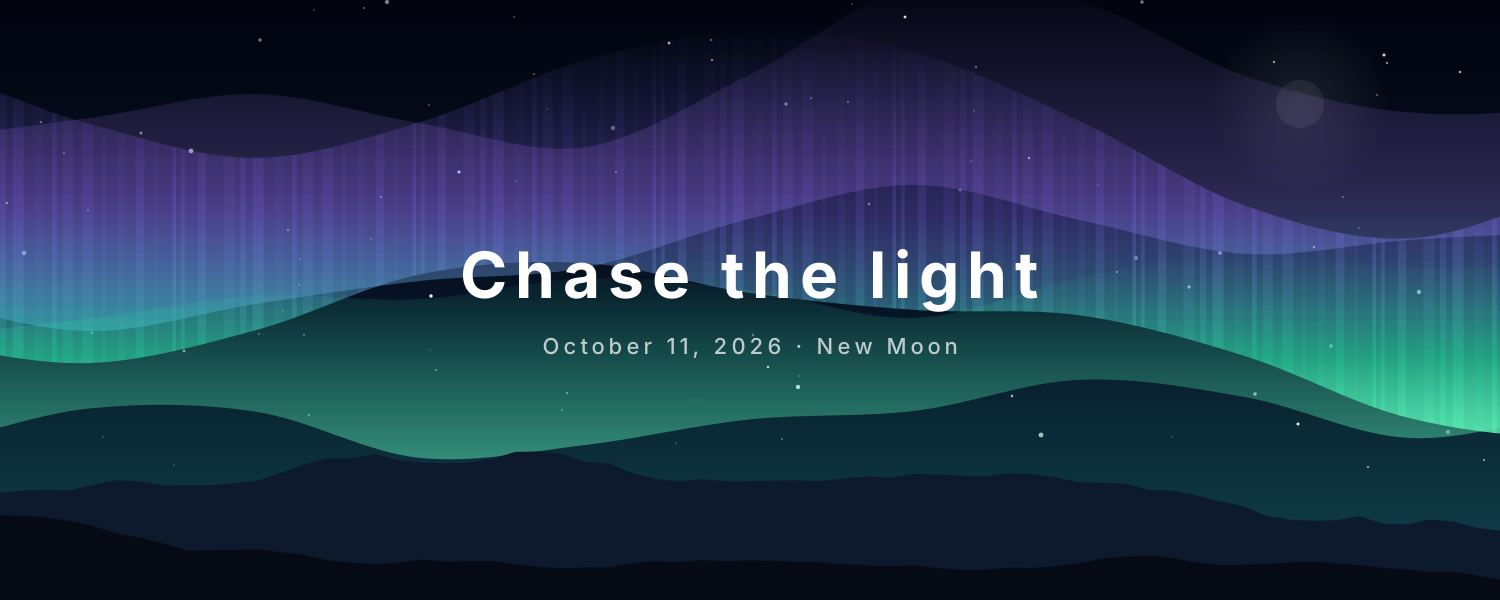
Aurora Night — Northern lights drift over snowy peaks and stars, with today's date and moon phase, updated daily
Add it to Notion in 3 steps
Pick an animated background:Choose one from the animated background library, click Create and sign in.
Set it up:Set the title, date, colors and other options.
Use it as your Notion cover:Copy the image link, then in Notion click Change cover → Link and paste it. The cover changes with the time by itself.