Holiday and season icons for Halloween, Christmas, the Advent calendar, Japanese New Year and zodiac seasons, changing on the day. Copy the image link, set it as a Notion page icon and it updates by itself every day.
Animated icons (4)
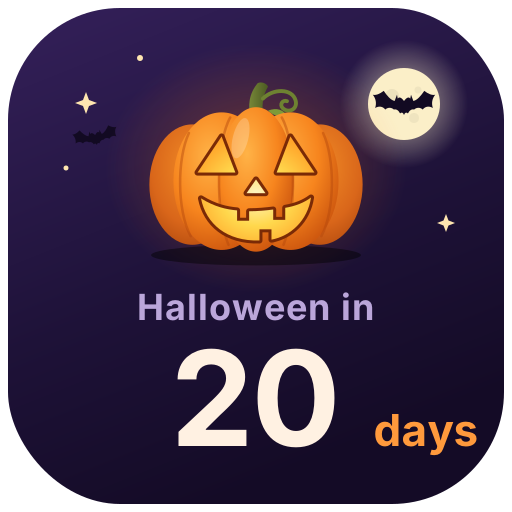
Halloween Countdown — A glowing jack-o'-lantern counts down the days to Halloween (Oct 31), says Happy Halloween on the day, then starts counting to next year
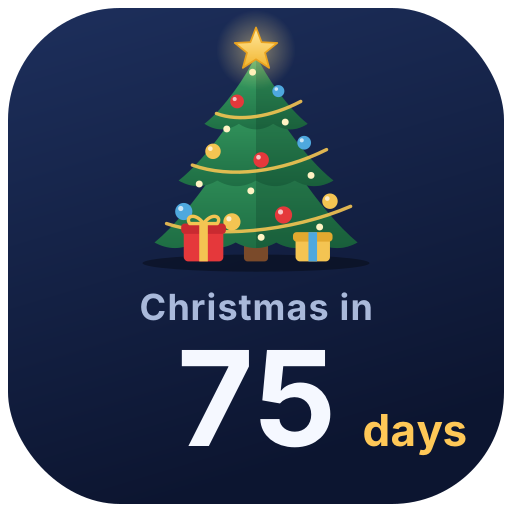
Christmas Countdown — A twinkling Christmas tree with ornaments and falling snow counts down to Christmas, with greetings on Christmas Eve and Christmas Day
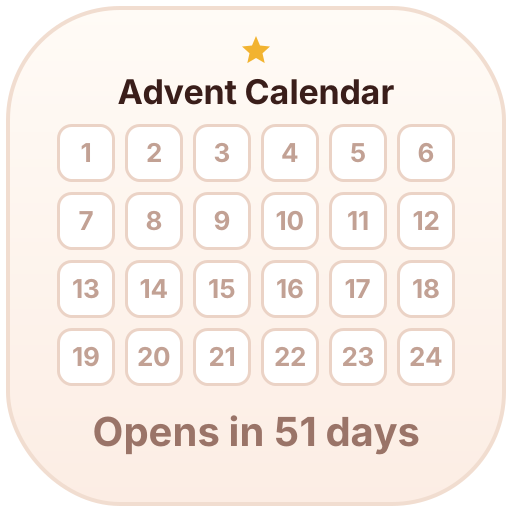
Advent Calendar — Lights up one box a day from Dec 1 to 24 as you count down to Christmas; the rest of the year it shows how many days until it opens
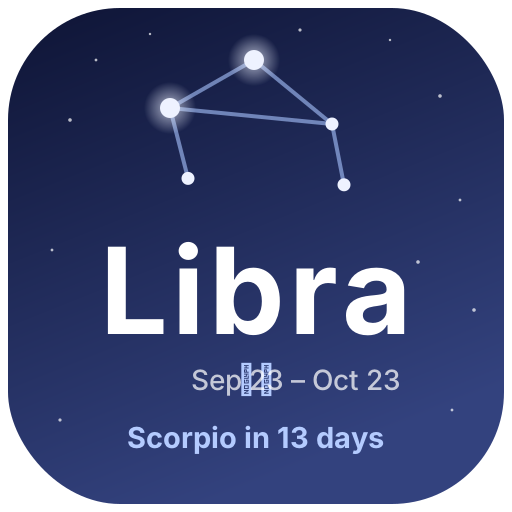
Zodiac Season — The current zodiac season with a twinkling constellation, plus the days until the next sign
Add it to Notion in 3 steps
Pick an animated icon:Choose one from the animated icon library, click Create and sign in.
Set it up:Set the date, text, colors and other options. The preview shows how it looks today.
Use it as your Notion page icon:Copy the image link, click the page icon in Notion, choose to add a custom image by link and paste it. It updates by itself every day.