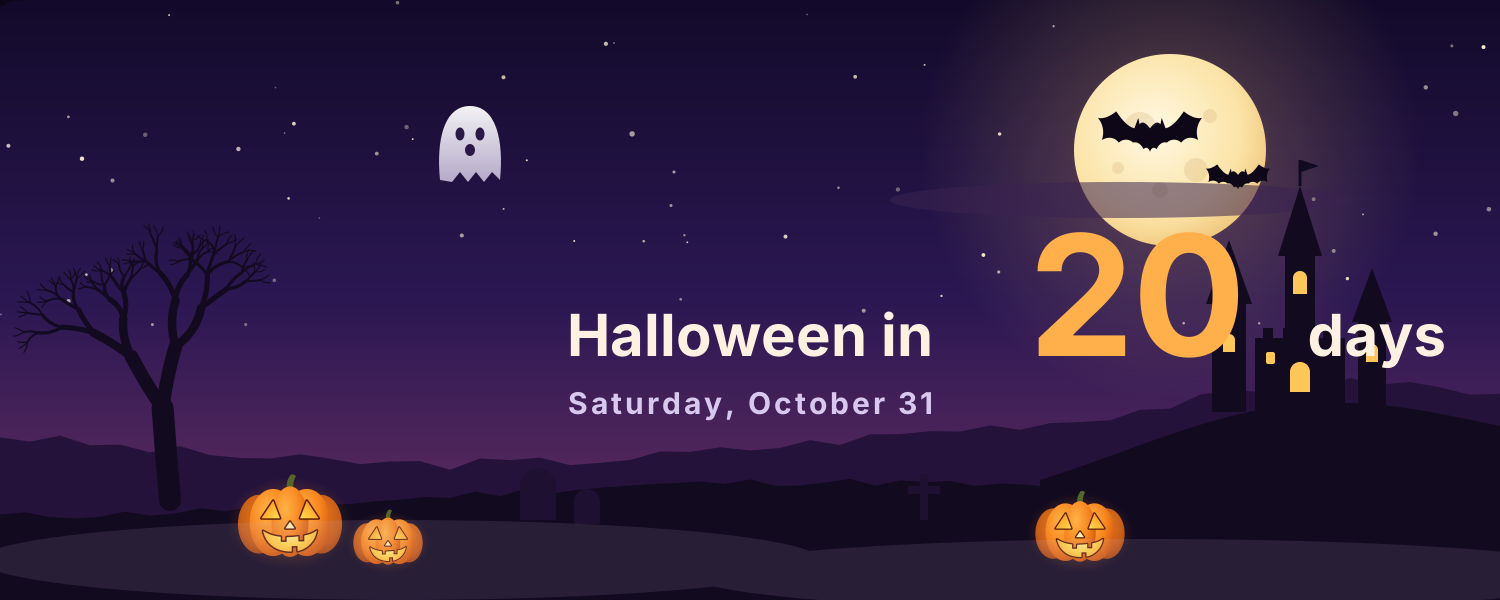
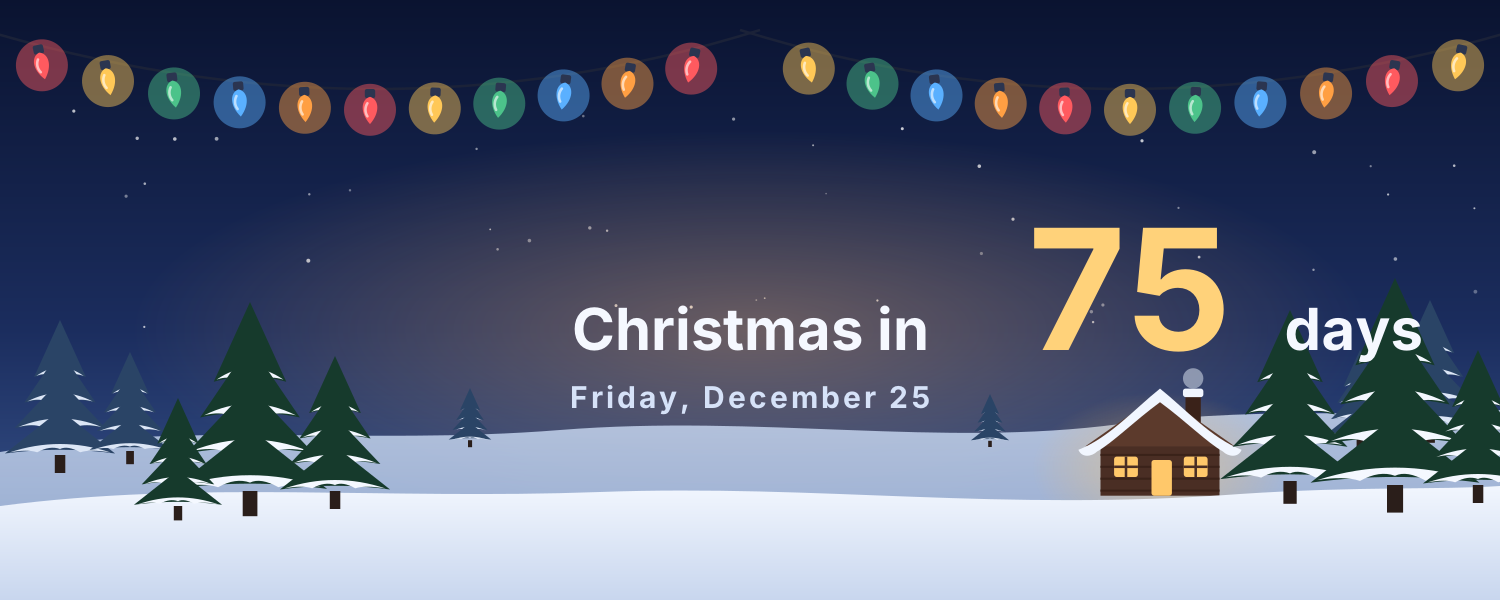
Holiday covers for Halloween night and a snowy Christmas: they count down to the day and send greetings when it arrives. Copy the image link and paste it in Notion under Change cover → Link.
Animated covers (2)
Halloween Night — A full moon, bats, a haunted castle and jack-o'-lanterns. The cover counts down the days to Halloween and wishes you Happy Halloween on the day
Christmas Snow Night — Warm string lights, snowy pines, a glowing cabin and falling snow. The cover counts down to Christmas, with greetings on Christmas Eve and Christmas Day
Add it to Notion in 3 steps
Pick an animated background:Choose one from the animated background library, click Create and sign in.
Set it up:Set the title, date, colors and other options.
Use it as your Notion cover:Copy the image link, then in Notion click Change cover → Link and paste it. The cover changes with the time by itself.