
A Notion page icon is usually an emoji or a fixed image. Animated icons are images generated for the current day: a calendar icon shows today's date, a countdown drops a day, a progress ring moves forward a little.
Once set as a page icon, it also shows in the sidebar and in links to the page. They're grouped by theme below, and you can change colors, text and other options.
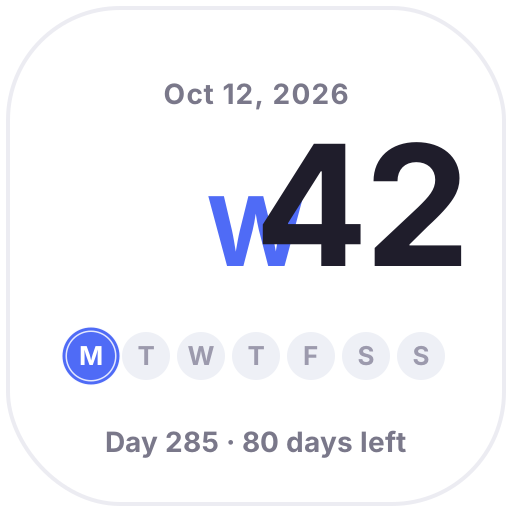 Week NumberToday's week number in big type, dots for this week's progress and the day of the year, updated daily
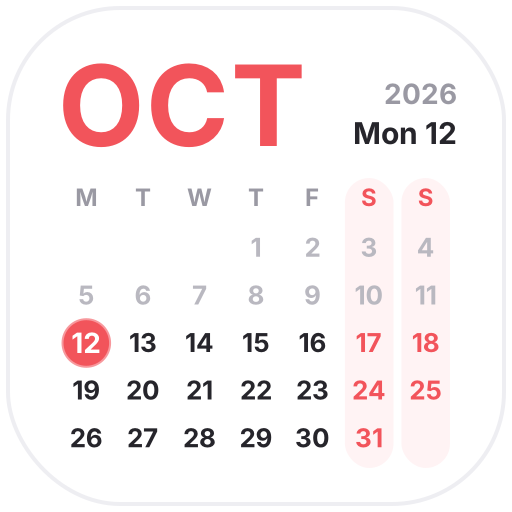 This MonthA clean monthly calendar with a big month name, softer weekends and a glowing ring on today
 Live CalendarA calendar icon that always shows today's date
 Journal CalendarMake your journal pages pop
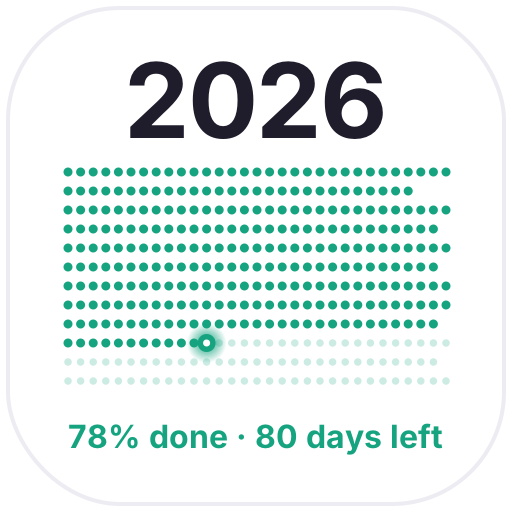 Year in DotsEvery day of the year as a dot: past days light up, today blinks and the rest fade out ahead
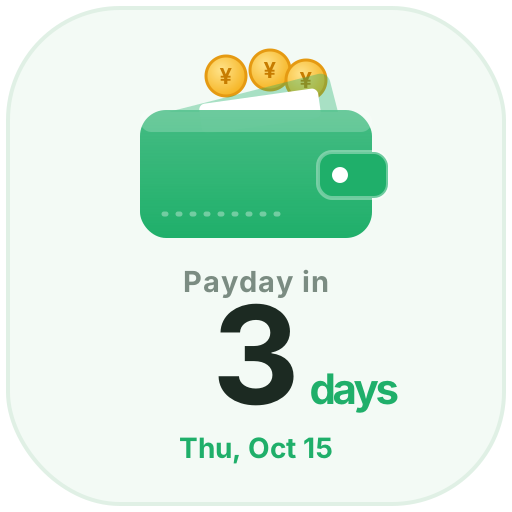 PaydaySet your monthly payday and see the days left as coins drop into your wallet, with a coin shower on payday
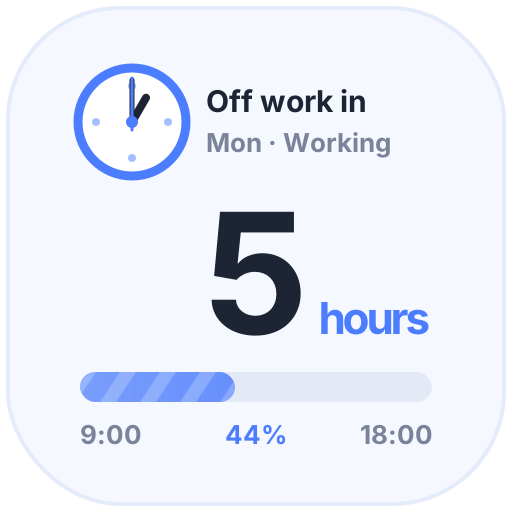 Clock-Out CountdownHours left until you clock out and today's progress. After work, the moon and a beer help you unwind; on weekends, just enjoy
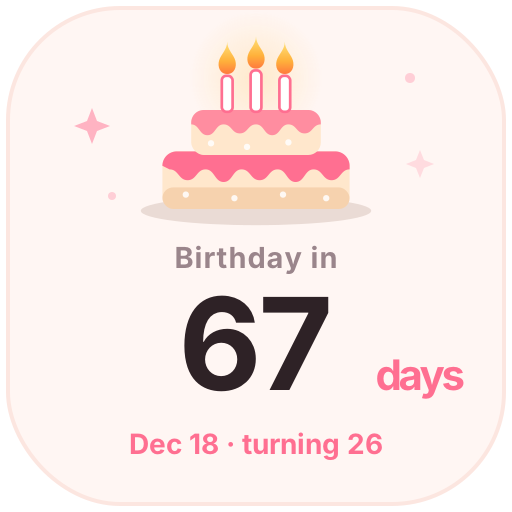 Birthday CountdownEnter a birthday to see the days until the next one and the age to come. On the day, candles flicker and confetti falls
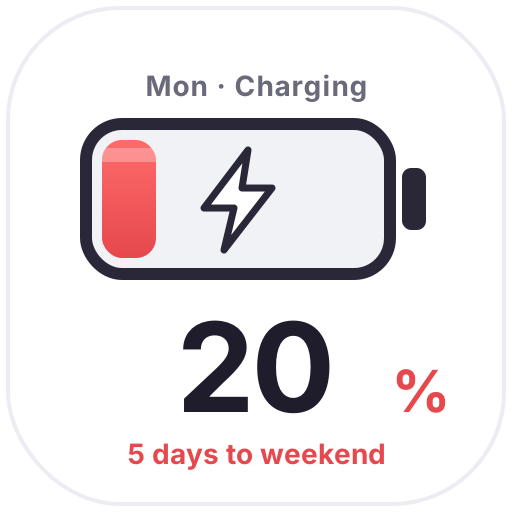 Weekend BatteryThe closer the weekend, the fuller the battery: 20% on Monday, full on Friday, with bubbles and a charging bolt to get you through
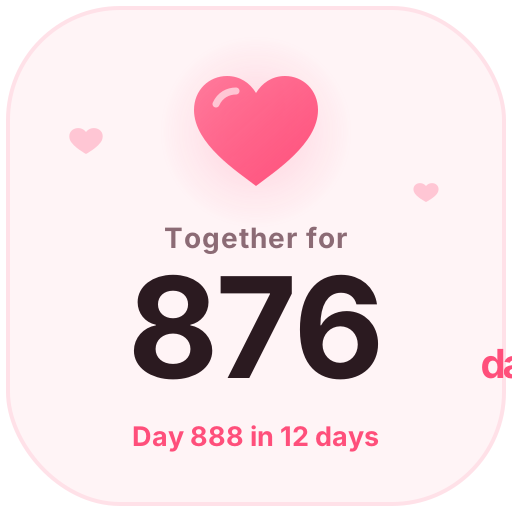 Days TogetherCount your days together with a beating heart, plus your next 100-day milestone or anniversary
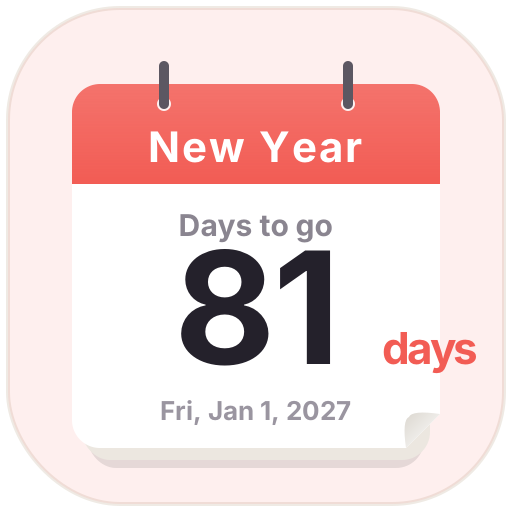 Countdown DaysA tear-off calendar countdown. Pick a date to see the days left; birthdays and anniversaries can repeat every year
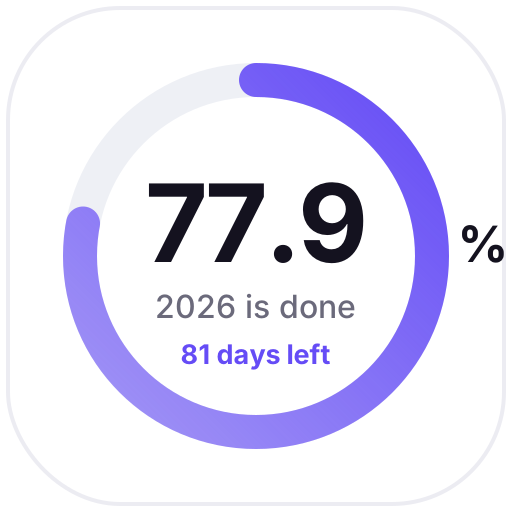 Time RingsRings show how much of this year, month, week and day has passed, updated daily as a gentle reminder
 Animated Countdown
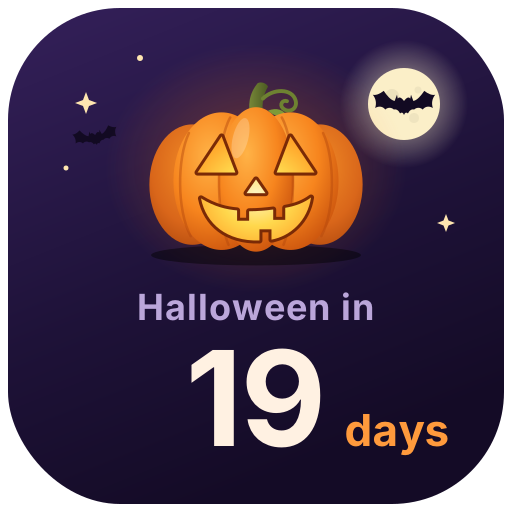 Halloween CountdownA glowing jack-o'-lantern counts down the days to Halloween (Oct 31), says Happy Halloween on the day, then starts counting to next year
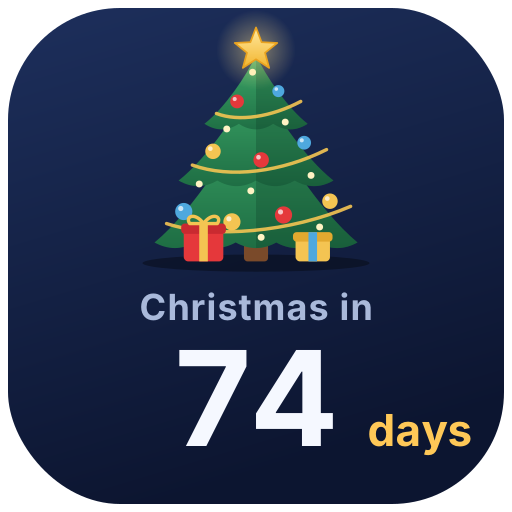 Christmas CountdownA twinkling Christmas tree with ornaments and falling snow counts down to Christmas, with greetings on Christmas Eve and Christmas Day
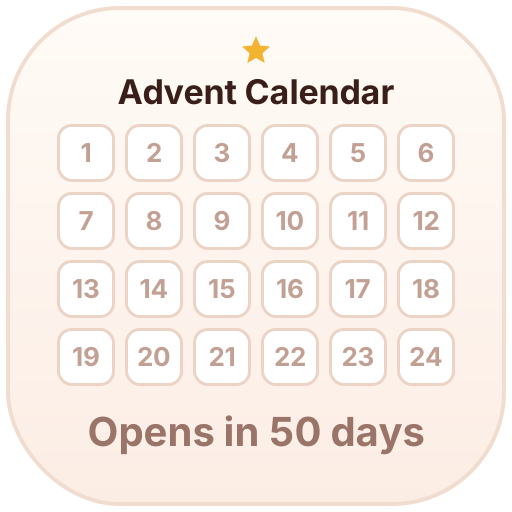 Advent CalendarLights up one box a day from Dec 1 to 24 as you count down to Christmas; the rest of the year it shows how many days until it opens
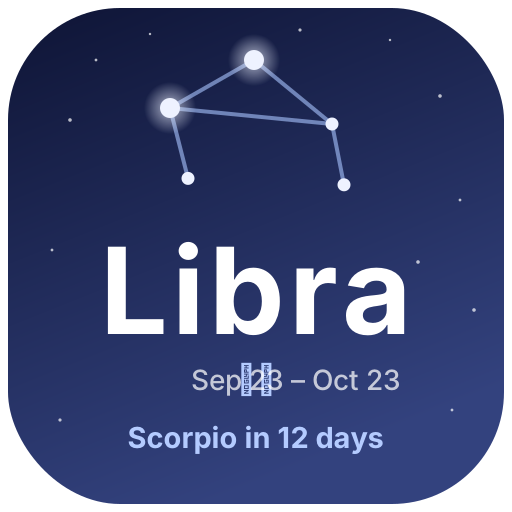 Zodiac SeasonThe current zodiac season with a twinkling constellation, plus the days until the next sign
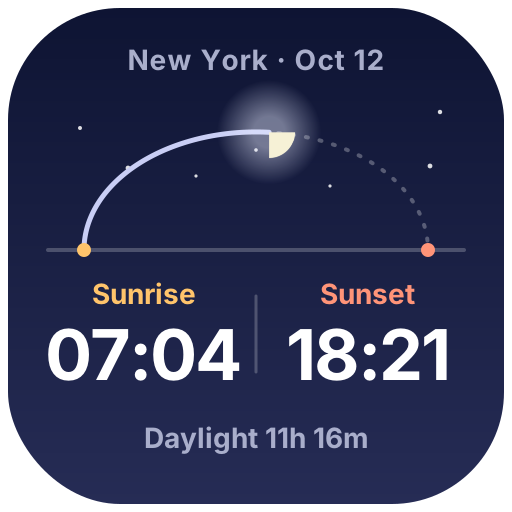 Sunrise & SunsetPick a city to see today's sunrise, sunset and day length. The sun moves along its arc, and the moon and stars come out at night
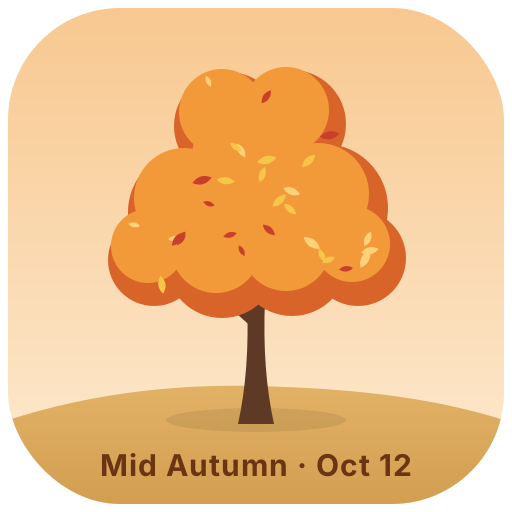 Four Seasons TreeA little tree that changes with the seasons: cherry blossoms, summer leaves, autumn colors and winter snow drifting down
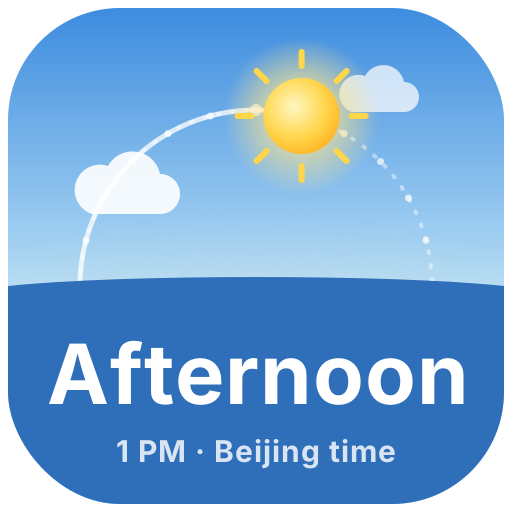 Day & Night ClockThe sun and moon rise and set across the sky on Beijing time, and the sky shifts from dawn to midnight
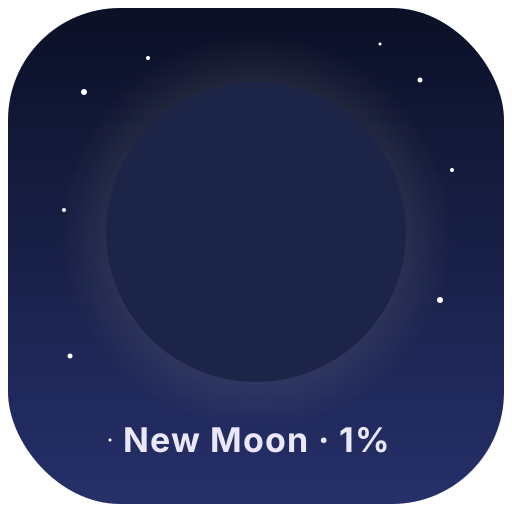 Moon PhaseTonight's moon drawn from the real lunar cycle: new, crescent, quarter, full… changing every day
 Gradient Text
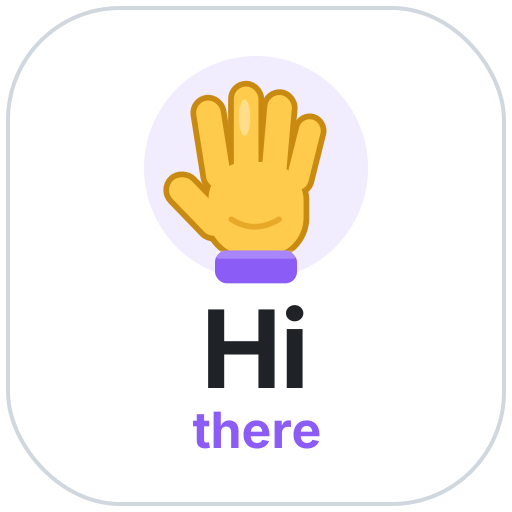 Hello StickerA waving hand with a big "Hi" and your name. Greet visitors at the top of your GitHub README or Notion page
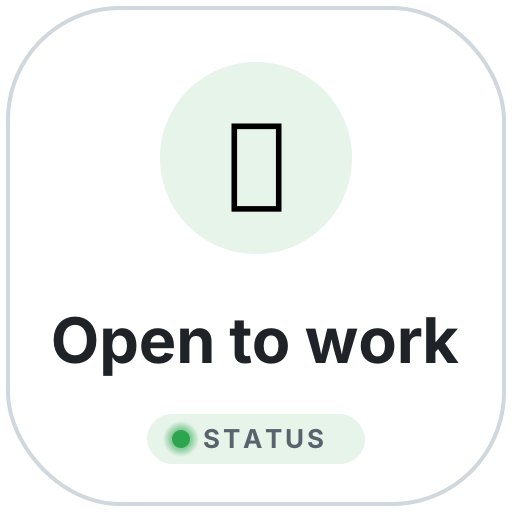 Status StickerA gently pulsing status badge: open to work, heads down, on vacation, building in public… or your own text and emoji
 Notion Text
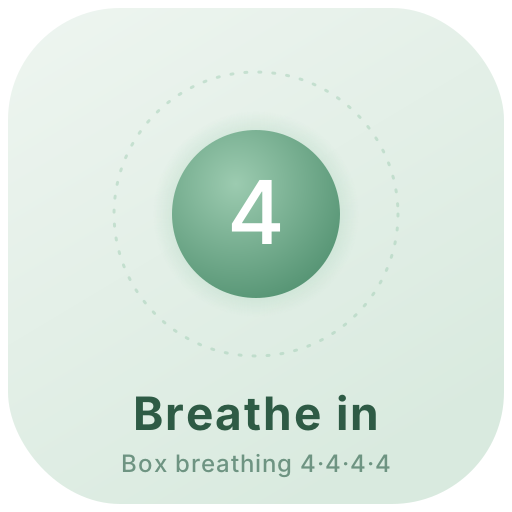 Breathe IconAn icon that breathes: the circle grows as you breathe in and shrinks as you breathe out, with a countdown in the middle — box breathing, 4-7-8 or calm 5-5
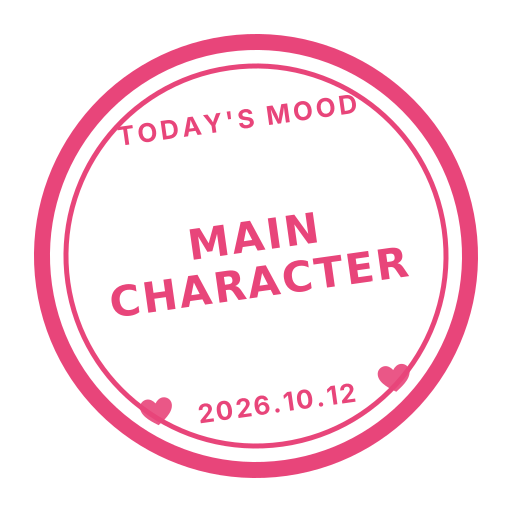 Daily Fan StampA stamp-style icon in your fave's color with a new fan phrase every day (ICONIC, SLAY, LEGEND…) or your own; on their birthday it turns into HBD
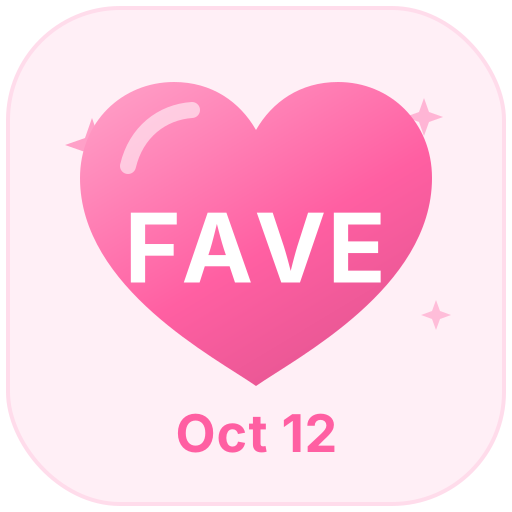 Fave-Color Heart BadgeA heart icon in your fave's color with their name inside — shows your stan days, wears a crown on their birthday and marks their debut anniversary
 Demon
 Shield
 Exit SignAn emergency exit sign
 VideoVideo icon
 Adobe
 SpeedingSpeeding
 File
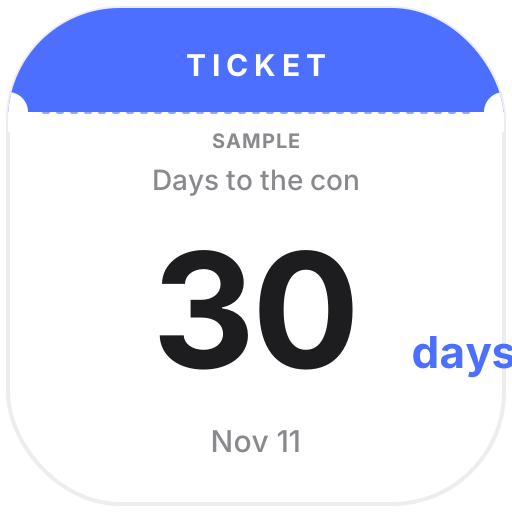 Con Countdown BadgeA ticket-stub countdown to your next con: days to go, day 2 of a multi-day event, “Today!” on the day and “Great con!” after it ends
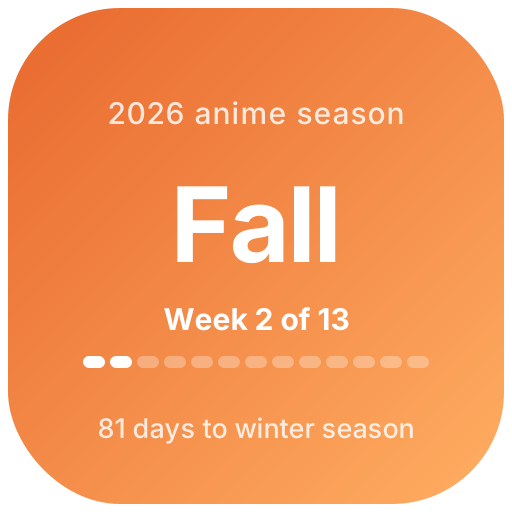 Anime SeasonWhich anime season is it — winter, spring, summer or fall? Shows the week of the season on a 13-week track and days until the next season, with a different falling animation for each season
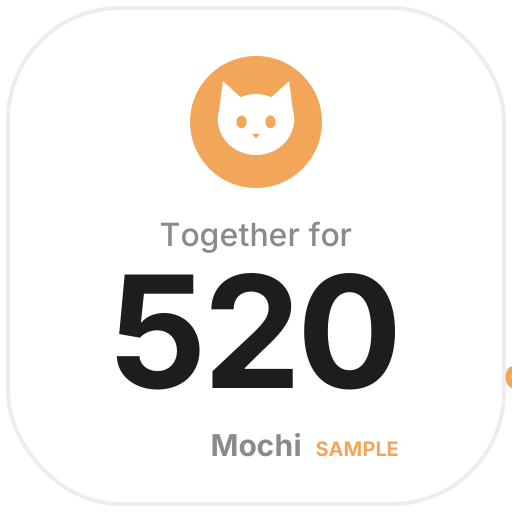 Days with My PetA little icon with a hand-drawn cat or dog: how many days your pet has been home, with a special look on each gotcha-day anniversary
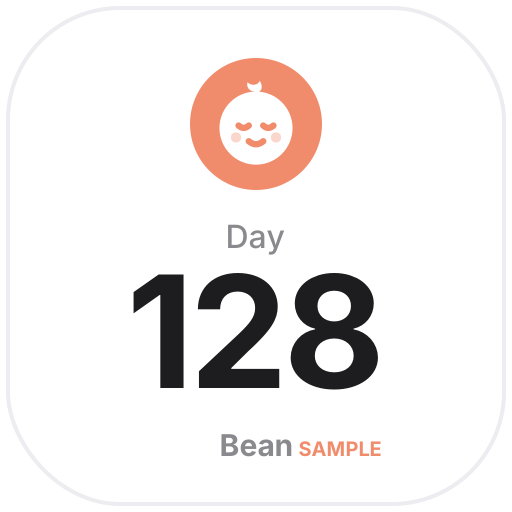 Baby Day CounterA little icon with a hand-drawn baby face: how many days old your baby is, with a special look on milestones (1 month, 100 days, half birthday, birthdays) — or a due-date countdown
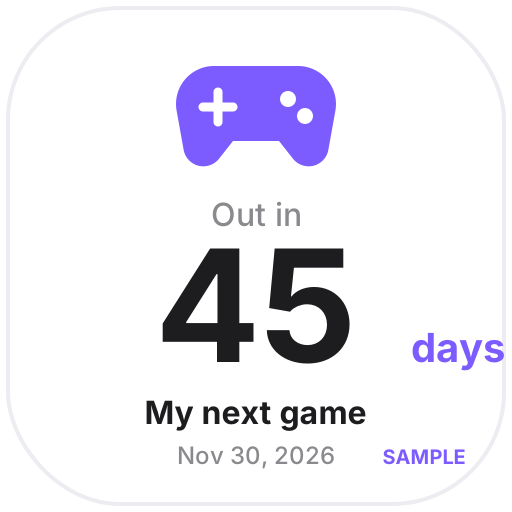 Game Release CountdownA little icon with a hand-drawn controller: days until the game you’re waiting for comes out, switching to “Out today” on launch day
 Japanese Date StampThe round date stamp used in Japanese offices, stamped with today's date every day — custom top and bottom text, Reiwa era or Western year
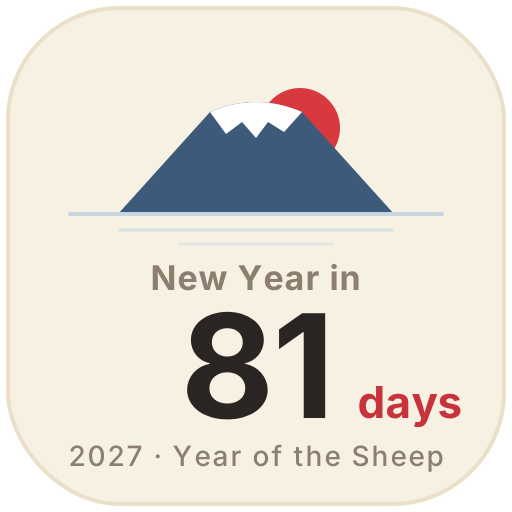 Japanese New Year CountdownMount Fuji and the first sunrise of the year — days until Japanese New Year, with the coming zodiac year and a greeting for the first three days
Choose one from the animated icon library, click Create and sign in.
Set the date, text, colors and other options. The preview shows how it looks today.
Copy the image link, click the page icon in Notion, choose to add a custom image by link and paste it. It updates by itself every day.